Skip to Main Content
Sam's Club
Sam's Club
All Departments
All Services
Customer reviews for SAMSUNG 98” Class Q7FD Series QLED 4K UHD Vision AI Smart Tizen TV for
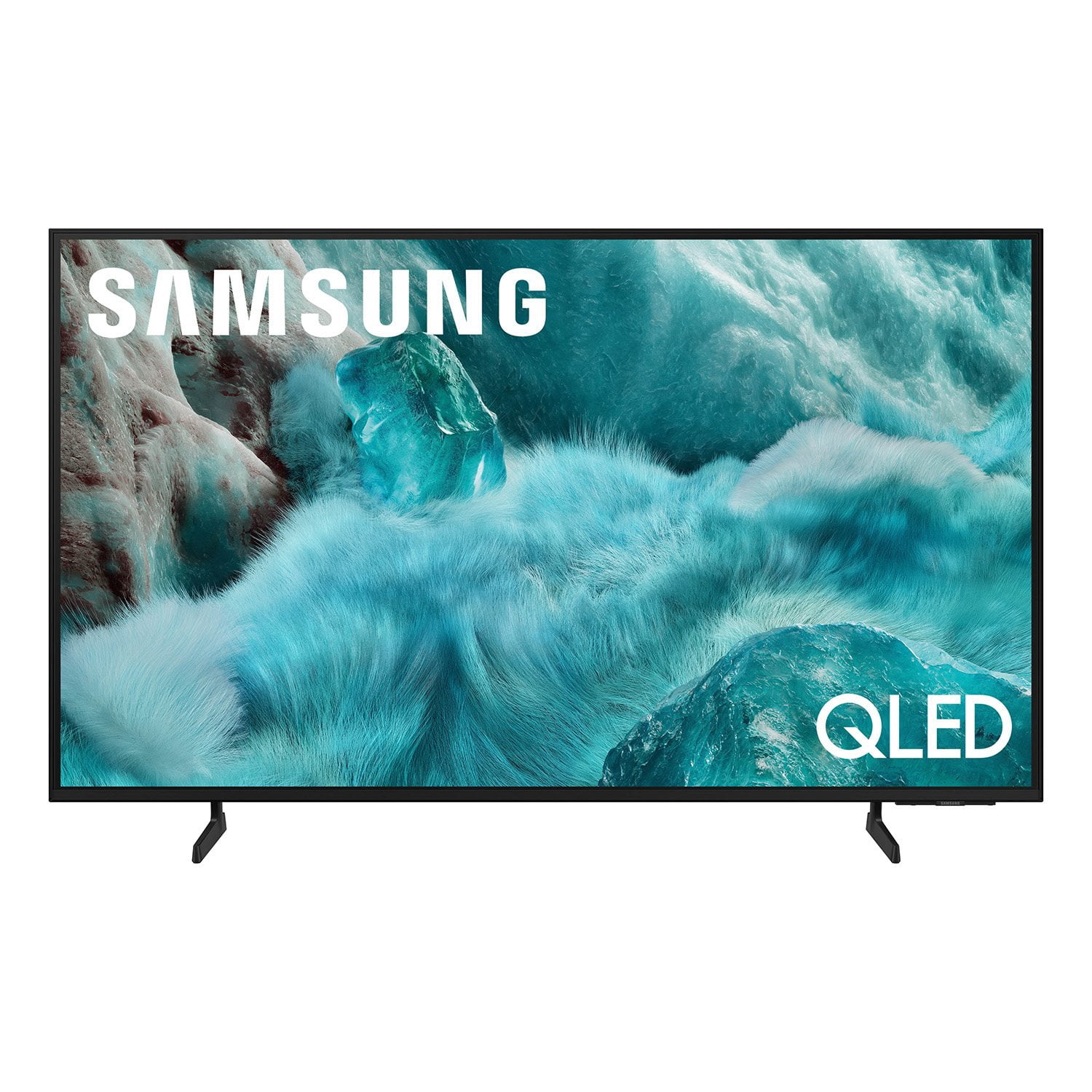
SAMSUNG 98” Class Q7FD Series QLED 4K UHD Vision AI Smart Tizen TV
4.7 out of 5 stars
stars
3,337 ratings3,337 reviews
  1. 5 stars78% (2,600)
  2. 4 stars15% (488)
  3. 3 stars4% (141)
  4. 2 stars1% (43)
  5. 1 star2% (65)
Sort by |
Showing 831-840 of 3,337 reviews
Mar 29, 2026
Reviewer name: Toratula
5 out of 5 stars
5 out of 5 stars review

Absolutely gorgeous color and quality

[This review was collected as part of a promotion.] The color on this TV is absolutely outstanding, I've had no issues with sound and the user interface is absolutely flawless, I've had no lag or screen issues unlike many other brands I've used in the past.

Review from Samsung US
Helpful?1Y0A5D9ENOZG20182819134
Apr 20, 2026
Reviewer name: MG88
5 out of 5 stars
5 out of 5 stars review

Excellent TV

[This review was collected as part of a promotion.] Exceptional TV, especially for the price. Fantastic resolution, brightness, and color. The TV is responsive and it easily pairs with Samsung phone and tablet. The remote charges by solar or USB-C. It hasn't happened to me, but a samsung phone or tablet can be used as the remote as well.

Review from Samsung US
Helpful?1Y0A5D9ENOZG20182819134
Apr 20, 2026
Reviewer name: Mike
5 out of 5 stars
5 out of 5 stars review

Amazing features, custom features, multi-video pic

[This review was collected as part of a promotion.] This tv has so many amazing features and custom settings and multiple video options. The crispness of the 2k to 4k is amazing depending on the setting of day, while during the sunny days the anti-reflection is always a plus! The color, brightness, and contrast features help make things comfortable when watching TV and movies making the realistic, and using the interface is so easy to use as well but they still have the voice help option as well! If needed.

Review from Samsung US
Helpful?1Y0A5D9ENOZG20182819134
Apr 20, 2026
Reviewer name: wabbott26
4 out of 5 stars
4 out of 5 stars review

Very Nice Picture. Decent but annoying software.

[This review was collected as part of a promotion.] Overall, a nice looking television. The quality of the software on the television is a mixed bag though. On the one hand, it's laid out nicely. For the first time ever, I ditched my Firestick in favor of the software provided by the TV manufacturer. On the other hand, it has annoying features like opening up directly to Samsung TV Plus when you turn the television on. Also if there is a network glitch, you basically have to reset the TV to get it working again. I had a glitch so bad one time that I actually started to fill out a repair form. No matter what I did, the TV wouldn't work. I turned off and somehow the next morning, it started working normally again.

Review from Samsung US
Helpful?1Y0A5D9ENOZG20182819134
Mar 23, 2026
Reviewer name: Ivan
5 out of 5 stars
5 out of 5 stars review

A Theater Experience Right in My Living Room

[This review was collected as part of a promotion.] I recently upgraded to the Samsung 75" QLED Q7FD, and it has completely transformed how I watch TV. The sheer size of the screen makes movies and sports feel cinematic, and the Quantum HDR brings out colors I didn’t even realize I was missing. Bright scenes look stunning, and even in daylight the picture stays crisp without glare. The Vision AI feature is impressive—it automatically adjusts brightness and sharpness depending on what I’m watching, so whether it’s a fast-paced soccer match or a dark thriller, the visuals are always optimized. Upscaling older content to 4K looks surprisingly good, and streaming in native 4K is jaw-dropping. Sound is another highlight. The Object Tracking Sound Lite makes audio feel like it’s moving with the action on screen, which adds depth without needing a soundbar (though I’ll probably add one later for extra punch). Setup was simple, and the Tizen smart platform is smooth and responsive. Apps load quickly, and the TV integrates easily with my smart home devices.

Review from Samsung US
Helpful?1Y0A5D9ENOZG20182819134
Feb 5, 2026
Reviewer name: Bruce
3 out of 5 stars
3 out of 5 stars review

Hardware is terrific! Software, not so much.

[This review was collected as part of a promotion.] The TV is wonderful. Sharp picture and a great view. Obtaining and using apps, however, is not intuitive. Also fast forwarding and rewinding using the provided remote does not show what is being skipped over maki it difficult to, for example, fast forward through the opening credits because you cannot see when they end. Also, signing into an app through our service provider is not an option and is very inconvenient. If fact, that is so inconvenient I would not have bought the tv had I known that. Must be a problem with the software.

Review from Samsung US
Helpful?1Y0A5D9ENOZG20182819134
reply from Samsung Specialist

Bruce, We appreciate you sharing your experience. To help you get the most from your TV and remote functions, you can download the full e-Manual and more by visiting Samsung’s website then navigating to: Support > Manual & Software > TVs & Home Theater. From there, you can search for and select your TV model to view or download the available guides. The e-Manual & Remote Control Guide are also conveniently built into your TV: Settings > Support > Tips and User Guides. For additional guidance, your TV also includes Accessibility features designed to assist with navigation and remote use. • Learn Menu Screen provides audio guidance for on-screen menus by announcing the name and function of each item as you scroll – without making any changes. This is especially helpful for users who are visually impaired or new to Smart TV menus. Enable via: Settings > All Settings > General & Privacy > Accessibility > Learn Menu Screen. To exit, press the Return key twice. • Learn TV Remote helps users become familiar with the layout and function of each button on the Samsung remote. Pressing a button (other than Power) will prompt the TV to announce its name and purpose, again without affecting TV operation. Enable via: Settings > All Settings > General & Privacy > Accessibility > Learn TV Remote. To exit, press the Return key twice. If you’d like more assistance with these features, please reach Samsung Support at 1-800-SAMSUNG, available 8AM – 12AM EST, 7 days a week. LiveChat agents are also available through the ‘Support’ link on our website. ~ Samsung Specialist

Apr 20, 2026
Reviewer name: Sugata
5 out of 5 stars
5 out of 5 stars review

Amazing TV fir gaming

[This review was collected as part of a promotion.] This TV is amazing, it has tones of apps yo fit your needs. It has a game mod that optimizes your your game automatically adjusting the color and brightness to make your games look great. AI interface integration is were you want it, you can use your voice to change channel inputs, volumes and the power. The pictures quality provides clear contrast and resolution.

Review from Samsung US
Helpful?1Y0A5D9ENOZG20182819134
Feb 17, 2026
Reviewer name: Bati
5 out of 5 stars
5 out of 5 stars review

Everything good and some things to update.

[This review was collected as part of a promotion.] I like the brightness a lot and the contrast is adjustable I like that the processing is amazing I really like it it's like it's it's cool and all that and the resolution it's like perfect it's like the graphics look amazing and the vibrancy I think it's perfect. The only thing I wouod change is the ui.

Review from Samsung US
Helpful?1Y0A5D9ENOZG20182819134
Feb 17, 2026
Reviewer name: LeeLee
5 out of 5 stars
5 out of 5 stars review

TV

[This review was collected as part of a promotion.] I Love this t.V. it's big and the resolution is awesome. The setup was easy and the Wi-Fi on.It is amazing installed very quickly. It fits our living room perfect and the view again is amazing.. The sound is awesome and even better with the sound system. The price was just in my budget, and I could afford it.I love Samsung products.Nothing beats them.

Review from Samsung US
Helpful?1Y0A5D9ENOZG20182819134
Feb 9, 2026
Reviewer name: RLCSamsung
4 out of 5 stars
4 out of 5 stars review

not disappointed

[This review was collected as part of a promotion.] Satisfied with overall quality. Picture and sound are ok. Settings menu was a bit difficult to use. I gad to stumble though different menus to accomplish what I wanted and even that was sort of an “accidental” setting that I wanted. I have 3 other Samsung TV’s in my possession which have functioned without fault so far. The oldest one being 7 years old. RLC

Review from Samsung US
Helpful?1Y0A5D9ENOZG20182819134