Skip to Main Content
Sam's Club
Sam's Club
All Departments
All Services
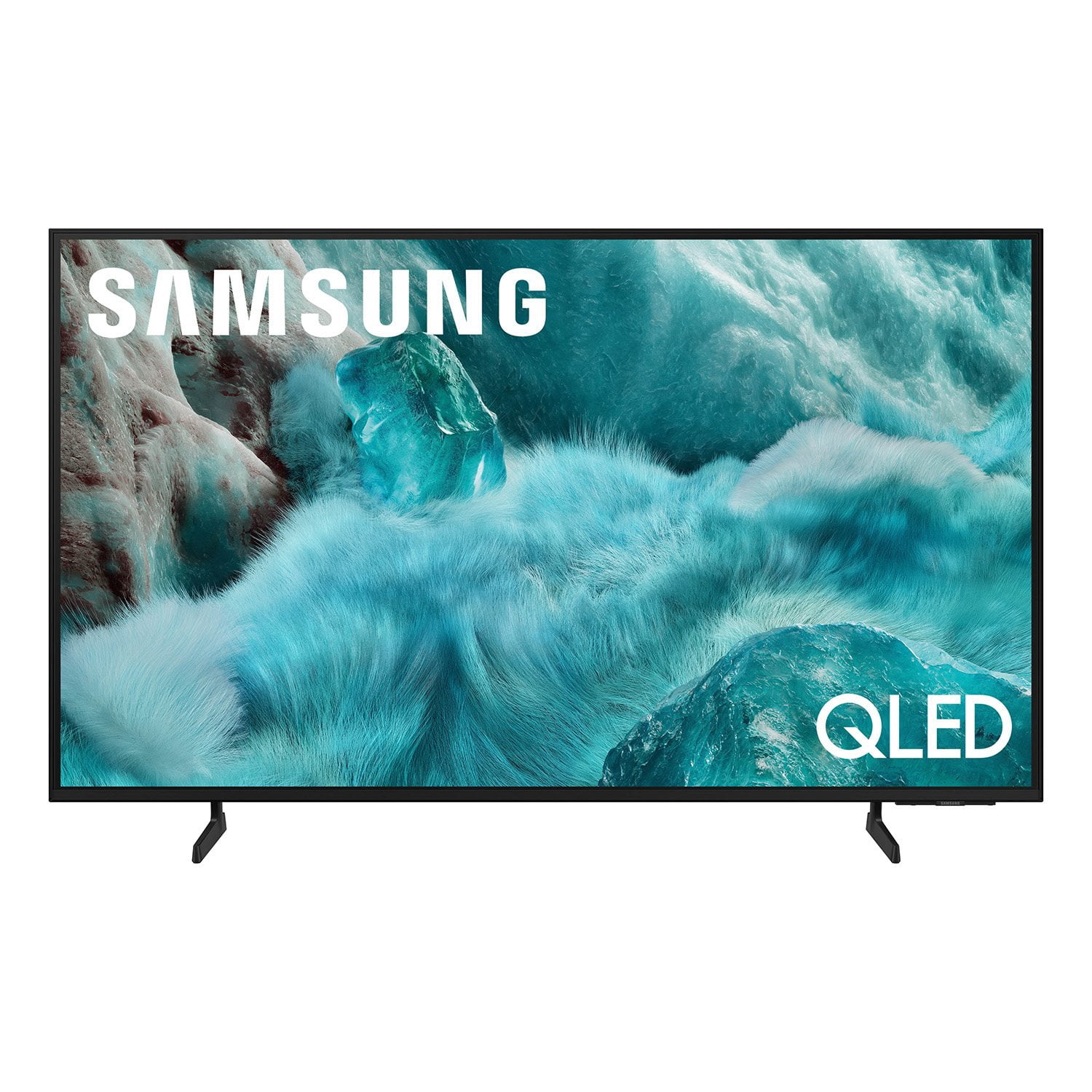
Customer reviews for SAMSUNG 98” Class Q7FD Series QLED 4K UHD Vision AI Smart Tizen TV for
SAMSUNG 98” Class Q7FD Series QLED 4K UHD Vision AI Smart Tizen TV
4.7 out of 5 stars
stars
3,239 ratings3,239 reviews
  1. 5 stars78% (2,521)
  2. 4 stars15% (476)
  3. 3 stars4% (138)
  4. 2 stars1% (40)
  5. 1 star2% (64)
Sort by |
Showing 1-10 of 3,239 reviews
Jun 24, 2026
Reviewer name: BJD87
5 out of 5 stars
5 out of 5 stars review

All good so far. Great buy.

[This review was collected as part of a promotion.] I have enjoyed this television. The colors are vibrant, the large display is enjoyable and easy on the eyes. I can watch the news and read the words at the bottom easily. I enjoy the ztV plus app as well with over 400 channels so there's always something to watch.

Review from Samsung US
Helpful?1Y0A5D9ENOZG20182819134
Sep 29, 2025
Reviewer name: Techlove23
5 out of 5 stars
5 out of 5 stars review

Q7F QLED 4K TV (2025)

[This review was collected as part of a promotion.] I use my Samsung TV daily for streaming movies, gaming with friends, and catching live sports. Its vibrant display and smart features make switching between apps seamless, and the sound quality brings every scene to life. Whether I'm relaxing after work or hosting a game night, it fits perfectly into my routine. Here's a photo of it in action—definitely one of my favorite tech investments!

Review from Samsung US
Helpful?1Y0A5D9ENOZG20182819134
Dec 30, 2025
Reviewer name: Divine
5 out of 5 stars
5 out of 5 stars review

Fantastic display

[This review was collected as part of a promotion.] The Q7 QLED 4K TV delivers a very impressive viewing experience. The picture quality is sharp and vibrant, with strong brightness and rich colors that look great in both bright and dark rooms. Motion handling is smooth, making it enjoyable for sports, movies, and gaming. The design is sleek and modern, and it fits well in a living room or bedroom setup. The interface is easy to navigate, apps load quickly, and switching between inputs is seamless. Sound quality is solid for built-in speakers, and it pairs well with external audio if you want to upgrade.

Review from Samsung US
Helpful?1Y0A5D9ENOZG20182819134
Jun 20, 2026
Reviewer name: Debi
5 out of 5 stars
5 out of 5 stars review

Fantastic Purchase

[This review was collected as part of a promotion.] The recent purchase of my Samsung 43” Class QLED Q7F 4K Vision AI Smart TV (2025) was a fantastic decision. From the moment I turned it on, I was impressed by the stunning picture quality, vibrant colors, and crystal-clear 4K resolution. The QLED display brings movies, television programs, and streaming content to life with remarkable detail and clarity. Features such as Quantum HDR, 4K upscaling, and Samsung's Vision AI technology help deliver an exceptional viewing experience.

Review from Samsung US
Helpful?1Y0A5D9ENOZG20182819134
Jul 20, 2026
Reviewer name: Lisa23
5 out of 5 stars
5 out of 5 stars review

Awesome TV

[This review was collected as part of a promotion.] Love the big screen tv, perfect for watching movies and sports. You will not be disappointed! Best tv I have had in a long time.

Review from Samsung US
Helpful?1Y0A5D9ENOZG20182819134
Jul 20, 2026
Reviewer name: SMB8129
5 out of 5 stars
5 out of 5 stars review

Excellent buy

[This review was collected as part of a promotion.] I'm always discovering different features in old tv didn't have. My son in law has.a Samsung too and I'm always showing him different ways to use it. When I want to fix something, I just look it up on YouTube.

Review from Samsung US
Helpful?1Y0A5D9ENOZG20182819134
Jun 22, 2026
Reviewer name: Dche
4 out of 5 stars
4 out of 5 stars review

Good TV for the price

[This review was collected as part of a promotion.] this is a good purchase for the money however it's advertised as a TV for a bright room I live on the bay and the room is very bright not sure this was the best choice it is different to see at times, I have the sharp all the way up, wish it was sharper

Review from Samsung US
Helpful?1Y0A5D9ENOZG20182819134
Jun 28, 2026
Reviewer name: netteD
3 out of 5 stars
3 out of 5 stars review

Great features

[This review was collected as part of a promotion.] I love my tv!! One feature that comes in handy is the sleep mode, so when I return to watch tv I don't have to start over trying to find my program. It's connect to all the apps and it was breeze connecting to the one I watch the most. The contrast and brightness is amazing and easy to adjust.

Review from Samsung US
Helpful?1Y0A5D9ENOZG20182819134
reply from Samsung Specialist

Thanks for your review. If you’re experiencing specific issues which caused you to give this a 3-star rating, please know Samsung Customer Support is here to help at 1-800-SAMSUNG (8AM – 9PM EST Mon – Fri, 8AM – 6PM Sat – Sun). You can also reach our LiveChat team by selecting the ‘Support’ link on our website. ~ Samsung Specialist

Aug 5, 2026
Reviewer name: Dietz
3 out of 5 stars
3 out of 5 stars review

Connectivity issues

TV constantly loses connectivity. Please wait trying to re-connect. At times the picture freezes and I cannot turn off TV via remote. I have to unplug it from power source to get it to turn off. When plugged back in it re-boots to some goofy picture. However, at that point the remote will work to get me back to any channel.

Review from Samsung US
Helpful?1Y0A5D9ENOZG20182819134
Jan 16, 2026
Reviewer name: Crix20001
1 out of 5 stars
1 out of 5 stars review

Failed in a week.

Top edge of screen had a dark spot which is now turning into 4 dark spots and the entire screen is wavy. I have samsung phones, head phones 4 other Samsung tvs Samsung appliances but this is the largest TV I ever bought and its already failing in a week highly disappointing hopefully the service tech can replace this for a better model after all the other bad reviews.

Review from Samsung US
Helpful?1Y0A5D9ENOZG20182819134
reply from Samsung Specialist

Crix20001, We appreciate your feedback on the picture quality of Samsung’s Q7F TV. Please ensure your TV is running the latest firmware (Version 1131.0), as updates include important picture quality enhancements. Go to: Home > Left directional button > Settings > Support > Software Update > Update Now If this firmware version is not yet available on your TV, you can download the update on a USB drive and manually update your TV: 1. On Samsung's website (upper right corner), go to: Support > Manual & Software > Find your TV model, and click on the Firmware – Upgrade File. 2. When the file has finished downloading, locate it and then unzip it. There is normally one folder inside but there may be multiple files. 3. Copy or move all of the files that were included in the zip file to a USB flash drive, but do not place them inside any other folders. If you place the software folders inside a folder on the USB flash drive, the TV or monitor will not find them. 4. Connect the USB drive containing the software upgrade into a USB port on your device. 5. Using your device's remote, navigate to and select Settings, then select All Settings, and then select Support. Select Software Update, select Update Now, and then select Yes if prompted. Your device will search the USB drive for update files. Follow the on-screen instructions to install the updated software. Updates usually take a few minutes; please do not turn off the TV until the update is complete. When the update is finished, it will restart automatically. For further assistance, please contact Samsung Customer Support at 1-800-SAMSUNG, available 8AM – 12AM EST, 7 days a week. LiveChat agents are also available on the ‘Support’ link at samsung.com. ~ Samsung Specialist