Skip to Main Content
Sam's Club
Sam's Club
All Departments
All Services
Customer reviews for SAMSUNG 98” Class Q7FD Series QLED 4K UHD Vision AI Smart Tizen TV for
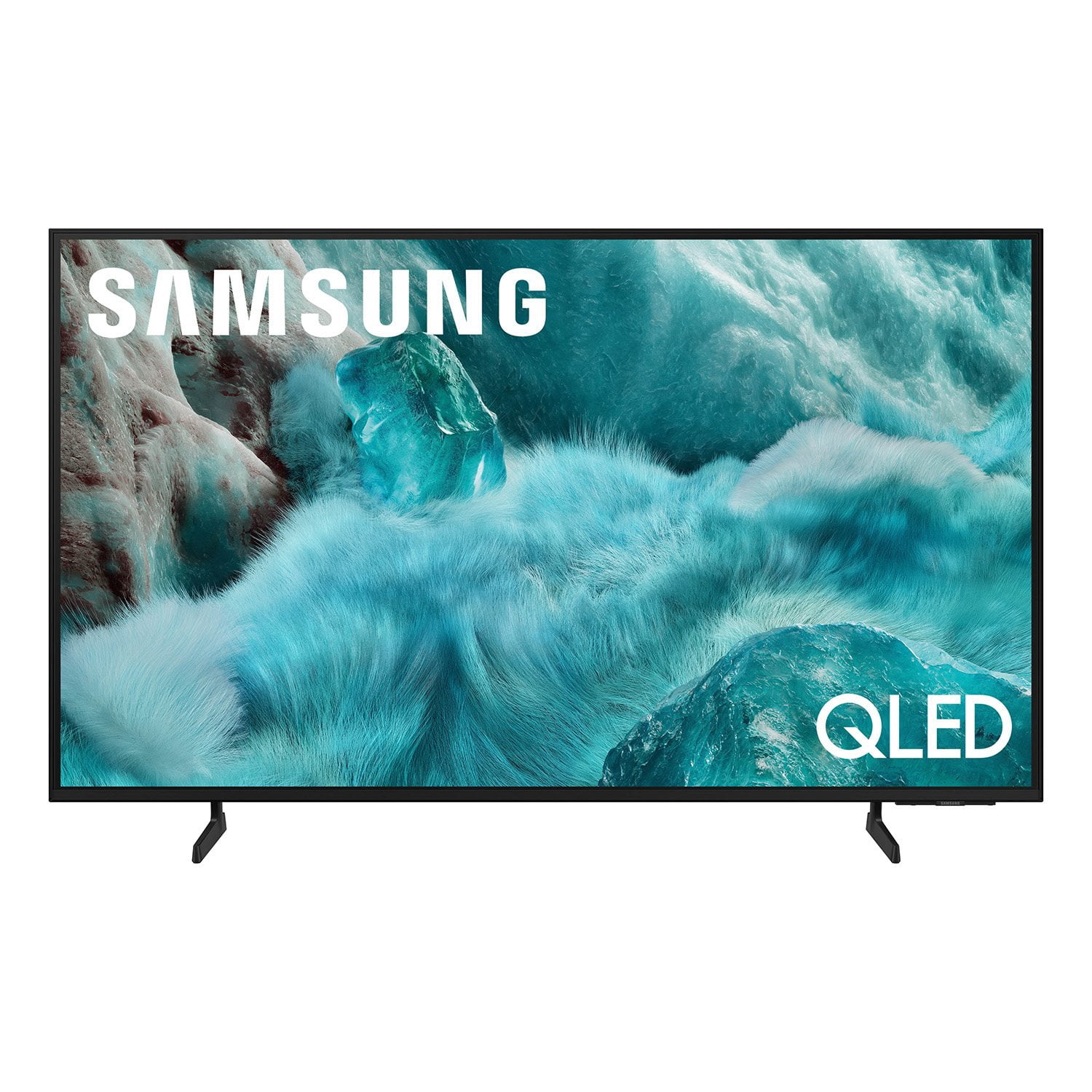
SAMSUNG 98” Class Q7FD Series QLED 4K UHD Vision AI Smart Tizen TV
4.7 out of 5 stars
stars
3,337 ratings3,337 reviews
  1. 5 stars78% (2,600)
  2. 4 stars15% (488)
  3. 3 stars4% (141)
  4. 2 stars1% (43)
  5. 1 star2% (65)
Sort by |
Showing 841-850 of 3,337 reviews
Feb 16, 2026
Reviewer name: Anonymous
4 out of 5 stars
4 out of 5 stars review

Excellent picture!!!

[This review was collected as part of a promotion.] The clarity of the picture is out of this world ! Attention to detail! Attention to detail!! Attention to detail!!! The clarity of h picture this product brings is league's above its competitors. It's like being right wherever your screen is displaying you are!

Review from Samsung US
Helpful?1Y0A5D9ENOZG20182819134
Jan 20, 2026
Reviewer name: Bsaavedra24
3 out of 5 stars
3 out of 5 stars review

Signal transmission delays

It seems that Samsung TVs All have fbe same manufacturer defect! The Remote control and the TV do not speak to or transmit there signal immediately, causing delays, freezes, glitches, needs to restart or reboot, and just ANNOYING! Every model I have no matter the size!

Review from Samsung US
Helpful?1Y0A5D9ENOZG20182819134
reply from Samsung Specialist

Bsaavedra24, We appreciate your feedback regarding remote performance. If your Q7FD TV is responding slowly or inconsistently to the remote, try the following steps: 1. Re-pair the remote – Stand within 1 foot of your TV and press Return and Play/Pause simultaneously for at least 5 seconds. A message should appear confirming it's connected. 2. Check the battery level – Go to: Home > left directional key > Settings > All Settings > General & Privacy > Remote Control 3. Ensure proper charging – SolarCell Remotes can charge using: o Room light or direct sunlight (solar panel should face light source) o USB-C cable (preferably Samsung-branded) 4. Update your TV’s firmware – Go to: Settings > Support > Software Update > Update Now 5. Run Device Care to clear memory and close background apps that may slow performance: Settings > Support > Device Care > Start Device Care If these steps don’t resolve the issue, please contact Samsung Support at 1-800-SAMSUNG, 8AM – 12AM EST, 7 days a week. LiveChat is also available through the ‘Support’ link on our website. ~ Samsung Specialist

Mar 13, 2026
Reviewer name: Joe Cool
5 out of 5 stars
5 out of 5 stars review

good price for a quality TV

[This review was collected as part of a promotion.] The color is bright and vivid. The resolution is great for watching you youtube and amazon,max high resolution movies and TV shows. There's enough usbs to plug in the Xbox and two Playstations. The interface is easy to use. Just wish there was more customization to it. The color and contrast are good colors again are vivid and the blacks are black and not so gray.

Review from Samsung US
Helpful?1Y0A5D9ENOZG20182819134
Mar 23, 2026
Reviewer name: JJH TV
5 out of 5 stars
5 out of 5 stars review

Looks good in my new apartment

[This review was collected as part of a promotion.] Overall, I'm liking my new Samsung tv. The resolution of the tv is as expected, knowing what kind of tv I was purchasing. I like that fact that the remote has a built-in solar panel to help keep the battery charged without having to buy batteries or plug it in all the time. I also enjoy all the free Samsung channels I get to watch.

Review from Samsung US
Helpful?1Y0A5D9ENOZG20182819134
Feb 17, 2026
Reviewer name: Young
4 out of 5 stars
4 out of 5 stars review

A good TV for the price.

[This review was collected as part of a promotion.] It's a TV with good performance for the price. The picture quality is good, and the screen is large and good. It's just that smart operation is more difficult than before. Older people are thought to be complex and have difficulties.

Review from Samsung US
Helpful?1Y0A5D9ENOZG20182819134
Mar 29, 2026
Reviewer name: Toratula
5 out of 5 stars
5 out of 5 stars review

Absolutely gorgeous color and quality

[This review was collected as part of a promotion.] The color on this TV is absolutely outstanding, I've had no issues with sound and the user interface is absolutely flawless, I've had no lag or screen issues unlike many other brands I've used in the past.

Review from Samsung US
Helpful?1Y0A5D9ENOZG20182819134
Mar 11, 2026
Reviewer name: Isaac
1 out of 5 stars
1 out of 5 stars review

Cheap Tv

I'm locked out of certain settings for some reason. The interface lags and everyone so complicated. I made the mistake thinking everything Samsung was good but apparently I was wrong. I literally can't adjust the photos at all to full screen. I'm also really tired of this TV being weird.

Review from Samsung US
Helpful?1Y0A5D9ENOZG20182819134
reply from Samsung Specialist

Isaac, We appreciate your feedback regarding response time. For optimal performance, please ensure your TV is running the latest firmware. You can check this by going to: Home > left directional key > Settings > Support > Software Update To further optimize performance, try running Device Care, which checks memory, clears unused cached data, and closes background apps: Home > left directional key > Settings > Support > Device Care > Start Device Care To adjust how content is displayed, you can try changing the picture size settings on your external device or on the TV itself: Home > left directional key > Settings > All Settings > Picture > Picture Size Please note: Not all content can be stretched or zoomed without distorting the image. If you need further assistance with settings or any other TV features, feel free to contact Samsung Customer Support at 1-800-SAMSUNG, 8AM – 12AM EST, 7 days a week. LiveChat is also available via the ‘Support’ link on our website. ~ Samsung Specialist

Mar 24, 2026
Reviewer name: MrCali909
5 out of 5 stars
5 out of 5 stars review

Best TV purchased in years!

[This review was collected as part of a promotion.] One of the greatest tvs i have purchased. The brightness is well balanced with color and contrast, allowing smooth picture clarity and resolution. Watching 4k TV shows and videos is now a very noticeable difference. I am very happy with this purchase.

Review from Samsung US
Helpful?1Y0A5D9ENOZG20182819134
Apr 20, 2026
Reviewer name: Deliciousmuffin
5 out of 5 stars
5 out of 5 stars review

Amazing quality tv

[This review was collected as part of a promotion.] I recently picked up this Samsung Q7F 55” QLED TV, and overall, it’s a solid choice if you’re looking for a good-looking 4K TV without spending a fortune. What I liked The first thing that stands out is the color quality. Thanks to QLED technology, colors look vibrant and pop nicely, especially when watching movies or sports. Samsung’s Quantum HDR also helps bring out more detail in bright and dark scenes, which makes streaming content look noticeably better. The built-in Vision AI processor does a good job of upscaling lower-resolution content to 4K, so even older shows still look sharp. I also liked the design—it’s slim, modern, and fits well in a living room setup. The smart features powered by Tizen give you easy access to apps like Netflix, YouTube, and more without needing extra devices.

Review from Samsung US
Helpful?1Y0A5D9ENOZG20182819134
Mar 9, 2026
Reviewer name: Gabe
5 out of 5 stars
5 out of 5 stars review

Amazing interface

[This review was collected as part of a promotion.] When I bought this TV I never thought it would have such vibrant colors and the resolution was amazing. When I played my games, the interface of the television and gaming system really brought out the brightness and contrast of our new tv. Thank you Samsung.

Review from Samsung US
Helpful?1Y0A5D9ENOZG20182819134