Skip to Main Content
Sam's Club
Sam's Club
All Departments
All Services
Customer reviews for LG 70" Class Nano NU850 Series 4K Smart TV for
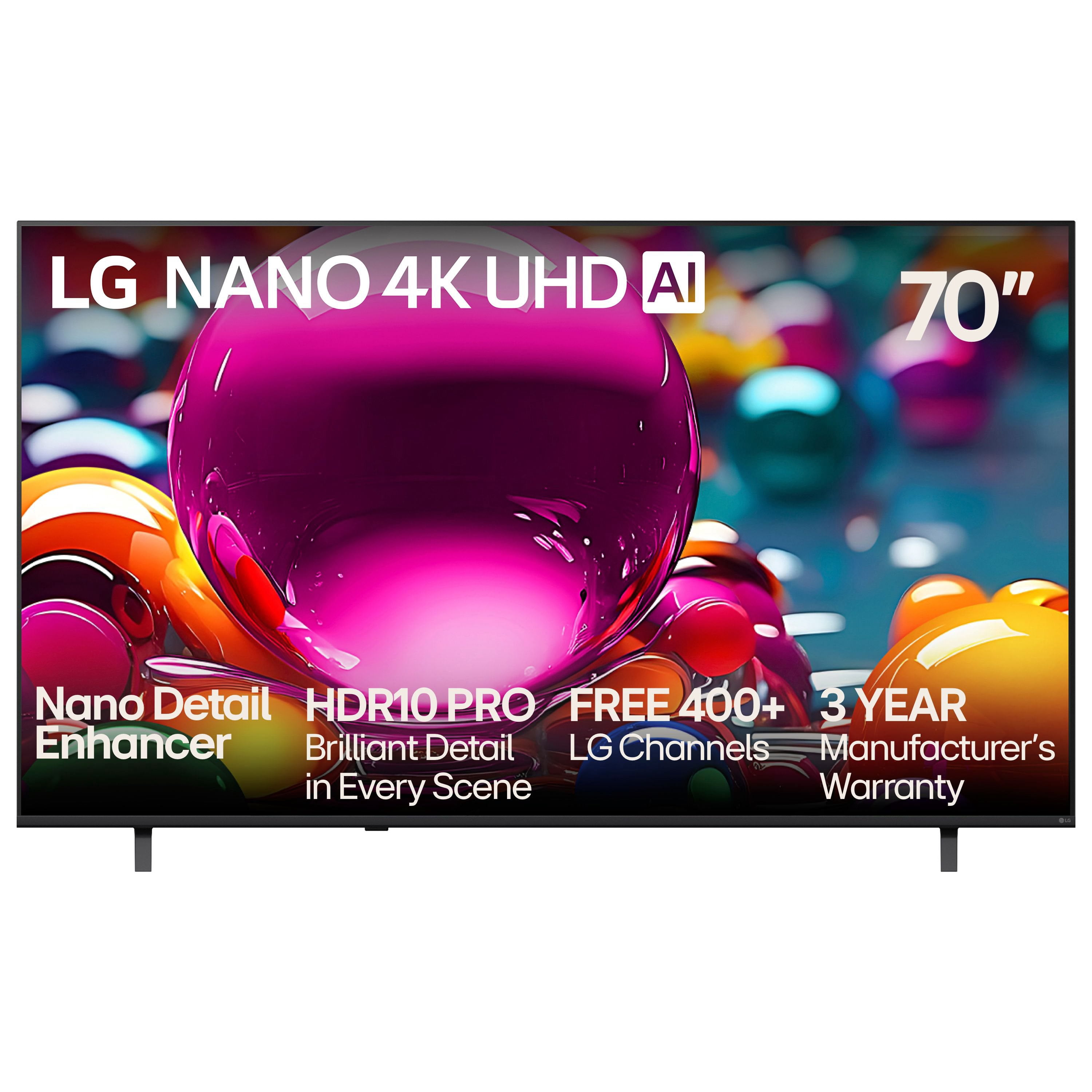
LG 70" Class Nano NU850 Series 4K Smart TV
3.7 out of 5 stars
stars
74 ratings73 reviews
  1. 5 stars45% (33)
  2. 4 stars19% (14)
  3. 3 stars11% (8)
  4. 2 stars9% (7)
  5. 1 star16% (12)
Sort by |
Showing 71-73 of 73 reviews
Dec 28, 2025
Reviewer name: Reither
3 out of 5 stars
3 out of 5 stars review

Inconsistent

Picture is inconsistent and if poor color quality with no real process if improvement

Review from lg.com
Helpful?3IY63MZFVG7T20130904051
reply from LG

Hi. Thank you for sharing your experience with your LG TV. The way you described the inconsistent picture quality and color performance gives us a clear sense of what you’re seeing on your screen, and we appreciate you taking the time to point it out. To allow us to properly investigate the details of your specific product model and to see if there is anything we can do to assist with this picture‑quality and color‑adjustment issue being encountered, please send us an email at lgdigitalcare@lg.sprinklrsupport.com if you need further assistance. You can also refer to this helpful link for picture and color optimization steps: https://www.lg.com/us/support/help-library/lg-tv-picture-quality-and-optimization--20152175493545 ^James

Nov 5, 2025
Reviewer name: KD JOHNSON
3 out of 5 stars
3 out of 5 stars review

OK BUT

BIG PROBLEM I NEED TV THAT SITS ON TABLE THE LEGS ARE TOO FAR APART WHY LG DOES NOT MAKE TV STAND IN MIDDLE OF TV VS LEGS ON SIDES HAD TO RETURN

Review from lg.com
Helpful?3IY63MZFVG7T20130904051
reply from LG

Hello. Thank you for sharing your experience with your LG TV. We understand how important it is for a TV to fit your setup, and wide-set legs can be limiting when placing the unit on narrower furniture. While many LG TVs are designed with side-positioned legs for stability and style, select models do offer center-mounted stands or are compatible with third-party pedestal bases and wall mounts. For reference, you can explore LG TV specifications and stand options here: https://www.lg.com/us/tvs. To allow us to properly investigate the details of your specific product model and to see if there is anything we can do to assist with this TV stand configuration issue being encountered, please send us an email at lgdigitalcare@lg.sprinklrsupport.com if you need further assistance. ^James

Jun 20, 2025
Reviewer name: jjjjjjjjjjjj
1 out of 5 stars
1 out of 5 stars review

NO where can I find a list of the 300 channels you offer for free.

Review from lg.com
Helpful?3IY63MZFVG7T20130904051
reply from LG Digital Team

We got you! LG Channels offers over 300 free live and on-demand channels on your LG Smart TV—no subscriptions or logins needed. You’ll find a wide variety of content, including news, sports, movies, music, lifestyle, and kids' entertainment. To view the complete list of channels, press the Home button on your LG Magic Remote and open the LG Channels app. From there, you can browse categories or access the built-in channel guide. The lineup may vary by region and is updated regularly with new content. For the latest list, visit the official LG Channels here: http://spr.ly/64284kUIw.. You can check out these tips and tricks to surf our LG Channels here: http://spr.ly/64294kUIb. It’s all designed to bring more entertainment to your screen and is free and easy to access. For more feedback or questions, private message us on social media @LGUSSupport . We're always here to help! ^David