Skip to Main Content
Sam's Club
Sam's Club
All Departments
All Services
Customer reviews for HP Envy 6558 Wireless All-in-One Photo Inkjet Printer, 6 Months Free Instant Ink for
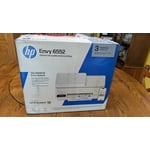
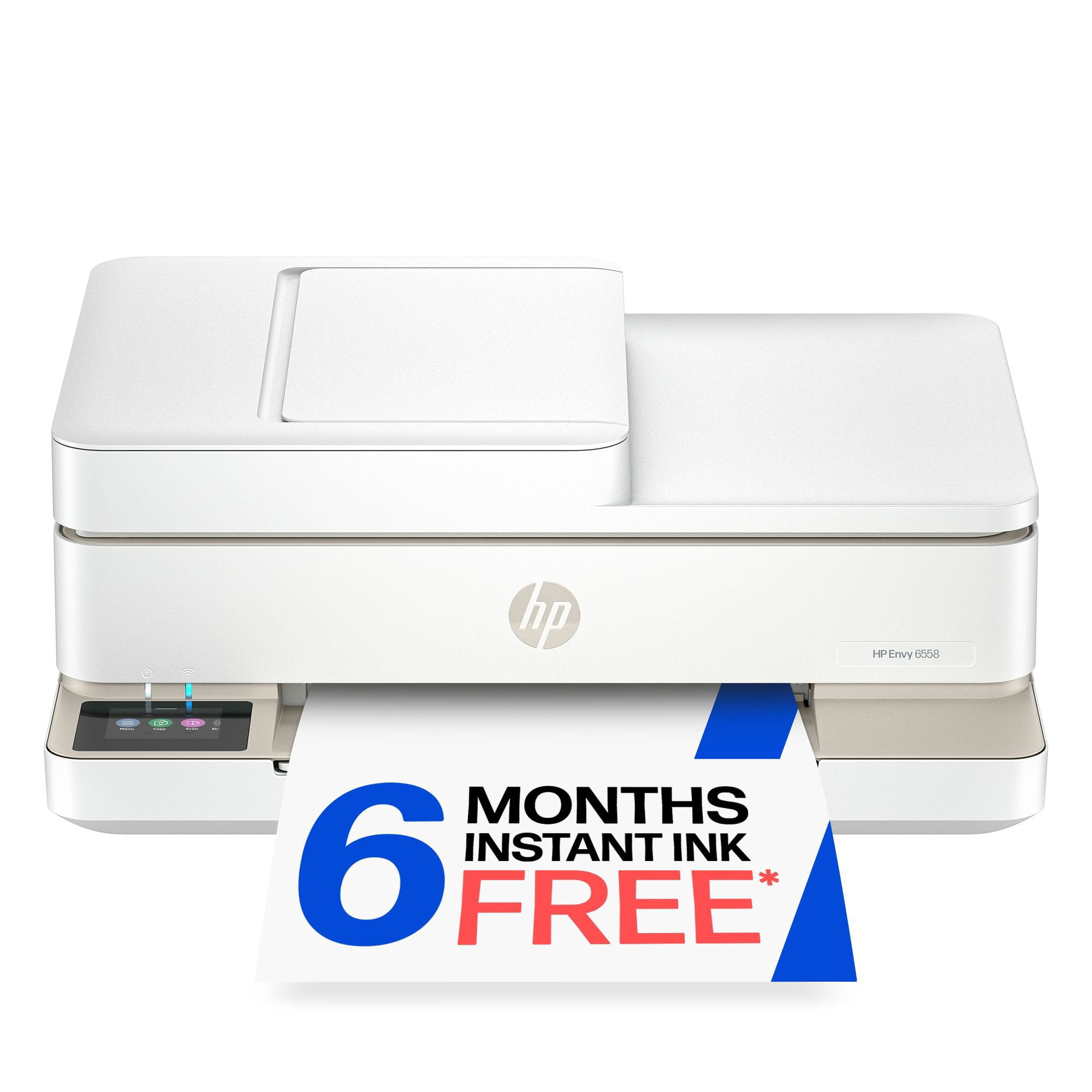
HP Envy 6558 Wireless All-in-One Photo Inkjet Printer, 6 Months Free Instant Ink
4.3 out of 5 stars
stars
427 ratings233 reviews
  1. 5 stars68% (291)
  2. 4 stars14% (60)
  3. 3 stars8% (34)
  4. 2 stars2% (10)
  5. 1 star7% (32)

Member photos

  • +31 images
Sort by |
Showing 21-30 of 233 reviews
Aug 30, 2026
Reviewer name: Disappoited
1 out of 5 stars
1 out of 5 stars review

Verified Purchase

HP Envy 6555

The worst experience I have ever had with a product. Set up and support is terrible. Product is very cheaply made. Online support and Instant Ink are a joke. Had printer a month and a half and was unable to use it due to setup and instant ink issues locking me out. I finally figured it out on my own. I have an old HP Envy 110 which was great, but I will never purchase another HP product.

Review from hp.com
Helpful?0ZOLZYIJTVP720036674023
Sep 4, 2026
Reviewer name: Pat B.
5 out of 5 stars
5 out of 5 stars review

Verified Purchase

Smooth and Simple Set Up

Set up of my new HP Envy 6558 All-in-One Printer was very smooth and easy. I would have only one recommendation, that HP include a statement for new or old customers of printers to be sure to go into your computer or laptop and set the new printer as the default. After a few days of used, for whatever reason, I started having trouble with the print job automatically going to my laptop. I managed to find my way to the Settings in my laptop and set the Eny 6558 as default printer.

Review from hp.com
Helpful?0ZOLZYIJTVP720036674023
Sep 8, 2026
Reviewer name: Mildred
4 out of 5 stars
4 out of 5 stars review

Verified Purchase

HP Printer Product

I have always loved HP products. I buy everything HP, if possible. Sometimes cost is a factor whether I purchase HP or not. I found the setup of this printer somewhat difficult. I intended to use it when I travel. I had the most difficult time trying to connect it to my laptop when I was away. At home it works wonderfully. I will continue to attempt to use it while on the road. Time will tell..

Review from hp.com
Helpful?0ZOLZYIJTVP720036674023
Aug 26, 2026
Reviewer name: Fern
5 out of 5 stars
5 out of 5 stars review

Verified Purchase

Once it is up and running it is great.

I have very limited uses but the little I use it, it is great. My Hp 4520 was much easier to use. I am not computer literate. I had to have someone set it up and it did not seem to be an easy process for someone who was experienced. The call for assistance ended with a conversation with Ai which was not helpful.

Review from hp.com
Helpful?0ZOLZYIJTVP720036674023
Sep 2, 2026
Reviewer name: NM and CS
5 out of 5 stars
5 out of 5 stars review

Verified Purchase

First HP Printer Lasted 20 Years

We just said goodbye to our first HP printer and immediately replaced it with another and transferred the ink plan to the new HP printer. Everything has worked perfectly for 20 years and I cannot think of a reason to switch now . Great product/ great plan

Review from hp.com
Helpful?0ZOLZYIJTVP720036674023
Sep 8, 2026
Reviewer name: Jeni B
5 out of 5 stars
5 out of 5 stars review

Verified Purchase

GREAT PRINTER.

I have purchased quite a few HP printers in the past, but this one is by far the best. The set up was really easy. I am very happy that I am able to make copies, print front and back pages and not waste so much paper printing individual pages. I am also very excited that it also scans documents and I'm able to save it into my laptop. I have been collecting documents for years and all the paperwork was just getting overwhelming now that I'm able to scan these documents. They are all stored in a folder on my laptop, which is amazing very much happy with this purchase.

Review from hp.com
Helpful?0ZOLZYIJTVP720036674023
Sep 7, 2026
Reviewer name: HP fan
5 out of 5 stars
5 out of 5 stars review

Verified Purchase

What a relief

I had a printer that I really disliked. The print quality at best was terrible. I regularly had to clean the printer heads, align it and it was terrible slow. At the same price point, the HP Envy printer I have now is wonderful. The print is great, it is quick and so far trouble free. The set up was a breeze. Just followed the instructions and I was up and printing.

Review from hp.com
Helpful?0ZOLZYIJTVP720036674023
Sep 7, 2026
Reviewer name: Lucy De
5 out of 5 stars
5 out of 5 stars review

Verified Purchase

HP has never let me down.

I had a lot of difficulty with setup. But, I do not know if the problem arose from my undependable wifi signal or a problem with the computer software. I followed the directions on the start up link but got an error message that there was a problem with the driver loading. The program diverted printing defaults to HP Smart rather than the new printer The printer worked under those settings but the quality of the print was extremely disappointing. Eventually, with the help of ChatGPT I got the correct driver loaded and the settings defaulted to the 6555 and I was amazed at the difference that made! Very good print quality now and adequate speed of print. My last printer was an HP and after ages it was still printing fine, but would not do auto reconnect to the WiFi which became a big bother. So far (I've been using the 6555 for about a week) this new printer has auto connected as fast as the sucky home wifi drops! For the money this is all anyone could want from a home printer. Considering the 3months free ink the price needs to b e considered about $25 less than the posted price.

Review from hp.com
Helpful?0ZOLZYIJTVP720036674023
Sep 7, 2026
Reviewer name: Anonymous
3 out of 5 stars
3 out of 5 stars review

Verified Purchase

I've had problems with this printer almost from day one.

the first time I changed the cartridge, it stopped working. I switched the cartridges, still no luck. I finally had to order another cartridge set up. it does print but shows the messages 'the cartridge is not working properly'. now I can't get it to make a copy. I've tried the email copy option but still northern--'the Tri color cartridge is not communicating properly?

Review from hp.com
Helpful?0ZOLZYIJTVP720036674023
Sep 4, 2026
Reviewer name: Anne G
3 out of 5 stars
3 out of 5 stars review

Verified Purchase

Definitely Download User Manual to Set Up Printer

I followed all the instructions regarding setup but still had problems because of the simplest things - location of the paper tray. It's well hidden so be sure to find it so you can put paper there, not the feeder on the top on the machine. After weeks, I finally got it working with my Samsung laptop. I still do not have it working with my Dell laptop and I don't even want to think about how hard it might be to get it to work with my smartphone. It's so frustrating that companies assume we all automatically know how to set up computer accessories without anything but the most basic on instructions. This printer does a lot, probably more than I need. Sometimes simpler is better!!

Review from hp.com
Helpful?0ZOLZYIJTVP720036674023