
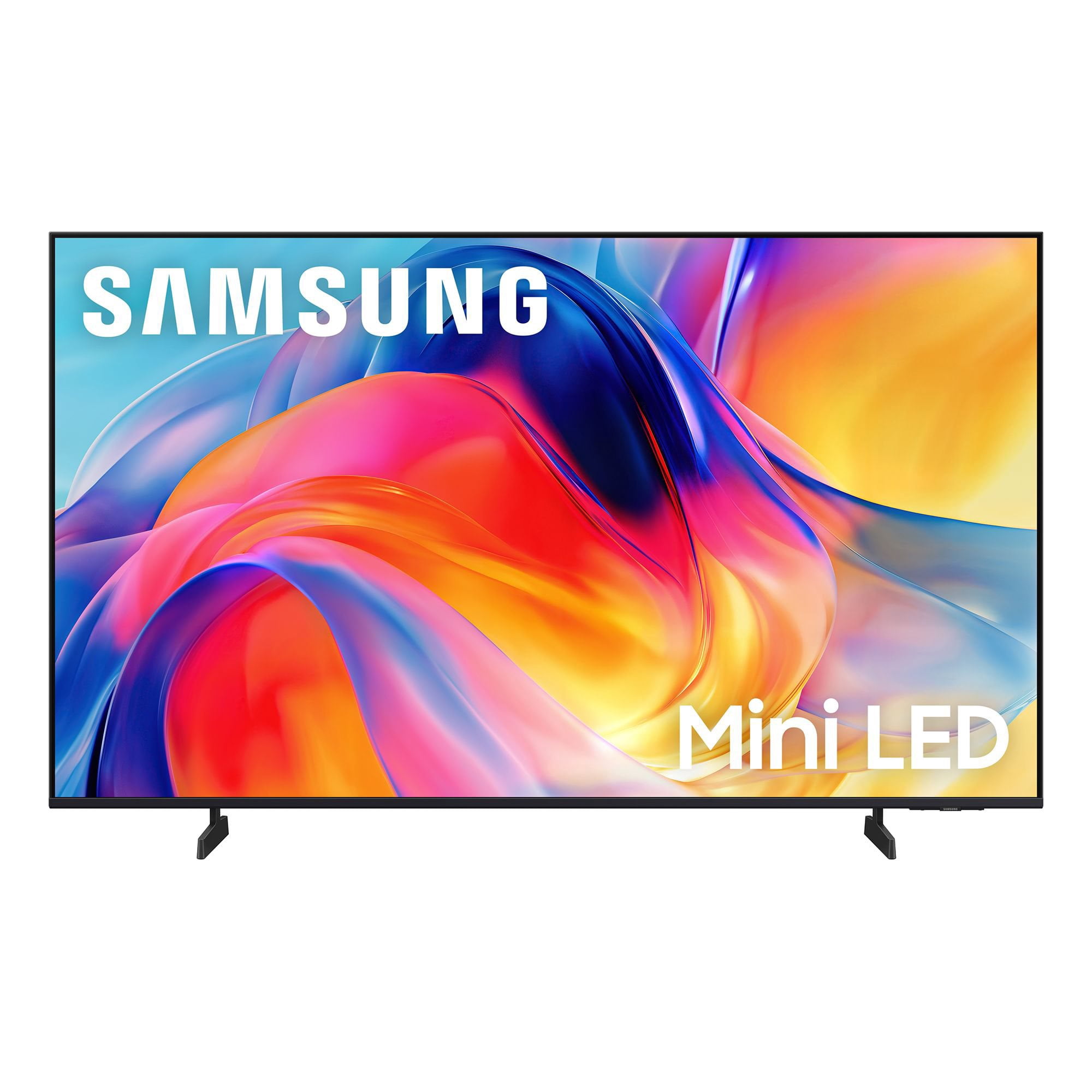
 Customer reviews for SAMSUNG 43” Class M70H Series Mini LED 4K UHD Vision AI Companion Smart Tizen TV for
Member photos





 +58 images
Contrast and color
The contrsast on my Samsung 65 inch QLED Mini I just purchased August 2026 was not what I expected. In the store the color look much clearer. I got it home and it was totally different. The color almost look like the old 65 inch I purchased in 2021. I don't want to keep buying TVs every five years. The color is dark and still the same ,even after I adjusted it. I'm going to exchange it .
Hi Samsung mini, Thank you for your feedback on the Samsung M70HD TV. If the picture appears unclear, dull, or lacks definition, there are several settings you can adjust to improve clarity and overall image quality. Go to: Settings > All Settings > Picture > Expert Settings, and review these key settings: Picture Clarity Settings: While originally intended for motion handling, these can also impact overall clarity • Off: Disables motion enhancements • Auto: Automatically adjusts based on content • Custom: Lets you fine-tune: o Judder Reduction – Helps smooth out uneven motion o LED Clear Motion – Boosts sharpness in fast-moving content o Noise Reduction – Reduces distortion and enhances detail in lower-resolution sources Core Picture Settings • Brightness – Controls overall screen brightness • Contrast – Enhances the difference between bright and dark areas • Sharpness – Adjusts edge definition; closer to 20 increases detail • Color – Enhances depth and intensity of colors And don’t forget to check for the latest firmware, which may improve performance: Settings > Support > Software Update > Update Now These adjustments can make a noticeable difference in overall clarity. If you need further help tailoring the settings to your preferences or environment, please contact Samsung Support at 1-800-SAMSUNG (8AM – 9PM EST Mon – Fri, 8AM – 6PM Sat – Sun). LiveChat is also available via the ‘Support’ link on our website. ~ Samsung Advisor
Love the TV
Wonderful color and very realistic picture. The sound is great too. We are not using our sound bar anymore. Only thing we struggle with is the remote. We wish it was more like the old-style remotes with more buttons. My husband has had several strokes and he struggles with the new remote.
OK...but
This is an ok TV. We're cable cutters who have for several years streamed our TV content. The picture quality is ok but there are times when the picture is slightly "fuzzy" which may be more of a streaming issue rather than the TV's problem. The reason for 3 stars is that we bought this particular TV because it was one of the few cabable of having 2 Bluetooth wireless headphones operating at the same time. However, you have "reconnect" the "paired" headphones each time the TV is turned on...but even more frustrating is the fact this TV frequently drops the headphone connection while watching a show. We use a Bose and Cowin headphone so its not a headphone problem...it a Samsung TV problem.
Hi Randyfish, We appreciate your feedback on the M70HD TV. For the most optimal performance, please ensure your TV and headphones are up to date with the latest software. To update your TV, go to Settings> Support> Software Update. Please also note that the TV and Bluetooth device may disconnect if the distance between them is too great or if there are obstacles. Next, buffering during streaming is typically related to internet speed or signal strength. This can happen when your connection isn’t able to deliver data quickly enough for smooth playback. We recommend the following steps to help improve streaming performance: 1. Use a 5GHz Wi-Fi connection, if available 2. Try a wired LAN connection for more stability 3. Reposition your router to minimize obstacles between it and the TV 4. Make sure your TV is running the latest firmware (Settings > Support > Software Update) 5. Run Device Care to optimize performance: Home > left directional key > Settings > Support > Device Care > Start Device Care If buffering continues, you may want to contact your internet service provider to check your current speed or explore upgrade options. If we can assist further, please call us at 1-800-SAMSUNG, (8AM – 9PM EST Mon – Fri, 8AM – 6PM Sat – Sun). LiveChat with an agent as well as manuals, software, and warranty info can be found at the ‘Support’ link on our Samsung website. ~ Samsung Advisor
Insufficient Remote Control "how to" information
I like my TV, but I was shocked about how little information Samsung provided me. All I received in the box were simple instructions on how to install the legs. The remote was simply a circular button. Most of the time, new remotes are fairly intuitive. This one was not and I couldn't find any information on line, unless I wanted to pay for it. Please give your new TV owners a fighting chance to set up their new TV properly.
C man, We appreciate you sharing your experience with the included remote. To help you get the most from your TV and remote functions, you can download the full e-Manual and more by visiting Samsung’s website then navigating to: Support > Manual & Software > TVs & Home Theater. From there, you can search for and select your M70HD TV model to view or download the available guides. The e-Manual & Remote Control Guide are also conveniently built into your TV: Settings > Support > Tips and User Guides Learn TV Remote is another feature designed to help users become familiar with the layout and function of each button on the Samsung remote. When enabled, pressing any button (except the Power button, which will still turn off the TV) will prompt the TV to announce the button’s name and its purpose – without affecting TV operation. This teaching mode is especially useful for users who are visually impaired or new to Samsung remotes. To enable this feature, go to: Settings > All Settings > General & Privacy > Accessibility > Learn TV Remote. To exit, simply press the Return key twice. If you’d like more assistance with this feature, please reach Samsung Support at 1-800-SAMSUNG (8AM – 9PM EST Mon – Fri, 8AM – 6PM Sat – Sun). LiveChat agents are also available through the ‘Support’ link on our website. ~ Samsung Specialist
Needs a better remote
The TV itself was wonderful Color comes in good pictures great But the remote is worthless It does not work well with my fingers and luckily I had a previous Samsung remote that works great on this one but if I hadn't had that I would've been up a creek and probably would've taken the TV back
Hi Hall, Thank you for your feedback on the M70HD TV remote. Please know your opinion is important to us and will be shared with our internal teams. If you have any questions or need help, call 1-800-SAMSUNG (8AM – 9PM EST Mon – Fri, 8AM – 6PM Sat – Sun), or reach us via text 24/7. You can also visit ‘Support’ on our website for: • Live Chat • Manuals, Software, & Warranty Info ~ Samsung Advisor
Great display and better remote for older users
This 65" Samsung replaced a similar 12 yr. old 55" display that was being used by an older family member. I found that the smart TV options stopped working properly and some of the streaming apps were no longer supported. I considered adding a ROKU devices to overcome these issues but more remotes=confusion for my older non-technical family members. Once I placed the display in the room they were amazed. Those extra few inches really filled the room with a bright clear image. We immediately noticed a difference in the crispness of the broadcast tv and the level of brightness that could be obtained. The bezel free display looks like it is floating over the credenza/cabinet below. One thing I wasn't sure about was the remote. It is smaller and replaces the older 90 button one that frequently confused my non-tech user. This remote with less button has limited the mistaken menu selections that have me getting a txt asking me to look at what they broke on the TV. On the negative, the start screen is a little busy for the older crowd. I have worked through the options and eliminated some of the home screen clutter but if there was a way to have just the sources of TV and apps show up that would be more helpful. Grandma doesn't need to be bothered with the multiple streaming service options flashing in her face.
Awesome TV
[This review was collected as part of a promotion.] The TV is better then the Sony that I had. The color, sound, and the brightness. When you click to turn it on it comes up so fast and turns off fast. I have eye problems and the TV is so clear and don't hurt my eyes when I watch it like the Sony. I can't say anything wrong with it.
Trust Samsung Products
Went straight to Samsung Name due to having a good rating overall. The picture, sound and size (50") is perfect for the bedroom. The only thing I had a problem with was the remote. I had to study the manual to understand the buttons. Still a little confusing.
OLED-Like Picture Quality at a Great Price
I’m really impressed with the picture quality. The colors are vibrant and accurate, and the image quality looks almost like an OLED display. The brightness is excellent, and the contrast is deep and impressive. The TV is also very responsive, with smooth navigation across apps. Another thing I really like is the consistent sound quality—the audio level and performance remain uniform across different apps. Overall, a great TV with excellent picture quality, performance, and sound.
Great product,
The picture is awesome, what an upgrade from our last Roku tv. The colors are great. The thing that is very annoying is that the Samsung live tv automatically plays if the Home Screen is sitting idle. I did the correct steps to turn auto play off but it didn’t work until I finally just ended up deleting the entire app off of the tv. Like I said before, great tv besides that one feature.