Skip to Main Content
Sam's Club
Sam's Club
All Departments
All Services
Customer reviews for SAMSUNG 43” Class M70H Series Mini LED 4K UHD Vision AI Companion Smart Tizen TV for
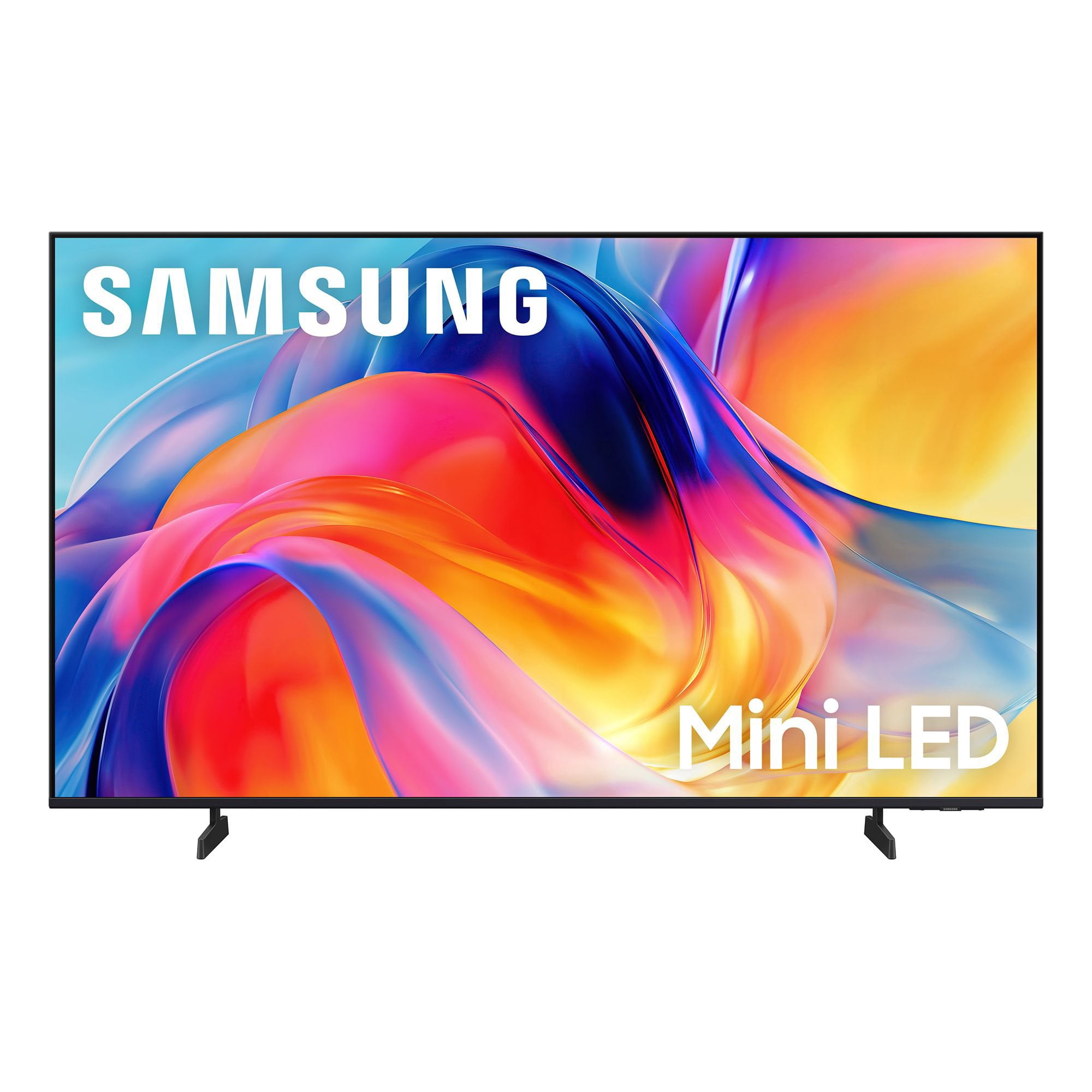
SAMSUNG 43” Class M70H Series Mini LED 4K UHD Vision AI Companion Smart Tizen TV
4.5 out of 5 stars
stars
470 ratings466 reviews
  1. 5 stars71% (335)
  2. 4 stars15% (70)
  3. 3 stars7% (33)
  4. 2 stars5% (25)
  5. 1 star1% (7)

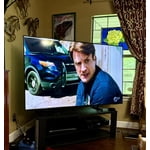
Member photos

  • +123 images
Sort by |
Showing 381-390 of 466 reviews
Apr 17, 2026
Reviewer name: Nan6
5 out of 5 stars
5 out of 5 stars review

Would buy again

[This review was collected as part of a promotion.] Brightness,color,clarity,contrast,resolution the best in all color ans etc. Pic is so clear! Love samsung products!

Review from Samsung US
Helpful?75IY9CO16QMG19894754865
Jul 24, 2026
Reviewer name: Kathleen
5 out of 5 stars
5 out of 5 stars review

Colors are perfect

[This review was collected as part of a promotion.] We returned a new 65” tv because it wasn't working properly and went back to our tried and true Samsung product. This is the only TV product we truly trust.

Review from Samsung US
Helpful?75IY9CO16QMG19894754865
Jul 20, 2026
Reviewer name: Coffee Lover
5 out of 5 stars
5 out of 5 stars review

Beautiful Picture

[This review was collected as part of a promotion.] Looks like you're actually at the beach/mountains! Beautiful picture. Glad we went with this model.

Review from Samsung US
Helpful?75IY9CO16QMG19894754865
Jun 21, 2026
Reviewer name: Rweaver
4 out of 5 stars
4 out of 5 stars review

Great upgrade

[This review was collected as part of a promotion.] This television has been wonderful. Color, picture, and size fit the room well. The only reason for the4 instead of 5 is the apps load a little slower than I would like.

Review from Samsung US
Helpful?75IY9CO16QMG19894754865
reply from Samsung Advisor

Hi Rweaver, Thank you for sharing your experience with the M70HD app on your TV. The issue you’re encountering may be related to network strength or stability. We recommend the following steps: 1. Connect to a 5GHz Wi-Fi network, if available 2. Use a wired LAN connection for increased stability 3. Reposition your router to reduce obstacles between the TV and the router Please also check that your TV is running the latest firmware by going to: Settings > Support > Software Update. From there, you can also enable Auto Update for added convenience. For improved app performance, we recommend running Device Care, which can help by clearing memory and closing background apps. To access it: Settings > Support > Device Care We hope these steps improve your streaming experience. If the issue continues, please reach out to us at 1-800-SAMSUNG (8AM – 9PM EST Mon – Fri, 8AM – 6PM Sat – Sun), or reach us via text anytime. You can also visit ‘Support’ on our website for: You can also chat with one of our agents by clicking the ‘Support’ link on our website for: • Live Chat • Manuals, Software, & Warranty Info ~ Samsung Advisor

Jun 20, 2026
Reviewer name: Tanabanana
5 out of 5 stars
5 out of 5 stars review

Great Picture!

[This review was collected as part of a promotion.] Great picture and easy to set up. I went from a curved Samsung to this and the remote is a bit different, but it didn't take long.

Review from Samsung US
Helpful?75IY9CO16QMG19894754865
May 22, 2026
Reviewer name: David
2 out of 5 stars
2 out of 5 stars review

Defective from the get go, kept rebooting

Nice picture, but TV started having issues nearly the time I installed. It would reboot after watching it like 10 minutes in the first week and by the third week was constantly rebooting.

Helpful?75IY9CO16QMG19894754865
reply from Samsung

Hi David, Thank you for sharing your experience. We’re sorry to hear your M70H TV is turning on and off unexpectedly. This kind of power cycling can often be resolved with a few troubleshooting steps: 1. Check the power cable for secure connection and signs of damage. If it’s bent, pinched, pressed by furniture, or shows wear, replacing it may resolve the issue. 2. Unplug the TV from the wall outlet for 30 seconds, then plug it back in and test operation. 3. Update the TV’s software (if the TV remains on long enough). Note that a power interruption during an update can cause further issues, so only proceed if the TV is staying on reliably. Go to: Settings > Support > Software Update > Update Now 4. If your TV is connected to SmartThings, it may be turning on from a signal sent through the network. You can disable this feature by going to: Home > left directional key > Settings > All Settings > Connection > Network > Expert Settings > Power On with Mobile = Off If none of these steps resolve the issue, your TV may need service. Please give us a call at 1-800-SAMSUNG (8AM – 9PM EST Mon – Fri, 8AM – 6PM Sat – Sun). Our LiveChat agents are also available at the ‘Support’ link on our website. ~Samsung Advisor

May 20, 2026
Reviewer name: OE1959
5 out of 5 stars
5 out of 5 stars review

I like the picture great colors.

[This review was collected as part of a promotion.] Has great pictures, very good sound. It was very easy to setup. The black color was great. I would buy again.

Review from Samsung US
Helpful?75IY9CO16QMG19894754865
Jul 20, 2026
Reviewer name: Okcbrown
5 out of 5 stars
5 out of 5 stars review

Clear precise colors with samsung
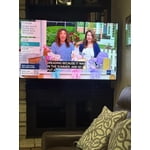
[This review was collected as part of a promotion.] I love this Samsung tv it has great color Wonderful contrast. I have had issues with too much sun and the tv is hard to see but not with this Samsung. Very easy to hook up.

Review from Samsung US
Helpful?75IY9CO16QMG19894754865
Jul 27, 2026
Reviewer name: Jammichael25
5 out of 5 stars
5 out of 5 stars review

Awesome quality and great dark colors

[This review was collected as part of a promotion.] Great product, everything that I wanted on a TV. Love the dark colors on the TV.

Review from Samsung US
Helpful?75IY9CO16QMG19894754865
Aug 5, 2026
Reviewer name: Todd H
2 out of 5 stars
2 out of 5 stars review

color quality

[This review was collected as part of a promotion.] Very poor picture color quality with reds and greens.

Review from Samsung US
Helpful?75IY9CO16QMG19894754865
reply from Samsung Advisor

Hi Todd H, We appreciate your feedback on the picture quality of Samsung’s M70HD TV. If the image doesn’t quite match your preferences, there are several adjustments you can make to better suit your viewing environment and content type. First, please ensure your TV is running the latest firmware, as updates may include important picture quality enhancements. Go to: Home > Left directional button > Settings > Support > Software Update > Update Now To explore picture mode options, navigate to: Home > Left directional button > Settings > All Settings > Picture > Picture Mode. Options include: • Standard – Ideal for general viewing • Dynamic – Brighter and more vibrant for well-lit spaces • Eco – Optimized for energy efficiency • Movie – Best for viewing in low light • Filmmaker Mode – Preserves the content creator’s intent and disables motion smoothing for supported content You can further customize your image by going to: Settings > All Settings > Picture > Expert Settings, where you can adjust Brightness, Contrast, Color Tone, Sharpness, Contrast Enhancer and more. If you’d like help finding the best picture settings for your preferences, please don’t hesitate to contact Samsung Support at 1-800-SAMSUNG (8AM – 9PM EST Mon – Fri, 8AM – 6PM Sat – Sun). You can also LiveChat with an agent or explore additional resources on our website by clicking the ‘Support’ link. ~ Samsung Advisor