Skip to Main Content
Sam's Club
Sam's Club
All Departments
All Services
Customer reviews for SAMSUNG 43” Class M70H Series Mini LED 4K UHD Vision AI Companion Smart Tizen TV for
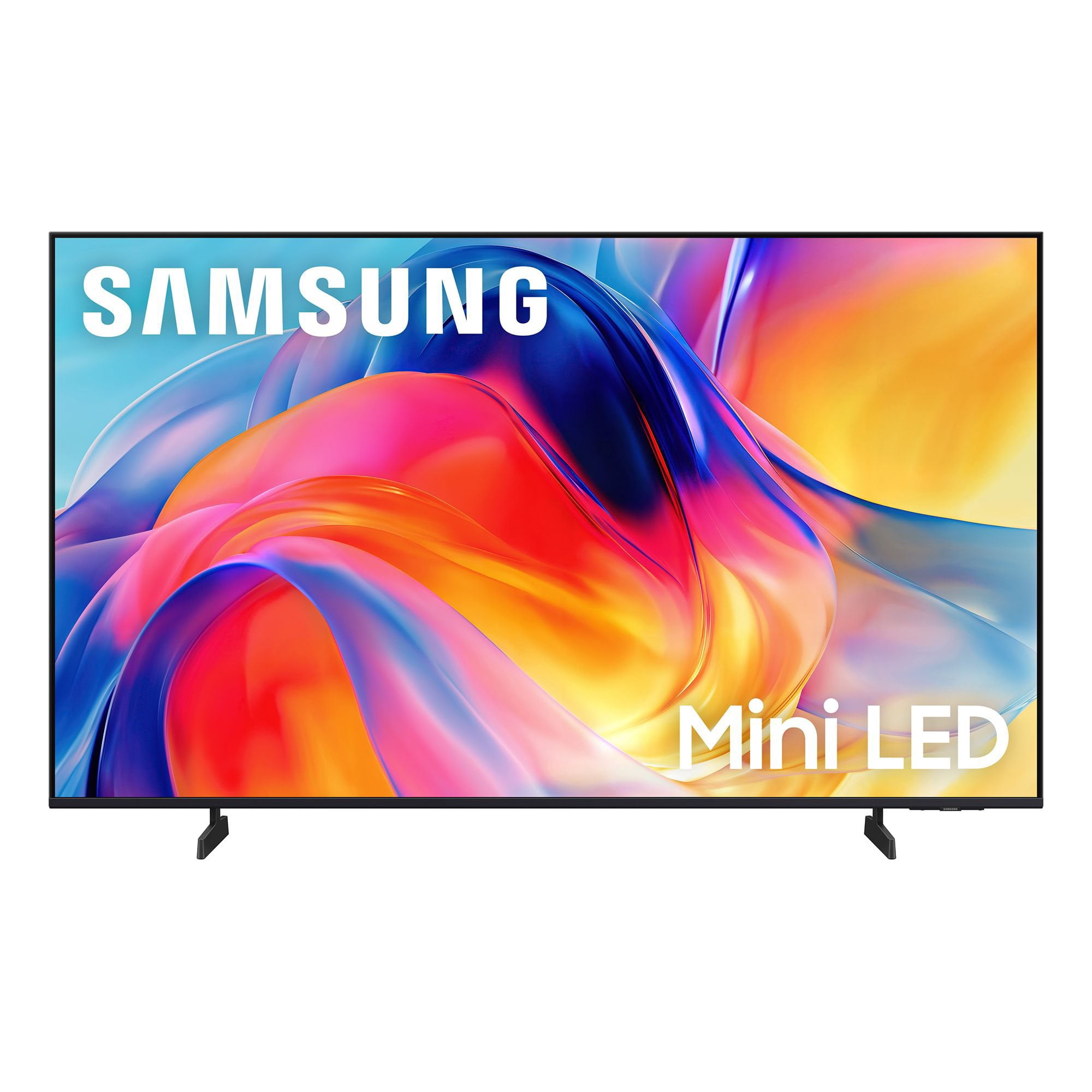
SAMSUNG 43” Class M70H Series Mini LED 4K UHD Vision AI Companion Smart Tizen TV
4.5 out of 5 stars
stars
470 ratings466 reviews
  1. 5 stars71% (335)
  2. 4 stars15% (70)
  3. 3 stars7% (33)
  4. 2 stars5% (25)
  5. 1 star1% (7)

Member photos

  • +123 images
Sort by |
Showing 371-380 of 466 reviews
Jul 20, 2026
Reviewer name: Patty
5 out of 5 stars
5 out of 5 stars review

Beautiful tv

[This review was collected as part of a promotion.] My Samsung 50 inch mini LED tv is beautiful! The picture is vibrant and the price was phenomenaI! Love it!

Review from Samsung US
Helpful?75IY9CO16QMG19894754865
Jun 6, 2026
Reviewer name: PRTY
5 out of 5 stars
5 out of 5 stars review

Another awesome product

[This review was collected as part of a promotion.] My only complaint was it won't let me register my TV. Kept saying my product number was incorrect.

Review from Samsung US
Helpful?75IY9CO16QMG19894754865
Jul 20, 2026
Reviewer name: FeRanger
2 out of 5 stars
2 out of 5 stars review

This Samsung misses the mark.

[This review was collected as part of a promotion.] Quality is just not there in the sound lor color. Sound is hard to get clear and audio thru the onboard speakers. Color is either to pale and washed out or so intense its looks clownish.

Review from Samsung US
Helpful?75IY9CO16QMG19894754865
reply from Samsung Advisor

Hi FeRanger, Thank you for purchasing Samsung’s M70H TV and for sharing your feedback on the sound quality. To ensure you’re experiencing the best possible audio, we first recommend checking that your TV is running the latest firmware. To do this, navigate to: Home > left directional key > Settings > Support > Software Update If the sound still doesn’t meet your expectations, there are a few settings you can try adjusting: Go to: Settings > All Settings > Sound > Sound Mode • Standard: Balanced sound without emphasis on any one range • Optimized: Enhanced effects and spacious sound • Amplify: Boosts mid and high tones to make dialogue clearer You can also explore Expert Settings to fine-tune options such as Balance, Equalizer, Auto Volume, and more to match your personal preferences. If the picture appears unclear, dull, or lacks definition, there are several settings you can adjust to improve clarity and overall image quality. Go to: Settings > All Settings > Picture > Expert Settings, and review these key settings: Picture Clarity Settings: While originally intended for motion handling, these can also impact overall clarity • Off: Disables motion enhancements • Auto: Automatically adjusts based on content • Custom: Lets you fine-tune: o Judder Reduction – Helps smooth out uneven motion o LED Clear Motion – Boosts sharpness in fast-moving content o Noise Reduction – Reduces distortion and enhances detail in lower-resolution sources Core Picture Settings • Brightness – Controls overall screen brightness • Contrast – Enhances the difference between bright and dark areas • Sharpness – Adjusts edge definition; closer to 20 increases detail • Color – Enhances depth and intensity of colors These adjustments can make a noticeable difference in overall clarity. If you need further help tailoring the settings to your preferences or environment, please contact Samsung Support at 1-800-SAMSUNG (8AM – 9PM EST Mon – Fri, 8AM – 6PM Sat – Sun). LiveChat is also available via the ‘Support’ link on our website. ~Samsung Advisor

Jun 22, 2026
Reviewer name: Nitsud
5 out of 5 stars
5 out of 5 stars review

Need to buy it

[This review was collected as part of a promotion.] Been a great TV so far. Hooked up easy with Samsung sound bar to provide sound that is epic with a clear and bright Pic. Love it. Love it. Love it

Review from Samsung US
Helpful?75IY9CO16QMG19894754865
Jun 2, 2026
Reviewer name: Hawkota7260
5 out of 5 stars
5 out of 5 stars review

Holy smokes! This is awesome

[This review was collected as part of a promotion.] Brightness- 5/5 Clarity - WOAH 5/5 Color: super deep blacks 5/5 Contrast and resolution: 5/5 it made my daughters old school cartoons look like they were made recently!!!

Review from Samsung US
Helpful?75IY9CO16QMG19894754865
Jun 1, 2026
Reviewer name: Manny22
3 out of 5 stars
3 out of 5 stars review

Good TV with so-so UI.

[This review was collected as part of a promotion.] It's a good TV for the Samsung standard but the UI still needs a great deal of improvement after all these years.

Review from Samsung US
Helpful?75IY9CO16QMG19894754865
reply from Samsung Advisor

Hi Manny22, We appreciate your feedback on the UI of the M70HD TV. For optimal performance, please ensure your TV is running the latest firmware. You can check this by going to: Home > left directional key > Settings > Support > Software Update To further optimize performance, try running Device Care, which checks memory, clears unused cached data, and closes background apps: Home > left directional key > Settings > Support > Device Care > Start Device Care If issues continue, please reach Samsung Support at 1-800-SAMSUNG (8AM – 9PM EST Mon – Fri, 8AM – 6PM Sat – Sun). LiveChat is also available via the ‘Support’ link on our website. ~Samsung Advisor

Jun 19, 2026
Reviewer name: MARY
5 out of 5 stars
5 out of 5 stars review

Exactly what we were expecting to

[This review was collected as part of a promotion.] We bought this tv to watch the world soccer cup and It has been wonderful.Clarity,and smart TV conected to the phone.

Review from Samsung US
Helpful?75IY9CO16QMG19894754865
Apr 17, 2026
Reviewer name: Nan6
5 out of 5 stars
5 out of 5 stars review

Would buy again

[This review was collected as part of a promotion.] Brightness,color,clarity,contrast,resolution the best in all color ans etc. Pic is so clear! Love samsung products!

Review from Samsung US
Helpful?75IY9CO16QMG19894754865
Jul 20, 2026
Reviewer name: Jimmy
5 out of 5 stars
5 out of 5 stars review

Great picture

[This review was collected as part of a promotion.] We live our new Samsung tv. We now have three Samsung and they are great. Highly recommended them.

Review from Samsung US
Helpful?75IY9CO16QMG19894754865
Jul 5, 2026
Reviewer name: Mike
4 out of 5 stars
4 out of 5 stars review

Difficult Navigation with guide set up.

[This review was collected as part of a promotion.] Basic systems are working fine but I found the Navigation difficult Mainly due to Incompatibility with cable provider

Review from Samsung US
Helpful?75IY9CO16QMG19894754865