Skip to Main Content
Sam's Club
Sam's Club
All Departments
All Services
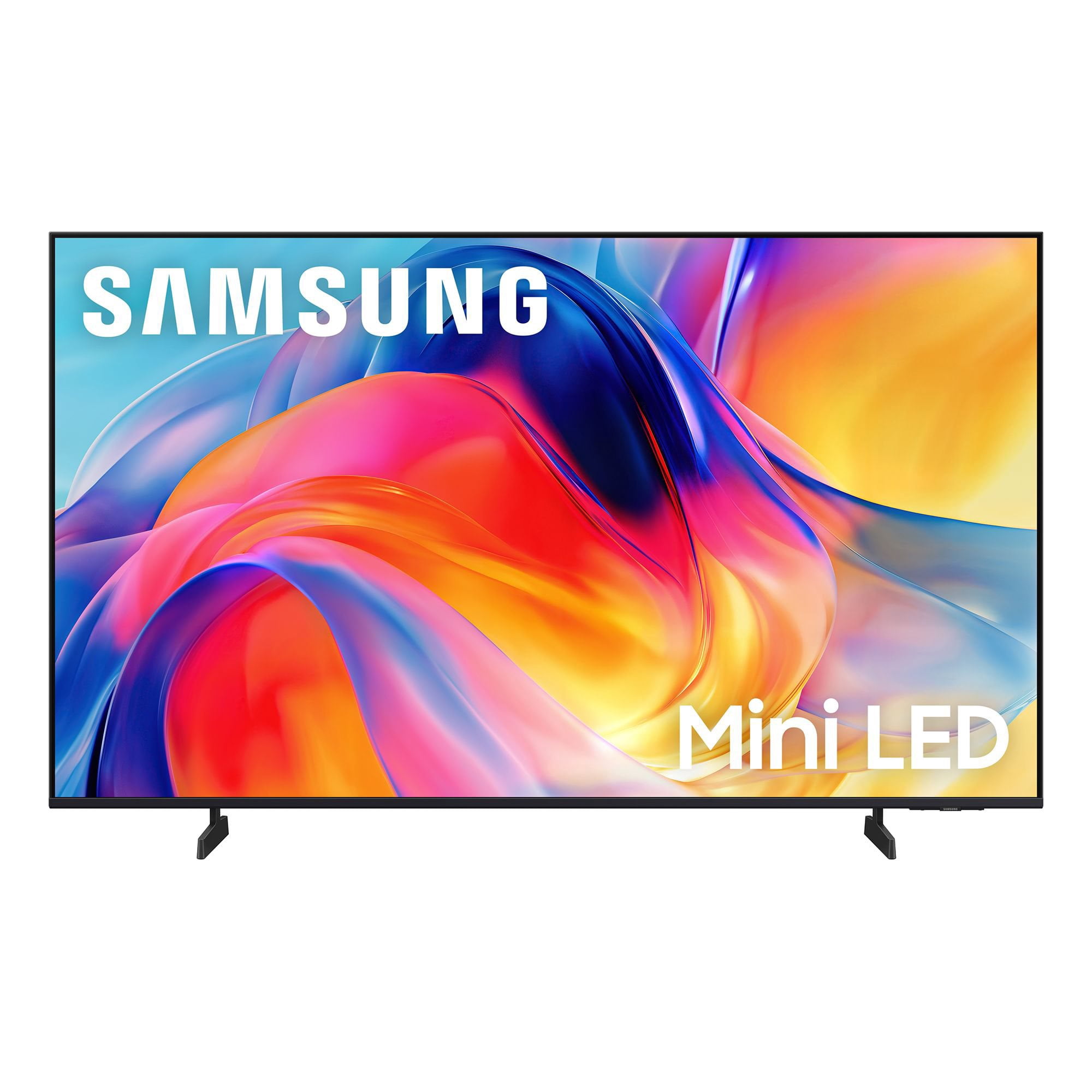
Customer reviews for SAMSUNG 55” Class M70H Series Mini LED 4K UHD Vision AI Companion Smart Tizen TV for
SAMSUNG 55” Class M70H Series Mini LED 4K UHD Vision AI Companion Smart Tizen TV
4.4 out of 5 stars
stars
330 ratings319 reviews
  1. 5 stars70% (230)
  2. 4 stars15% (50)
  3. 3 stars7% (24)
  4. 2 stars5% (17)
  5. 1 star3% (9)

Member photos

  • +81 images
Sort by |
Showing 41-50 of 319 reviews
Sep 5, 2026
Reviewer name: George
1 out of 5 stars
1 out of 5 stars review

This TV is bad news!!!

[This review was collected as part of a promotion.] It's is very difficult to start it up. The sound will not go up very loud. The BOSE sound bar isn't working now! The TV shuts itself off after 30 minutes. My extenal BOSE speakers are not working now!!!

Review from Samsung US
Helpful?38IP7LKS6PZ819847274541
reply from Samsung Advisor

Hi George, We're sorry to hear you are experiencing issues with your M70HD TV. If you're not hearing sound from your connected device over HDMI ARC or eARC, here are some steps that can help: 1. Confirm proper port connection. Make sure you're using the HDMI port labeled ARC or eARC on both your TV and the connected device (like a soundbar or receiver). Use a High-Speed HDMI cable with Ethernet (HEC) or Ultra High-Speed HDMI cable to ensure full functionality. 2. Enable HDMI eARC Mode. Go to: Home > left directional key > Settings > All Settings > Sound > Expert Settings > HDMI eARC Mode, and set it to Auto. 3. Enable Anynet+ (HDMI-CEC). ARC and eARC require HDMI-CEC to function. Go to: Settings > All Settings > General & Privacy > External Device Manager > Anynet+ (HDMI-CEC) and set it to On. 4. Adjust Digital Output Audio Format. Some receivers and soundbars may not support all audio formats. Go to: Settings > All Settings > Sound > Expert Settings > Digital Output Audio Format, and set this to Auto if your audio device does not support Dolby Digital+ or other advanced formats. If your device does support higher formats, Pass-Through can be selected to send audio directly without additional processing from the TV. 5. Check TV firmware. Updates may improve compatibility and resolve sound issues. Go to: Settings > Support > Software Update > Update Now to install the latest version. If the issue continues, try restarting both the TV and the audio device, switching HDMI cables, or toggling Anynet+ off and back on. If you need further help, please reach out to Samsung Support at 1-800-SAMSUNG (8AM – 9PM EST Mon – Fri, 8AM – 6PM Sat – Sun). LiveChat agents are also available on the ‘Support’ section of our website. ~ Samsung Advisor

Aug 21, 2026
Reviewer name: Dave
5 out of 5 stars
5 out of 5 stars review

Easy Setup

[This review was collected as part of a promotion.] The unit was easy to set up and everything has been top notch! Finding the audio settings truly helped with speech. Clarity. One suggestion; the Power Button seems difficult to find and use for me? A larger and. Perhaps Red button would help. Thanks. PS: I'm 88

Review from Samsung US
Helpful?38IP7LKS6PZ819847274541
Aug 20, 2026
Reviewer name: Smiles
5 out of 5 stars
5 out of 5 stars review

Awesome TV

[This review was collected as part of a promotion.] The TV is better then the Sony that I had. The color, sound, and the brightness. When you click to turn it on it comes up so fast and turns off fast. I have eye problems and the TV is so clear and don't hurt my eyes when I watch it like the Sony. I can't say anything wrong with it.

Review from Samsung US
Helpful?38IP7LKS6PZ819847274541
Aug 20, 2026
Reviewer name: Coach
5 out of 5 stars
5 out of 5 stars review

excellent quality

[This review was collected as part of a promotion.] Still getting used to features abut picture quality is perfect. Colors and contrast are excellent along with the brightness. This 65 inch Samsung replaced another 65 inch Samsung which was about seven years old and the picture would not emerge, just the sound. I have owned no other brand in the last fifteen years and well satisfied with the quality.

Review from Samsung US
Helpful?38IP7LKS6PZ819847274541
Aug 20, 2026
Reviewer name: Deesdeuce
5 out of 5 stars
5 out of 5 stars review

Great screen & features

[This review was collected as part of a promotion.] This mini-LED 55" TV is a wonderful value with beautiful screen quality & features. The brightness and color are top notch. Only negative is Samsung's log-on process to receive free Samsung Plus channels as it was very cumbersome.

Review from Samsung US
Helpful?38IP7LKS6PZ819847274541
Aug 20, 2026
Reviewer name: Suzy q
5 out of 5 stars
5 out of 5 stars review

Love the TV

[This review was collected as part of a promotion.] Wonderful color and very realistic picture. The sound is great too. We are not using our sound bar anymore. Only thing we struggle with is the remote. We wish it was more like the old-style remotes with more buttons. My husband has had several strokes and he struggles with the new remote.

Review from Samsung US
Helpful?38IP7LKS6PZ819847274541
Sep 5, 2026
Reviewer name: Tv junkie
3 out of 5 stars
3 out of 5 stars review

Bought 2 Tv's a 65" neo qled and a mini led 75"

[This review was collected as part of a promotion.] I purchased a 75 mini led, upon installation the tv would come on then after 10 minutes shut down. A tec looked at it and said the board needs replaced! Not happy to have a new tv repaired i returned it and got a different model! Happy with this one.

Review from Samsung US
Helpful?38IP7LKS6PZ819847274541
reply from Samsung Advisor

We're sorry to hear that you had issues with your M70HD TV and appreciate your patience in dealing with the hassle of a return. If you decide to explore Samsung TVs again in the future, we’re always here to support you - whether it’s setup, features, or troubleshooting. Reach us anytime at 1-800-SAMSUNG (8AM – 9PM EST Mon – Fri, 8AM – 6PM Sat – Sun), or visit the ‘Support’ section of our website for LiveChat, manuals, and more. ~ Samsung Advisor

Aug 13, 2026
Reviewer name: Unclejesse420
5 out of 5 stars
5 out of 5 stars review

Amazing quality tv

[This review was collected as part of a promotion.] Picture quality both movie and game console is amazing. The Amazon app luma tha tcan be downloaded is absolutely awesome so you don't have to physically have any console connected to play games. Sound is amazing as well.

Review from Samsung US
Helpful?38IP7LKS6PZ819847274541
Aug 23, 2026
Reviewer name: stoney
2 out of 5 stars
2 out of 5 stars review

Remote

[This review was collected as part of a promotion.] The picture is fine. The remote is the most difficult tool I have ever used. It is very small. The volume control has a "hair trigger" that very easily goes to the mute setting. I have not figured out how to select a channel on antenna viewing without going to the "guide" which is default set to the lowest channel to be received

Review from Samsung US
Helpful?38IP7LKS6PZ819847274541
reply from Samsung Advisor

Hi Stoney, While the M70HD TV Remote may appear minimal, many buttons offer multiple or long-press functions to help simplify the design without sacrificing functionality. For example: • Settings/Number/Color: Allows you to easily access your TV's Quick Settings and input channel numbers. • Volume rocker: Push up/down to adjust volume. Press and release quickly to mute. • Long-press Volume button: Hold for more than 1 second to open Accessibility Shortcuts. • RETURN button: Press to go back to the previous menu or screen. While watching TV, it takes you back to the previous channel. These functions allow for a more streamlined experience without adding extra buttons. Learn TV Remote is a feature designed to help users become familiar with the layout and function of each button on the Samsung remote. When enabled, pressing any button (except the Power button, which will still turn off the TV) will prompt the TV to announce the button’s name and its purpose – without affecting TV operation. This teaching mode is especially useful for users who are visually impaired or new to Samsung remotes. To enable this feature, go to: Settings > All Settings > General & Privacy > Accessibility > Learn TV Remote. To exit, simply press the Return key twice. If you’d like more assistance with this feature, please reach Samsung Support at 1-800-SAMSUNG (8AM – 9PM EST Mon – Fri, 8AM – 6PM Sat – Sun). LiveChat agents are also available through the ‘Support’ link on our website. ~ Samsung Advisor

Sep 6, 2026
Reviewer name: Capt
5 out of 5 stars
5 out of 5 stars review

Omg I'm pleased

[This review was collected as part of a promotion.] I feel I made a great choice in this selection after reading many many reviews looking up specs and what they meant, then looking at the size and color in store I feel I made a great choice. I'm more than pleased with color and the picture. Everything including my favorite black and white movies are clear. I don't use for gaming or browsing. But a big TV watcher. I'm impressed and pleased a great choice for those who use for music and tv watching. Will try connecting an olde game system when I have time to actually used. Very pleased with this tv. My second Samsung is why I went with this, I replaced my Vizio which was on the blink with old Samsung which is still working great.

Review from Samsung US
Helpful?38IP7LKS6PZ819847274541









