
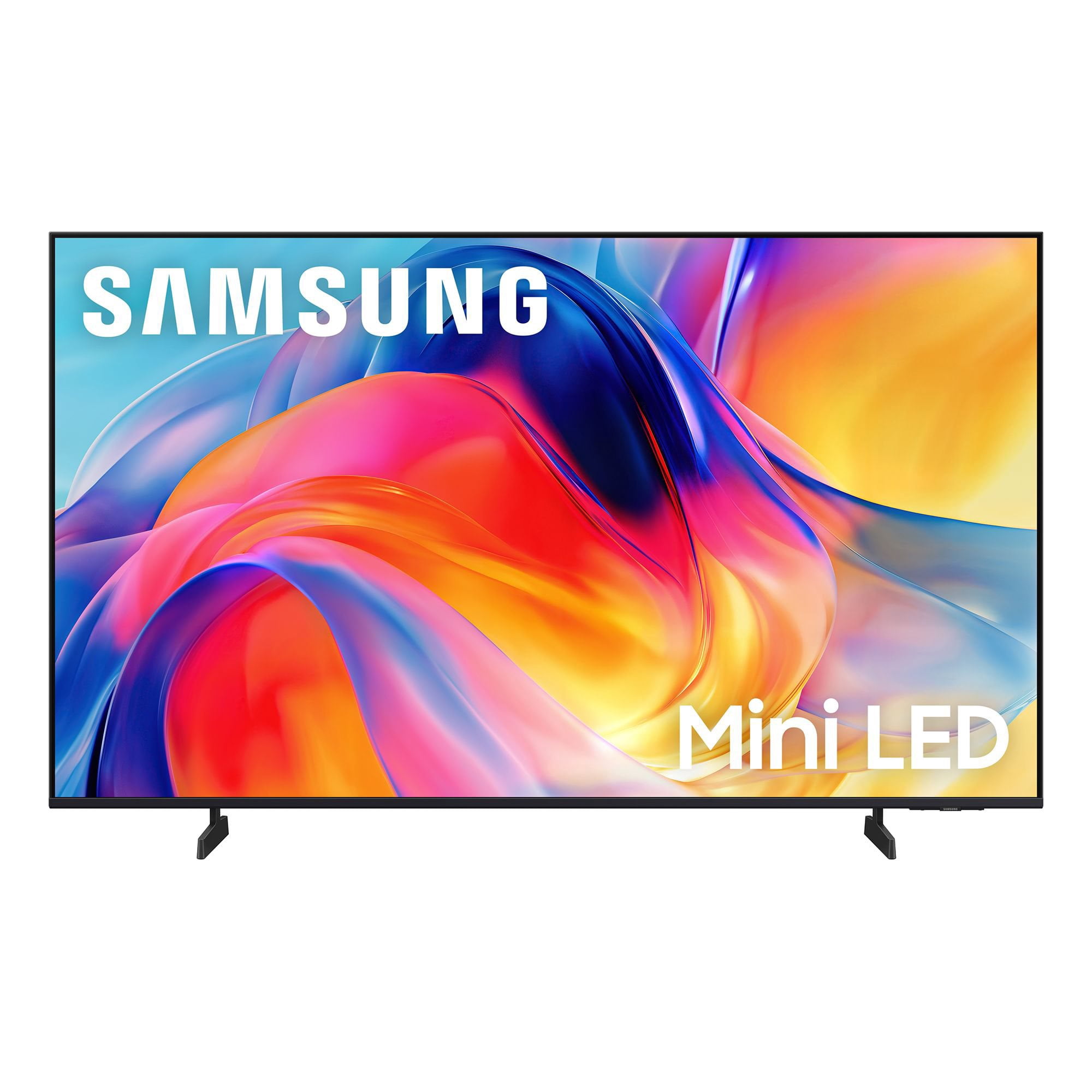
 Customer reviews for SAMSUNG 55” Class M70H Series Mini LED 4K UHD Vision AI Companion Smart Tizen TV for
Member photos









 +81 images
None
[This review was collected as part of a promotion.] TV looses channels. Have to move antenna around to get service on different channels. Print is way to small. Can't recall previous channel unless it is a samsung channel. Has static when a vehicle drives by When it is stormy it only let's you access certain channels.
Great for gaming!
[This review was collected as part of a promotion.] I love this TV! The picture and sound is good! I brought this TV for my gaming system and I am not disappointed! The M70HD offers responsive performance with low input lag and smooth motion handling. Fast-paced games feel fluid, and the television's gaming enhancements help reduce motion blur during action-heavy scenes.
Verified Purchase
TV return
No bolt threads on the back of the TV to wall mount the TV
Hi Sam Stephens, Thank you for your feedback. We’re sorry to hear you experienced difficulty mounting your TV. The mounting holes are designed for VESA-compatible hardware, and the threaded inserts may be recessed within the openings. For the 55” M70HD, the required hardware is 4x M8 screws with a 1.25mm thread pitch and a recommended length of 23–25mm. Compatible screws can typically be found at most hardware stores. Please note that the necessary screw length may vary depending on the thickness of your wall mount bracket and whether spacers or washers are being used. We recommend confirming the correct mounting hardware is being used, as an incorrect screw size or length may prevent the screws from properly engaging with the threaded inserts. If you’ve confirmed the correct hardware and are still unable to securely install your mount, please contact Samsung Support at 1-800-SAMSUNG (8AM – 9PM EST Mon – Fri, 8AM – 6PM Sat – Sun). LiveChat agents are also available via the ‘Support’ link on our website. ~ Samsung Advisor
Verified Purchase
Awesome 55 inch TV
Absolutely love the TV. Love the price love the picture. Love the sound quality. Would recommend this to anyone.
TV great! Remote is the worse!
[This review was collected as part of a promotion.] Great picture and sound! Remote is horrible! No microphone button! Can't use Alexa which is shown on box! I have no cell! I can't use my outdoor cameras because I can't use Alexa or Bixby without cell! Warranty great on tv.
Hi Marty5223, Thank you for sharing your review. Your TV Works With Alexa, meaning you’ll need to connect a standalone Alexa device such as an Echo speaker, to control compatible smart home devices and some experiences on your TV. Here are the steps: 1. Download both the Amazon Alexa and Samsung SmartThings apps, if you don't already have them. Both are available for iOS or Android devices. 2. Make sure your Alexa device and TV are both connected to the same Wi-Fi network. 3. Your TV must be enabled within the SmartThings app. If not, make sure you are signed in with your Samsung account on the TV: Settings > All Settings > Samsung Account 4. Log in to the SmartThings app with the same Samsung account. Tap Devices, and if your TV isn’t already shown, tap + to add it to the app. 5. In the Alexa app, enable the SmartThings skill and sign into your Samsung account. This will automatically connect your Samsung TV to Alexa and let you use voice commands to control your television. If you need more help, we’re here. Give us a call at 1-800-SAMSUNG (8AM – 9PM EST Mon – Fri, 8AM – 6PM Sat – Sun). You can also connect with a LiveChat agent through the Support link on our website. ~ Samsung Advisor
Omg I'm pleased
[This review was collected as part of a promotion.] I feel I made a great choice in this selection after reading many many reviews looking up specs and what they meant, then looking at the size and color in store I feel I made a great choice. I'm more than pleased with color and the picture. Everything including my favorite black and white movies are clear. I don't use for gaming or browsing. But a big TV watcher. I'm impressed and pleased a great choice for those who use for music and tv watching. Will try connecting an olde game system when I have time to actually used. Very pleased with this tv. My second Samsung is why I went with this, I replaced my Vizio which was on the blink with old Samsung which is still working great.
Contrast and color
[This review was collected as part of a promotion.] The contrsast on my Samsung 65 inch QLED Mini I just purchased August 2026 was not what I expected. In the store the color look much clearer. I got it home and it was totally different. The color almost look like the old 65 inch I purchased in 2021. I don't want to keep buying TVs every five years. The color is dark and still the same ,even after I adjusted it. I'm going to exchange it .
Hi Samsung mini, Thank you for your feedback on the Samsung M70HD TV. If the picture appears unclear, dull, or lacks definition, there are several settings you can adjust to improve clarity and overall image quality. Go to: Settings > All Settings > Picture > Expert Settings, and review these key settings: Picture Clarity Settings: While originally intended for motion handling, these can also impact overall clarity • Off: Disables motion enhancements • Auto: Automatically adjusts based on content • Custom: Lets you fine-tune: o Judder Reduction – Helps smooth out uneven motion o LED Clear Motion – Boosts sharpness in fast-moving content o Noise Reduction – Reduces distortion and enhances detail in lower-resolution sources Core Picture Settings • Brightness – Controls overall screen brightness • Contrast – Enhances the difference between bright and dark areas • Sharpness – Adjusts edge definition; closer to 20 increases detail • Color – Enhances depth and intensity of colors And don’t forget to check for the latest firmware, which may improve performance: Settings > Support > Software Update > Update Now These adjustments can make a noticeable difference in overall clarity. If you need further help tailoring the settings to your preferences or environment, please contact Samsung Support at 1-800-SAMSUNG (8AM – 9PM EST Mon – Fri, 8AM – 6PM Sat – Sun). LiveChat is also available via the ‘Support’ link on our website. ~ Samsung Advisor
Amazing experience
[This review was collected as part of a promotion.] The colors are wonderful and the brightness like I haven't had before in other tvs. The color contrast are seamlessly. This is a tv that I will enjoy for years to come. Colors tend to blend so uniformly, you think is right in real life.
This TV is bad news!!!
[This review was collected as part of a promotion.] It's is very difficult to start it up. The sound will not go up very loud. The BOSE sound bar isn't working now! The TV shuts itself off after 30 minutes. My extenal BOSE speakers are not working now!!!
Hi George, We're sorry to hear you are experiencing issues with your M70HD TV. If you're not hearing sound from your connected device over HDMI ARC or eARC, here are some steps that can help: 1. Confirm proper port connection. Make sure you're using the HDMI port labeled ARC or eARC on both your TV and the connected device (like a soundbar or receiver). Use a High-Speed HDMI cable with Ethernet (HEC) or Ultra High-Speed HDMI cable to ensure full functionality. 2. Enable HDMI eARC Mode. Go to: Home > left directional key > Settings > All Settings > Sound > Expert Settings > HDMI eARC Mode, and set it to Auto. 3. Enable Anynet+ (HDMI-CEC). ARC and eARC require HDMI-CEC to function. Go to: Settings > All Settings > General & Privacy > External Device Manager > Anynet+ (HDMI-CEC) and set it to On. 4. Adjust Digital Output Audio Format. Some receivers and soundbars may not support all audio formats. Go to: Settings > All Settings > Sound > Expert Settings > Digital Output Audio Format, and set this to Auto if your audio device does not support Dolby Digital+ or other advanced formats. If your device does support higher formats, Pass-Through can be selected to send audio directly without additional processing from the TV. 5. Check TV firmware. Updates may improve compatibility and resolve sound issues. Go to: Settings > Support > Software Update > Update Now to install the latest version. If the issue continues, try restarting both the TV and the audio device, switching HDMI cables, or toggling Anynet+ off and back on. If you need further help, please reach out to Samsung Support at 1-800-SAMSUNG (8AM – 9PM EST Mon – Fri, 8AM – 6PM Sat – Sun). LiveChat agents are also available on the ‘Support’ section of our website. ~ Samsung Advisor
Love the TV
[This review was collected as part of a promotion.] Wonderful color and very realistic picture. The sound is great too. We are not using our sound bar anymore. Only thing we struggle with is the remote. We wish it was more like the old-style remotes with more buttons. My husband has had several strokes and he struggles with the new remote.