Join Now
Skip to Main Content
Sam's Club
Sam's Club
All Departments
All Services
Customer reviews for SAMSUNG 65” Class M70H Series Mini LED 4K UHD Vision AI Companion Smart Tizen TV for
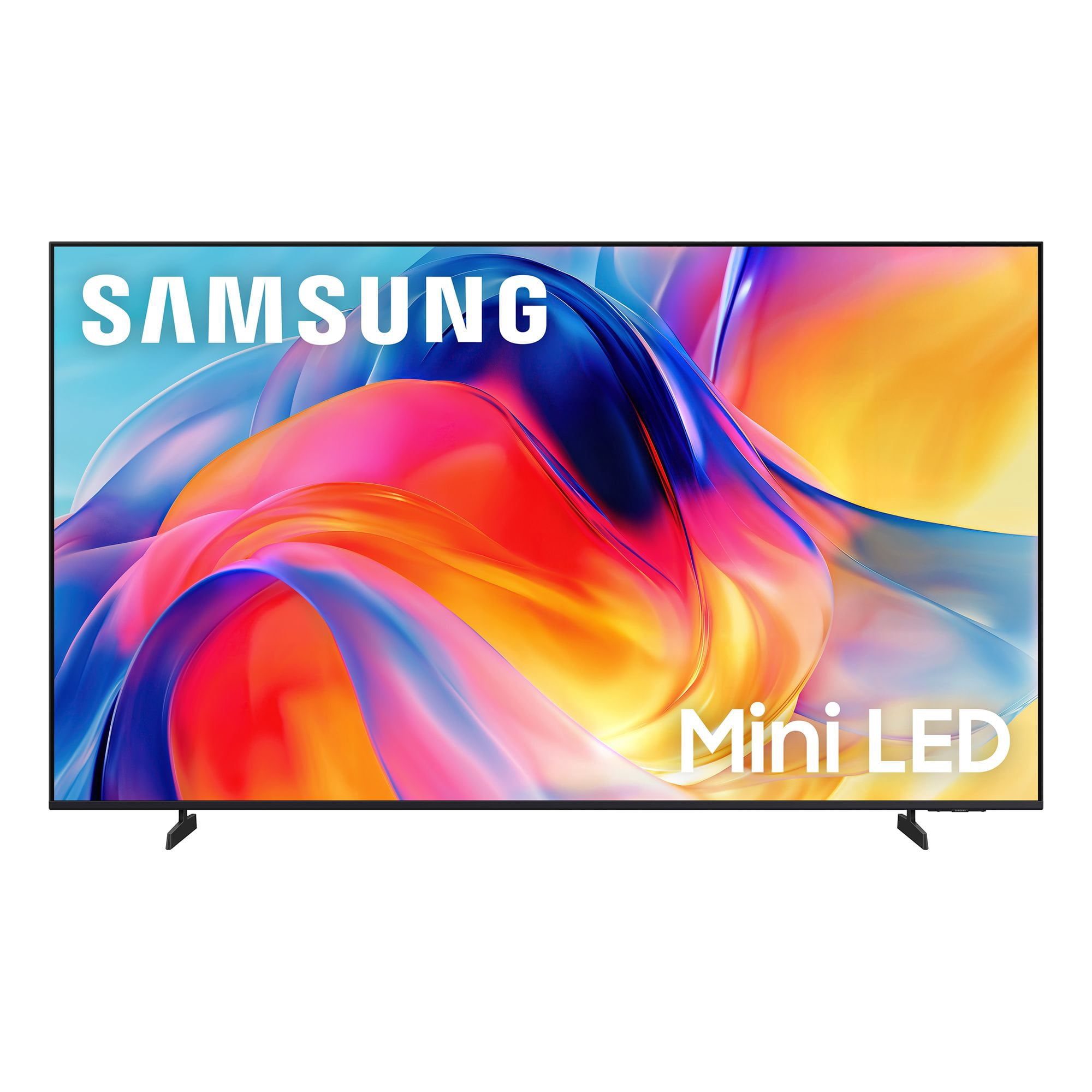
SAMSUNG 65” Class M70H Series Mini LED 4K UHD Vision AI Companion Smart Tizen TV
4.5 out of 5 stars
stars
470 ratings446 reviews
  1. 5 stars71% (336)
  2. 4 stars15% (70)
  3. 3 stars7% (32)
  4. 2 stars5% (23)
  5. 1 star2% (9)

Member photos

  • +122 images
Sort by |
Showing 161-170 of 446 reviews
Aug 11, 2026
Reviewer name: C man
2 out of 5 stars
2 out of 5 stars review

Insufficient Remote Control "how to" information

[This review was collected as part of a promotion.] I like my TV, but I was shocked about how little information Samsung provided me. All I received in the box were simple instructions on how to install the legs. The remote was simply a circular button. Most of the time, new remotes are fairly intuitive. This one was not and I couldn't find any information on line, unless I wanted to pay for it. Please give your new TV owners a fighting chance to set up their new TV properly.

Review from Samsung US
Helpful?0XWIJWU36LZK19823766916
reply from Samsung Specialist

C man, We appreciate you sharing your experience with the included remote. To help you get the most from your TV and remote functions, you can download the full e-Manual and more by visiting Samsung’s website then navigating to: Support > Manual & Software > TVs & Home Theater. From there, you can search for and select your M70HD TV model to view or download the available guides. The e-Manual & Remote Control Guide are also conveniently built into your TV: Settings > Support > Tips and User Guides Learn TV Remote is another feature designed to help users become familiar with the layout and function of each button on the Samsung remote. When enabled, pressing any button (except the Power button, which will still turn off the TV) will prompt the TV to announce the button’s name and its purpose – without affecting TV operation. This teaching mode is especially useful for users who are visually impaired or new to Samsung remotes. To enable this feature, go to: Settings > All Settings > General & Privacy > Accessibility > Learn TV Remote. To exit, simply press the Return key twice. If you’d like more assistance with this feature, please reach Samsung Support at 1-800-SAMSUNG (8AM – 9PM EST Mon – Fri, 8AM – 6PM Sat – Sun). LiveChat agents are also available through the ‘Support’ link on our website. ~ Samsung Specialist

Aug 20, 2026
Reviewer name: Hall
3 out of 5 stars
3 out of 5 stars review

Needs a better remote

[This review was collected as part of a promotion.] The TV itself was wonderful Color comes in good pictures great But the remote is worthless It does not work well with my fingers and luckily I had a previous Samsung remote that works great on this one but if I hadn't had that I would've been up a creek and probably would've taken the TV back

Review from Samsung US
Helpful?0XWIJWU36LZK19823766916
reply from Samsung Advisor

Hi Hall, Thank you for your feedback on the M70HD TV remote. Please know your opinion is important to us and will be shared with our internal teams. If you have any questions or need help, call 1-800-SAMSUNG (8AM – 9PM EST Mon – Fri, 8AM – 6PM Sat – Sun), or reach us via text 24/7. You can also visit ‘Support’ on our website for: • Live Chat • Manuals, Software, & Warranty Info ~ Samsung Advisor

Aug 17, 2026
Reviewer name: DOUG
5 out of 5 stars
5 out of 5 stars review

Excellent Picture , Set Up was very easy , almost does it itself , voice assistant will drive you nuts until you shut her off but is helpful..A lot of new feature compared to my 55 Crystal UHD... barcde scanning of apps such as YouTube TV or YouTube make signing in a breeze with your smartphone.....Nice TV

Helpful?0XWIJWU36LZK19823766916
Sep 7, 2026
Reviewer name: Patricia
3 out of 5 stars
3 out of 5 stars review

Samsung customer

[This review was collected as part of a promotion.] Hello I've always been a Samsung TV customer But this TV that I had just bought in July The sound increases with a commercials. Also do not have cable I have apps only And when I Tune in to an app I have no volume for a couple minutes. This has just started happening the last three weeks. I will be contacting your technical dept. soon.

Review from Samsung US
Helpful?0XWIJWU36LZK19823766916
reply from Samsung Advisor

Hi Patricia, Thank you for your review. If you're not hearing sound from your M70HD TV, please try the following: • Check your volume and mute settings, and confirm external speakers are powered on. • If using HDMI ARC/eARC, make sure you’re using a certified HDMI cable and go to: Settings > All Settings > Sound > Expert Settings > HDMI eARC Mode = Auto. Also enable Anynet+ (HDMI-CEC) under External Device Manager. • For Optical, be sure the external audio device is on before connecting, and set Sound Output = Optical. • For Bluetooth, try unpairing and reconnecting: Settings > Sound > Sound Output > Bluetooth Speaker List • For Wi-Fi speakers, use: Sound Output > Wi-Fi Speaker Surround Setup and make sure both devices are on the same network. You can also try running a Sound Test: Settings > Support > Device Care > Self Diagnosis > Sound Test If you’re noticing volume fluctuations, try enabling Auto Volume to help maintain consistent levels: Settings > All Settings > Sound > Expert Settings > Auto Volume If your issue continues, we’re happy to help at 1-800-SAMSUNG (8AM – 9PM EST Mon – Fri, 8AM – 6PM Sat – Sun). Our LiveChat agents are also available by clicking the ‘Support’ link at Samsung.com. ~ Samsung Advisor

Sep 5, 2026
Reviewer name: Tv junkie
3 out of 5 stars
3 out of 5 stars review

Bought 2 Tv's a 65" neo qled and a mini led 75"

[This review was collected as part of a promotion.] I purchased a 75 mini led, upon installation the tv would come on then after 10 minutes shut down. A tec looked at it and said the board needs replaced! Not happy to have a new tv repaired i returned it and got a different model! Happy with this one.

Review from Samsung US
Helpful?0XWIJWU36LZK19823766916
reply from Samsung Advisor

We're sorry to hear that you had issues with your M70HD TV and appreciate your patience in dealing with the hassle of a return. If you decide to explore Samsung TVs again in the future, we’re always here to support you - whether it’s setup, features, or troubleshooting. Reach us anytime at 1-800-SAMSUNG (8AM – 9PM EST Mon – Fri, 8AM – 6PM Sat – Sun), or visit the ‘Support’ section of our website for LiveChat, manuals, and more. ~ Samsung Advisor

Sep 21, 2026
Reviewer name: Steve
5 out of 5 stars
5 out of 5 stars review

Samsung rules

[This review was collected as part of a promotion.] Samsung delivers exceptional quality for the price . My Home entertainment system is all Samsung , great quality and value …. Wouldn't have it any other way. Thank you Samsung for valuing your customers and providing us with great products …. Keep up the great work…. Forever will be a loyal customer to the brand …it's speaks for itself…. .

Review from Samsung US
Helpful?0XWIJWU36LZK19823766916
Aug 29, 2026
Reviewer name: TV watcher
5 out of 5 stars
5 out of 5 stars review

Great TV, not great remote control set up

[This review was collected as part of a promotion.] Not crazy about the remote control set up. The volume buttons are not the best to use. I struggle to turn it up and then it suddenly gets really loud when I just wanted it a bit louder. Same issue with reducing the volume. Wish we could turn off the AI option.

Review from Samsung US
Helpful?0XWIJWU36LZK19823766916
Aug 10, 2026
Reviewer name: Coolpines
5 out of 5 stars
5 out of 5 stars review

Great Television

[This review was collected as part of a promotion.] Great television for the price, color and brightness are perfect for living room near window and responds to lighting. Looking forward to football season already! Great product, already recommended to others for purchasing.

Review from Samsung US
Helpful?0XWIJWU36LZK19823766916
Sep 21, 2026
Reviewer name: Samsung Lady
5 out of 5 stars
5 out of 5 stars review

The AI TV is Very Awesome.

[This review was collected as part of a promotion.] I totally Love my New AI Television it is Fantastic the only problem I have had is with the Remote Control. I am starting to learn how to use it, but it has been very frustrating for me. I am a 70 year old woman. And had to have my Grandson help me. I would love to know if I could buy an extra Remote Control for it. It is so small, I'm afraid of something happening to it. Thank You for letting me tell you my thoughts about My New Samsung Television. I have a 65 inch Samsung in my living room, and the New Samsung 55 inch in my bedroom. I also have a Samsung Laptop, and a Samsung Tablet. So I have been a Samsung Customer for Many Years.

Review from Samsung US
Helpful?0XWIJWU36LZK19823766916
Aug 20, 2026
Reviewer name: Deesdeuce
5 out of 5 stars
5 out of 5 stars review

Great screen & features

[This review was collected as part of a promotion.] This mini-LED 55" TV is a wonderful value with beautiful screen quality & features. The brightness and color are top notch. Only negative is Samsung's log-on process to receive free Samsung Plus channels as it was very cumbersome.

Review from Samsung US
Helpful?0XWIJWU36LZK19823766916