Skip to Main Content
Sam's Club
Sam's Club
All Departments
All Services
Customer reviews for SAMSUNG 65” Class M70H Series Mini LED 4K UHD Vision AI Companion Smart Tizen TV for
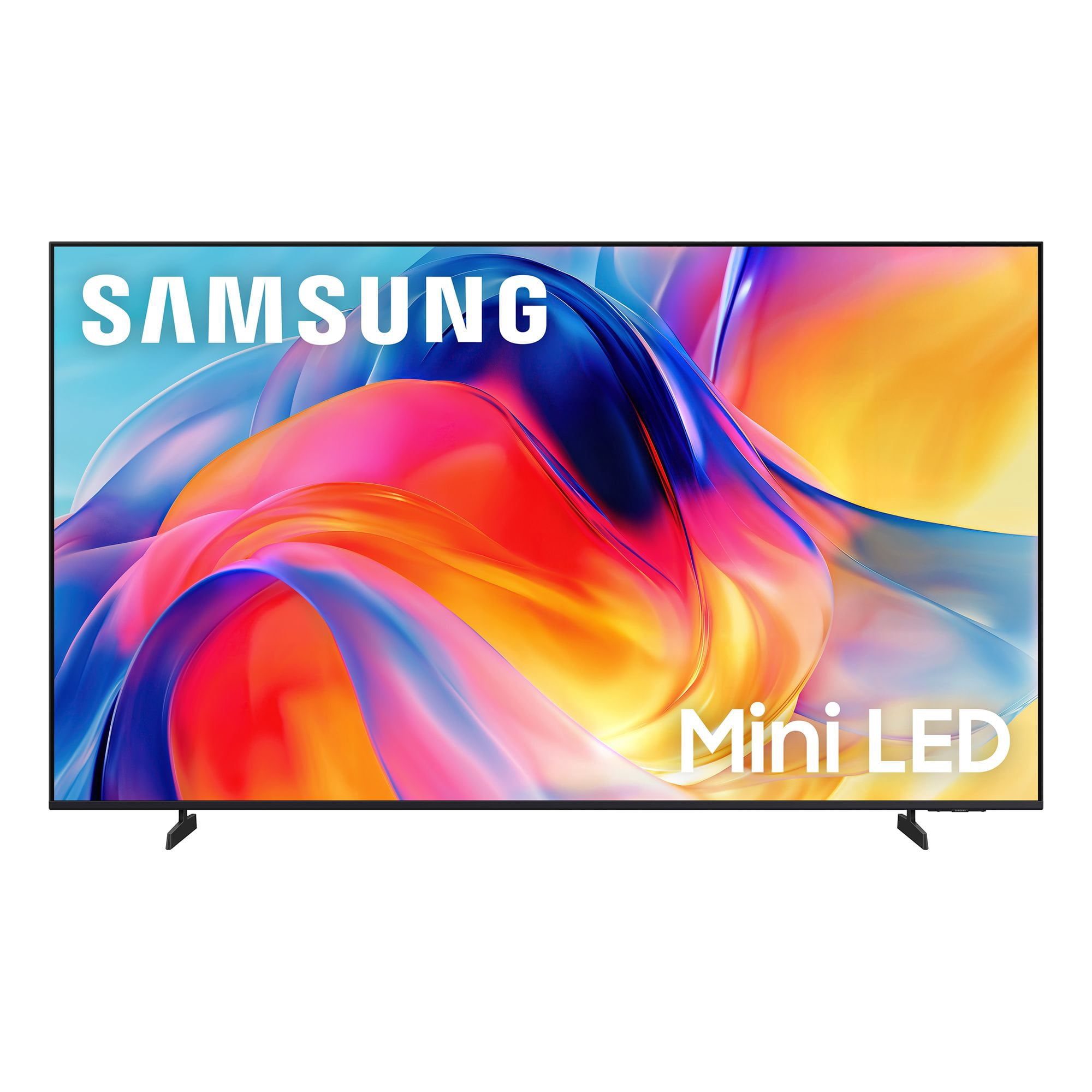
SAMSUNG 65” Class M70H Series Mini LED 4K UHD Vision AI Companion Smart Tizen TV
4.5 out of 5 stars
stars
470 ratings446 reviews
  1. 5 stars71% (336)
  2. 4 stars15% (70)
  3. 3 stars7% (32)
  4. 2 stars5% (23)
  5. 1 star2% (9)

Member photos

  • +122 images
Sort by |
Showing 171-180 of 446 reviews
Sep 5, 2026
Reviewer name: Milo
5 out of 5 stars
5 out of 5 stars review

Amazing experience

[This review was collected as part of a promotion.] The colors are wonderful and the brightness like I haven't had before in other tvs. The color contrast are seamlessly. This is a tv that I will enjoy for years to come. Colors tend to blend so uniformly, you think is right in real life.

Review from Samsung US
Helpful?0XWIJWU36LZK19823766916
Aug 20, 2026
Reviewer name: Coach
5 out of 5 stars
5 out of 5 stars review

excellent quality

[This review was collected as part of a promotion.] Still getting used to features abut picture quality is perfect. Colors and contrast are excellent along with the brightness. This 65 inch Samsung replaced another 65 inch Samsung which was about seven years old and the picture would not emerge, just the sound. I have owned no other brand in the last fifteen years and well satisfied with the quality.

Review from Samsung US
Helpful?0XWIJWU36LZK19823766916
Sep 5, 2026
Reviewer name: Adolfo
5 out of 5 stars
5 out of 5 stars review

LOVE MY SAMSUNG TV

[This review was collected as part of a promotion.] Samsung tv are the best, best picture and contrast, very live color so crystal clear, mini led tv love the brightness,the apps build in and the interface are the best and work so we'll with my Samsung phone.

Review from Samsung US
Helpful?0XWIJWU36LZK19823766916
Aug 20, 2026
Reviewer name: Marty5223
3 out of 5 stars
3 out of 5 stars review

TV great! Remote is the worse!

[This review was collected as part of a promotion.] Great picture and sound! Remote is horrible! No microphone button! Can't use Alexa which is shown on box! I have no cell! I can't use my outdoor cameras because I can't use Alexa or Bixby without cell! Warranty great on tv.

Review from Samsung US
Helpful?0XWIJWU36LZK19823766916
reply from Samsung Advisor

Hi Marty5223, Thank you for sharing your review. Your TV Works With Alexa, meaning you’ll need to connect a standalone Alexa device such as an Echo speaker, to control compatible smart home devices and some experiences on your TV. Here are the steps: 1. Download both the Amazon Alexa and Samsung SmartThings apps, if you don't already have them. Both are available for iOS or Android devices. 2. Make sure your Alexa device and TV are both connected to the same Wi-Fi network. 3. Your TV must be enabled within the SmartThings app. If not, make sure you are signed in with your Samsung account on the TV: Settings > All Settings > Samsung Account 4. Log in to the SmartThings app with the same Samsung account. Tap Devices, and if your TV isn’t already shown, tap + to add it to the app. 5. In the Alexa app, enable the SmartThings skill and sign into your Samsung account. This will automatically connect your Samsung TV to Alexa and let you use voice commands to control your television. If you need more help, we’re here. Give us a call at 1-800-SAMSUNG (8AM – 9PM EST Mon – Fri, 8AM – 6PM Sat – Sun). You can also connect with a LiveChat agent through the Support link on our website. ~ Samsung Advisor

Sep 5, 2026
Reviewer name: Xxxx
2 out of 5 stars
2 out of 5 stars review

Very unhappy.

[This review was collected as part of a promotion.] The tv looks great when on, if I can get it to cooperate with me on the streaming service I want. I set up the tv, set up all my streaming services and for two weeks I could get it to go to the service i wanted. Now it will only go to the ROKU channel no matter what I select. Unusable at this point. Very unhappy.

Review from Samsung US
Helpful?0XWIJWU36LZK19823766916
reply from Samsung Advisor

Hi, Thank you for your review. If you've successfully logged in to your Samsung Account but Smart Hub isn’t loading or functioning correctly, try the following steps: 1. Check your internet connection: Go to Settings > Network > Network Status to confirm the TV is connected to a stable network. 2. Cold boot your TV: With the TV on, press and hold the Power button on your remote until the TV turns off and back on. This can help clear temporary glitches. 3. Reset Smart Hub: Go to Settings > Support > Device Care > Self Diagnosis > Reset Smart Hub. This will reset Smart Hub apps and settings (you may need to log back into your apps). 4. Check for firmware updates: Go to Settings > Support > Software Update > Update Now to ensure you’re running the latest version. If Smart Hub still doesn’t load after these steps, we’re happy to assist further. Please contact Samsung Support at 1-800-SAMSUNG (8AM – 9PM EST Mon – Fri, 8AM – 6PM Sat – Sun). LiveChat and additional support resources are also available through the Support link on our website. ~ Samsung Advisor

Sep 20, 2026
Reviewer name: C Iwa
1 out of 5 stars
1 out of 5 stars review

Remote control is wacko
[This review was collected as part of a promotion.] We cannot or should I say I cannot get your remote control to work so most of the time I throw the channel I want from my iPhone I so want a return this TV get my money back and never get a Samsung again

Review from Samsung US
Helpful?0XWIJWU36LZK19823766916
reply from Samsung Advisor

Hi CIwa, We appreciate your feedback regarding remote performance. If your remote is unresponsive or slow: 1. Re-pair it – Hold Return and Play/Pause for 5+ seconds within 1 foot of the TV. 2. Check battery level – Home > left directional key > Settings > All Settings > General & Privacy > Remote Control Charge via sunlight or USB-C cable (Samsung-branded recommended). 3. Update firmware – Settings > Support > Software Update > Update Now 4. Run Device Care to boost performance – Settings > Support > Device Care > Start Device Care If these steps don’t resolve the issue, please contact Samsung Support at 1-800-SAMSUNG (8AM – 9PM EST Mon – Fri, 8AM – 6PM Sat – Sun). LiveChat is also available through the ‘Support’ link on our website. ~ Samsung Advisor

Nov 11, 2026
Reviewer name: Anonymous
5 out of 5 stars
5 out of 5 stars review

Verified Purchase

Samsung TV

Happy with TV

Helpful?0XWIJWU36LZK19823766916
Sep 20, 2026
Reviewer name: RedJohn
5 out of 5 stars
5 out of 5 stars review

Good TV for the money.

[This review was collected as part of a promotion.] Great picture, nice sound! It was a small upgrade for us from 75-85 but the picture is a nice difference from our Visio

Review from Samsung US
Helpful?0XWIJWU36LZK19823766916
Sep 20, 2026
Reviewer name: Pooh
5 out of 5 stars
5 out of 5 stars review

Loving my tv

[This review was collected as part of a promotion.] I love everything about my tv, the picture, the 4k additions, the Samsung plus channels got me about to cancel my cable tv, i

Review from Samsung US
Helpful?0XWIJWU36LZK19823766916
Sep 20, 2026
Reviewer name: BobH
5 out of 5 stars
5 out of 5 stars review

Great TV

[This review was collected as part of a promotion.] Great Samsung TV, the colors are bright and sharp. Very easy to surf channels and find my picks. The price was better than other brands.

Review from Samsung US
Helpful?0XWIJWU36LZK19823766916