Skip to Main Content
Sam's Club
Sam's Club
All Departments
All Services
Customer reviews for SAMSUNG 65” Class M70H Series Mini LED 4K UHD Vision AI Companion Smart Tizen TV for
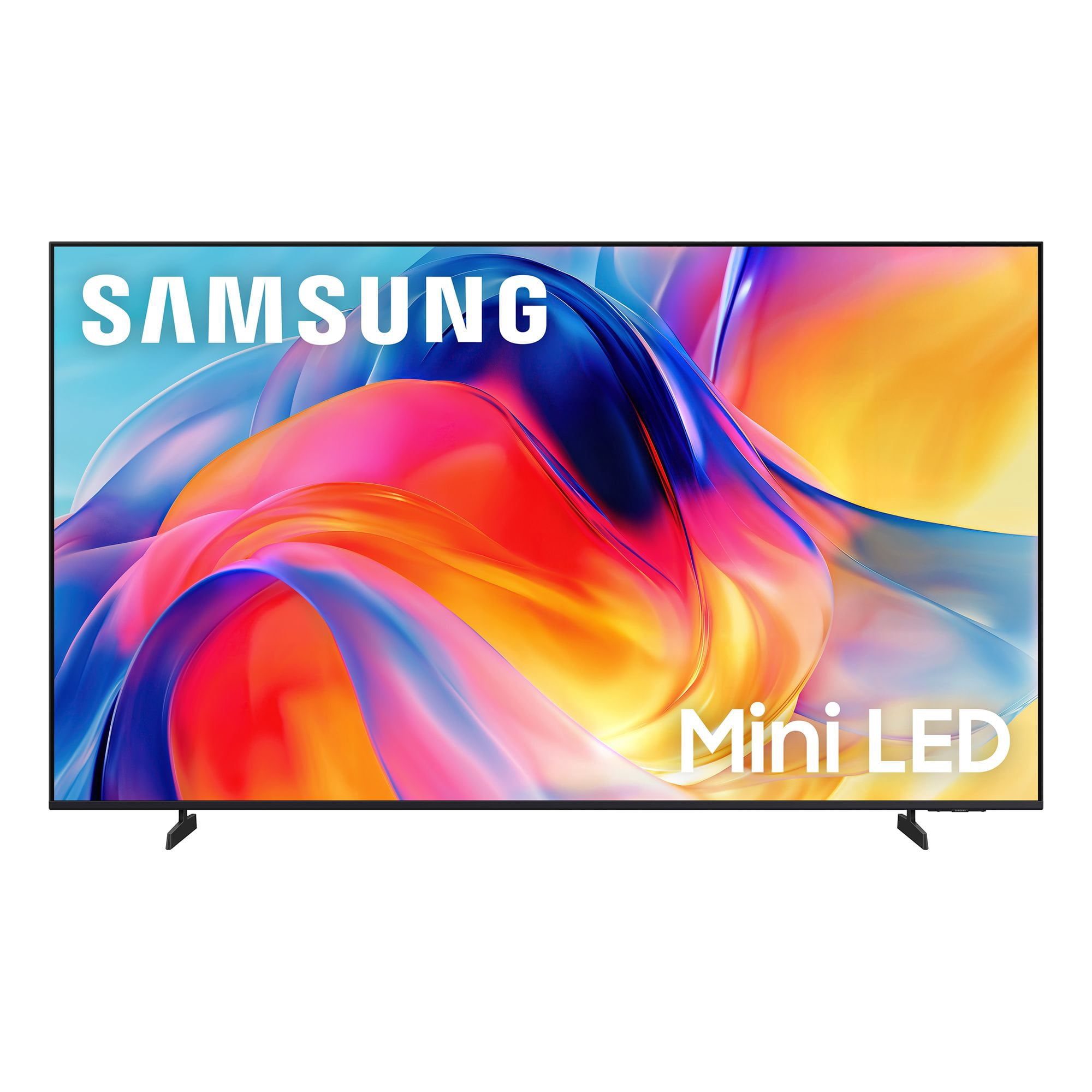
SAMSUNG 65” Class M70H Series Mini LED 4K UHD Vision AI Companion Smart Tizen TV
4.5 out of 5 stars
stars
470 ratings446 reviews
  1. 5 stars71% (336)
  2. 4 stars15% (70)
  3. 3 stars7% (32)
  4. 2 stars5% (23)
  5. 1 star2% (9)

Member photos

  • +122 images
Sort by |
Showing 151-160 of 446 reviews
Sep 6, 2026
Reviewer name: CHICO
5 out of 5 stars
5 out of 5 stars review

75in upgrade to 85in great decision
[This review was collected as part of a promotion.] Great TV and so much more. Colors brilliant and bright sound is great. Images are beautifully defined. Samsung TV is great with so much to watch with out streaming services. AI technology and easy wireless connectivity makes respone time very fast.

Review from Samsung US
Helpful?0XWIJWU36LZK19823766916
Aug 20, 2026
Reviewer name: Smiles
5 out of 5 stars
5 out of 5 stars review

Awesome TV

[This review was collected as part of a promotion.] The TV is better then the Sony that I had. The color, sound, and the brightness. When you click to turn it on it comes up so fast and turns off fast. I have eye problems and the TV is so clear and don't hurt my eyes when I watch it like the Sony. I can't say anything wrong with it.

Review from Samsung US
Helpful?0XWIJWU36LZK19823766916
Aug 21, 2026
Reviewer name: Mojo
5 out of 5 stars
5 out of 5 stars review

Giant television
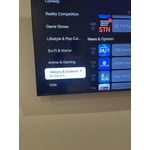
[This review was collected as part of a promotion.] My son got me a new television fort the place I just moved in to and it's huge! It's on the wall and the picture is beautiful. It's the biggest television I've ever seen in a house in my 85 years. It even has Internet TV and I can watch nature programs wherever I want to.

Review from Samsung US
Helpful?0XWIJWU36LZK19823766916
Sep 5, 2026
Reviewer name: George
1 out of 5 stars
1 out of 5 stars review

This TV is bad news!!!

[This review was collected as part of a promotion.] It's is very difficult to start it up. The sound will not go up very loud. The BOSE sound bar isn't working now! The TV shuts itself off after 30 minutes. My extenal BOSE speakers are not working now!!!

Review from Samsung US
Helpful?0XWIJWU36LZK19823766916
reply from Samsung Advisor

Hi George, We're sorry to hear you are experiencing issues with your M70HD TV. If you're not hearing sound from your connected device over HDMI ARC or eARC, here are some steps that can help: 1. Confirm proper port connection. Make sure you're using the HDMI port labeled ARC or eARC on both your TV and the connected device (like a soundbar or receiver). Use a High-Speed HDMI cable with Ethernet (HEC) or Ultra High-Speed HDMI cable to ensure full functionality. 2. Enable HDMI eARC Mode. Go to: Home > left directional key > Settings > All Settings > Sound > Expert Settings > HDMI eARC Mode, and set it to Auto. 3. Enable Anynet+ (HDMI-CEC). ARC and eARC require HDMI-CEC to function. Go to: Settings > All Settings > General & Privacy > External Device Manager > Anynet+ (HDMI-CEC) and set it to On. 4. Adjust Digital Output Audio Format. Some receivers and soundbars may not support all audio formats. Go to: Settings > All Settings > Sound > Expert Settings > Digital Output Audio Format, and set this to Auto if your audio device does not support Dolby Digital+ or other advanced formats. If your device does support higher formats, Pass-Through can be selected to send audio directly without additional processing from the TV. 5. Check TV firmware. Updates may improve compatibility and resolve sound issues. Go to: Settings > Support > Software Update > Update Now to install the latest version. If the issue continues, try restarting both the TV and the audio device, switching HDMI cables, or toggling Anynet+ off and back on. If you need further help, please reach out to Samsung Support at 1-800-SAMSUNG (8AM – 9PM EST Mon – Fri, 8AM – 6PM Sat – Sun). LiveChat agents are also available on the ‘Support’ section of our website. ~ Samsung Advisor

Aug 13, 2026
Reviewer name: Unclejesse420
5 out of 5 stars
5 out of 5 stars review

Amazing quality tv

[This review was collected as part of a promotion.] Picture quality both movie and game console is amazing. The Amazon app luma tha tcan be downloaded is absolutely awesome so you don't have to physically have any console connected to play games. Sound is amazing as well.

Review from Samsung US
Helpful?0XWIJWU36LZK19823766916
Sep 20, 2026
Reviewer name: HeidiV
4 out of 5 stars
4 out of 5 stars review

Great picture, remote sucks

[This review was collected as part of a promotion.] The color is great, but the sound control on the remote is annoying. The remote is not user friendly as to turn up the volume goes to mute most of the time. There are no number so you can dial a channel in quicker, instead you have to scroll through all the channels to get what you want.

Review from Samsung US
Helpful?0XWIJWU36LZK19823766916
reply from Samsung Advisor

Hi HeidiV, Thanks for your feedback on the remote. Many buttons have multiple functions—for example, press Volume UP/DOWN to adjust sound, press once to mute, or hold to access Accessibility Shortcuts. The RETURN button also acts as a back key or last-channel toggle depending on the context. If you ever need help with your remote or want to learn more shortcuts, we’re here to assist. You can reach us at 1-800-SAMSUNG (8AM – 9PM EST Mon – Fri, 8AM – 6PM Sat – Sun), or reach us via text anytime. You can also visit ‘Support’ on our website for: • Live Chat • Manuals, Software, & Warranty Info ~ Samsung Advisor

Sep 7, 2026
Reviewer name: Fabiolous
1 out of 5 stars
1 out of 5 stars review

Disappointed.

[This review was collected as part of a promotion.] I was excited to purchase this tv. To my disappointment I had to return it because, now Samsung only uses their own propriety operating system. Many things I can't download, then if you need purchase a firestick. More money. I just returned it and got a different brand that is more android friendly.

Review from Samsung US
Helpful?0XWIJWU36LZK19823766916
reply from Samsung Advisor

Hi Fabiolous, Thank you for your feedback. Samsung does use its own Operating System. Tizen is designed to work seamlessly with Samsung features like Multi View, Game Bar, and Samsung TV Plus (free live TV). It also gives you a clean, customizable interface with fast app switching and SmartThings built right in. We hope you’ll consider Samsung again in the future. If you do, we’re always here to help with setup and support. Reach us at 1-800-SAMSUNG (8AM – 9PM EST Mon – Fri, 8AM – 6PM Sat – Sun)or visit our website to chat live and access manuals or software. ~ Samsung Advisor

Aug 20, 2026
Reviewer name: HodgePodge
5 out of 5 stars
5 out of 5 stars review

Great display and better remote for older users

[This review was collected as part of a promotion.] This 65" Samsung replaced a similar 12 yr. old 55" display that was being used by an older family member. I found that the smart TV options stopped working properly and some of the streaming apps were no longer supported. I considered adding a ROKU devices to overcome these issues but more remotes=confusion for my older non-technical family members. Once I placed the display in the room they were amazed. Those extra few inches really filled the room with a bright clear image. We immediately noticed a difference in the crispness of the broadcast tv and the level of brightness that could be obtained. The bezel free display looks like it is floating over the credenza/cabinet below. One thing I wasn't sure about was the remote. It is smaller and replaces the older 90 button one that frequently confused my non-tech user. This remote with less button has limited the mistaken menu selections that have me getting a txt asking me to look at what they broke on the TV. On the negative, the start screen is a little busy for the older crowd. I have worked through the options and eliminated some of the home screen clutter but if there was a way to have just the sources of TV and apps show up that would be more helpful. Grandma doesn't need to be bothered with the multiple streaming service options flashing in her face.

Review from Samsung US
Helpful?0XWIJWU36LZK19823766916
Aug 17, 2026
Reviewer name: Dinesh
5 out of 5 stars
5 out of 5 stars review

OLED-Like Picture Quality at a Great Price

[This review was collected as part of a promotion.] I'm really impressed with the picture quality. The colors are vibrant and accurate, and the image quality looks almost like an OLED display. The brightness is excellent, and the contrast is deep and impressive. The TV is also very responsive, with smooth navigation across apps. Another thing I really like is the consistent sound quality—the audio level and performance remain uniform across different apps. Overall, a great TV with excellent picture quality, performance, and sound.

Review from Samsung US
Helpful?0XWIJWU36LZK19823766916
Sep 7, 2026
Reviewer name: Samsung mini
3 out of 5 stars
3 out of 5 stars review

Contrast and color

[This review was collected as part of a promotion.] The contrsast on my Samsung 65 inch QLED Mini I just purchased August 2026 was not what I expected. In the store the color look much clearer. I got it home and it was totally different. The color almost look like the old 65 inch I purchased in 2021. I don't want to keep buying TVs every five years. The color is dark and still the same ,even after I adjusted it. I'm going to exchange it .

Review from Samsung US
Helpful?0XWIJWU36LZK19823766916
reply from Samsung Advisor

Hi Samsung mini, Thank you for your feedback on the Samsung M70HD TV. If the picture appears unclear, dull, or lacks definition, there are several settings you can adjust to improve clarity and overall image quality. Go to: Settings > All Settings > Picture > Expert Settings, and review these key settings: Picture Clarity Settings: While originally intended for motion handling, these can also impact overall clarity • Off: Disables motion enhancements • Auto: Automatically adjusts based on content • Custom: Lets you fine-tune: o Judder Reduction – Helps smooth out uneven motion o LED Clear Motion – Boosts sharpness in fast-moving content o Noise Reduction – Reduces distortion and enhances detail in lower-resolution sources Core Picture Settings • Brightness – Controls overall screen brightness • Contrast – Enhances the difference between bright and dark areas • Sharpness – Adjusts edge definition; closer to 20 increases detail • Color – Enhances depth and intensity of colors And don’t forget to check for the latest firmware, which may improve performance: Settings > Support > Software Update > Update Now These adjustments can make a noticeable difference in overall clarity. If you need further help tailoring the settings to your preferences or environment, please contact Samsung Support at 1-800-SAMSUNG (8AM – 9PM EST Mon – Fri, 8AM – 6PM Sat – Sun). LiveChat is also available via the ‘Support’ link on our website. ~ Samsung Advisor