
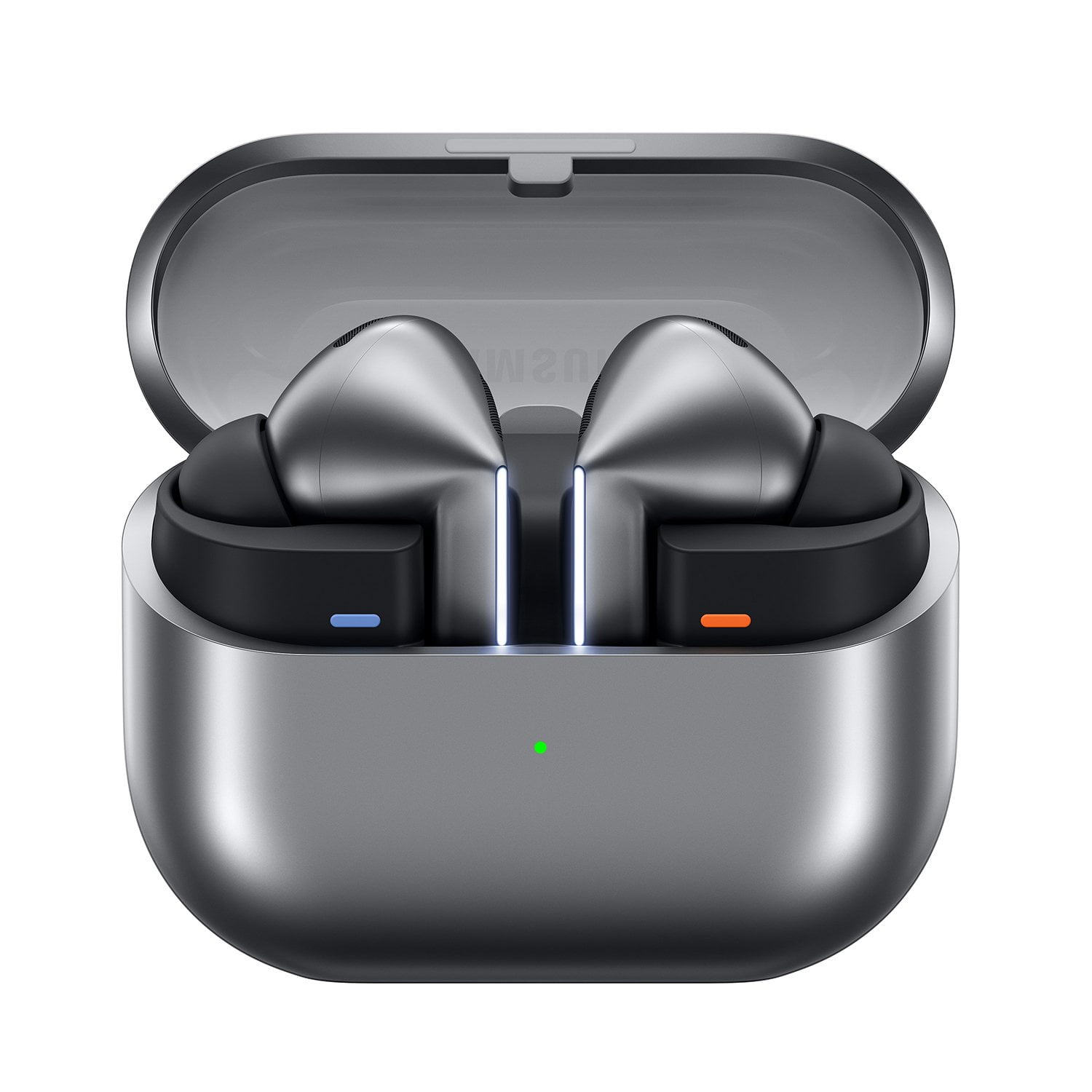
Member photos


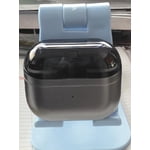
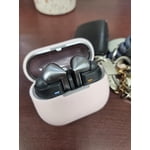
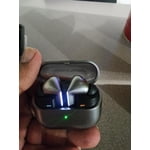
 +3976 images
Very good buds
[This review was collected as part of a promotion.] Use these buds everyday for work and they perform very well. It is not perfect but I think I might just have bad ears because nothing fits really well. Features and syncing with my Samsung phone also perfect
Even a better fit
[This review was collected as part of a promotion.] I previously used the Buds Pro 2 and while they were a very good set of buds I had a few issues. The most frequently encountered issue was with the fit while running, biking, or even while merely doing yard work and having a bud pop out. When repeating the bud I would then invariably turn off whatever I was listening to by touching the bud. The 3's have provided a more secure fit, improved sound quality, and are easier to handle. No more fiddling around to reseat them and vastly fewer instances of turning things off while trying a different action. Overall the integration with my S24 Ultra has been seamless. The 3's have been a fantastic upgrade for me.
Love the features of the product
[This review was collected as part of a promotion.] I love the new interpreter feature built into the buds I really found it useful to be able to speak such as play music or stop music very helpful as I'm working around the house or working out the new ambient noise in adaptive noise feature was done very nicely
Clear Sound, Smart Features, and a Comfortable Fit
[This review was collected as part of a promotion.] The Galaxy Buds 3 Pro are everything I wanted in wireless earbuds. The sound is rich and balanced, and the noise cancellation is strong enough to block out distractions during work or my commute. What really impressed me is the integration of Galaxy AI. It automatically adjusts audio based on my environment and even helps with real-time translation when I travel. They fit comfortably for long wear and the battery life easily gets me through the day. These are the smartest earbuds I’ve ever used.
Good Audio and design
[This review was collected as part of a promotion.] The Galaxy Buds3 Pro audio is very good; they are super easy to connect. If it is the first time connecting, it shows a little animation. The design is also good, and the LED light makes the design even better.
Comfortable, excellent build and sound quality !
[This review was collected as part of a promotion.] I have many earbuds from samsung! And this is the best one i got so far! Excelente quality and a lot a features! Noise cancelation it's amazing! And the feature that lower the music when you talk! Love it! If you have a tablet from samsung. It's transferes seemingly

Half step forwards, three steps back
I got these after using the original galaxy buds for 5 years and these are worse in everyway besides sound, they're more uncomfortable, don't stay in your ears, I personally don't like how they look, and the squeeze controls don't work great if your doing anything with gloves or if your hands and dirty and you don't want to rub them on your face trying to change a song
Aloha Josh, Thanks for taking the time out of your busy day to share your thoughts with us about your Samsung Galaxy Buds3 Pro. As we strive to be innovative and make improvements on the design and functionality of our product line, your feedback is invaluable. You'll get better sound quality from your Buds3 Pro, they'll fit more comfortably, and they'll stay in your ears if you're wearing them correctly. Wearing them improperly can cause discomfort, sound leaks, and makes them more likely to fall out. As you know, the Galaxy Buds3 Pro come with different sized ear tips. The first thing you want to do is make sure they have the right size tips for your ears. You want them to fit so that there isn't a gap between your ear and the ear tip. This helps to avoid sound leaks and ensure optimal audio. Once you have the right tips on your buds: 1. Check the bottom of the earbuds for directional marks. You will see an L and an R. 2. Insert the R bud into your right ear with the R facing you. 3. Insert the L bud into your left ear with the L facing you. 4. Angle the blade slightly so that the microphone on the bottom is pointing towards your mouth rather than straight down. 5. You can adjust the buds by rotating them forwards and backwards until the fit feels right. You can also run an earbud fit test in the Galaxy Wearable app to ensure you have the proper fit. To run an Earbud fit test, 1. Open the Galaxy Wearable app on your connected phone. 2. From the Buds3 Pro screen, tap Sound quality and effects. 3. Tap Earbud fit test. 4. The screen will display either In ear or Not in ear. Make sure both buds are in your ears, and then tap Start. 5. The buds will chime for a few seconds, and then the app will display your results. It may say Poor fit or Good fit. If the fit is poor, make small adjustments and then tap Try again. 6. Continue running the fit test and making adjustments until you get a good fit result for both buds. If you would like more information regarding fit, feel free to review, "How to wear your Samsung Galaxy Buds3 and 3 Pro. The blades on the Galaxy Buds3 Pro are touch-sensitive to allow for intuitive controls like pinch gestures for music playback and swipe gestures for volume adjustment. If you would like to share any other feedback with us or if you would like further assistance after reviewing the resource shared, please feel free to reach out to Support. Thank you for being a steadfast Samsung customer. - Debra Samsung Support smsng.us/Samsung-Support Warranty Info smsng.us/Warranty-Info Facebook Messenger smsng.us/Facebook-Messenger X Messages https://smsng.us/X-Messages Samsung Community smsng.us/Samsung-Community Buds3 Pro https://www.samsung.com/us/mobile-audio/galaxy-buds3-pro/ How to wear your Samsung Galaxy Buds3 and 3 Pro https://www.samsung.com/us/support/answer/ANS10003519/
Definitely a first generation of the stem design
[This review was collected as part of a promotion.] You can definitely tell it's there first time dipping their toes into the stem design. I have three major complaints. 1. The slightest bit of debris causes the microphones and the charging connectors to not work. Which means you're constantly having to clean the stems of the earbuds and the connectors inside the case. That also means that nine times out of 10 I can't use the voice commands. 2. The way the earbuds get placed into the case is in a awkward Direction and some might even say it's backwards. It's definitely not straightforward and intuitive it goes against what you would naturally want to do. Which can mean on your first attempt you don't put them in right or it causes you to drop them because you have to rearrange the way that your butt is. 3. Lastly, I don't know what it is with the wireless charging but just about any case you put on it and it causes the wireless charging do not work.
Thank you for sharing your thoughts about the Galaxy Buds3 Pro! We genuinely appreciate your feedback and appreciate you sharing your experience. For the concerns about debris affecting the microphones and connectors, we recommend cleaning the earbuds and charging case regularly with a soft, dry cloth. This simple maintenance can help enhance performance and ensure a great experience. Regarding the earbud placement in the charging case, we designed it to provide a secure fit, but we understand it may require a little adjustment. Try gently sliding the earbuds in at a slight angle to align with the magnets, which can make it feel a bit more natural. As for the wireless charging, ensuring that you use a compatible case is key, as certain cases might affect functionality. If you ever need assistance or have more questions, please don’t hesitate to reach out to us at Samsung Support. -Kelvin smsng.us/Samsung-Support smsng.us/Facebook-Messenger smsng.us/X-Messages smsng.us/Samsung-Community smsng.us/Warranty-Info smsng.us/Samsung-Care-Plus
Favorite way to listen to music
[This review was collected as part of a promotion.] Highly capable earbuds. Rich sound, and capable ambient noise control make for a great combo. Ive owned my earbuds since they were first released and they are still my favorite way to listen to music.
Samsung buds pro
[This review was collected as part of a promotion.] Sound quality is great, buds keep falling off the ear very difficult to keep it intact inside, sometimes during call we will try to touch them so that the buds don't fall and this touch would disconnect the call, so had to turn off the touch to answer/reject call feature. Also most of the times when placing buds back into case, it notifies that they are not properly placed in the case and not charging.
We appreciate your feedback regarding the Galaxy Buds3 Pro, Srikanth! We're thrilled to see that you're enjoying the excellent sound quality! One of our goals with these buds was to deliver an immersive audio experience. We noted your concerns about the earbuds fitting securely. The Galaxy Buds3 Pro is designed with an ergonomic shape to enhance comfort and stability for all our customers. We recommend experimenting with different ear tip sizes included in the package, as the perfect fit can significantly improve stability. You can also check out the link attached for more options to help you get a better fit. Regarding the touch controls, we appreciate your input! The ability to customize controls is a feature designed to enhance your experience. If frequent touch activation during calls is a concern, we recommend adjusting the buds from the top, rather than the stem. Lastly, concerning the earbuds not charging properly when placed back in the case, ensure that the charging contacts are clean and that you are gently placing the buds into the case for optimal contact. If you continue to experience difficulties, checking that the case is clean can also help improve the charging connection. We value your experience and feedback, and we are continuously working to improve our products. If you have any questions or concerns, please be sure to reach out to us at Samsung Support. Thank you for being a part of the Samsung family! -Kelvin https://www.samsung.com/us/support/answer/ANS10003519/ smsng.us/Samsung-Support smsng.us/Facebook-Messenger smsng.us/X-Messages smsng.us/Samsung-Community smsng.us/Warranty-Info smsng.us/Samsung-Care-Plus