Skip to Main Content
Sams Club
Sams Club
Customer reviews for Samsung Galaxy Buds3 Pro for
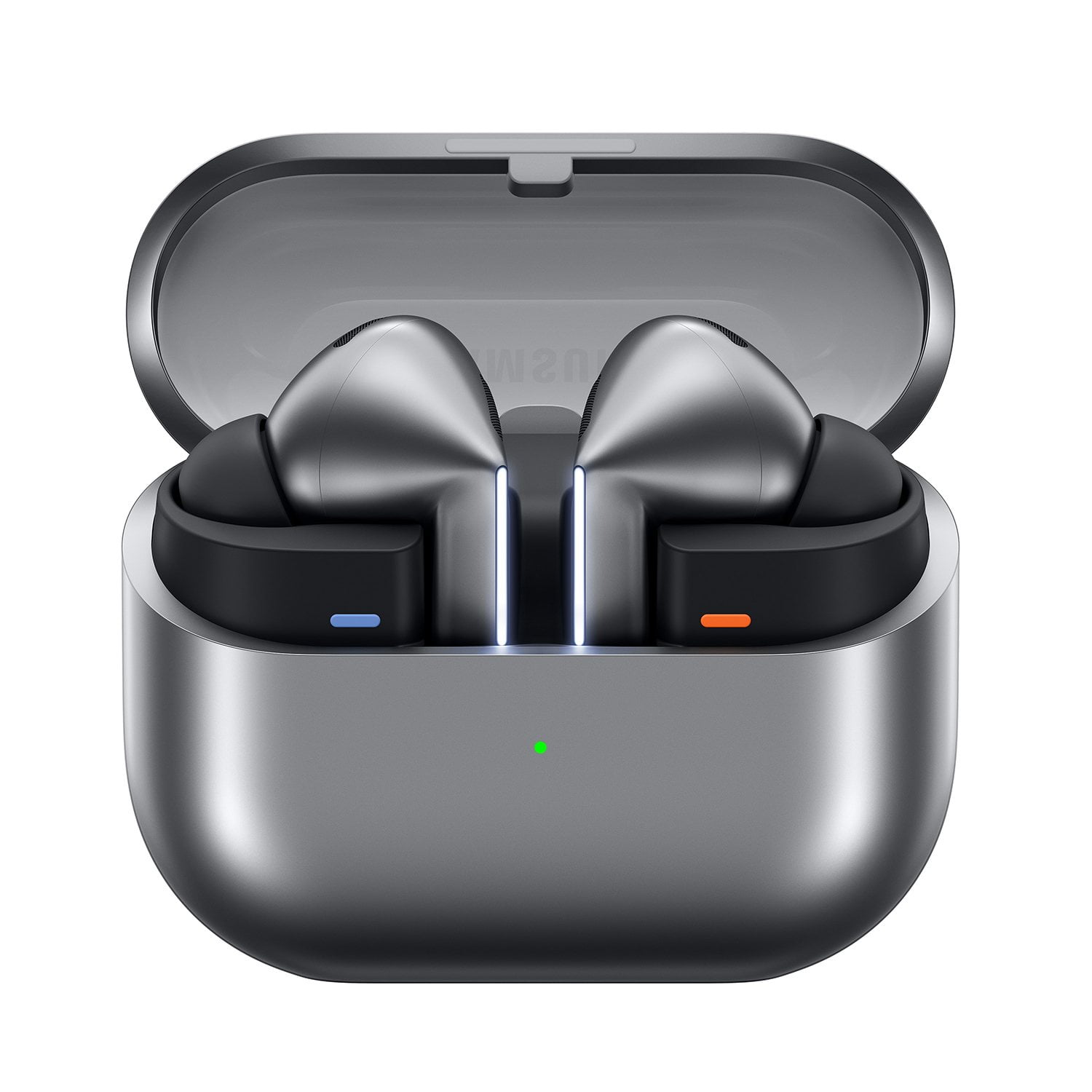
Samsung Galaxy Buds3 Pro

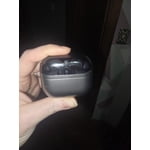
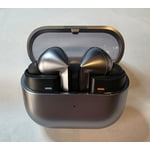
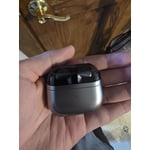
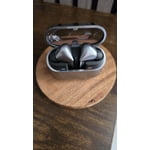
Member photos

  • +3557 images
Sort by |
Showing 6,331-6,340 of 13,602 reviews
Jul 26, 2024
Kcraviv
5 out of 5 stars review

Verified Purchase

Best Buds

These are the best bud I have ever had. The sound is great and has amazing bass.

Review from Samsung US
Helpful?3MTCIEJ7RGUC18797511992
Nov 21, 2024
Jason
3 out of 5 stars review

Verified Purchase

Not good with zoom

The buds 3 pro doesn't work very well with zoom call. Most of times, only one side works.

Review from Samsung US
Helpful?3MTCIEJ7RGUC18797511992
reply from Social Commerce

Hi Jason, we appreciate you sharing your thoughts about your Samsung Galaxy Buds3 Pro with us. We completely understand how important your earbuds are for your calls and meetings during the day. We have provided a link to an article to help you reset your earbuds. We have also shared a link to the Samsung Support Team to offer one on one assistance if this experience continues. Thank you for being a Samsung customer. -Elizabeth Restart or reset your Samsung earbuds https://www.samsung.com/us/support/troubleshooting/TSG01218103/ Samsung Support smsng.us/Samsung-Support Samsung Community smsng.us/Samsung-Community Facebook smsng.us/Facebook-Messenger X https://smsng.us/X-Messages

Sep 23, 2024
DrEinTN
5 out of 5 stars review

Verified Purchase

Incredible sound!

Incredible sound! Difficult to pair with Apple phones! Works fantastic!

Review from Samsung US
Helpful?3MTCIEJ7RGUC18797511992
Sep 28, 2024
Miller
5 out of 5 stars review

Verified Purchase

amazing

amazing sound and anc they have a nice fit as well

Review from Samsung US
Helpful?3MTCIEJ7RGUC18797511992
Jan 3, 2025
Alexandria
5 out of 5 stars review

Verified Purchase

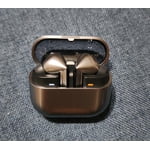
Fancy much? The color is perfect!

They’re so nice. Fancy looking . My bf loved them.

Review from Samsung US
Helpful?3MTCIEJ7RGUC18797511992
Nov 3, 2024
Anonymous
1 out of 5 stars review

Verified Purchase

Didn’t work

This equipment didn’t work for IPhones like translators

Review from Samsung US
Helpful?3MTCIEJ7RGUC18797511992
reply from Social Commerce

Hi there Estes Gallo, we appreciate your feedback on your Samsung Galaxy Buds3 Pro. We completely understand how exciting the new Galaxy AI features including Live Translate are for our customers. These features are enabled through a compatible Samsung phone that is running the Android Operating System. We have provided a link to the Samsung Support Team if you have any questions about the features of your Samsung products. Thank you for being a Samsung customer. -Elizabeth Samsung Support smsng.us/Samsung-Support Samsung Community smsng.us/Samsung-Community Facebook smsng.us/Facebook-Messenger X https://smsng.us/X-Messages

Sep 24, 2024
Brad
5 out of 5 stars review

Verified Purchase

Galaxy buds pro 3

They Rock! Great sound awesome hands free options.

Review from Samsung US
Helpful?3MTCIEJ7RGUC18797511992
Feb 22, 2025
Apalm107
5 out of 5 stars review

Verified Purchase

Excellent

Excellent sound, outside noise cancelation on point.

Review from Samsung US
Helpful?3MTCIEJ7RGUC18797511992
Dec 10, 2024
S pods
5 out of 5 stars review

Verified Purchase

Great earbuds

Noise canceling feature works great. Easy to pair with Galaxy phone.

Review from Samsung US
Helpful?3MTCIEJ7RGUC18797511992
Feb 26, 2025
Jimmy
3 out of 5 stars review

Verified Purchase

review

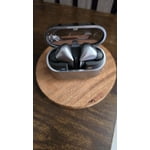
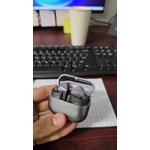
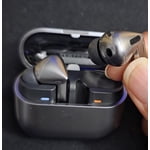
apperance is good but not easy to use. It is hard to get them back to the case.

Review from Samsung US
Helpful?3MTCIEJ7RGUC18797511992
reply from R&R Team

Thanks for sharing your candid feedback on the Galaxy Buds3 Pro, Jimmy. We really appreciate your insights and want to help you get the best experience with your buds. We see that you may be having some difficulties with the charging process. The Galaxy Buds3 Pro provide up to 26 hours of playtime per charge, which can be extended to up to 30 hours with a fully charged case. Remember, the charging case also has its own charge, and fortunately, you can charge both your earbuds and the case at the same time. To charge your earbuds, first, open the earbud charging case that came with them. Place the buds into their corresponding slots in the case and then close the lid. You can charge both earbuds at the same time or place just one in the case. Just keep in mind that the battery life will differ if they are charged separately. Next, connect the charging cable to the USB charging port on the back of the charging case, then plug the other end of the charging cable into a power source, such as a wall outlet. Please be aware that when the battery is completely drained, the case or buds need at least 20 to 30 minutes to turn on. If you have any questions or need any further assistance, please be sure to reach out to us at Samsung Support. -Kelvin smsng.us/Samsung-Support smsng.us/Facebook-Messenger smsng.us/X-Messages smsng.us/Samsung-Community smsng.us/Warranty-Info smsng.us/Samsung-Care-Plus