
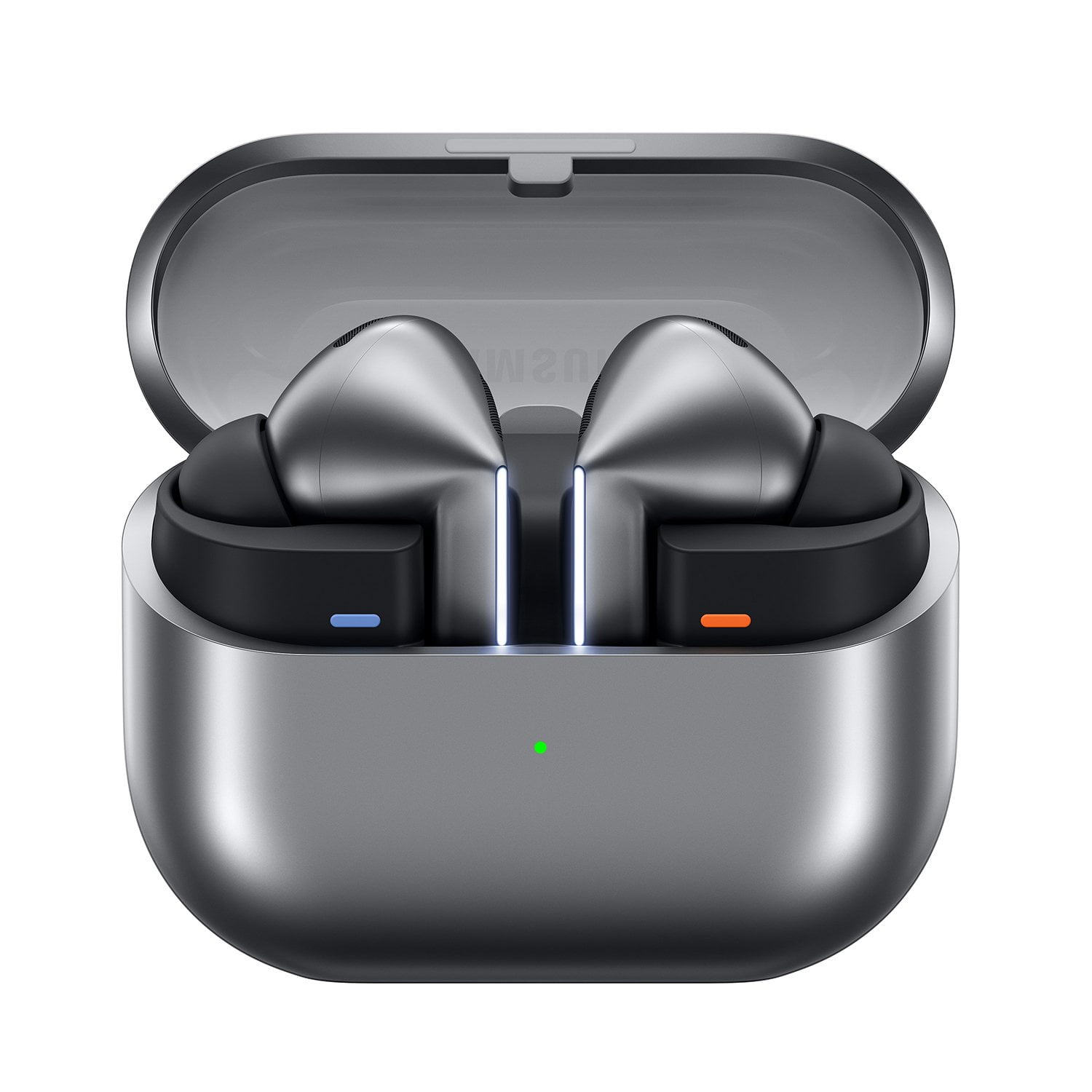
Member photos


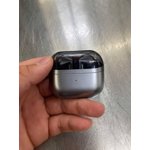

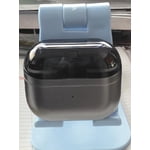
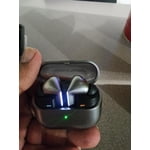 +3978 images
Okay entry.
[This review was collected as part of a promotion.] I use them for music and phone calls. Sound sometimes has a bit of static. Nice to be able to connect more than one device without resetting the buds. Uneven seams on the body of the buds as well. Expected better quality for the price.
Hi there Sammy6, thank you for your feedback on your Samsung Galaxy Buds3 Pro. We would love nothing more than to help you troubleshoot the audio quality and static you mention with your device. We have provided a link to an article to help you with this matter at your convenience. We have also provided a link to the Samsung Support Team if you would like to discuss your experience with the inconsistency of design or audio quality. They can also answer any questions you may have about your Samsung products. Thank you for being a Samsung customer. -Elizabeth No, low, or poor audio quality on Samsung earbuds https://www.samsung.com/us/support/troubleshooting/TSG01111323/ Samsung Support smsng.us/Samsung-Support Samsung Community smsng.us/Samsung-Community Facebook smsng.us/Facebook-Messenger X https://smsng.us/X-Messages
Best sound around
[This review was collected as part of a promotion.] My Samsung Bud Pro was one of the best gifts that I received quality of the song the Easy Connect being able to locate them when I can't find them I love these earbuds before I get these I will go through earbuds please four times and 2 months definitely a smart purchase
Galaxy buds 3pro
[This review was collected as part of a promotion.] Love my new buds first cause the awesome futuristic look, noise canceling is awesome the touch controls are the best I've ever tried till now and the incorporated IA is very useful for studies and research
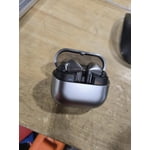
Best headphones on the market
[This review was collected as part of a promotion.] The buds 3 pros are such an upgrade from the last buds 2. If you have multiple samsung devices using them between all devices are a breeze! I can be listening to music on my phone, while scrolling through Social media on my tablet, select a video and it will play over my music on my phone! Using Galaxy AI on your headphones is very easy also you just click and hold for Gemini and can ask it anything you want without needing to pull out your phone. I love how all samsung devices connect with ease.
This products quality is amazing.
[This review was collected as part of a promotion.] The sound quality and appearance of this product are exceptional. I would consider purchasing another pair. The only drawback is the price, which I find to be slightly excessive. Nevertheless, it remains a remarkable product.
Nice Features But Design Issues
[This review was collected as part of a promotion.] The sound quality is great compared to the Buds FE, Live, and the other variations I have had. The biggest complaint I have is the buds fall constantly. The Galaxy Buds Live were the only ones that fit my ear with never falling out.
Howdy Baker78, Thanks for taking the time out of your hectic day to share your thoughts with us about your Samsung Galaxy Buds3 Pro. We appreciate your feedback as we strive in providing the best products with superior functionality on the market for our customers. Wearing your earbuds properly is important for many reasons. You'll get better sound quality from them, they'll fit more comfortably, and they'll stay in your ears. Wearing them improperly can cause discomfort, sound leaks, and makes them more likely to fall out. As you know, the Galaxy Buds3 Pro come with different sized ear tips. The first thing you want to do is make sure they have the right size tips for your ears. You want them to fit so that there isn't a gap between your ear and the ear tip. This helps to avoid sound leaks and ensure optimal audio. Once you have the right tips on your buds: 1. Check the bottom of the earbuds for directional marks. You will see an L and an R. 2. Insert the R bud into your right ear with the R facing you. 3. Insert the L bud into your left ear with the L facing you. 4. Angle the blade slightly so that the microphone on the bottom is pointing towards your mouth rather than straight down. 5. You can adjust the buds by rotating them forwards and backwards until the fit feels right. You can also run an earbud fit test in the Galaxy Wearable app to ensure you have the proper fit. To run an Earbud fit test, 1. Open the Galaxy Wearable app on your connected phone. 2. From the Buds3 Pro screen, tap Sound quality and effects. 3. Tap Earbud fit test. 4. The screen will display either In ear or Not in ear. Make sure both buds are in your ears, and then tap Start. 5. The buds will chime for a few seconds, and then the app will display your results. It may say Poor fit or Good fit. If the fit is poor, make small adjustments and then tap Try again. 6. Continue running the fit test and making adjustments until you get a good fit result for both buds. If you would like more information regarding fit, feel free to check out "How to wear your Samsung Galaxy Buds3 and 3 Pro. If you would like any further assistance afterward, feel free to contact Samsung Support. Thank you for being a devoted Samsung customer. Debra Samsung Support smsng.us/Samsung-Support Warranty Info smsng.us/Warranty-Info Facebook Messenger smsng.us/Facebook-Messenger X Messages https://smsng.us/X-Messages Samsung Community smsng.us/Samsung-Community Buds3 Pro https://www.samsung.com/us/mobile-audio/galaxy-buds3-pro/ How to wear your Samsung Galaxy Buds3 and 3 Pro https://www.samsung.com/us/support/answer/ANS10003519/
Uncomfortable and poor construction quality
Great sound, in-app customization and noise controls. But quite uncomfortable and not much of an upgrade over the Buds2 Pro. They have a worse fit than the previous generation, hurting after 30 minutes with what the app deems a good fit, moreso with mouth movements such as talking or smiling. The base of the ear tips is too tight, making it prone to rip from the silicone when taking them off. Not as important, but the LED lights on the blades don't have the same brightness, which is a bit of an eyesore.
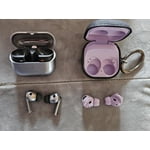
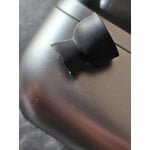
Hi there Hector, thank you for sharing your thoughts with us about your Samsung Galaxy Buds3 Pro. We are happy to hear you are enjoying your listening experience with the audio quality of your device. We would be happy to help you with the fit and changing the ear tips included with your device. We have provided a link below to an article to help you with the changing of the ear tips. We have also included links to the full device manual to help you with the LED light settings. Lastly, we have provided a link to the Samsung Support Team if you have additional questions or experience anything out of the ordinary with your device. Thank you for being a Samsung customer. -Elizabeth How to change the Samsung Galaxy Buds3 Pro eartips https://www.samsung.com/uk/support/mobile-devices/how-to-change-the-samsung-galaxy-buds3-pro-eartips/ Product Manuals https://www.samsung.com/us/support/downloads/ Samsung Support smsng.us/Samsung-Support Samsung Community smsng.us/Samsung-Community Facebook smsng.us/Facebook-Messenger X https://smsng.us/X-Messages
Small posts doesn't stay in ear
Ugh. It's sad how much support was offered before the purchase then they send you off to India. The headphones are smaller at the posts and fall 9ff when I walk even after changing runner thingies out. Then I was out of country when they came in. Bu the time I got to them I was 2 days too late for the return. Really?? Samsung has such good ratings but this product is a huge disappointment. It's like buying a beautiful pair of expensive gold earrings with posts that don't fit. Such a shame
Hi there La chona, we appreciate your feedback on your Samsung Galaxy Buds3 Pro. We understand how important the fit of your earbuds are to you every day. We have provided a link to an article to help you find the ideal fit, and recommend performing a fit test for any recommendations on the placement. We have lastly shared a link to the Samsung Support Team if this experience continues and you would like to discuss your experience further. Thank you for being a Samsung customer. -Elizabeth How to wear your Samsung Galaxy Buds3 and 3 Pro https://www.samsung.com/us/support/answer/ANS10003519/ Samsung Support smsng.us/Samsung-Support Samsung Community smsng.us/Samsung-Community Facebook smsng.us/Facebook-Messenger X https://smsng.us/X-Messages
Ok so far
I got these bundled with my galaxy S25. Sound quality is great. Battery life is on par, if just a little less, than previous models (this is my third pair of galaxy buds). There is a bit of a learning curve for the new gestures and touch controls, and I find myself referring back to the manual often. I guess my biggest gripe is the form factor and comfort. If you are used to using airpods, then these will work for you. To me, they just aren't as comfortable in the ear as the Buds 2 Pro are. I find myself switching back and forth. As nice as these are, I don't think I'll be giving up the Buds 2 Pro anytime soon.
Stunning performance
[This review was collected as part of a promotion.] Sound quality is excellent, and so is battery life. The quality of the buds are great but my favorite feature is the adaptive ANC setti g that drops the volume switches to transparency mode when you are talking to someone.