Skip to Main Content
Sam's Club
Sam's Club
All Departments
All Services
Customer reviews for Samsung Galaxy Buds3 Pro for
Samsung Galaxy Buds3 Pro
4.4 out of 5 stars
stars
14.8K ratings14.8K reviews
  1. 5 stars69% (10.1K)
  2. 4 stars16% (2,431)
  3. 3 stars7% (1,038)
  4. 2 stars4% (564)
  5. 1 star4% (619)

Member photos

  • +3978 images
Sort by |
Showing 4,391-4,400 of 14,848 reviews
Feb 28, 2025
Reviewer name: AKPG
3 out of 5 stars
3 out of 5 stars review

Verified Purchase

Got it with Samsung phone

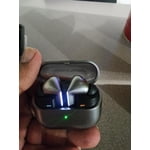
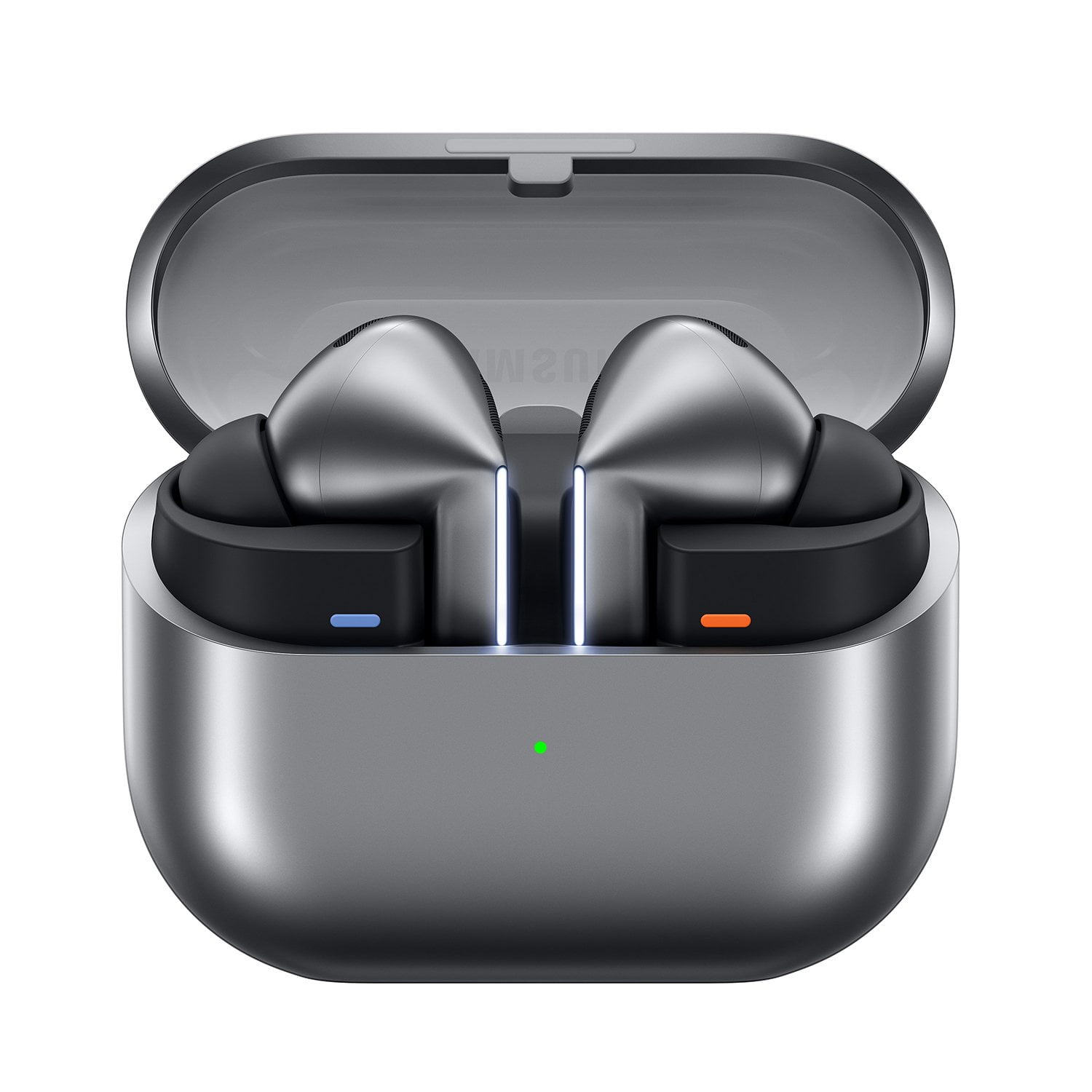
Noise cancellation is OK in a typical environment. However, the battery indication light is confusing.

Review from Samsung US
Helpful?3MTCIEJ7RGUC18797511992
reply from R&R Team

Thank you for your feedback on the Galaxy Buds3 Pro, AKPG! We’re glad to hear you find the noise cancellation effective in typical environments. Regarding the confusion with the battery indicator light, the Galaxy Buds3 Pro features blade lights that reflect their current status. These lights will activate in various situations, such as when you open or close the charging case, during pairing with a Galaxy device, or while searching for your earbuds. To enhance your experience, you can also activate the blade lights by pressing and holding the earbuds when they’re not being worn. Plus, you can customize the lighting style through the Galaxy Wearable app! Simply open the app on your connected device, tap on "Earbud controls," and then select "Earbud lights controls." You can choose from blinking, fade in and out, or steady to suit your preference. We hope this clarifies the functionality of the blade lights and enhances your experience with the Galaxy Buds3 Pro! If you have any further questions or feedback, feel free to reach out to us at Samsung Support. -Kelvin smsng.us/Samsung-Support smsng.us/Facebook-Messenger smsng.us/X-Messages smsng.us/Samsung-Community smsng.us/Warranty-Info smsng.us/Samsung-Care-Plus

Jun 21, 2025
Reviewer name: Patsy
5 out of 5 stars
5 out of 5 stars review

Verified Purchase

Marvelous Buds!

My Samsung Buds3 Pros are marvelous! They are clear and comfortable and the sound couldn't be any better!

Review from Samsung US
Helpful?3MTCIEJ7RGUC18797511992
Aug 18, 2025
Reviewer name: Anonymous
2 out of 5 stars
2 out of 5 stars review

Verified Purchase

Galaxy buds 3

Battery dose not last a full 8 hour shift. I wear them at work and batter dose not last. Only use for phone calls no music.

Review from Samsung US
Helpful?3MTCIEJ7RGUC18797511992
reply from R&R Team

Thanks for reaching out to us, Starlet. We appreciate you sharing your thoughts on the Galaxy Buds3 Pro. We love to see that you use them at work, but we want you to be able to enjoy every aspect of your buds. The Galaxy Buds3 Pro can last up to 26 hours on a single charge, and you can get up to 30 hours when using a fully charged case. To save battery life and make sure your earbuds last when you need them at work, keep them in the charging case with the lid closed when you're not using them. Also, you can change the notification settings in the Galaxy Wearable app if you have an Android phone, or in the Galaxy Buds app if you use iOS. Also, be sure to check the Wearable app for any updates for your buds and the connected device. These easy steps will help you get the most out of your earbuds’ battery. If you continue to experience this, don't hesitate to reach out to us at Samsung Support. -Kelvin smsng.us/Samsung-Support smsng.us/Facebook-Messenger smsng.us/X-Messages smsng.us/Samsung-Community smsng.us/Warranty-Info smsng.us/Samsung-Care-Plus

Sep 27, 2024
Reviewer name: Kelvin
4 out of 5 stars
4 out of 5 stars review

Verified Purchase

Top notch earphones but it falls off sometimes.

This is a great earphone, with lots of options. The only downside is it falls off your ears sometimes.

Review from Samsung US
Helpful?3MTCIEJ7RGUC18797511992
Nov 30, 2024
Reviewer name: GalaxD
5 out of 5 stars
5 out of 5 stars review

Verified Purchase

Great ear buds

The new shape fits my ear better without sacrificing sound quality. It actually blocks out the noise better.

Review from Samsung US
Helpful?3MTCIEJ7RGUC18797511992
Jul 11, 2025
Reviewer name: Anonymous
1 out of 5 stars
1 out of 5 stars review

Verified Purchase

Buds traded for new model.

Buds I traded in sounded better. Get a screeching sound with news ones. The ONLY reason I bought the new ones was because of fit.

Review from Samsung US
Helpful?3MTCIEJ7RGUC18797511992
reply from R&R Team

We appreciate you taking the time to share your experience with the Galaxy Buds3 Pro, John. We see that you've encountered a screeching sound with your new buds. When Active Noise Canceling, Adaptive, or Ambient Sound features are enabled, the sound coming through the sub-microphone is adjusted based on the noise control mode to enhance your listening experience. However, it's important to remember that if the area around the sub-microphone is accidentally touched or covered while putting the earbuds on or adjusting them, it might cause unexpected sounds like beeping or howling, as the microphone can pick up sounds it shouldn't. We truly appreciate your feedback, and we're glad to hear the fit works well for you! If you have any more questions or need assistance with this or anything else, please feel free to reach out to us at Samsung Support. -Kelvin smsng.us/Samsung-Support smsng.us/Facebook-Messenger smsng.us/X-Messages smsng.us/Samsung-Community smsng.us/Warranty-Info smsng.us/Samsung-Care-Plus

May 19, 2025
Reviewer name: Lauren K
4 out of 5 stars
4 out of 5 stars review

Verified Purchase

Unsure

Sound is great but they fall out of my ear and I can't figure out how to change the insert without harming the bud.

Review from Samsung US
Helpful?3MTCIEJ7RGUC18797511992
reply from R&R Team

Thank you for sharing your thoughts on the Galaxy Buds3 Pro, Lauren! We’re pleased that you appreciate the sound quality, but we hate to hear you’re having trouble with the fit. Finding the right earbud tips is essential for both comfort and sound experience. To help with changing the inserts without causing any damage, we recommend checking out this detailed guide in the link attached below. It offers step-by-step instructions to ensure you get the best fit for your ears! If you have any more questions or need further assistance, feel free to reach out to us at Samsung Support. -Kelvin https://www.samsung.com/us/support/answer/ANS10003496/ smsng.us/Samsung-Support smsng.us/Facebook-Messenger smsng.us/X-Messages smsng.us/Samsung-Community smsng.us/Warranty-Info smsng.us/Samsung-Care-Plus

Sep 11, 2024
Reviewer name: David
4 out of 5 stars
4 out of 5 stars review

Verified Purchase

Earbuds

I didn't receive different size ear bud replacements inside the package or I would have rated 5 stars

Review from Samsung US
Helpful?3MTCIEJ7RGUC18797511992
Jul 26, 2024
Reviewer name: Scrapsworld
5 out of 5 stars
5 out of 5 stars review

Verified Purchase

The best yet.

Great pair of buds. I've tried so many and also have the galaxy buds2 pro. These are so much better. Great, snug fit. Excellent sound and features.

Review from Samsung US
Helpful?3MTCIEJ7RGUC18797511992
Nov 30, 2024
Reviewer name: Danny
5 out of 5 stars
5 out of 5 stars review

Verified Purchase

Awesome

Way better compared to my previous Galaxy buds version and don't have to constantly readjust them to fit my ear

Review from Samsung US
Helpful?3MTCIEJ7RGUC18797511992