
Member photos
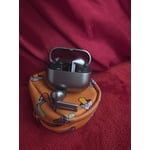
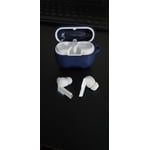
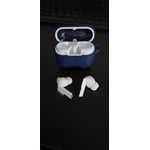
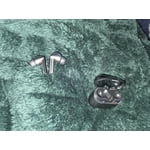
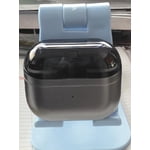
 +3977 images
Verified Purchase
Fantastic Earbuds
Recently got the buds 3 pro as an upgrade from my Sony xm4 earbuds that stopped working for no reason and I could not be happier. The buds sound great, are comfy, and work seamlessly with my s22+. I would recommend these to anyone with an android phone.
Verified Purchase
Worst iteration so far
These are the worst earbuds I've ever used for running. Forcing the pinch barely works, and when it does, your rubbing movement will absolutely pull these out of your ears. The sensors for the actions work about as often as a home printer and they feel extremely cheap. I don't know what else to say except this is the worst iteration of this product, having owned then all, and I'll never buy another pair.
Hi there Guerilla_rev, thank you for your feedback on your Samsung Galaxy Buds3 Pro. We completely understand how important your earbuds are to you every day for a range of activities. We understand that the new pinch feature can take some getting used to after using the previous version touch settings. We have provided a link to the full device manual to help you with all of the features and capabilities of your device, and the Samsung Support Team. These experts can work with you through chat to align your device to your needs, and ensure your earbuds are operating as intended. Thank you for being a Samsung customer. -Elizabeth Product Manuals https://www.samsung.com/us/support/downloads/ Samsung Support smsng.us/Samsung-Support Samsung Community smsng.us/Samsung-Community Facebook smsng.us/Facebook-Messenger X https://smsng.us/X-Messages
Verified Purchase
Great sounding TWS ear buds.
Great sounding ear buds. It's a little brighter than the Buds2 Pro. It sounds like a pair of regular iem. For those who've heard many TWS ear buds know that these ear buds sound a little off, But this pair sounds more natural. My only gripe is the ear tips suck. Why does Samsung change the tip every iteration? The silicone tips they provided are not great. I prefer foam tips. Why doesn't Samsung provide foam tips? And yes, the tips are hard to take off. I should say tricky. You have no grip to try to pull the collar, and pulling on the silicone will break it. Samsung, if you read this, just stick to the tube type ear tips like the Buds2 Pro. Changing it every time is a BAD idea, especially when the new one is junk.
Verified Purchase
Samsung can do better.
I was thinking they were like the wires samsung buds that came out years ago that was perfect buds for sound and fit only problem they were wired. Was super excited about these buds because of that and it turned out to not even being close to that product. I have the first galaxy buds and the sound quality is the same nothing special. The fit for the galaxy buds are better to. When i go to the gym I have to constantly adjust the fit because the movement dislodged the buds. I have tried all the rubber fittings and none work. I only continue to use them now for battery life and because it's the new style otherwise I'd choose my galaxy buds that I got almost 10 years ago now.
Hey Dave, thank you for your feedback on your Samsung Galaxy Buds3 Pro. We understand how important your earbuds are to you every day, and we would love to help you have the best experience possible with your device and troubleshoot any frustration you may be experiencing. For the fit of your device, we have provided a link to an article to help you with the fit and security of the earbuds for all of your daily activities. We also recommend doing a fit test with your earbuds while you are connected to the Samsung Wearables App. For the audio quality, we have provided a link to the full device manual to help you troubleshoot the audio profile to best align to your listening preferences. We have lastly shared a link to the Samsung Support Team to offer additional assistance for any frustrations or answer any questions you may have about your device. Thank you for being a Samsung customer. -Elizabeth How to wear your Samsung Galaxy Buds3 and 3 Pro https://www.samsung.com/us/support/answer/ANS10003519/ Product Manuals https://www.samsung.com/us/support/downloads/ Samsung Support smsng.us/Samsung-Support Samsung Community smsng.us/Samsung-Community Facebook smsng.us/Facebook-Messenger X https://smsng.us/X-Messages
Verified Purchase
Would be a 5 except ...
Galaxy Buds3 Pro will be my best BACKUP buds. Jabra Active 75T will remain in first place. They stay in my ears and sound great. The Buds3 Pro might sound even better, but it's hard to tell because do not stay in my ears despite trying all three tips. Seriously disappointing.

Thank you for sharing your thoughts about the Galaxy Buds3 Pro, MLobo! We truly appreciate your feedback. It’s fantastic to hear that you find the sound quality of the Buds3 Pro appealing. With a dynamic 2-way speaker system, they are designed to deliver rich and immersive audio experiences, making music and calls enjoyable. We understand that finding the perfect fit is crucial for the best sound quality and comfort. The Galaxy Buds3 Pro comes with multiple ear tip sizes to ensure you can find the right one for your ears. We encourage you to explore using the “Ear Tip Fit Test” feature available in the Galaxy Wearable app. This can help you determine which size will provide the best seal for your ears, enhancing both comfort and audio performance. It’s all about finding the perfect match for your lifestyle, and we’re here to support you on that journey. If you have any questions or need assistance with your Galaxy Buds3 Pro, please do not hesitate to reach out to us at Samsung Support. -Kelvin smsng.us/Samsung-Support smsng.us/Facebook-Messenger smsng.us/X-Messages smsng.us/Samsung-Community smsng.us/Warranty-Info smsng.us/Samsung-Care-Plus
Verified Purchase
Works great but issues charging.
The buds work good. Sound and calls are as good if not better then the buds2 pro i replaced them with. However after only having them less then a month the buds are having issues charging in its case. They wont charge if they are in my pocket or moved. I got to physically push the buds down in it's case and leave them set still to charge.
It's awesome to hear from you, Shaun. Thank you for sharing your feedback on the Galaxy Buds3 Pro. We're thrilled to see you're enjoying the sound quality and call performance, especially compared to your previous buds. The Buds3 Pro features an enhanced 2-way speaker system, which includes a woofer and tweeter that provide a wide frequency response, revealing the minute details in your music. To address the charging concern you’ve experienced, there are several steps you can take. First, ensure the earbuds are seated correctly in the case; if they are not fully in their designated spots, the charging contacts may not connect properly. Next, check for any debris on the charging contacts inside the case and on the earbuds, as dust or particles can obstruct the charging process. Additionally, inspect both the case and the earbuds for any signs of damage, as damaged components may need to be replaced. Finally, make sure to use the included USB cable and a Samsung-approved wall adapter for charging to ensure optimal performance. Products sold by Samsung are warranted against manufacturing defects in material and workmanship for the limited 12-month warranty period specified for each product. We also provide the option to add additional coverage with Samsung Care+ on eligible devices, which offers extended protection and additional support. All eligible mobile devices can be enrolled on Samsung.com at the time of device purchase, or within 60 days of device purchase at samsungcareplus.com. If these steps don't resolve the charging concern, please don't hesitate to reach out to us at Samsung Support for further assistance. We're here to help ensure you have the best experience with your Galaxy Buds3 Pro. -Kelvin smsng.us/Samsung-Support smsng.us/Facebook-Messenger smsng.us/X-Messages smsng.us/Samsung-Community smsng.us/Warranty-Info smsng.us/Samsung-Care-Plus
Verified Purchase
Buds 3 are better...
Can't give a ton of feedback, as I don't use them often. I've got the silver (original) Buds Pro. I've got the Buds 3 Pro as well. They're both pretty amazing! I'm pretty impressed with their sound quality. For the fit? BP3 has a distinct advantage. They don't fall out like the BP (OG.) Can't say anything about the BP2. If I'm riding my ebike down the road, I don't want my stuff just falling out onto the road.. It'll be interesting to see what people 3d print to combat that.
We appreciate you taking the time to share your thoughts on the Galaxy Buds3 Pro, Jamison! It's great to know you’re impressed with their sound quality. We design our earbuds to deliver immersive audio that really enhances your listening experience. We're also glad you appreciate the improved fit with the Buds3 Pro. Our team focused on creating a design that ensures a secure and comfortable fit, especially for those who are active, like when you’re riding your e-bike. We understand how important it is for them to stay in place while you're on the go. Your interest in potential 3D-printed solutions to keep the earbuds secure is interesting! It's always exciting to see how our community engages with their tech. If you have any more feedback or experiences to share, please do not hesitate to reach out to us at Samsung Support. -Kelvin smsng.us/Samsung-Support smsng.us/Facebook-Messenger smsng.us/X-Messages smsng.us/Samsung-Community smsng.us/Warranty-Info smsng.us/Samsung-Care-Plus
Verified Purchase
Great buds
I previously had the Buds 2 Pros and while they are great & currently my back-up pair, I really like these better. The stick design seems to fit my ears better, the sound & added features these bring are a huge plus as well. Definitely glad I decided to upgrade.
Verified Purchase
Must have Buds
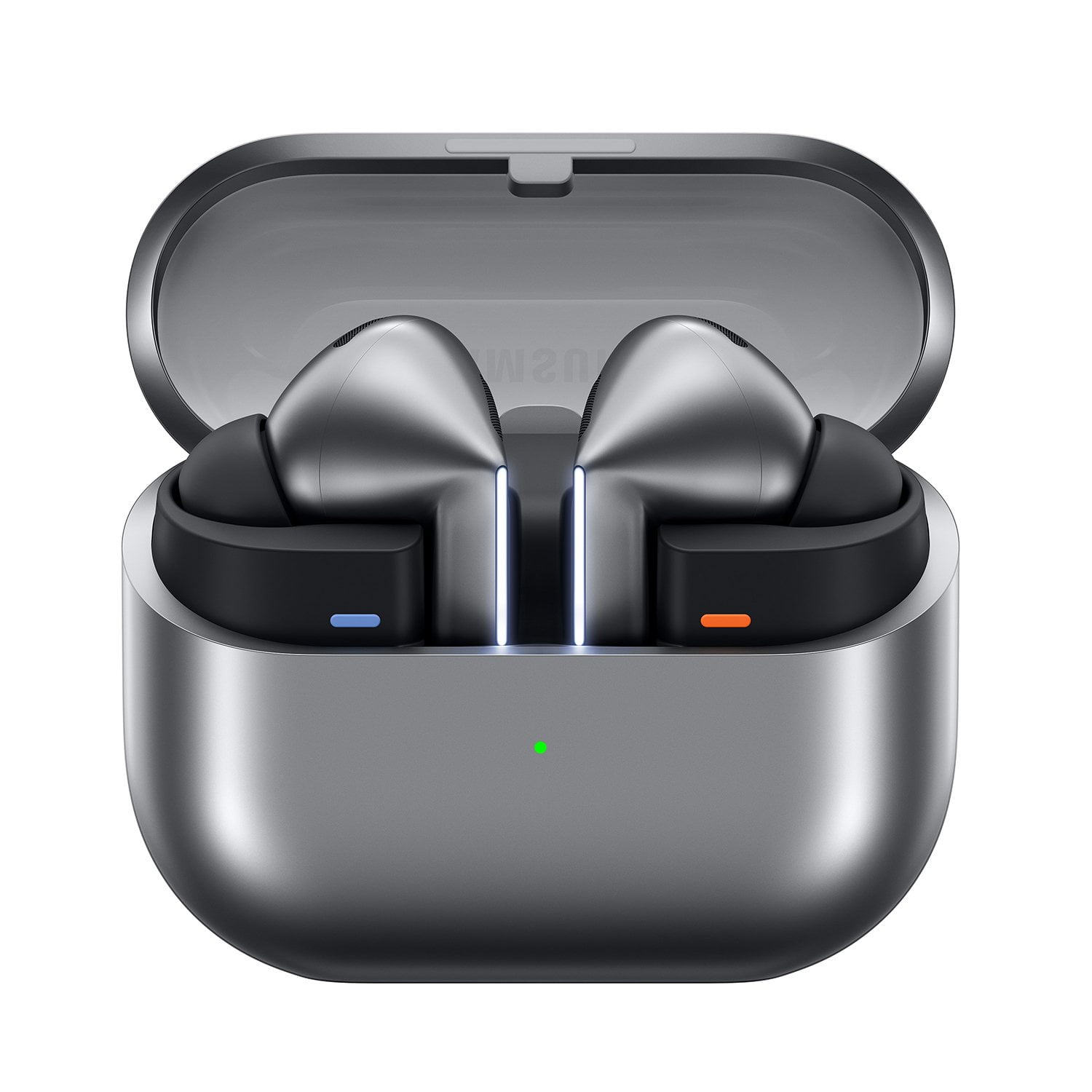
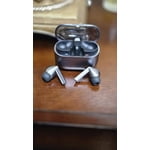
The Samsung Galaxy Buds3 Pro in Silver are a symphony of sound and style. These earbuds redefine the audio experience, delivering immersive sound quality that transports me to another world. The active noise cancellation is truly exceptional, effortlessly blocking out distractions and creating a serene listening environment. Whether I'm commuting, working, or simply unwinding, these earbuds provide the perfect sonic escape. The sleek silver design is not only visually appealing but also incredibly comfortable. The ergonomic fit ensures hours of wear without any discomfort, making them ideal for long listening sessions. The intuitive touch controls allow for seamless navigation of your music and calls, while the voice assistant integration offers hands-free convenience. The battery life is impressive, providing ample power for even the most demanding days. The fast charging feature ensures you're never left without your audio companion for long. The Galaxy Buds3 Pro also boast excellent call quality, with crystal-clear conversations even in noisy environments. Overall, the Samsung Galaxy Buds3 Pro in Silver are a premium audio solution that exceeds expectations. They offer a harmonious blend of exceptional sound quality, comfortable design, and advanced features. If you're seeking a truly immersive and convenient listening experience, these earbuds are a must-have.
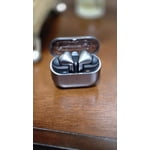
Verified Purchase
Garbage
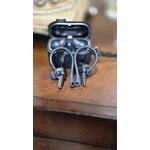
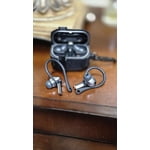
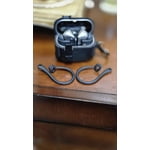
Horrible design, Horrible fit, even with changing the tips, they keep falling out of my ears. Charging always stops due to moisture. Can't get their case off of the buds case. Ear tips are not interchangeable with regular tips. I went back to tge buds 2 pro.
Thank you for sharing your feedback about the Galaxy Buds 3 Pro. We see that you have some concerns about the fit and design, as well as the charging. Our goal is to ensure that our products meet your expectations. We continually strive to improve our products, and your input is valuable to us. To assist you better, we would like to gather more information about the moisture issue you mentioned while charging your buds. For the fit, please ensure you have the correct size ear tips, as the Galaxy Buds 3 Pro come in various sizes. The tips should fit snugly without any gaps between your ear and the tip to prevent sound leaks and ensure optimal audio quality. If you need instructions on changing the tips, please refer to our guide for the Buds 3 Pro. Once the correct tips are installed, check the directional marks labeled "L" for left and "R" for right. Insert the right earbud into your right ear with the "R" facing you, and the left earbud into your left ear with the "L" facing you. Angle the earbuds slightly so that the microphone points toward your mouth rather than straight down, and adjust them by rotating them until they feel comfortable. You can also run an earbud fit test in the Galaxy Wearable app to ensure you have the proper fit. We hope that this helps you get the proper fit on your Buds3 Pro. Once again, we recommend reaching out to us at Samsung Support so that we can further assist you with what you are experiencing while trying to charge your buds. We look forward to hearing from you! -Kelvin Samsung Support. -Kelvin smsng.us/Samsung-Support smsng.us/Facebook-Messenger smsng.us/X-Messages smsng.us/Samsung-Community smsng.us/Warranty-Info smsng.us/Samsung-Care-Plus