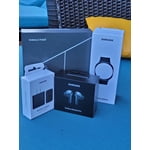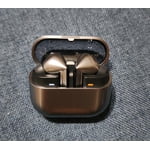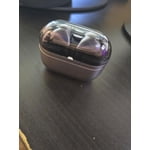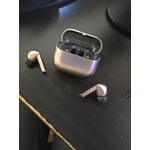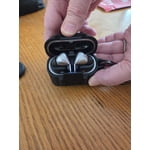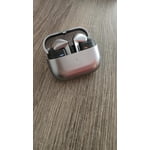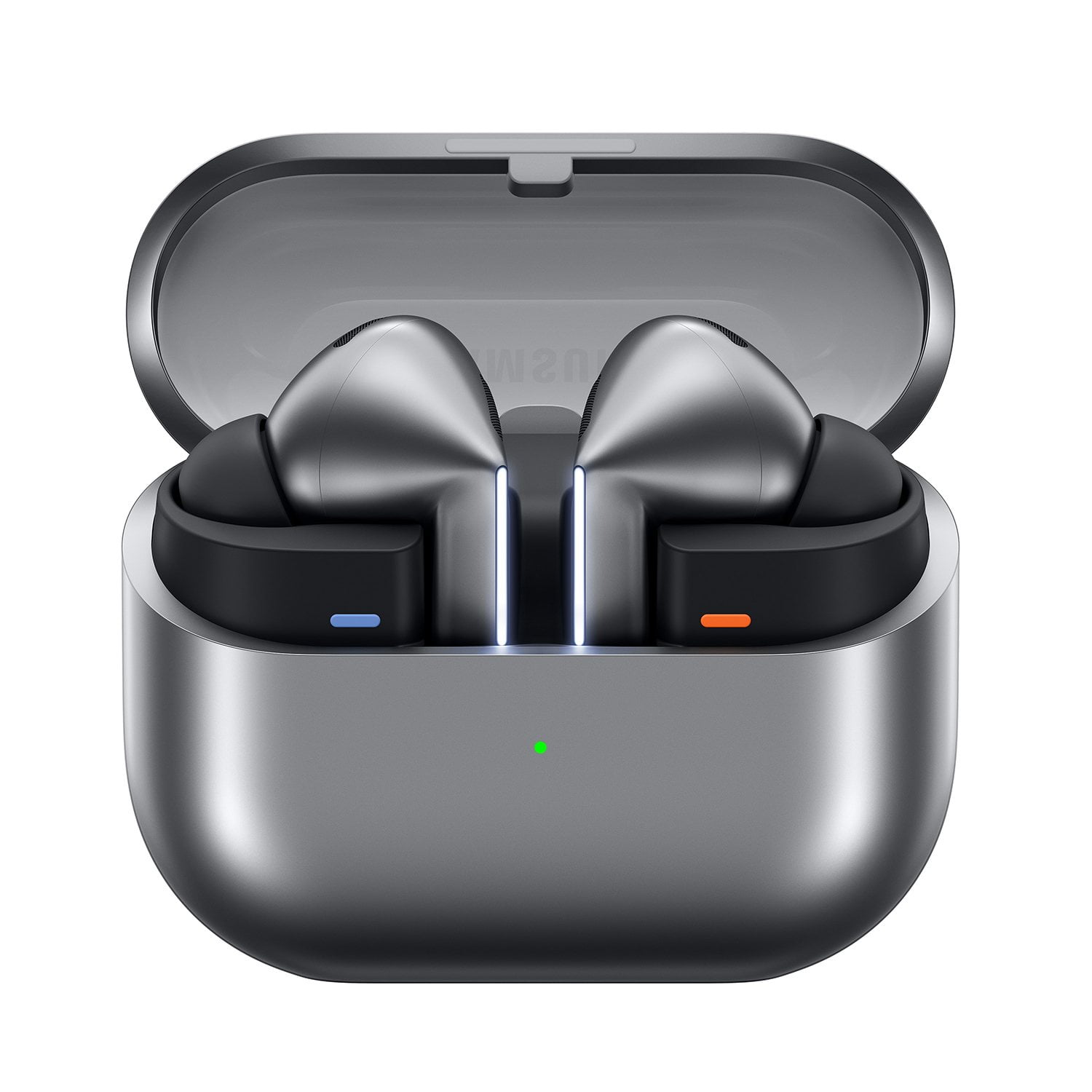
Member photos


+3548 images
Verified Purchase
My experience with the Galaxy Buds3 Pros
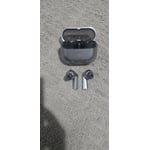
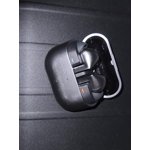
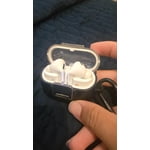
I got my new Galaxy Buds3 Pro 2 weeks ago and my experience is amazing. I upgraded from my Buds Pro which I got when they came out but now they were reaching their life limit. I'd give 5 stars rating with no issue but my only issue I'm experiencing right now which kinda sucks is that one of the 2 charging ports on the left earbud burnt or something and left a mark in the actual earbud too and now doesn't want to charge them. All I think went wrong is something with the circuiting to the charging port. Everything else besides that slight issue, in which I plan to fix before it's too late, the build quality is good and all.
Hi there Erik, thank you for your feedback on your Samsung Galaxy Buds3 Pro. We are thrilled to hear you have been so pleased by the audio quality and other enhancements made to this device from previous generations. We have provided links to the Samsung Support Team and warranty information to help you when you are ready to resolve the matter of charging with your earbuds. We appreciate you being a Samsung customer. -Elizabeth Samsung Support smsng.us/Samsung-Support Samsung Community smsng.us/Samsung-Community Facebook smsng.us/Facebook-Messenger X https://smsng.us/X-Messages Samsung Warranty smsng.us/Warranty-Info
Verified Purchase
Galaxy Buds Pro 3
The galaxy buds 2 pro were a much better product. The Buds Pro 3 fall out of ear very easily and sound quality is definitely of a lower grade. Wish I never did upgrade. Within 30 days over wearing them I had a static issue on the left bud as if the speaker was blown, bud I do not play loud music to even think I could of done this. After a day of not using left ear bud, it just starting working as if nothing has ever happened. I did not have any issues with the Buds Pro 2. Wish I could trade back.
Thank you for sharing your candid feedback, Rob! We hate to see that your Buds3 Pro has not met your expectations. At Samsung, we strive to provide exceptional audio quality and a secure fit for our users. The Buds3 Pro features improved comfort through a redesigned shape that offers our snuggest fit ever. Additionally, we’ve added Blade Lights to enhance your listening experience by making your earbuds stand out. To ensure you get the best audio experience, it’s essential to find the right ear tip size, as this helps prevent sound leaks and ensures optimal audio quality. The Galaxy Buds Pro 3 comes with various ear tip sizes, so please check that you’re using the correct ones for your ears. When you’re ready to wear them, verify the directional markings on the earbuds: an "L" for the left and an "R" for the right. Insert the right bud into your right ear with the "R" facing you, and the left bud into your left ear with the "L" facing you. Angle the blade slightly so that the microphone is pointing toward your mouth rather than straight down, and adjust the fit as needed until it feels comfortable. For further assurance of the fit, you can run an earbud fit test in the Galaxy Wearable app. We appreciate your insight as it helps us to continuously improve our products. If you have any further concerns, please feel free to reach out to us at Samsung Support for further assistance. -Kelvin smsng.us/Samsung-Support smsng.us/Facebook-Messenger smsng.us/X-Messages smsng.us/Samsung-Community smsng.us/Warranty-Info smsng.us/Samsung-Care-Plus
Verified Purchase
Ok but could be better
Not really a fan of these buds. They were a replacement for the previous generation and I can tell you they fall out way more often then the previous generation. The sound quality is ok but it entirely depends on the placement of the buds. I don't the quiet I had when I had both buds in and noise canceling was active.
Thank you for sharing your thoughts on the Galaxy Buds3 Pro, Michael! We appreciate your feedback as it helps us improve constantly. Regarding your experience with the fit, we know that earbud comfort can vary from person to person. To enhance your experience, we encourage you to try the different sizes of ear tips included with your Galaxy Buds3 Pro. Finding the right fit can greatly improve stability and sound quality. For sound quality, we recommend exploring the Adaptive Sound feature. This automatically adjusts the volume based on your surroundings. Additionally, you can customize the equalizer settings in the Galaxy Wearable app, allowing you to tailor the audio to your preference. In regards to the noise cancellation, ensure that the Active Noise Cancellation feature is activated through the Galaxy Wearable app. This can help create a more immersive listening experience. If you have any further concerns or need assistance, please reach out to us at Samsung Support. We're here to help you enjoy your Galaxy Buds3 Pro! smsng.us/Samsung-Support smsng.us/Facebook-Messenger smsng.us/X-Messages smsng.us/Samsung-Community smsng.us/Warranty-Info smsng.us/Samsung-Care-Plus
Verified Purchase
Disappointed
Really wish I'd stayed with my Buds Pro 2. Cannot get the same volume and continually gives me a not charging error when I put them in the case. And unlike the 2 case, it's hard to reach the charging contacts to clean them. Should even need to after a couple of week's usage. Disappointed...
Thank you for sharing your experience with the Galaxy Buds 3 Pro, Wayne! We appreciate your feedback, as our goal at Samsung is to provide an exceptional audio experience. Each earbud of the Buds3 pro is equipped with a 48mAh battery, allowing for up to 5 hours of continuous listening with Active Noise Cancellation (ANC) enabled and up to 6 hours with ANC disabled. Additionally, the charging case contains a 515mAh battery, which extends the total battery life to up to 24 hours with ANC enabled and up to 30 hours with ANC disabled. If you’re encountering challenges trying to charge your buds, try checking that the charging contacts on both the earbuds and the case are clean and free of debris. A gentle wipe with a soft cloth can often enhance the connection. Also, make sure you’re using the original charging case and that it's properly connected to a power source. You might also consider resetting your Galaxy Buds 3 Pro for a fresh start. Just open the Galaxy Wearable app, tap on "About earbuds," and select "Reset." Products sold by Samsung are warranted against manufacturing defects in material and workmanship for the limited 12-month warranty period specified for each product. We also provide the option to add additional coverage with Samsung Care+ on eligible devices, which offers extended protection and additional support. All eligible mobile devices can be enrolled on Samsung.com at the time of device purchase, or within 60 days of device purchase at samsungcareplus.com. If you have any further questions or need assistance, please reach out to us at Samsung Support. We’re here to help ensure you enjoy your Galaxy Buds 3 Pro experience! -Kelvin smsng.us/Samsung-Support smsng.us/Facebook-Messenger smsng.us/X-Messages smsng.us/Samsung-Community smsng.us/Warranty-Info smsng.us/Samsung-Care-Plus
Verified Purchase
Problem galaxy buds3 pro
The galaxy buds3 not worth to spend money on it buz has a lot problem . Some time I'm talking in the phone and I have anther call I can't answer the other phone the 2ed problem I'm taking in phone normally and the one im taking with can't hear my voice but I can hear them I check the mute button it's not on
Hi Nawar! Thank you for sharing your feedback about the Galaxy Buds3 Pro. We take your concerns seriously, and we’d like to address each of them. We see that you mentioned challenges when trying to answer a second call. The Galaxy Buds3 Pro is designed with seamless call management to help you stay connected without missing important calls. You can easily switch between calls using the touch controls, and our goal is to provide a smooth experience, even when handling multiple calls. Regarding your experience with not being heard during calls despite not being muted, we understand how frustrating that can be. The Galaxy Buds3 Pro features Adaptive Dual Microphones that enhance voice clarity by minimizing background noise. This design aims to capture your voice clearly, so it’s disappointing to hear that it wasn't working as expected. If you’re finding that this happens often, we recommend checking for any firmware updates through the Galaxy Wearable app, as these updates can enhance the performance and connectivity of your earbuds. Additionally, you might consider resetting your Galaxy Buds3 Pro to improve its performance. To reset, place both earbuds in the charging case and close the lid. After a few seconds, open the lid, then touch and hold both earbuds for about 7 seconds until the indicator lights flash and you hear a sound indicating the reset has started. After resetting, you will need to pair the earbuds with your device again through Bluetooth. Samsung offers a 12-month limited warranty for manufacturer defects. We also provide the option to add additional coverage with Samsung Care+ on eligible devices, which offers extended protection and additional support. Your experience is important to us, and we appreciate you bringing these matters to our attention. If this persists, please be sure to reach out to us at Samsung Support. -Kelvin smsng.us/Samsung-Support smsng.us/Facebook-Messenger smsng.us/X-Messages smsng.us/Samsung-Community smsng.us/Warranty-Info smsng.us/Samsung-Care-Plus
Verified Purchase
the new design and new features are perfect
Really like the new design and the new features the stems make controls so much easier to use like the volume up and down . Also like the lights they r pretty cool ohh and they sound amazing that's probably best of all and everything else is very nice wasn't to sure would like the way new case is but I do like it so far haven't found anything I don't like and I've had every pair of the pro buds and some of the regular buds all way back to the icon x buds
Verified Purchase
Worth it
The sound is awesome. The battery life could be improved though. My JBL buds last almost an hour longer, and I needed to purchase aftermarket silicone inserts as the ones that came in the box kept the buds falling out of my ears. But all in all a great upgrade to the pro 2 buds
Verified Purchase
Best earbuds I've ever owned
Honestly, these are the best earbuds I've ever had; they stay in my ears and don't fall out easily, the sound they produce is loud and crystal clear, taking phone calls with them is super easy, and I love the flare the lights on the outside gives them. My favorite thing about these earbuds is the adaptive noise control, its very accurate and helps me hear my environment while also giving me a good listening experience. 10 out of 10 would recommend to anyone who values a good listening experience.
Verified Purchase
Discharge too quickly when unused
I have four pair, two white and two silver. All of them noticeably lose battery charge after two or three days with the case closed and not being used at all. The earbuds and the case in 24 hours can be down to 89% for the case and 100% for the earbuds. After 3 days the case for all of them, unused is around 50% or lower and the earbuds might be 80% or less. This requires regular charging which is going to wear out the batteries sooner than if the buds and cases could retain their charge.
Hello there Electrical_Engineer, we appreciate your feedback on your Samsung Galaxy Buds3 Pro. We understand how important the battery and reliability of your earbuds are to you every day. We have provided a link to an article to help you with the battery of your earbuds, and another to the Samsung Support Team. These experts can work with you on any aspect of your device you believe may not be operating as intended. Thank you for being a Samsung customer. -Elizabeth All about your Samsung earbuds’ battery life https://www.samsung.com/us/support/answer/ANS00078081/ Samsung Support smsng.us/Samsung-Support Samsung Community smsng.us/Samsung-Community Facebook smsng.us/Facebook-Messenger X https://smsng.us/X-Messages
Verified Purchase
Awesome device
After using the Buds 3 Pro for approximately two weeks, I can confidently assert that I am highly satisfied with my purchase. Compared to the Buds 2 Pro, these earbuds offer superior comfort, exceptional sound quality, and a convenient voice command feature. Additionally, the unique glowing lights add a distinctive touch to the design.