Skip to Main Content
Sam's Club
Sam's Club
All Departments
All Services
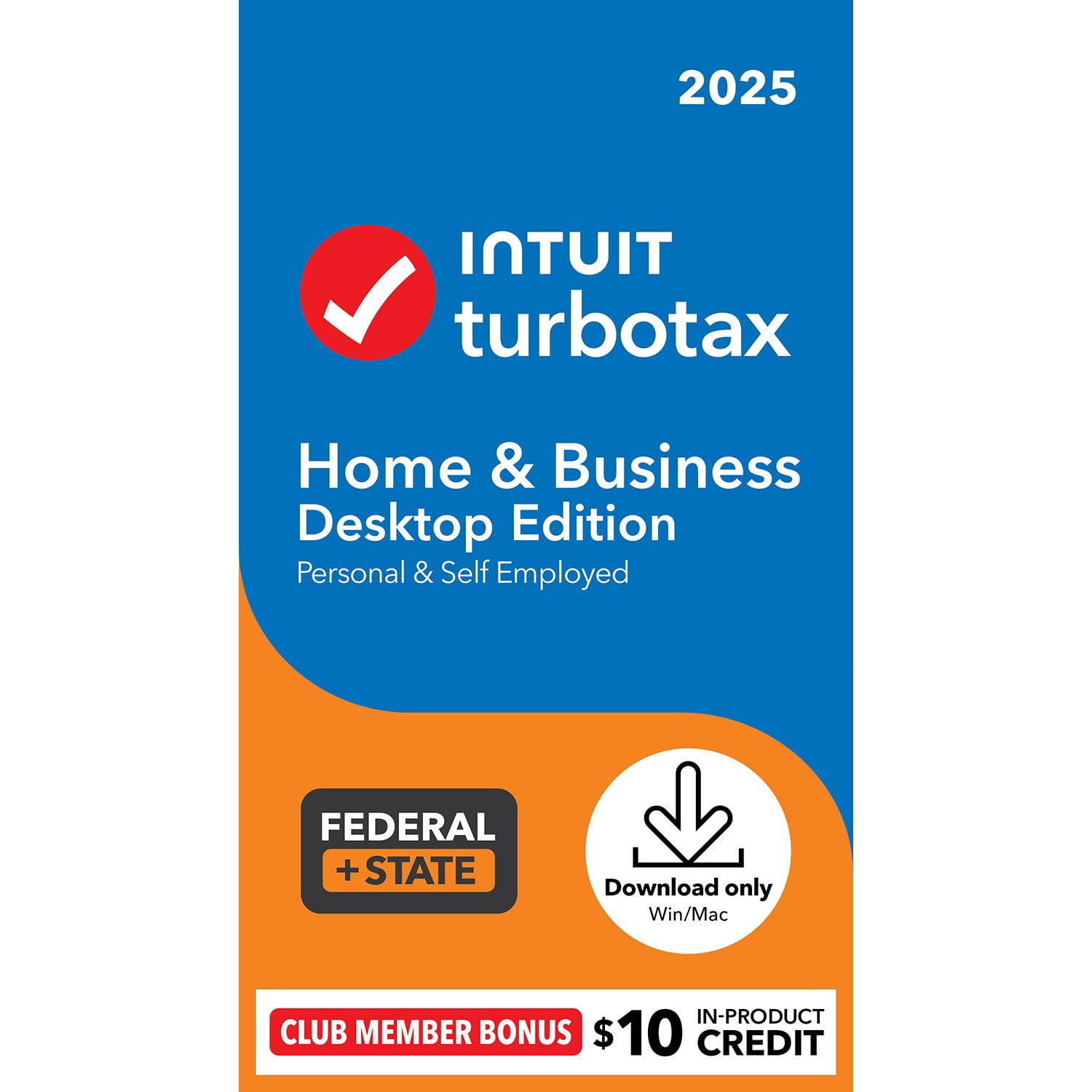
Customer reviews for TurboTax Desktop Business 2025 Email Delivery, Federal Return Only + Federal E-file + $10 In-Product Credit (Win 11) for
TurboTax Desktop Business 2025 Email Delivery, Federal Return Only + Federal E-file + $10 In-Product Credit (Win 11)
3.9 out of 5 stars
stars
3,224 ratings3,196 reviews
  1. 5 stars48% (1,534)
  2. 4 stars23% (745)
  3. 3 stars14% (439)
  4. 2 stars7% (229)
  5. 1 star9% (277)
Sort by |
Showing 661-670 of 3,196 reviews
Apr 14, 2026
Reviewer name: PABill53
1 out of 5 stars
1 out of 5 stars review

Look for other Tax Prep software. This is no long

This used to be a good product. Forcing people to buy a new computer, just to do their returns is ridiculous. There is no need to upgrade to Windows 11 for a tax return, if it can be done online with Windows 10. Not to mention, the instructions are a lot more confusing, than in the days past.

Review from turbotax.intuit.com
Helpful?4H9524LFFD2818298862854
Mar 20, 2026
Reviewer name: SL12332
2 out of 5 stars
2 out of 5 stars review

needs work

many aggravations. 1) was told to buy non-resident state tax returns when total income was $320 in that state, way below reporting threshold. 45 minute wait for customer service on the phone to try to resolve. 2) my son has 529 and all of distribution goes to tuition and room and board, which should be tax free. but 1098-T does not report room and board, so difference beween 1098-T and 1099-Q was reported as unearned income and taxed at my rate. no prompt to enter allowed payments not included on 1098-T. big undeserved tax bill!

Review from turbotax.intuit.com
Helpful?4H9524LFFD2818298862854
Feb 11, 2026
Reviewer name: Black Rat
3 out of 5 stars
3 out of 5 stars review

TurboTax is difficult to navigate sections

I have used Intuit TurboTax for years and my one complaint is that navigating to a different section is rather somewhat difficult, and I chose this version TurboTax Desktop for it is more secure than an online version, but to navigate to a different section, like to get to find the section where you can enter your estimated tax payments required you to go online. It is the navigating to different sections to enter your data that HAS ALWAYS been very difficult. Note: I graduated from Virginia Tech or more correctly, from Verginia Polytechnic Institute with a BS in physics, with honors. I doubt anyone will ever actually read this suggestion, but I started using Intuit TurboTax when it first came back, anything was better than using the forms available in the US Post Office, or in libraries.

Review from turbotax.intuit.com
Helpful?4H9524LFFD2818298862854
Apr 15, 2026
Reviewer name: ugh2026
2 out of 5 stars
2 out of 5 stars review

frustrated this year

Lots of bugs this year. It tells me I have not yet filed but I am being asked to review. I already shut it down and rebooted twice today. I will need to print and snail mail. This stupid AI keeps creating spelling errors. I can't even review you guys.

Review from turbotax.intuit.com
Helpful?4H9524LFFD2818298862854
Apr 13, 2026
Reviewer name: NinaR2025
1 out of 5 stars
1 out of 5 stars review

TurboTax has major issues this year

I would rate this a -5 if you let me. The software was terrible this year. - Bank integration did not work, foreign tax credit not working properly, buggy software that needed reboots. - Solo 401K tax credit was NOT recognized by the UI and needed to enter manually via Forms mode.

Review from turbotax.intuit.com
Helpful?4H9524LFFD2818298862854
Apr 9, 2026
Reviewer name: GeorT
4 out of 5 stars
4 out of 5 stars review

Credit card payment (e-file) process bug

The process (box window opened) to make payment for e-file has bug. The credit card expiration months only show/allow months 1 to 8 or 9. (I can not move to month 9, 10, 11, 12) In the end, I have to use a credit card that has expiration month 1 ~ 9 to make payment.

Review from turbotax.intuit.com
Helpful?4H9524LFFD2818298862854
reply from TurboTax Care Team

Thank you for the positive rating, though we clearly missed the mark on your experience. We appreciate the honest feedback; it’s exactly what we need to hear to make sure your next filing is much smoother.

Apr 15, 2026
Reviewer name: UBERFrustratedFiler
3 out of 5 stars
3 out of 5 stars review

ALWAYS A TRYING EXPERIENCE! - NO COPY/PASTE

ALWAYS A TRYING EXPERIENCE! Can't copy or print any the help pop-up information for later review. Can't copy and paste any field names or data to save in a Notepad file for back reference while completing numerous other steps. There are SO MANY TIMES THROUGHOUT THE PROGRAM WHEN THIS WOULD HAVE BEEN SO MUCH HELP! Instead, you make us manually write down EVERY BIT OF IMPORTANT DATA that we may need to back reference later.

Review from turbotax.intuit.com
Helpful?4H9524LFFD2818298862854
Apr 16, 2026
Reviewer name: gephoto
5 out of 5 stars
5 out of 5 stars review

Happy user for more than 20 years

Over all quite easy. Some places where there is a risk of double entry of information (car info for example) Happy user for more than 20 years. Amazing to see how insanely complex filing can be. Would be cool if W2 info could be available with little effort. The mailed ones are easily missed

Review from turbotax.intuit.com
Helpful?4H9524LFFD2818298862854
reply from TurboTax Care Team

Thank you for sharing your filing experience with us. We’re grateful for the support, and we’ve noted your feedback on where things fell short. We’re committed to refining the tax filing experience for your next year's return process .

Mar 19, 2026
Reviewer name: Reallybad1099
5 out of 5 stars
5 out of 5 stars review

1099-LTC

I received a 1099-LTC. I tried to add a 1099 form, but the LTC form was not listed. I had to call Turbo Tax Help and waited on hold for about 25 minutes. When I was connected to Marvin, it took us another 40 minutes to find the Form 8853. MARVIN WAS WONDERFUL! However, the LTC help was incorrect. The first step of the help box was to go to the Federal Tab. There is no Federal Tab on the screen. The customer help screen and the staff's help were both incorrect. Marvin was finally able to get me to the Personal tab, then Personal Income, then 1099 A and C tab, then Other Income/Loss, and final to the form 8853. All this staff time and my time could have been avoided by having a 1099-LTC form.

Review from turbotax.intuit.com
Helpful?4H9524LFFD2818298862854
reply from TurboTax Care Team

We’re glad you chose us, but sorry to hear the process wasn’t as seamless as it should have been. Your insights are being shared with our team so we can fix these friction points for the future.

Mar 11, 2026
Reviewer name: George xxxx
3 out of 5 stars
3 out of 5 stars review

meed more edits and help

problem dealing with To fix the "State/Local ID" error on the Carryover Worksheet in TurboTax 2025, switch to Forms Mode (desktop) or Tax Tools/Tools (online) to locate the Federal Carryover Worksheet. Explicitly enter "0" for any prior-year amount you know is zero, rather than leaving it blank, or delete and regenerate the worksheet entirely, as described in this JustAnswer post meed more edits in this area

Review from turbotax.intuit.com
Helpful?4H9524LFFD2818298862854