Skip to Main Content
Sam's Club
Sam's Club
All Departments
All Services
Customer reviews for TurboTax Desktop Business 2025 Email Delivery, Federal Return Only + Federal E-file + $10 In-Product Credit (Win 11) for
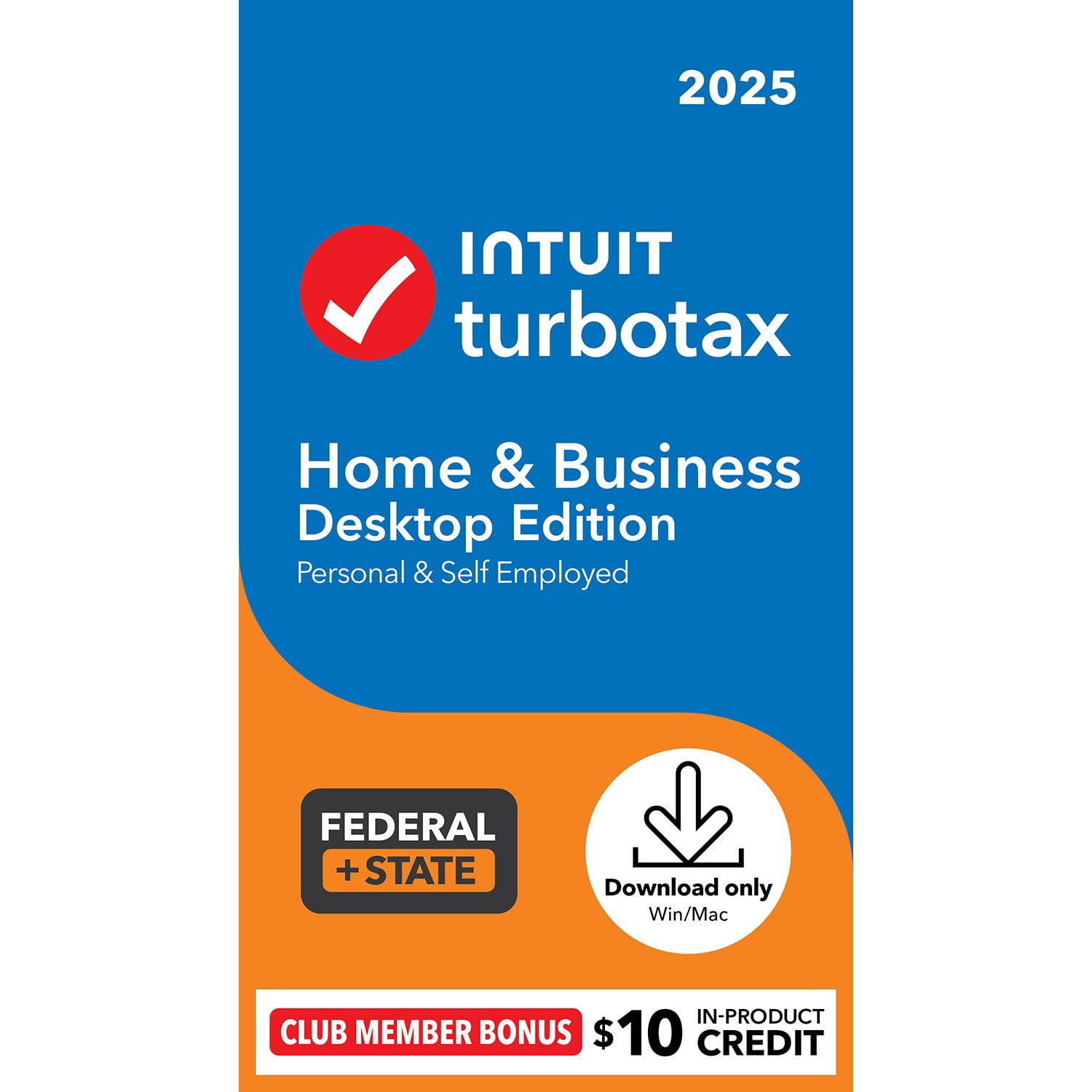
TurboTax Desktop Business 2025 Email Delivery, Federal Return Only + Federal E-file + $10 In-Product Credit (Win 11)
3.9 out of 5 stars
stars
3,224 ratings3,196 reviews
  1. 5 stars48% (1,534)
  2. 4 stars23% (745)
  3. 3 stars14% (439)
  4. 2 stars7% (229)
  5. 1 star9% (277)
Sort by |
Showing 641-650 of 3,196 reviews
Apr 2, 2026
Reviewer name: Tired of this 2
2 out of 5 stars
2 out of 5 stars review

Using paying customers as the Beta-testers

• Continually sends me emails recommending that I purchase Turbotax even weeks AFTER I have purchased and installed it. Similar to last year when I continued to receive weekly emails regarding late filing services 5-6 months after I had in fact, filed the return. • Schedule F: Failed to transfer 2024 farm income (as seen in the year-to-year comparisons) • Personal income section: Does not allow me to skip electronic import of investment data and go directly to manual input. Instead, it takes me to import, and when I enter “skip” it takes me to back to the initial page where it eventually allows me to manually enter the data. Very inefficient, and frankly wasteful and disrespectful of my time. Turbotax should have an up-front option to skip all electronic import and allow the user (i.e., the person who PAYS FOR this software) to manually enter data if he so chooses. o I note that in previous editions of Turbotax, there was a check-box with the option to stop asking the question. • Also, Turbotax added-in several “blank” or “Un-named” investment accounts which I am unable to delete. There is no data in these accounts, since they do not exist, but as a user I am not allowed the option to delete them. o Eventually I opened the “Forms View” and was able to delete the non-existent accounts. • On the screen “Other Interest and Dividends” TurboTax auto-checks for seller-financed mortgage interest (which I don't have) and does not allow me to un-check the box. • 1099-R: Turbotax imported the payer name for my pension, but it also imports the data from last year and does not allow me the option to update or edit any information for the current tax year. I was finally able to manually enter by going to the “Forms View” but it still won't allow me to edit information from the main “Step-by-Step” menu. o Eventually needed to enter “Form View” to delete the entire form and start again from scratch. • My state forms did not transfer my Federal pension exemption. Notes said to locate “Find” on toolbar, but there is no such term on the toolbar. Again, had to return to the “Form View” and delete the entire form, then re-enter the information. Once that was completed, the information was correct but there was no option to edit the data from the “Step-by-Step” screen.

Review from turbotax.intuit.com
Helpful?4H9524LFFD2818298862854
Feb 20, 2026
Reviewer name: Jordan TX
5 out of 5 stars
5 out of 5 stars review

TurboTax for small business comment

Generally very good tool to lead you through the labyrinth of tax rules and forms. It would improve the product for users to help distinguish between whether farm income and expense is best entered as self-employment or as farm income. The program will let you enter the same information in both areas without any warning that you are double counting.

Review from turbotax.intuit.com
Helpful?4H9524LFFD2818298862854
Mar 2, 2026
Reviewer name: alex11112
2 out of 5 stars
2 out of 5 stars review

Used to be easy

I used to really enjoy and feel confident with turbotax, this year was a nightmare trying to file online and so I bought the desktop version which is harder to use and it doesn't transfer your info easily so you have to dig around to enter the numbers. Quality seems to have gone down.

Review from turbotax.intuit.com
Helpful?4H9524LFFD2818298862854
Mar 29, 2026
Reviewer name: Ineedbettersoftware44
2 out of 5 stars
2 out of 5 stars review

TurboTax shortcomings.

TurboTax updates fail. Why? The "Help" screens have print sizes which are too small. The explanations are not much help. Go back to the TurboTax features and explanations of your software from 30 years ago and incorporate more of those features to explain fine points of tax law. Provide a version of the software on CD or other physical means to install the software. When I copied the previous years' TurboTax on to my Windows 11 computer, I found that I cannot open the previous years' programs to review the returns. This year's TurboTax was able to transfer last year's carryover information, but I cannot reopen the previous year's return to examine. This is a major flaw.

Review from turbotax.intuit.com
Helpful?4H9524LFFD2818298862854
Mar 31, 2026
Reviewer name: Who uses LaDue
5 out of 5 stars
5 out of 5 stars review

Comfortably The Same

I've been using this product ever since schedule F was no longer included on the product I used to use; it's been a very long time. There is way more in this product than I need since our farm is a very small, family-run operation. I like the fact that there are very little changes (in the program itself, not the federal tax code!) so I can get through my taxes without going up a steep learning curve every year. Taxes in general are exhausting enough as it is, right? I'll use Turbo Tax until I die. It's that comfortable.

Review from turbotax.intuit.com
Helpful?4H9524LFFD2818298862854
Mar 17, 2026
Reviewer name: MRegello
3 out of 5 stars
3 out of 5 stars review

Not its Usual Self: Full of SNAGS

I'd give it 2-stars (or less), but I was able to complete taxes using the "Forms" option; which is slower and more complicated than Easy Step. From one of the updates on (because you're forced to keep updating), it would randomly "hit a snag." I've relied on TurboTax for many, many years and this is the first time I'm not confident that everything is correct.

Review from turbotax.intuit.com
Helpful?4H9524LFFD2818298862854
Apr 9, 2026
Reviewer name: neurodoc
3 out of 5 stars
3 out of 5 stars review

Glitches on 2025 Home and Business

The program was difficult to go back to specific subset of individual business (schedule C) deductions. I had to go back to the beginning of the program and work forward through all subjects to get to the correct one to address and change. Also, using google, the cursor would not work well. I needed to utilize my touch screen capability

Review from turbotax.intuit.com
Helpful?4H9524LFFD2818298862854
Feb 21, 2026
Reviewer name: NT12345
3 out of 5 stars
3 out of 5 stars review

TurboTax 2025 Not As Good As 2024

I've used turbotax for years and was a little disappointed this year. The download from my financial institution was glitchy and it took 3 attempts to get it downloaded correctly. Also, when I ran error check, several errors were flagged but I had to search for the individual forms to make the corrections. I should be able to do that from the input pages if it is input that I need to make rather than have to find the correct form to make the correction.

Review from turbotax.intuit.com
Helpful?4H9524LFFD2818298862854
Apr 1, 2026
Reviewer name: Annoyed by updates
2 out of 5 stars
2 out of 5 stars review

December download?,So many,updates... trust it?

I have used turbotax for many years. This year the program was not ready. There were gaps and unavailable forms in January and from February into April updates were needed every time I used it, I am concerned that returns I completed in March have issues because of all the changes happening. Help has also become useless. It asks irrelevant follow-up questions and forgets what the help request was. Turbotax is still easy to use and is better at importing files. But can I trust the answers anymore?

Review from turbotax.intuit.com
Helpful?4H9524LFFD2818298862854
Apr 1, 2026
Reviewer name: Orange69
2 out of 5 stars
2 out of 5 stars review

Turbotax is NOT awesome

When I purchased the 2025 Turbotax Home & business I tried to pull in my 2024 filing from may computer and it wouldn't work. Then I couldn't get it to pull in my W2 or pull in my Fidelity investment information. I ended up having do put all my investments in by hand. Then when I completed my taxes, it told me I had a $110 State of Michigan under payment from 2024. I used your software. How is this possible?

Review from turbotax.intuit.com
Helpful?4H9524LFFD2818298862854