Skip to Main Content
Sams Club
Sams Club
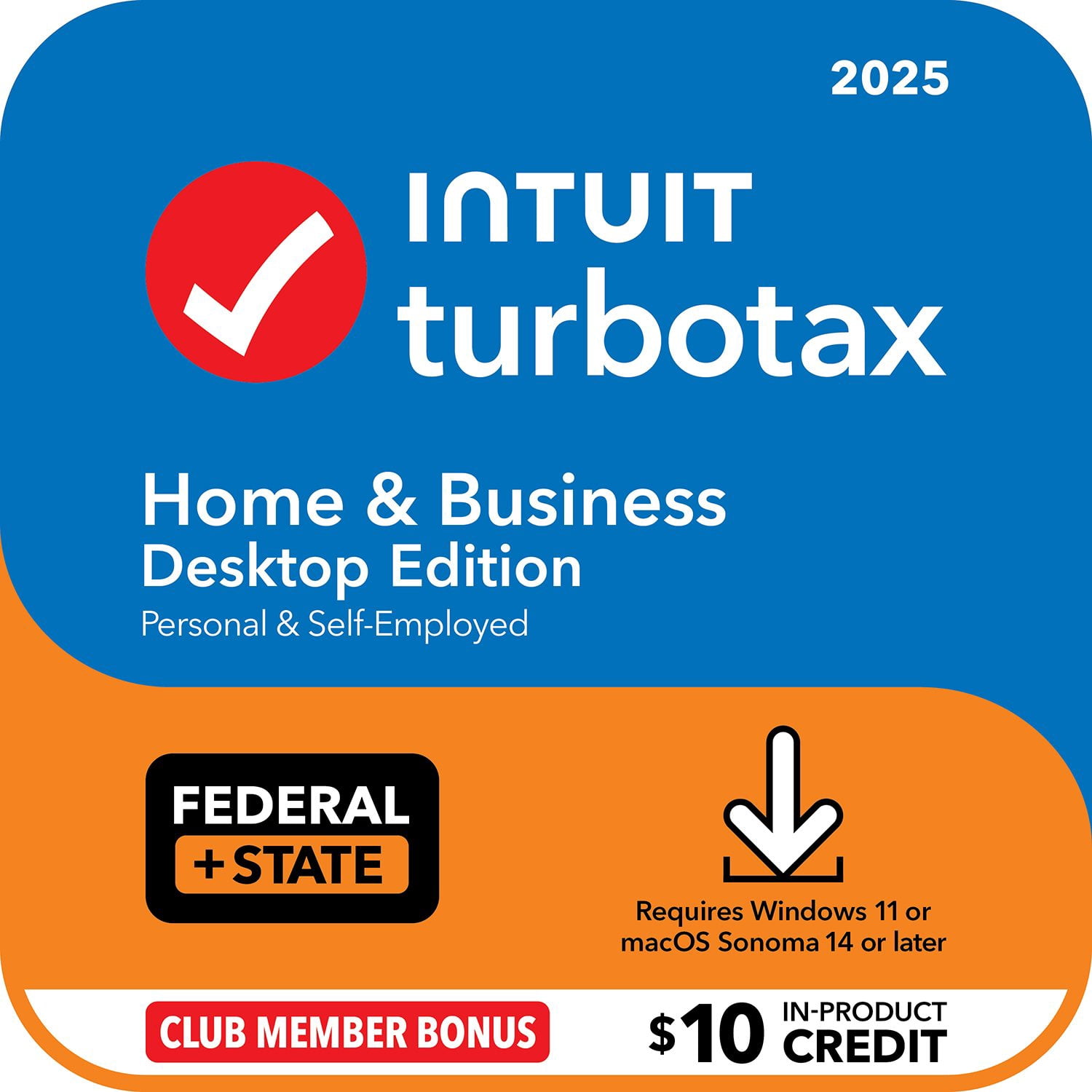
Customer reviews for TurboTax Desktop Home & Business 2025 Email Delivery, Federal & State Returns + Federal E-file + $10 In-Product Credit (Win 11, Mac 14) for
TurboTax Desktop Home & Business 2025 Email Delivery, Federal & State Returns + Federal E-file + $10 In-Product Credit (Win 11, Mac 14)
3.9 out of 5 stars
stars3,103 ratings3,103 reviews
  1. 5 stars48% (1,477)
  2. 4 stars23% (710)
  3. 3 stars14% (423)
  4. 2 stars7% (223)
  5. 1 star9% (270)
Write a review
Sort by |
Showing 31-40 of 3,103 reviews
Apr 15, 2026
somuchwastedtime
2 out of 5 stars review

Stick to online version

I had to do my taxes 3 times. The first time TurboTax unexpectedly quit and I lost all my info. The second time I was able to do my federal return but because I'm in a RDP needed to change my filing status for the state return. I opened a new one to confirm how I should file because selecting RDP after selecting single is not an option and then it overwrote my info so I had to do it a third time. Then I had to print out my state return because it won't let me e-file it separately from the federal one, but doesn't tell you that until after you pay for it. I paid for the state filing twice but couldn't use it.

Review from turbotax.intuit.com
Helpful?6WYCHLRQB4HW18045272309
Apr 13, 2026
CatieXB
3 out of 5 stars review

Multiple Glitches

Software froze after entering all my tax information, ended up having to completely re-enter/start over. Later, it kept creating separate digital copies of my return while I was preparing to e-file. Made sure I had a couple paper copies saved prior to filing to make sure I had documentation in case issues arose. Also, ended up having to pay an underpayment fee for 2024 federal Turbotax filing. Evidently, despite entering all the information correctly Turbotax made an error in calculating my 2024 tax return, for which I had to pay a fee.

Review from turbotax.intuit.com
Helpful?6WYCHLRQB4HW18045272309
Apr 14, 2026
Red Alexander
5 out of 5 stars review

The most comprehensive tax filing software.

I've been using this for over a decade. It walks you through every step and makes sure you're getting the best return. Even checks the forms to verify they are all filled out properly. If you're unsure of yourself you can always purchase additional helps and features for full service at a fraction of what the professionals charge.

Review from turbotax.intuit.com
Helpful?6WYCHLRQB4HW18045272309
Apr 14, 2026
SJS1947
3 out of 5 stars review

Issues with 2025 Home & Business

I have been using TurboTax for over 35 years. In past years I would rate the program 5 stars. However, the 2025 version did not work as well as prior years. 1. When trying to print a copy of the NJ 1040 estimated tax form, when I selected "Print" from the form's page of the form the program would the program printed a different form. I was able to work around the problem by selecting the form I wanted from the list of forms. 2. On most of the screens in the step-by-step portion of the program, I could not select the appropriate form. Instead I had to revert to the "Forms" and find the appropriate form myself. Prior years of the program rarely required me to do that. 3. The most annoying problem encountered was not being to use the shortcut or Ctrl-I to access the "Additional Information" screen. Most times I was able o access the "Additional Information" screen through the edit functions, but not always. Sometimes I had to exit and re-start the progam. 4. In the step-by-step process, I could not always edit the data entered for 1099INT, 1099DIV or 1099B. Even running the pogam as an administrator did not help. The edit icon did not appear on the screen. I had to exit the program, check of updates (most of time there were no updates) and restart the program and then the edit icon would appear.

Review from turbotax.intuit.com
Helpful?6WYCHLRQB4HW18045272309
Apr 14, 2026
B2kots
4 out of 5 stars review

Turbo Tax Good for the most part

Box 14 details, need better guidance on categorizing them as some of the changes affect federal tax due in 2025 compared to 2024 Turbotax software. Also, imported W-2 does not get categorized correctly or throws error. Still struggling how to categorize those RSU codes. Also, paid $60 for advice last year (2024) during download but never used the support. Is there way to get a credit or apply towards future return.

Review from turbotax.intuit.com
Helpful?6WYCHLRQB4HW18045272309
Apr 15, 2026
KING TURBO
3 out of 5 stars review

DON'T CHANGE A GOOD THING

I have used Turbo Tax for at least 20 years and until the past 3 years have been quite satisfied with the product. Why fix what was a good thing. The past 3 years it seems as though the simplicity of the product has become cumbersome by technology. it is not as user friendly as it once was,

Review from turbotax.intuit.com
Helpful?6WYCHLRQB4HW18045272309
Apr 15, 2026
abeaujean
2 out of 5 stars review

planned obsolescence

The software itself if OK, but it is unconscionable that Intuit deisigned the software to require the ultimate or penultimate version of macOS, given that Apple purposefully makes newer versions of their software incompatible with slightly older versions of their hardware. That is, using TurboTax required a software that required a new computer purchase! There is nothing that special about TurboTax what would make purchasing a new computer required. If Intuit keeps up this practice, then this is the last year I will be purchasing their software. And have been using their software for over two decades.

Review from turbotax.intuit.com
Helpful?6WYCHLRQB4HW18045272309
Apr 15, 2026
Farmer67
1 out of 5 stars review

Need desktop version without internet requirement

The internet requirements make it quite a chore and I will most likely seek a different alternative next year. I have used turbo tax for over 20 years and always buy the desk top version because i live on a large farm without internet. Additionally, the new "two factor authentication" was a VERY inconvenient surprise. I originally used my landline for the phone number and never changed it, causing me to spend hours on the phone with customer service until I got someone to go to my house and answer the phone while I was in town at an internet location. Ended up having to do this AGAIN for STATE download. Your people assume every business has internet, but were you too busy eating to consider that most farms do not? Cows don't live on Main Street, USA and the federal government still considers internet "Entertainment" as is Cable TV. Hence local providers are not required to provide service (electricity and wired telephone ARE mandated by federal law to be provided as necessities). Satellite internet is expensive and doesn't work in poor weather, which is the only time I am inside. Although this may be the "Digital Era" of the Oil Age, feeding humans is the single most important thing since the beginning of existence and will be as long a mankind is around.

Review from turbotax.intuit.com
Helpful?6WYCHLRQB4HW18045272309
Apr 13, 2026
Smithbalitmore
2 out of 5 stars review

Not Easy to Get Running as in past years

Was needlessly asking for a password I did not understand. Would not transfer data from the previous year. Steered me to online tax filing when I had paid to download the application. Took 20-30 minutes to find the download page. Getting started was stressful, buggy, and not easy.

Review from turbotax.intuit.com
Helpful?6WYCHLRQB4HW18045272309
Apr 14, 2026
garold2
4 out of 5 stars review

OID discount additional information needed

I have one suggestion that may make Turbo Tax more user friendly for some of us. I had imported a consolidated 1099 from a brokerage involving original Issue Discounts, where turbo tax brings up blank lines that can be utilized to provide the additional needed information. However, the lines are not numbered so as you try to compare the data to the 1099 it is necessary to count down line by line each time, and where there are a lot of those entries needed it is exasperating. A simple solution is just add numbers to each line so that as one line is completed you know the next line to proceed to.

Review from turbotax.intuit.com
Helpful?6WYCHLRQB4HW18045272309