Skip to Main Content
Sam's Club
Sam's Club
Customer reviews for ASUS Vivobook 18” WUXGA 144Hz Laptop | AMD Ryzen 7 | 32GB RAM | 1TB SSD | 2-Year Warranty for
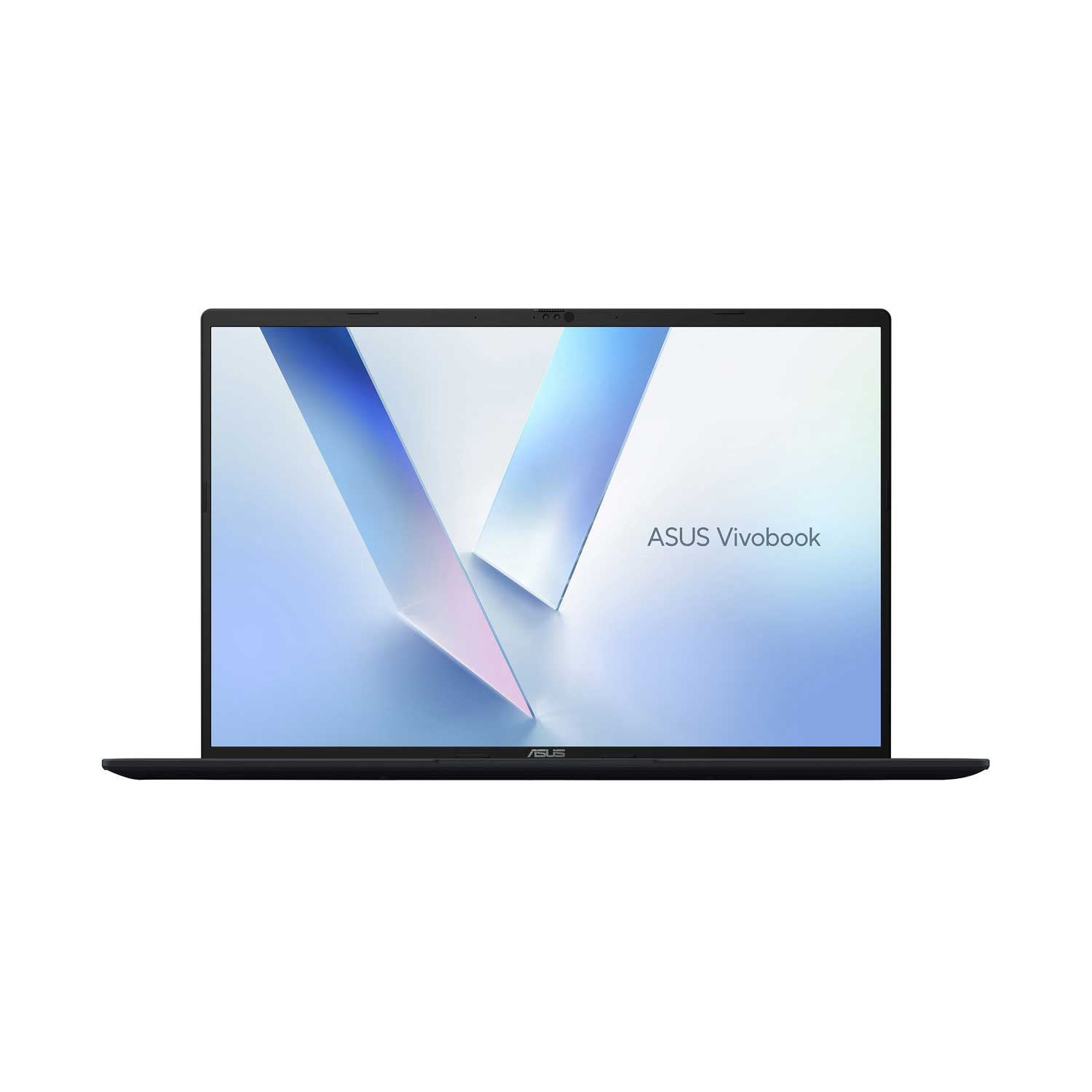
ASUS Vivobook 18” WUXGA 144Hz Laptop | AMD Ryzen 7 | 32GB RAM | 1TB SSD | 2-Year Warranty
4.5 out of 5 stars
stars8 ratings7 reviews
  1. 5 stars63% (5)
  2. 4 stars25% (2)
  3. 3 stars13% (1)
  4. 2 stars0% (0)
  5. 1 star0% (0)
Sort by |
Showing 1-7 of 7 reviews
Feb 13, 2026
Anonymous
5 out of 5 stars review

Verified Purchase

New to ASUS

I usually buy higher end computers, such as Dell. The easiness of use of this ASUS surprised me. This laptop ranks with the best i have ever used. I would definitely recommend this product.

Review from https://www.asus.com
Helpful?12G26KX4I0S416884560327
Mar 22, 2026
Anonymous
5 out of 5 stars review

Verified Purchase

Light and long battery life.

The design is simple, slick and the screen resolution is great. The slim design makes it very portable, light and easy to carry around. I highly recommend this laptop to anyone.

Review from https://www.asus.com
Helpful?12G26KX4I0S416884560327
Dec 27, 2025
MICHAEL
5 out of 5 stars review

laptop

great basic lg screen laptop i dont do games its good for me

Helpful?12G26KX4I0S416884560327
Mar 30, 2026
Gary
5 out of 5 stars review

Such a large screen for a laptop!

I've only had the unit for less than a week but so far so good! I love the large 18" screen which is the largest I've seen on a laptop. It is true that this unit is a bit heavy for a laptop however this is a desktop replacement and I will rarely take it on the go. That said I was pleasantly surprised that it includes a soft sided travel case! I am looking forward to running this through it's paces over the next several weeks!.

Helpful?12G26KX4I0S416884560327
Mar 29, 2026
RobH063
4 out of 5 stars review

Verified Purchase

Nice but different from previous Laptops

The laptop is nice with a large touchpad and the large 18" screen is a big plus. There are a couple of negatives though. First, the black material the laptop is made from shows your fingerprints wherever you touch it. Most importantly, the keyboard is different than any other I've used. There is no "End" key opting instead to have you click the Fn + Right Arrow key to accomplish that task and the numeric keypad layout is different. It has a small enter key at the lower right, the + and - keys are at the top rather than on the right and the Number Lock key is on the top right rather than the top left. the power button is also grouped into this area. None of this is a deal breaker but does take some getting used to . Overall, I'm pleased with my purchase of this laptop but I've only had it a few days.

Review from https://www.asus.com
Helpful?12G26KX4I0S416884560327
Apr 11, 2026
13ike
4 out of 5 stars review

Verified Purchase

manual

I would like to find a manual to help me fully enjoy my wonderful computer.

Review from https://www.asus.com
Helpful?12G26KX4I0S416884560327
Apr 13, 2026
Charles lingo
3 out of 5 stars review

Verified Purchase

Labtop

Lots of storage but is slow a downloading and freezing when uploading idems to email

Review from https://www.asus.com
Helpful?12G26KX4I0S416884560327
reply from CLM

Dear Charles Lingo, Thank you for your feedback. We do understand your disappointment with the laptop and the inconvenience this may have caused if you are experiencing speed or performance issue while downloading or uploading files. To resolve this, check if Windows, drivers and BIOS are up to date. Updates for the laptop are posted at: https://www.asus.com/laptops/for-home/vivobook/asus-vivobook-18-m1807/helpdesk_download?model2Name=M1807HA. Additionally, while accessing web applications, ensure the laptop has access to an established router and internet service is working properly since poor and unstable internet connection will affect system stability and performance. Keeping the unit always updated will maintain optimum system stability and performance. If these steps were performed to no avail, please try to run a diagnostics or optimization test using the "MyASUS" utility software or application. If this is not pre-installed on the device, please download the application at the Microsoft Store. For details on how to use "My ASUS", please go to: https://www.asus.com/support/FAQ/1041686/. If you need further assistance, please email me at cl-rodel@asus.com and I would be happy to help. Or you are most welcome to call Product Support Hotline at: 1(888) 678-3688. Also, you can chat with an ASUS live support agent from the link: https://www.asus.com/us/support/article/1135/. Thank you for choosing an ASUS product. Regards, Rodel ASUS Customer Loyalty