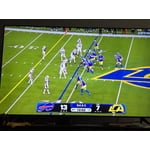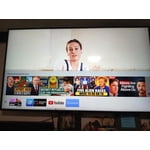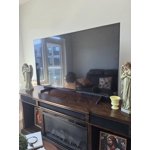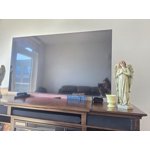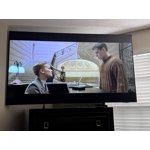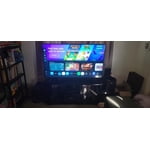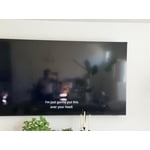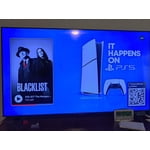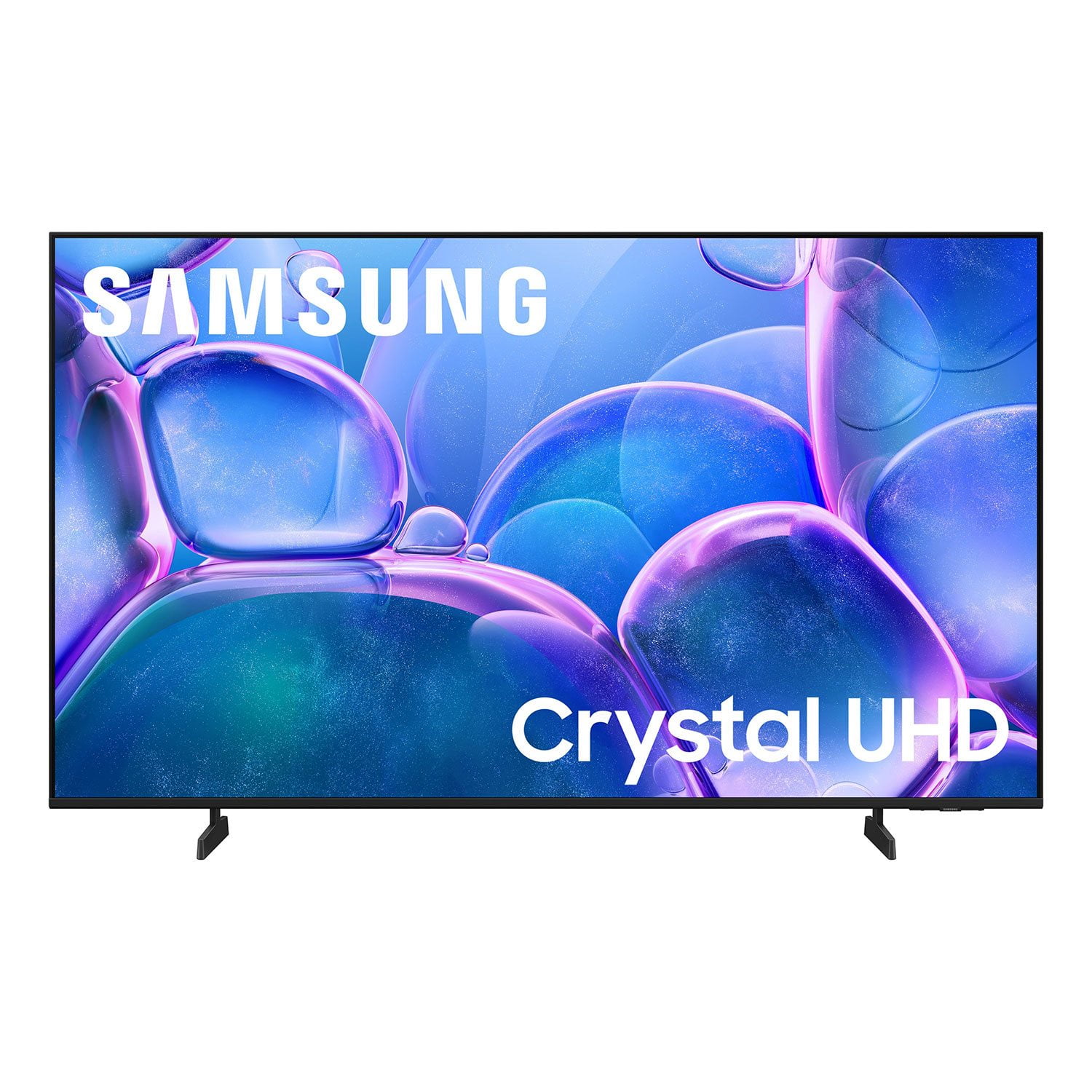
Customer reviews for SAMSUNG 55" Class U7900F Series 4K Crystal UHD Smart TV forMember photos


+654 images
Where have you been all my years in of Television?
[This review was collected as part of a promotion.] I've always had VIZIO, this is my very first Samsung TV, all I have to say is "where have you been all my TV years). It's bright and vibrant. My color and resolution has absolute clarity and is beautiful. There is a definite better look anesthetically in comparison to my Vizio.
Perfect
[This review was collected as part of a promotion.] We've had the TV for over a year and it hasn't given us any issues.. the brightness is amazing our living room has windows all over it and during the day we can still see the TV perfectly. Colors are vibrant and beautiful.. very happy with the TV
Great TV!
[This review was collected as part of a promotion.] I had wanted to buy a Samsung TV for a long time, but was waiting for my old tv to die. I bought the 55’ U7900 and I love it! The picture quality is superb. The sound is superior. There is no need for me to use a soundbar with it. Love, love it!
might be better off saving your money
[This review was collected as part of a promotion.] I'm not sure if it's a software problem but whatever operating system is on this TV is very slow and laggy even with the best of the best internet I've tried it on fiber and I've also tried it with the most expensive star link plan there's no difference there that's how I know it's the TV and not a internet connection. The interface itself also is very disappointing there's all these recommended garbage things that I don't want and I actually have to scroll down through the trash to find my actual apps or the actual features that I'm looking for which is very inconvenient for me I like to be able to turn on a TV and go instantly to where I want kind of like the Roku settings are. So keep that in mind when you're designing other things. There's also an issue with a lot of the pre-downloaded programs. They will not let you delete them you can go through the whole deleting process and you can click okay to delete and it still stays there as well as new things you download you have to delete them three maybe five times before they'll actually be removed from your TV. The lack of an input section is fairly confusing I'm young so I was able to figure it out pretty quickly but for an elderly person I do not think this thing would be a good choice. I also don't like the fact that Samsung monitors everything I play on the TV for advertisement purposes and sells that data that's very bothersome and disturbing to me and if I would have known that before I spent the money I would not have purchased this TV. I am sick of being tracked with every little thing I do! Honestly if this TV wasn't so difficult to hang I would have returned it because of what I have described above.
Hi ktmrider77, We appreciate your detailed feedback. Please know your opinion is important to us and will be shared with our internal teams. We recommend ensuring your TV is running the latest Firmware, version 1132.0. Go to Settings> Support> Software Update. If this firmware version is not yet available on your TV, you can download the update on a USB drive and manually update your TV: 1. On Samsung's website (upper right corner), go to: Support > Manual & Software > Find your TV model, and click on the Firmware – Upgrade File. 2. When the file has finished downloading, locate it and then unzip it. There is normally one folder inside but there may be multiple files. 3. Copy or move all of the files that were included in the zip file to a USB flash drive, but do not place them inside any other folders. If you place the software folders inside a folder on the USB flash drive, the TV or monitor will not find them. 4. Connect the USB drive containing the software upgrade into a USB port on your device. 5. Using your device's remote, navigate to and select Settings, then select All Settings, and then select Support. Select Software Update, select Update Now, and then select Yes if prompted. Your device will search the USB drive for update files. Follow the on-screen instructions to install the updated software. Updates usually take a few minutes; please do not turn off the TV until the update is complete. When the update is finished, it will restart automatically. If you need additional support, Samsung is here to help. Please call us at 1-800-SAMSUNG, available 8AM – 9PM EST Mon – Fri, 8AM – 6PM Sat – Sun. You can also chat with a LiveChat agent by clicking the ‘Support’ link on our website. ~ Samsung Advisor
Best TV I've ever had.
[This review was collected as part of a promotion.] It's amazing, great picture, there is no motion blur, nor any color correction, both of which makes tv worse. The sound is fantastic, the brightness could be better, but it's better than a roku. The 4k resolution is perfect, and so far there is no problem with security. I love it.
Great features
[This review was collected as part of a promotion.] Its amazing.. the picture is crystal clear.. the ultra HD movies are beautiful.. its like looking into the real deal outside world.. ive never seem so much and cought so much on my mystery movies like I do now. Its definitely a 10 star!!
Walk right into the picture!
[This review was collected as part of a promotion.] I'm constantly amazed at the resolution of it. It like a 3D picture. Like I could just reach inside. Every color, plus the shades of the colors, bring the picture to life. Even streaming is a breeze and with the picture quality, it's a joy towatch. The Security of the device is great. No issues whatsoever. I would HIGHLY recommend this manufacturer to everyone! Best investment I've ever made.
Pros and cons
[This review was collected as part of a promotion.] my product unfortunately is starting to lag very bad is getting more consistent on having to reset the TV I have hard drive update as the TV not have and over the air date for it and even following And even following the hard drive reset it does still lag as if the processor is out of date picture quality and functionality when it works is perfectly fine
Hi Romerojo, Thank you for your feedback regarding response time on your U7900F TV. To best assist you, please call us at 1-800-SAMSUNG from 8AM – 9PM EST Mon – Fri, 8AM – 6PM Sat – Sun, or connect with a LiveChat agent anytime by selecting ‘Support’ on our website. ~ Samsung Advisor
It’s a winner
[This review was collected as part of a promotion.] The picture is super crisp without looking over processed, and the colors feel natural instead of that weird neon look some TVs push. Streaming is smooth, the interface is easy to navigate, and I didn’t have to fight it just to open Netflix, which already puts it ahead of half the smart TVs I’ve used. No unnecessary complications, no constant tweaking. It’s great for movies, but also handles gaming really well with low lag and solid motion. For the price, it honestly feels like you’re getting more than you paid for. Clean, reliable, and actually enjoyable to use.
Bedroom tv
[This review was collected as part of a promotion.] It’s fine for a bedroom TV, but nothing special. The picture quality is decent for the price 4K content looks sharp enough, and colors are okay, though not particularly vibrant. Sound is pretty average, so you might want a soundbar if you care about audio. The biggest downside is the interface. It feels cluttered and a bit slow at times, with too many menus and apps pushed in your face. It does what it’s supposed to do, but navigating it can be a bit annoying. Overall, it serves its purpose as a secondary TV. Not amazing, not terrible..just kind of there.
Hi Kk19, We appreciate your feedback on the U7900F TV. If the image doesn’t quite match your preferences, there are several adjustments you can make to better suit your viewing environment and content type. First, please ensure your TV is running the latest firmware, as updates may include important picture quality enhancements. Go to: Home > Left directional button > Settings > Support > Software Update > Update Now To explore picture mode options, navigate to: Home > Left directional button > Settings > All Settings > Picture > Picture Mode. Options include: • Standard – Ideal for general viewing • Dynamic – Brighter and more vibrant for well-lit spaces • Eco – Optimized for energy efficiency • Movie – Best for viewing in low light • Filmmaker Mode – Preserves the content creator’s intent and disables motion smoothing for supported content You can further customize your image by going to: Settings > All Settings > Picture > Expert Settings, where you can adjust Brightness, Contrast, Color Tone, Sharpness, Contrast Enhancer and more. If you’d like help finding the best picture settings for your preferences, please don’t hesitate to contact Samsung Support at 1-800-SAMSUNG, available 8AM – 9PM EST Mon – Fri, 8AM – 6PM Sat – Sun. You can also LiveChat with an agent or explore additional resources on our website by clicking the ‘Support’ link. ~ Samsung Advisor