Skip to Main Content
Sams Club
Sams Club
Customer reviews for SAMSUNG 58” Class U7900F Series 4K Crystal UHD Smart TV for
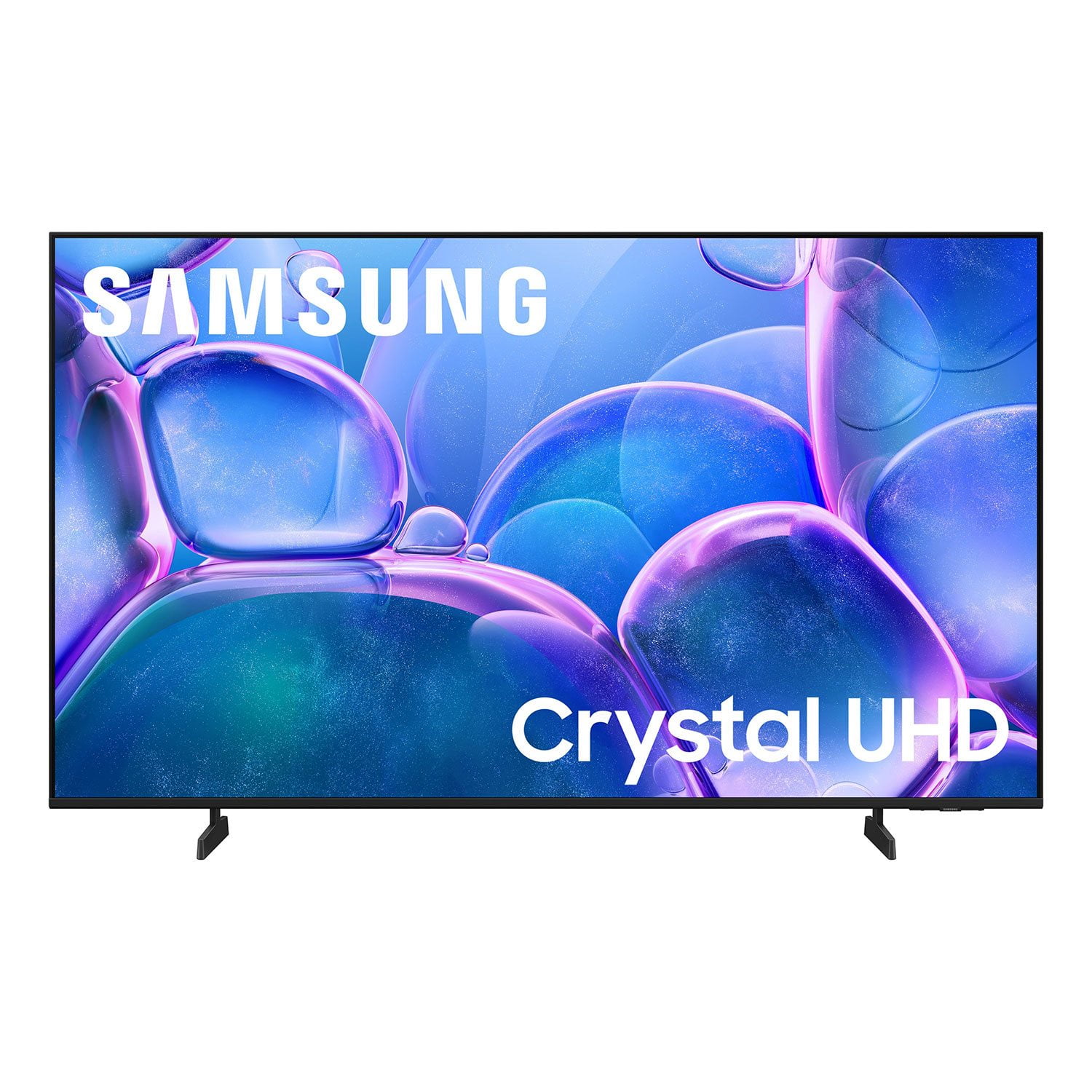
SAMSUNG 58” Class U7900F Series 4K Crystal UHD Smart TV
4.7 out of 5 stars
stars1,757 ratings1,699 reviews
  1. 5 stars78% (1,376)
  2. 4 stars14% (249)
  3. 3 stars4% (72)
  4. 2 stars1% (24)
  5. 1 star2% (36)

Member photos

  • +663 images
Sort by |
Showing 1,071-1,080 of 1,699 reviews
Mar 23, 2026
Guppies2k5
5 out of 5 stars review

Great to deal with

[This review was collected as part of a promotion.] Great tv beautiful picture and sound. The resolution is outstanding.

Review from Samsung US
Helpful?18J4E5E7OZVG16422722568
Mar 23, 2026
Blaine
5 out of 5 stars review

Great features

[This review was collected as part of a promotion.] Love the picture sound quality love to use samsung dex as a computer

Review from Samsung US
Helpful?18J4E5E7OZVG16422722568
Mar 23, 2026
Love2shop
5 out of 5 stars review

Great features

[This review was collected as part of a promotion.] Just bought a house and found a great deal on this. Best tv I've ever owned

Review from Samsung US
Helpful?18J4E5E7OZVG16422722568
Mar 23, 2026
Emanuel
5 out of 5 stars review

Samsung

[This review was collected as part of a promotion.] Great tv,fast interface and great sound good brightness

Review from Samsung US
Helpful?18J4E5E7OZVG16422722568
Mar 23, 2026
CCLove
5 out of 5 stars review

Great picture

[This review was collected as part of a promotion.] Great picture and sound. Overall streaming is great. Color is on point.

Review from Samsung US
Helpful?18J4E5E7OZVG16422722568
Apr 6, 2026
Bonbon
3 out of 5 stars review

Product

[This review was collected as part of a promotion.] There is a green line down the right side of the screen.

Review from Samsung US
Helpful?18J4E5E7OZVG16422722568
reply from Samsung Advisor

Hi Bonbon, Thank you for sharing your experience with Samsung’s U7900F. If your TV is displaying lines on the screen, we recommend the following steps to help isolate the issue: 1. Check all input cable connections for any external devices (e.g., HDMI, streaming boxes, Blu-ray players) 2. Switch channels or inputs to see if the issue appears across all sources 3. Run a Picture Test to check for panel-related issues: Settings > Support > Device Care > Self Diagnosis > Picture Test 4. Perform a cold boot by holding the power button on your remote for about 10 seconds 5. Ensure your TV has the latest software installed: Settings > Support > Software Update If the issue continues after these steps, the TV may require service. For further assistance, please contact Samsung Support at 1-800-SAMSUNG, 8AM – 9PM EST Mon – Fri, 8AM – 6PM Sat – Sun. LiveChat and additional support resources are also available through the Support link on our website. ~ Samsung Advisor

Apr 3, 2026
Kingkyle52696
4 out of 5 stars review

Amazing television

[This review was collected as part of a promotion.] Love the contrast and color and looks amazing. Best picture I've had so far. Thank u samsung

Review from Samsung US
Helpful?18J4E5E7OZVG16422722568
Apr 17, 2026
Donner98
5 out of 5 stars review

Best TV I've ever had

[This review was collected as part of a promotion.] this TV is the best TV I've ever owned the picture is amazing

Review from Samsung US
Helpful?18J4E5E7OZVG16422722568
Mar 23, 2026
Dave
5 out of 5 stars review

Easy displays

[This review was collected as part of a promotion.] I bought this screen for the brand name and the features in the remote

Review from Samsung US
Helpful?18J4E5E7OZVG16422722568
Mar 19, 2026
808w
5 out of 5 stars review

Great tv

[This review was collected as part of a promotion.] TV was excellent had no problems easy for setup. Crystal clear. Definitely buy again

Review from Samsung US
Helpful?18J4E5E7OZVG16422722568