Join Now
Skip to Main Content
Sam's Club
Sam's Club
All Departments
All Services
Customer reviews for SAMSUNG 85" Class U8000F Series 4K Crystal UHD Smart TV for
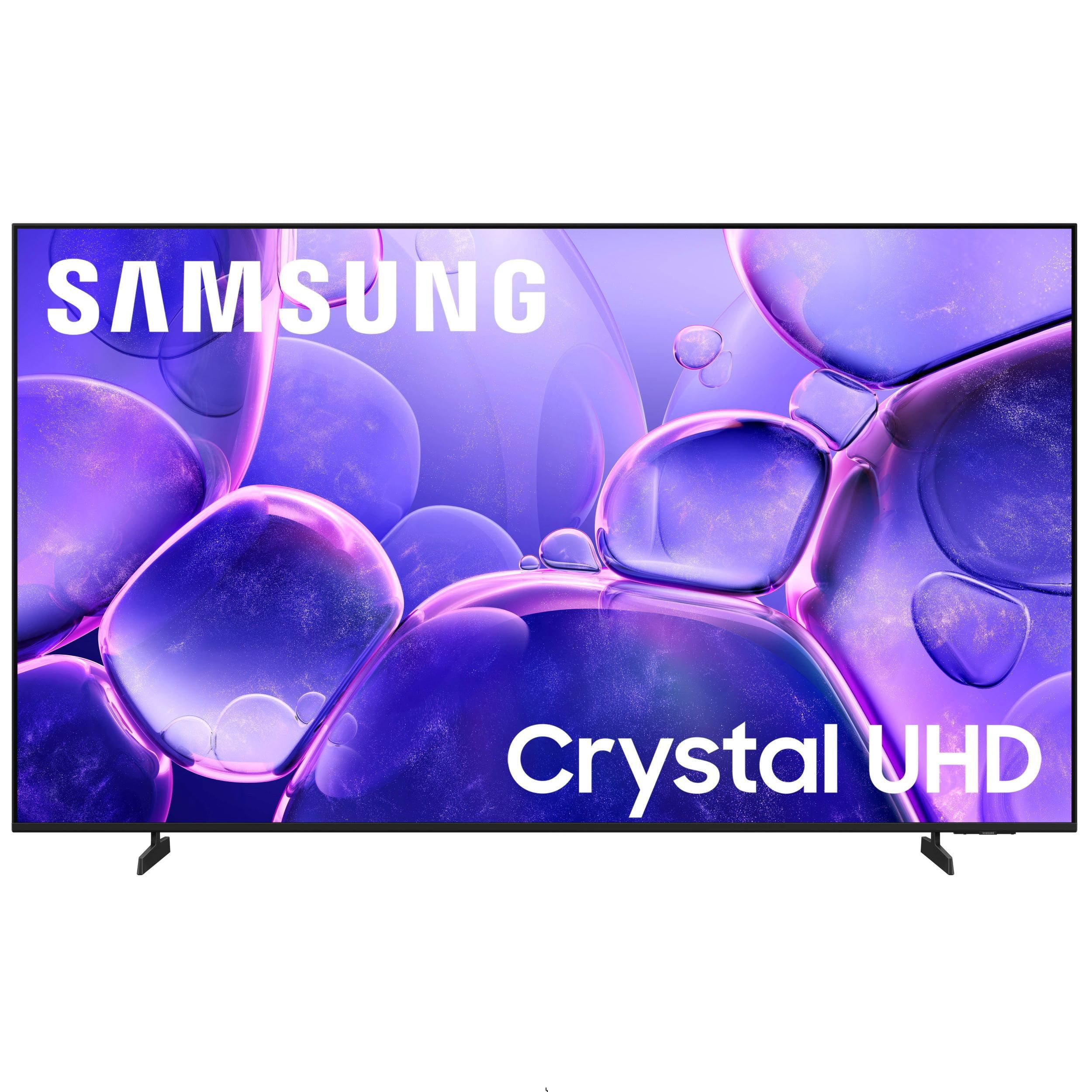
SAMSUNG 85" Class U8000F Series 4K Crystal UHD Smart TV
4.5 out of 5 stars
stars
3,692 ratings3,660 reviews
  1. 5 stars71% (2,615)
  2. 4 stars16% (573)
  3. 3 stars7% (241)
  4. 2 stars3% (126)
  5. 1 star4% (137)

Member photos

  • +1177 images
Sort by |
Showing 901-910 of 3,660 reviews
Jun 20, 2026
Reviewer name: Mr Entertainment
5 out of 5 stars
5 out of 5 stars review

This TV is incredible with its capabilities!

[This review was collected as part of a promotion.] I have always enjoyed using Samsung products from my old boo-boo back in the day up to now with my cellphone and my second Samsung 65 inch TV (a step up from my older 50") I am still in awe of what it's capable of even after two months. I keep finding new features that surprises me like a new gift every time I come across something new about my 65 Crystal TV. This TV just reassures me that the only brand I am sticking with is a Samsung.

Review from Samsung US
Helpful?3CTS2O15ZY1416007408101
Jun 5, 2026
Reviewer name: Rharris
1 out of 5 stars
1 out of 5 stars review

Terrible picture quality

[This review was collected as part of a promotion.] the picture quality on this television it makes everything appear as if it is a low budget movie I'm not understanding why it looks that way it didn't look that way at the store but by far is the worst quality picture out of all the televisions that I own I will not buy a Samsung television again

Review from Samsung US
Helpful?3CTS2O15ZY1416007408101
reply from Samsung Advisor

Hi Rharris, We appreciate your feedback on the picture quality of Samsung’s U8000F TV. If the image doesn’t quite match your preferences, there are several adjustments you can make to better suit your viewing environment and content type. First, please ensure your TV is running the latest firmware, as updates may include important picture quality enhancements. Go to: Home > Left directional button > Settings > Support > Software Update > Update Now To explore picture mode options, navigate to: Home > Left directional button > Settings > All Settings > Picture > Picture Mode. Options include: • Standard – Ideal for general viewing • Dynamic – Brighter and more vibrant for well-lit spaces • Eco – Optimized for energy efficiency • Movie – Best for viewing in low light • Filmmaker Mode – Preserves the content creator’s intent and disables motion smoothing for supported content You can further customize your image by going to: Settings > All Settings > Picture > Expert Settings, where you can adjust Brightness, Contrast, Color Tone, Sharpness, Contrast Enhancer and more. If you’d like help finding the best picture settings for your preferences, please don’t hesitate to contact Samsung Support at 1-800-SAMSUNG (8AM – 9PM EST Mon – Fri, 8AM – 6PM Sat – Sun). You can also LiveChat with an agent or explore additional resources on our website by clicking the ‘Support’ link. ~ Samsung Advisor

Jul 5, 2026
Reviewer name: JoeSchmoe
4 out of 5 stars
4 out of 5 stars review

A lot to like

[This review was collected as part of a promotion.] Nice hardware (size, weight) and picture. Interface is a little less than intuitive but one catches on. Seems to favor certain sites/channels vs even playing ground. Like the Samsung games and such. As for the TV part of the tv - very nice! Happy with purchase.

Review from Samsung US
Helpful?3CTS2O15ZY1416007408101
May 11, 2026
Reviewer name: BIGBauler
5 out of 5 stars
5 out of 5 stars review

Ultra HD, Ultra Vibrant

[This review was collected as part of a promotion.] This TV is a total game-changer if you love a bold, high-energy picture. The UHD clarity is incredibly sharp, but the real star is the color—vivid, saturated, and makes every scene come to life. Plus, the slick menus and easy controls make finding your favorite content a breeze.

Review from Samsung US
Helpful?3CTS2O15ZY1416007408101
Apr 7, 2026
Reviewer name: Blah
1 out of 5 stars
1 out of 5 stars review

Useless, might as well be a paperweight

[This review was collected as part of a promotion.] I hate it. It was purchased for my dad, who is 77 and has Parkinson's. Unfortunately, it is completely un-usable and I could have just left the old tv that didn't work and saved him a whole lot of frustrations. The remote is impossible, even for me, to turn channel or volume up and down. Also, all he wants is regular antenna tv, which is apparently also impossible of a request these days. Its so hard to even find and get to and then no matter how many times I change the settings to come on to the same input it was on when turned off, it automatically defaults to stupid Samsung tv plus EVERY time!!! He has been unable to watch anything on the stupid tv and was the biggest waste of my money and my time. Furthermore, if it's on antenna tv on channel 6, u might think I could use the channel up button, but NOPE! Think again! If you try to go up or down on channels it goes right back to the horrible, stupid, pain in my tail samsung tv plus. Wish I could still return it as it is my worst purchase in life at this point, although im only 42, so I guess I may have a worse disappointment someday. So, unless you just love samsung tv plus, DO NOT buy a Samsung tv as it cannot be used for any other purpose except Samsung tv plus.

Review from Samsung US
Helpful?3CTS2O15ZY1416007408101
reply from Samsung Advisor

Hi Blah, Thank you for your feedback. I have a few suggestions that may improve your experience. To change the Start Screen Option to the last used source, go to Home> Settings> Advanced Features> Start Screen Option> Start with Smart Hub Home > Toggle off. You can also use a third-party remote if the remote included does not fit your needs. I hope these suggestions help. If you have any other questions, feel free to call us at 1-800-SAMSUNG between 8AM – 9PM EST Mon – Fri, 8AM – 6PM Sat – Sun, any day of the week. You can also reach our LiveChat team by selecting the ‘Support’ link on our website. ~ Samsung Advisor

Oct 28, 2025
Reviewer name: Lupiyoelpiyo
5 out of 5 stars
5 out of 5 stars review

Great Picture, Sound, and Smart Features
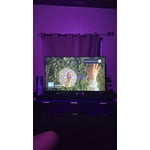
[This review was collected as part of a promotion.] I've had the Samsung U8000F Crystal UHD TV for a while now, and honestly, I'm really happy with it. The TV is lightweight and easy to mount, and the picture quality is excellent — colors look bright and natural, and the motion feels super smooth whether I'm watching movies, shows, or even playing games. Even though it's not mainly a gaming TV, it still performs really well with my console. The frames look great, and I haven't noticed any lag. I also thought about getting a soundbar just to upgrade my setup, so I paired it with a Samsung S-Series soundbar — and wow, it blends perfectly. The TV already has surprisingly good built-in sound, but adding the soundbar made it feel like a mini home theater. Another thing I love is how well it works with the rest of my Samsung devices. I use SmartThings to connect my phone, earbuds, and the TV, and it's super convenient being able to control everything from one place. Overall, I think this TV offers amazing quality for its price, with a clean design, sharp visuals, and a sound that honestly doesn't need much help. It fits perfectly in my room setup and definitely makes watching anything more enjoyable.

Review from Samsung US
Helpful?3CTS2O15ZY1416007408101
Apr 7, 2026
Reviewer name: Love grands
4 out of 5 stars
4 out of 5 stars review

Great, except...

[This review was collected as part of a promotion.] Really enjoy the TV. Great picture and features. Only negative is that it seems to default to Samsung TV plus when you turn it on. I haven't figured out how to set it to default to the last input source used. The vast majority of the time we are using our Verizon FIOS cable box on HDMI. It's a pain to have to use two different remotes - cable and TV to get to our preferred input source.

Review from Samsung US
Helpful?3CTS2O15ZY1416007408101
Jun 13, 2026
Reviewer name: Mindy
5 out of 5 stars
5 out of 5 stars review

No port for surround sound

[This review was collected as part of a promotion.] Love my Samsung crystal TV. I wish it had an additional port in the back so I could hook up my Samsung surround sound to it. Have not bought a new Smart crystal TV with no port to hook up their own devices to each other (the port that looks like the old home phones)

Review from Samsung US
Helpful?3CTS2O15ZY1416007408101
May 11, 2026
Reviewer name: Ellyelly
5 out of 5 stars
5 out of 5 stars review

Awesome tv

[This review was collected as part of a promotion.] Great great sound, great picture. Perfect for when I'm gaming. I love it! compatible with my phone so it's so much easier to use. best TV I've ever had. the picture quality is amazing. I have my account signed in which is great.

Review from Samsung US
Helpful?3CTS2O15ZY1416007408101
Jul 5, 2026
Reviewer name: TD customer
4 out of 5 stars
4 out of 5 stars review

Great picture, poor sound

[This review was collected as part of a promotion.] We love the picture but the sound is poor. This is our second Samsung in our home, both recently purchased. However, we had to purchase a Sono Soundbar to be able to hear the shows. The Samsung was too weak.

Review from Samsung US
Helpful?3CTS2O15ZY1416007408101