Join Now
Skip to Main Content
Sam's Club
Sam's Club
All Departments
All Services
Customer reviews for SAMSUNG 85" Class U8000F Series 4K Crystal UHD Smart TV for
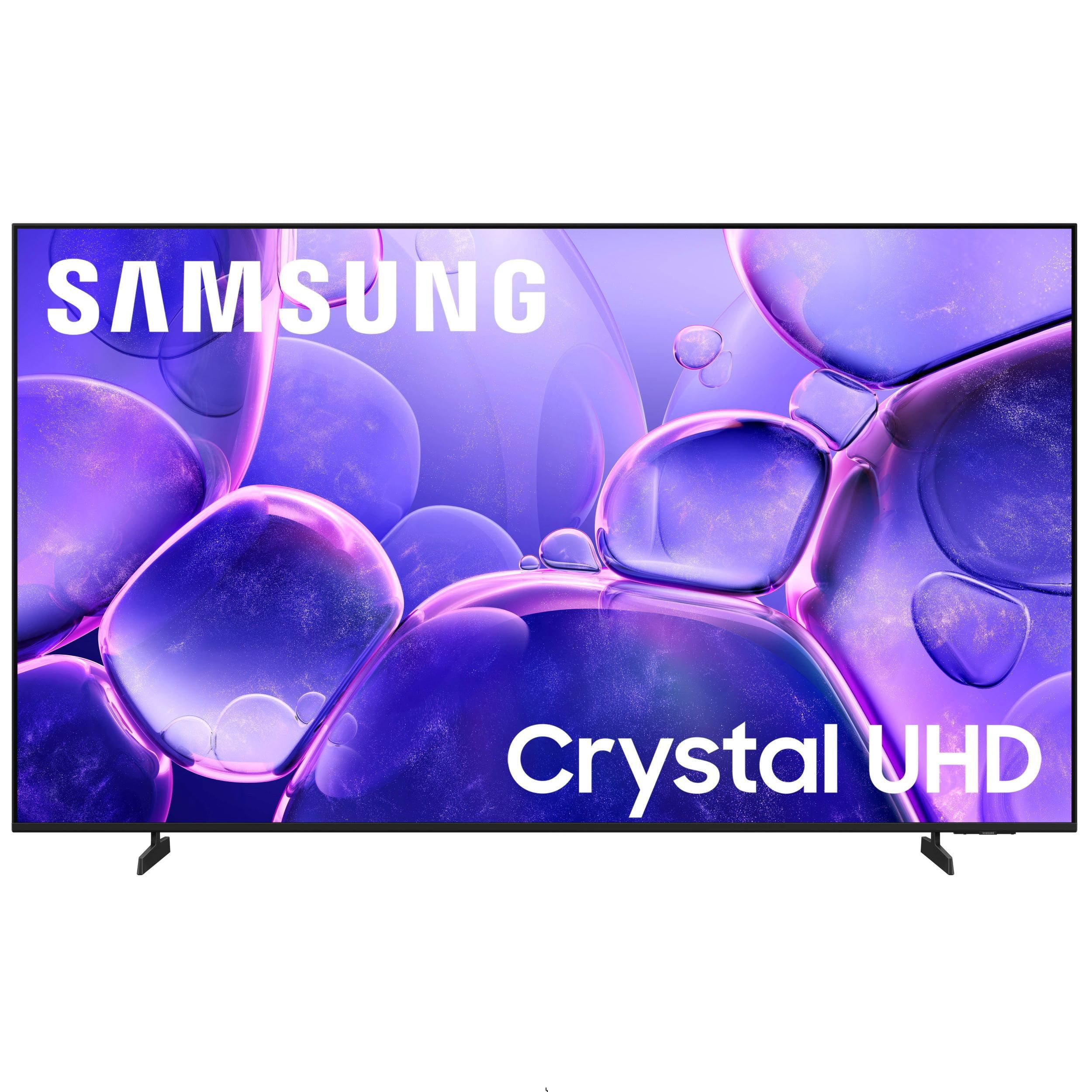
SAMSUNG 85" Class U8000F Series 4K Crystal UHD Smart TV
4.5 out of 5 stars
stars
3,681 ratings3,649 reviews
  1. 5 stars71% (2,606)
  2. 4 stars16% (573)
  3. 3 stars7% (240)
  4. 2 stars3% (125)
  5. 1 star4% (137)

Member photos

  • +1177 images
Sort by |
Showing 3,511-3,520 of 3,649 reviews
May 30, 2025
Reviewer name: Casper
5 out of 5 stars
5 out of 5 stars review

I love the quality of the picture

[This review was collected as part of a promotion.] Great picture on my PS5. Also love the free samsung TV plus. Lots of decent shows and movies

Review from Samsung US
Helpful?3CTS2O15ZY1416007408101
Apr 22, 2025
Reviewer name: Jasha23
5 out of 5 stars
5 out of 5 stars review

This product has great smart features

[This review was collected as part of a promotion.] This tv is amazing. I highly recommend it to anyone.

Review from Samsung US
Helpful?3CTS2O15ZY1416007408101
Aug 22, 2025
Reviewer name: LivingRoom
4 out of 5 stars
4 out of 5 stars review

Doesn't have the spot for blutooth connection lcd

[This review was collected as part of a promotion.] Use for streaming and gaming. Along with listening to and watching videos

Review from Samsung US
Helpful?3CTS2O15ZY1416007408101
Jul 25, 2025
Reviewer name: Thecurativerecipe
5 out of 5 stars
5 out of 5 stars review

Great Tv. For sure

[This review was collected as part of a promotion.] The ai is awesome great picture. Lee for the iitem.

Review from Samsung US
Helpful?3CTS2O15ZY1416007408101
Aug 22, 2025
Reviewer name: Fam2connect
5 out of 5 stars
5 out of 5 stars review

Awesome picture clear image

[This review was collected as part of a promotion.] Family TV we use it in the living room. Help us all co.e together during dinner time.

Review from Samsung US
Helpful?3CTS2O15ZY1416007408101
Jul 23, 2025
Reviewer name: Couldabeenbetter
4 out of 5 stars
4 out of 5 stars review

Its a great picture and has many capabilities

[This review was collected as part of a promotion.] I just wish it had more smart functions like a real internet browser

Review from Samsung US
Helpful?3CTS2O15ZY1416007408101
reply from Samsung Advisor

Hi Couldabeenbetter, We appreciate your feedback. Please know the U8000F does offer a built-in web browser. To access the internet browser, go to Home> Scroll left to Apps> Then select Internet underneath downloaded apps. Should you need more help, we're here for you. You can reach us at 1-800-SAMSUNG (8AM – 12AM EST, 7 days a week), or connect with a LiveChat agent by selecting ‘Support’ on our website. ~ Samsung Advisor

Oct 1, 2025
Reviewer name: Babybooo
5 out of 5 stars
5 out of 5 stars review

Amazing tv

[This review was collected as part of a promotion.] This is an amazing tv I can't believe how clear it is and even the sound is great.

Review from Samsung US
Helpful?3CTS2O15ZY1416007408101
Aug 22, 2025
Reviewer name: Anonymous
5 out of 5 stars
5 out of 5 stars review

Beautiful Picture

[This review was collected as part of a promotion.] This TV has a beautiful picture. Even the sound quality is fantastic

Review from Samsung US
Helpful?3CTS2O15ZY1416007408101
Aug 7, 2025
Reviewer name: Masterstv
5 out of 5 stars
5 out of 5 stars review

Excellent picture and sound great features with th

[This review was collected as part of a promotion.] We use our TV mostly for streaming videos and my kids playes video games

Review from Samsung US
Helpful?3CTS2O15ZY1416007408101
May 25, 2025
Reviewer name: Techpup85
4 out of 5 stars
4 out of 5 stars review

Great TV but slow to load

[This review was collected as part of a promotion.] It's been a great t , v , though , after a few months of owning has gotten very slow

Review from Samsung US
Helpful?3CTS2O15ZY1416007408101
reply from Samsung Advisor

Hi Techpup85, We appreciate your feedback regarding response time. For optimal performance, please ensure your U8000F TV is running the latest firmware. You can check this by going to: Home > left directional key > Settings > Support > Software Update To further optimize performance, try running Device Care, which checks memory, clears unused cached data, and closes background apps: Home > left directional key > Settings > Support > Device Care > Start Device Care If issues continue, please reach Samsung Support at 1-800-SAMSUNG, available 8AM – 12AM EST, 7 days a week. LiveChat is also available via the ‘Support’ link on our website. ~ Samsung Advisor