Join Now
Skip to Main Content
Sam's Club
Sam's Club
All Departments
All Services
Customer reviews for SAMSUNG 85" Class U8000F Series 4K Crystal UHD Smart TV for
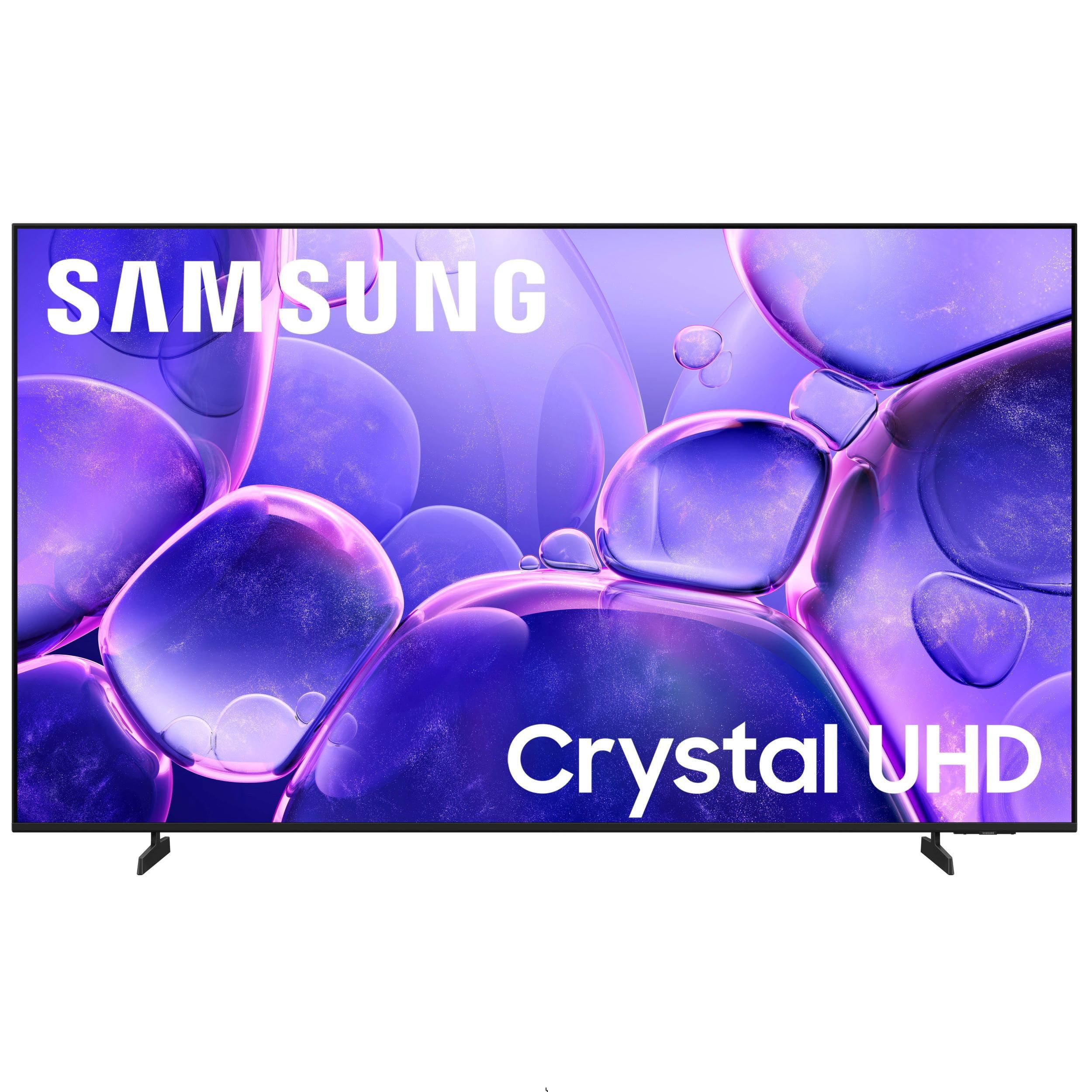
SAMSUNG 85" Class U8000F Series 4K Crystal UHD Smart TV
4.5 out of 5 stars
stars
3,699 ratings3,667 reviews
  1. 5 stars71% (2,619)
  2. 4 stars15% (573)
  3. 3 stars7% (242)
  4. 2 stars3% (126)
  5. 1 star4% (139)

Member photos

  • +1183 images
Sort by |
Showing 1,521-1,530 of 3,667 reviews
Jul 27, 2026
Reviewer name: Jessy
5 out of 5 stars
5 out of 5 stars review

Samsung TV

[This review was collected as part of a promotion.] Samsung TV is a good choice if you want a very large 85-inch screen for movies, streaming, sports, and everyday TV.

Review from Samsung US
Helpful?3CTS2O15ZY1416007408101
May 11, 2026
Reviewer name: Mahoney
5 out of 5 stars
5 out of 5 stars review

Love my samsung

[This review was collected as part of a promotion.] Absolutely.Fantastic t v for the price range period highest quality ever in the price range of the t v

Review from Samsung US
Helpful?3CTS2O15ZY1416007408101
May 20, 2026
Reviewer name: Chris
2 out of 5 stars
2 out of 5 stars review

Started out promising

[This review was collected as part of a promotion.] Cheap looking bezel around the television,and connection issues it kept dropping and restarting,i never worried about buying a samsund product until this one. Returned.

Review from Samsung US
Helpful?3CTS2O15ZY1416007408101
reply from Samsung Advisor

Hi Chris, We're sorry to hear about the issues that resulted in a return. Please know we are available and would have been happy to troubleshoot with you. We hope you’ll consider Samsung again in the future. If you do, we’re always here to help with setup and support. Reach us at 1-800-SAMSUNG (8AM – 9PM EST Mon – Fri, 8AM – 6PM Sat – Sun), or visit our website to chat live and access manuals or software. ~ Samsung Advisor

May 11, 2026
Reviewer name: AlaskaMike
5 out of 5 stars
5 out of 5 stars review

Love this tv

[This review was collected as part of a promotion.] I love how the detail, colors, and definition look on the screen! Perfect for watching show and movies and also for playing games, makes me happy I got 4k streaming subscriptions and a ps5 now!

Review from Samsung US
Helpful?3CTS2O15ZY1416007408101
Jun 17, 2026
Reviewer name: Smo0226
4 out of 5 stars
4 out of 5 stars review

Great TV for what u pay

[This review was collected as part of a promotion.] Overall this is a great TV for the price the picture on it is really good for what your paying. I love this TV we got another one for the bedroom.

Review from Samsung US
Helpful?3CTS2O15ZY1416007408101
Jun 9, 2026
Reviewer name: Jode
4 out of 5 stars
4 out of 5 stars review

Good TV

[This review was collected as part of a promotion.] I do like a lot of thr options. The thing I do not like is the picture quality. It seems cloudy and the colors are not right. I have tried to fix it and it does not get better.

Review from Samsung US
Helpful?3CTS2O15ZY1416007408101
May 12, 2026
Reviewer name: Gory
5 out of 5 stars
5 out of 5 stars review

Great features!
[This review was collected as part of a promotion.] Great TV. The sound is amazing and the picture is clear as day. I can connect my other devices and not worry about anyone hacking my

Review from Samsung US
Helpful?3CTS2O15ZY1416007408101
Jun 1, 2026
Reviewer name: Thisguy
5 out of 5 stars
5 out of 5 stars review

Samsung 65 in

[This review was collected as part of a promotion.] Love that I get consistent updates and the sound and picture is what I expect from Samsung. App sections allows me to watch live tv and movies.

Review from Samsung US
Helpful?3CTS2O15ZY1416007408101
May 20, 2026
Reviewer name: Pakat
3 out of 5 stars
3 out of 5 stars review

No Voice Commands

[This review was collected as part of a promotion.] The TV clarity is superb. I would not have purchased it if I knew it did not have voice command options.

Review from Samsung US
Helpful?3CTS2O15ZY1416007408101
reply from Samsung Advisor

Hi Pakat, Thank you for sharing your review. Your TV does not have a built-in voice assistant, but it does work with Alexa, meaning you’ll need to connect a standalone Alexa device, such as an Echo speaker, to control compatible smart home devices and some experiences on your TV. Here are the steps: 1. Download both the Amazon Alexa and Samsung SmartThings apps, if you don't already have them. Both are available for iOS or Android devices. 2. Make sure your Alexa device and TV are both connected to the same Wi-Fi network. 3. Your TV must be enabled within the SmartThings app. If not, make sure you are signed in with your Samsung account on the TV: Settings > All Settings > Samsung Account 4. Log in to the SmartThings app with the same Samsung account. Tap Devices, and if your TV isn’t already shown, tap + to add it to the app. 5. In the Alexa app, enable the SmartThings skill and sign into your Samsung account. This will automatically connect your Samsung TV to Alexa and let you use voice commands to control your television. If you need more help, we’re here. Give us a call at 1-800-SAMSUNG (8AM – 9PM EST Mon – Fri, 8AM – 6PM Sat – Sun). You can also connect with a LiveChat agent through the Support link on our website. ~ Samsung Advisor

Jul 6, 2026
Reviewer name: Rosecrest
5 out of 5 stars
5 out of 5 stars review

Great screen resolution and ease of use.

[This review was collected as part of a promotion.] Compact and light weight with a variety of input connectors. TV responds quickly to actions on remote control.

Review from Samsung US
Helpful?3CTS2O15ZY1416007408101