Join Now
Skip to Main Content
Sam's Club
Sam's Club
All Departments
All Services
Customer reviews for SAMSUNG 85" Class U8000F Series 4K Crystal UHD Smart TV for
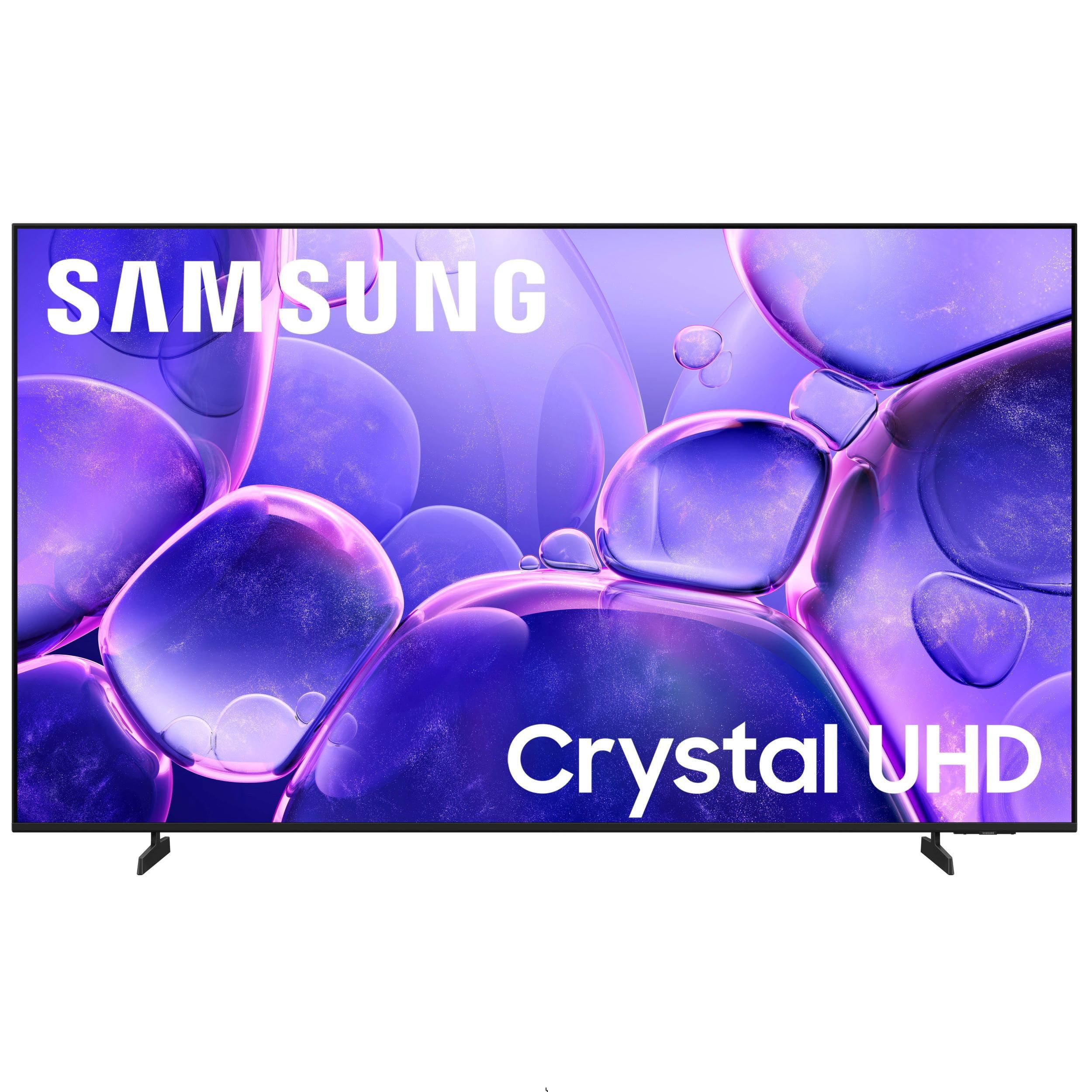
SAMSUNG 85" Class U8000F Series 4K Crystal UHD Smart TV
4.5 out of 5 stars
stars
3,697 ratings3,665 reviews
  1. 5 stars71% (2,618)
  2. 4 stars15% (573)
  3. 3 stars7% (242)
  4. 2 stars3% (126)
  5. 1 star4% (138)

Member photos

  • +1181 images
Sort by |
Showing 1,371-1,380 of 3,665 reviews
Jul 20, 2026
Reviewer name: Blevins
5 out of 5 stars
5 out of 5 stars review

Great TV

[This review was collected as part of a promotion.] We love it. We are in the process of getting 3 more

Review from Samsung US
Helpful?3CTS2O15ZY1416007408101
Aug 20, 2026
Reviewer name: Wesley
5 out of 5 stars
5 out of 5 stars review

Great tv

[This review was collected as part of a promotion.] EmailThe principal official office assistant not this guy to answer the phone

Review from Samsung US
Helpful?3CTS2O15ZY1416007408101
Jul 20, 2026
Reviewer name: Artthur
5 out of 5 stars
5 out of 5 stars review

Great tv

[This review was collected as part of a promotion.] Excellent product pictures and color are great the size is perfect

Review from Samsung US
Helpful?3CTS2O15ZY1416007408101
Jun 2, 2026
Reviewer name: Dmc376
5 out of 5 stars
5 out of 5 stars review

Great quality ease of use remote

[This review was collected as part of a promotion.] Easy setup light weight excellent picture contrast and color sound quality great

Review from Samsung US
Helpful?3CTS2O15ZY1416007408101
Apr 20, 2026
Reviewer name: Pugsley
5 out of 5 stars
5 out of 5 stars review

Phenomenal Picture

[This review was collected as part of a promotion.] The resolution of the picture is truly amazing, and viewing at any time of day is due to the amazing contrast and brightness of the television. I highly recommend this television.

Review from Samsung US
Helpful?3CTS2O15ZY1416007408101
May 20, 2026
Reviewer name: Kaye
5 out of 5 stars
5 out of 5 stars review

My new tv

[This review was collected as part of a promotion.] My Samsung TV is the best TV I've had. The resolution is crystal-clear, the contrast and brightness on the screen is amazing even with dark movies and shows. It makes viewing easy and a pleasure.

Review from Samsung US
Helpful?3CTS2O15ZY1416007408101
May 5, 2026
Reviewer name: Kay dog
5 out of 5 stars
5 out of 5 stars review

New tv who this
[This review was collected as part of a promotion.] Didn't realize how amazing the picture was going to look on this product great for gaming and overall all things and streaming and using it is very simple even a baby can do it

Review from Samsung US
Helpful?3CTS2O15ZY1416007408101
Jun 5, 2026
Reviewer name: Jax24
3 out of 5 stars
3 out of 5 stars review

Sound is terrible!

[This review was collected as part of a promotion.] Picture is good. Easy to use. The sound is terrible you have to thrn up during show and then down because commercials are to loud!

Review from Samsung US
Helpful?3CTS2O15ZY1416007408101
reply from Samsung Advisor

Hi Jax24, Thank you for sharing your experience with volume fluctuations on your Samsung U8000F TV. Sudden changes in volume can often be related to audio settings or content differences between sources or apps. Please try the following adjustments to help stabilize your TV's audio: 1. Enable Auto Volume. Go to: Settings > All Settings > Sound > Expert Settings > Auto Volume. This feature helps maintain a consistent volume level when switching channels or apps. 2. Change 3. . Try a different sound mode to see if one offers a more stable output: Settings > All Settings > Sound > Sound Mode (We recommend Standard or Amplify for more even performance.) 4. Check External Devices. If you're using a soundbar, receiver, or other audio device, check that its volume leveling or dynamic range settings aren’t interfering with the TV’s audio. 5. Update Firmware. Ensure your TV is running the latest software, as updates may include audio improvements: Settings > Support > Software Update > Update Now If the issue persists after these steps, please don’t hesitate to reach Samsung Customer Support at 1-800-SAMSUNG (8AM – 9PM EST Mon – Fri, 8AM – 6PM Sat – Sun). LiveChat is also available via the ‘Support’ link on our website. ~ Samsung Advisor

Apr 20, 2026
Reviewer name: Calfur67
2 out of 5 stars
2 out of 5 stars review

Lines in the t v screen,

[This review was collected as part of a promotion.] lines in the TV screen remont Don't work right not very happy with the television at all only had it a year and a half the lines come in it after the warranty ran out

Review from Samsung US
Helpful?3CTS2O15ZY1416007408101
reply from Samsung Advisor

Hi Calfur67, Thank you for sharing your experience with Samsung’s U8000F. If your TV is displaying lines on the screen, we recommend the following steps to help isolate the issue: 1. Check all input cable connections for any external devices (e.g., HDMI, streaming boxes, Blu-ray players) 2. Switch channels or inputs to see if the issue appears across all sources 3. Run a Picture Test to check for panel-related issues: Settings > Support > Device Care > Self Diagnosis > Picture Test 4. Perform a cold boot by holding the power button on your remote for about 10 seconds 5. Ensure your TV has the latest software installed: Settings > Support > Software Update If the issue continues after these steps, the TV may require service. For further assistance, please contact Samsung Support at 1-800-SAMSUNG, 8AM – 12AM EST, 7 days a week. LiveChat and additional support resources are also available through the Support link on our website. ~ Samsung Advisor

Jul 6, 2026
Reviewer name: Rosecrest
5 out of 5 stars
5 out of 5 stars review

Great screen resolution and ease of use.

[This review was collected as part of a promotion.] Compact and light weight with a variety of input connectors. TV responds quickly to actions on remote control.

Review from Samsung US
Helpful?3CTS2O15ZY1416007408101