Skip to Main Content
Sam's Club
Sam's Club
All Departments
All Services
Customer reviews for SAMSUNG 85" Class U8000F Series 4K Crystal UHD Smart TV for
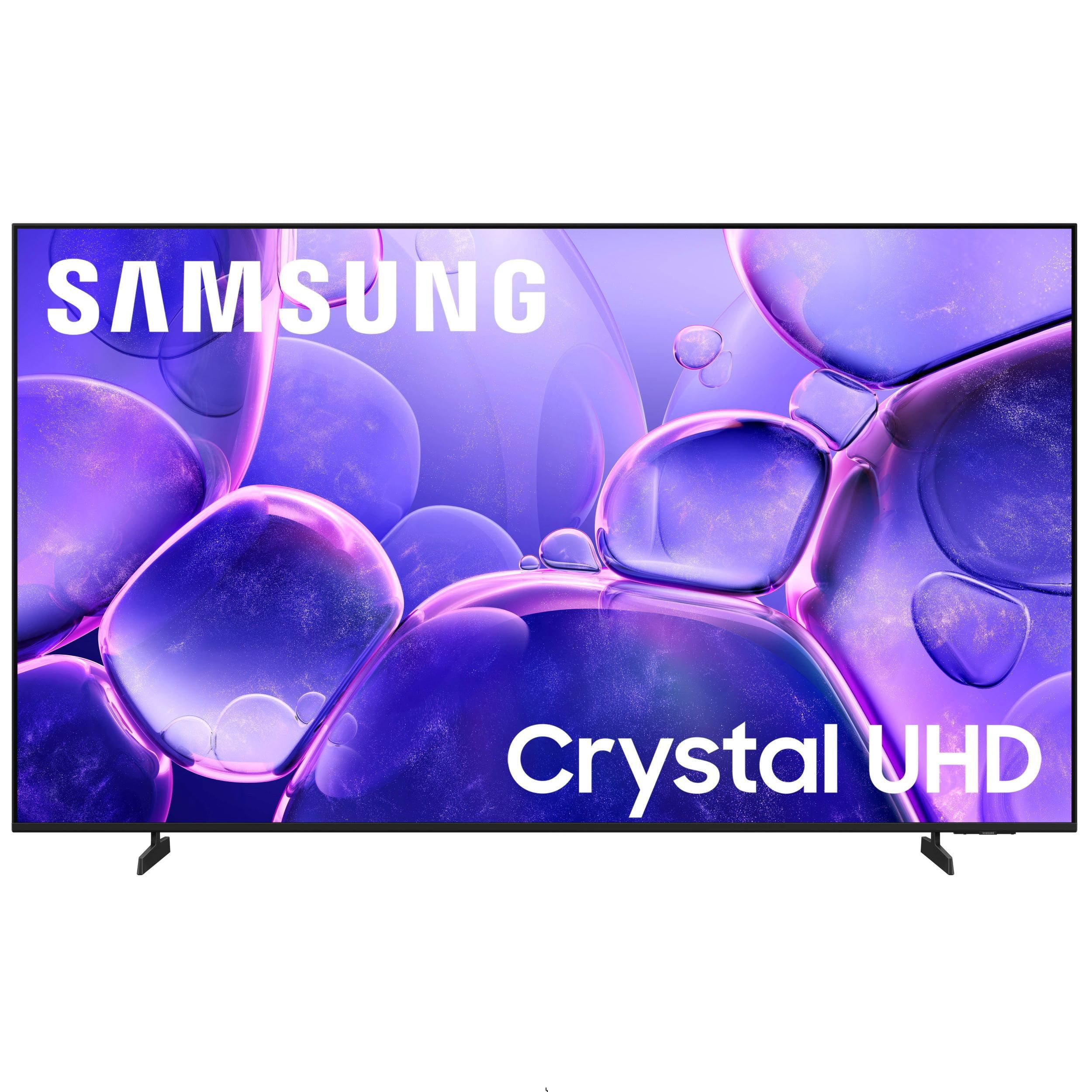
SAMSUNG 85" Class U8000F Series 4K Crystal UHD Smart TV
4.5 out of 5 stars
stars
3,692 ratings3,660 reviews
  1. 5 stars71% (2,615)
  2. 4 stars16% (573)
  3. 3 stars7% (241)
  4. 2 stars3% (126)
  5. 1 star4% (137)

Member photos

  • +1177 images
Sort by |
Showing 1,071-1,080 of 3,660 reviews
Jun 22, 2026
Reviewer name: Donovan A
4 out of 5 stars
4 out of 5 stars review

High quality and performs well...Just minor issue

[This review was collected as part of a promotion.] The TV has great quality and shows images clearly and with lots of details. My only problem with the TV is that it makes a loud humming noise the brighter the TV gets, and despite trying to troubleshoot the issue, I have not been able to fix it outside of having my TV be super dim. If you can get past this issue (having a fan off blocks the sound mostly), it is a worthwhile investment!

Review from Samsung US
Helpful?3CTS2O15ZY1416007408101
Jun 5, 2026
Reviewer name: Anonymous
3 out of 5 stars
3 out of 5 stars review

My experience, just so-so

[This review was collected as part of a promotion.] A really nice picture and easy setup. But, the volume of commercials increases to an unbearable degree on some channels and there seems to be an over abundance of incidents of program buffering or freezing

Review from Samsung US
Helpful?3CTS2O15ZY1416007408101
reply from Samsung Advisor

Hi, Thank you for sharing your experience with volume fluctuations on your Samsung U8000FD TV. Sudden changes in volume can often be related to audio settings or content differences between sources or apps. Please try the following adjustments to help stabilize your TV's audio: 1. Enable Auto Volume. Go to: Settings > All Settings > Sound > Expert Settings > Auto Volume. This feature helps maintain a consistent volume level when switching channels or apps. 2. Change 3. . Try a different sound mode to see if one offers a more stable output: Settings > All Settings > Sound > Sound Mode (We recommend Standard or Amplify for more even performance.) 4. Check External Devices. If you're using a soundbar, receiver, or other audio device, check that its volume leveling or dynamic range settings aren’t interfering with the TV’s audio. 5. Update Firmware. Ensure your TV is running the latest software, as updates may include audio improvements: Settings > Support > Software Update > Update Now If the issue persists after these steps, please don’t hesitate to reach Samsung Customer Support at 1-800-SAMSUNG (8AM – 9PM EST Mon – Fri, 8AM – 6PM Sat – Sun). LiveChat is also available via the ‘Support’ link on our website. ~ Samsung Advisor

Apr 6, 2026
Reviewer name: Wagphan
5 out of 5 stars
5 out of 5 stars review

Great television!

[This review was collected as part of a promotion.] I am a 60 year old man I was able to move the television in the box by myself. I was able to place the footings on the tv, and set it in place by myself. I plugged it in and away I went. I was able to connect the tv to my wireless internet and from there the television blossomed. I was amazed at how many free things were already programmed and available for viewing. The colors were crisp, picture extends to the full perimeter of the screen, and the sound is very good too, my wife says it's a little too good as she tells me to turn down the volume. The pictures are clear and sharp as well, I had a Sony tv and Samsung blows it away. Programing my extra channels was super easy as well, but most everything I had was already programmed into the television, all I had to do was log in to that particular channel and away it went. But as soon as I introduced a new program to the television, it added the app icon right away to my channel lineup; and you are able to rearrange the app lineup to fit your needs. It was a little daunting at first, because I am one of those people who looks at the instruction manual and tosses it aside. Samsung really did make everything simple to understand and actually use. There are literally hundreds of free channels for you to watch. Navigating to these channels was a bit tricky at first, but once I mastered the remote; I was happy as can be. I am pretty satisfied with the brightness and resolution of the picture on the television but I have yet to figure that part out by myself yet; I guess I am actually going to have to look at the manual after all. And I have had no issues navigating from one program to another and the new program starts within a few seconds of navigating to it. All in all, I love this television, the technology built into it is wonderfully amazing to an old man like me. Just one thing, the remote is reeeeallly small compared to the other remotes I have used in the past. Once I got used to it, it was really quite simple. But don't misplace it. With its size…you're going to be hunting. And now a heartfelt Thank You Samsung for a wonderful product.

Review from Samsung US
Helpful?3CTS2O15ZY1416007408101
Mar 5, 2026
Reviewer name: CHUCK
4 out of 5 stars
4 out of 5 stars review

AS STATED ABOVE

[This review was collected as part of a promotion.] I HAVE ANOTHER OLDER SAMSUNG AND THE GRAFFICS A 3-D EFFECT HAS A BETTER PICTURE BUT IT IS NOT AS SMART AS THIS. I KEEP TRYING TO GET A BETTER 3D EFFECT IF YOU HAVE ANY SUGGESTION IT WOULD BE HELPFUL

Review from Samsung US
Helpful?3CTS2O15ZY1416007408101
Jun 2, 2025
Reviewer name: RaiZArts
5 out of 5 stars
5 out of 5 stars review

Beautiful Display

[This review was collected as part of a promotion.] This TV is a marvel. When I have company, they always rant and rave about how my TV makes them feel immersed in whatever we're watching. Whether it's playing video games, watching movies or even TV shows on the provided Samsung TV Channels, you'll have a truly engaging experience every time you watch!

Review from Samsung US
Helpful?3CTS2O15ZY1416007408101
Jun 5, 2026
Reviewer name: nickbct
3 out of 5 stars
3 out of 5 stars review

Good not great

[This review was collected as part of a promotion.] The television is fine. Always like Samsung's interface, but weird things. HBO Max is not in the app store. You can search and find, but not on the home screen. Also, occasionally have to turn off/on the sound bar so things re-sync together. I keep expecting a software update to fix this, but has not happened.

Review from Samsung US
Helpful?3CTS2O15ZY1416007408101
reply from Samsung Advisor

Hi nickbct, Thank you for sharing your experience. Please know that you can customize your Home screens by installing, removing or adding your favorite apps to Apps Home and/or For You Home screen. Here's how: Searching for & Installing Apps 1. From the Home screen, press up on the remote’s directional pad. 2. Navigate to and select Search. 3. Using the search bar, enter the content or app you’d like to find. 4. Navigate to and select the app you’d like to install, then select Install. Note: Previously installed apps can be accessed on the Settings screen. Adding & Managing Apps on Home Screen 1. Go to App Settings (these can be found at the bottom of the Apps screen) and select the app you want to move. The following options will be available: a. Add to Home: Move the app to your desired location on the Home screen. b. Delete: Delete app. c. Lock/Unlock: Lock the app with a PIN so only you can use it. When the app is selected again, you will be prompted to enter the PIN to unlock it. d. Reinstall: Reinstall the app. e. View Details: View the app’s information and details. If you need more help with app management, please don’t hesitate to reach Samsung Support at 1-800-SAMSUNG (8AM – 9PM EST Mon – Fri, 8AM – 6PM Sat – Sun), or reach us via text anytime. You can also visit ‘Support’ on our website for: • Live Chat • Manuals, Software, & Warranty Info ~ Samsung Advisor

Jun 20, 2026
Reviewer name: Ironjack
5 out of 5 stars
5 out of 5 stars review

Excellent Picture Quality

[This review was collected as part of a promotion.] I would cover two topics at once. This 65" UHD TV is everything it is advertised to be. The picture quality is superb - bright with excellent contrast. The picture quality is the same quality anywhere on the screen - edge to edge all wonderful picture quality.

Review from Samsung US
Helpful?3CTS2O15ZY1416007408101
Jun 20, 2026
Reviewer name: Mr Entertainment
5 out of 5 stars
5 out of 5 stars review

This TV is incredible with its capabilities!

[This review was collected as part of a promotion.] I have always enjoyed using Samsung products from my old boo-boo back in the day up to now with my cellphone and my second Samsung 65 inch TV (a step up from my older 50") I am still in awe of what it's capable of even after two months. I keep finding new features that surprises me like a new gift every time I come across something new about my 65 Crystal TV. This TV just reassures me that the only brand I am sticking with is a Samsung.

Review from Samsung US
Helpful?3CTS2O15ZY1416007408101
Jul 21, 2026
Reviewer name: Daniel
5 out of 5 stars
5 out of 5 stars review

Great features

[This review was collected as part of a promotion.] The Samsung 55" Crystal TV is a fantastic choice for anyone looking for a great viewing experience. The picture quality is really impressive, with vibrant colors and sharp details thanks to the Crystal Display It makes movies and shows look amazing The design is also super sleek and modern,

Review from Samsung US
Helpful?3CTS2O15ZY1416007408101
Jun 14, 2026
Reviewer name: Sardor
5 out of 5 stars
5 out of 5 stars review

Loved my experience
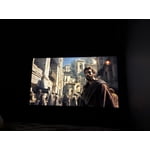
[This review was collected as part of a promotion.] Bough 65' for my living room and 50' for my bedroom, such a great purchase. It looks good, has no issues with quality of images. Colors are amazing. Resolution is just perfect, price-quality is insane.

Review from Samsung US
Helpful?3CTS2O15ZY1416007408101