
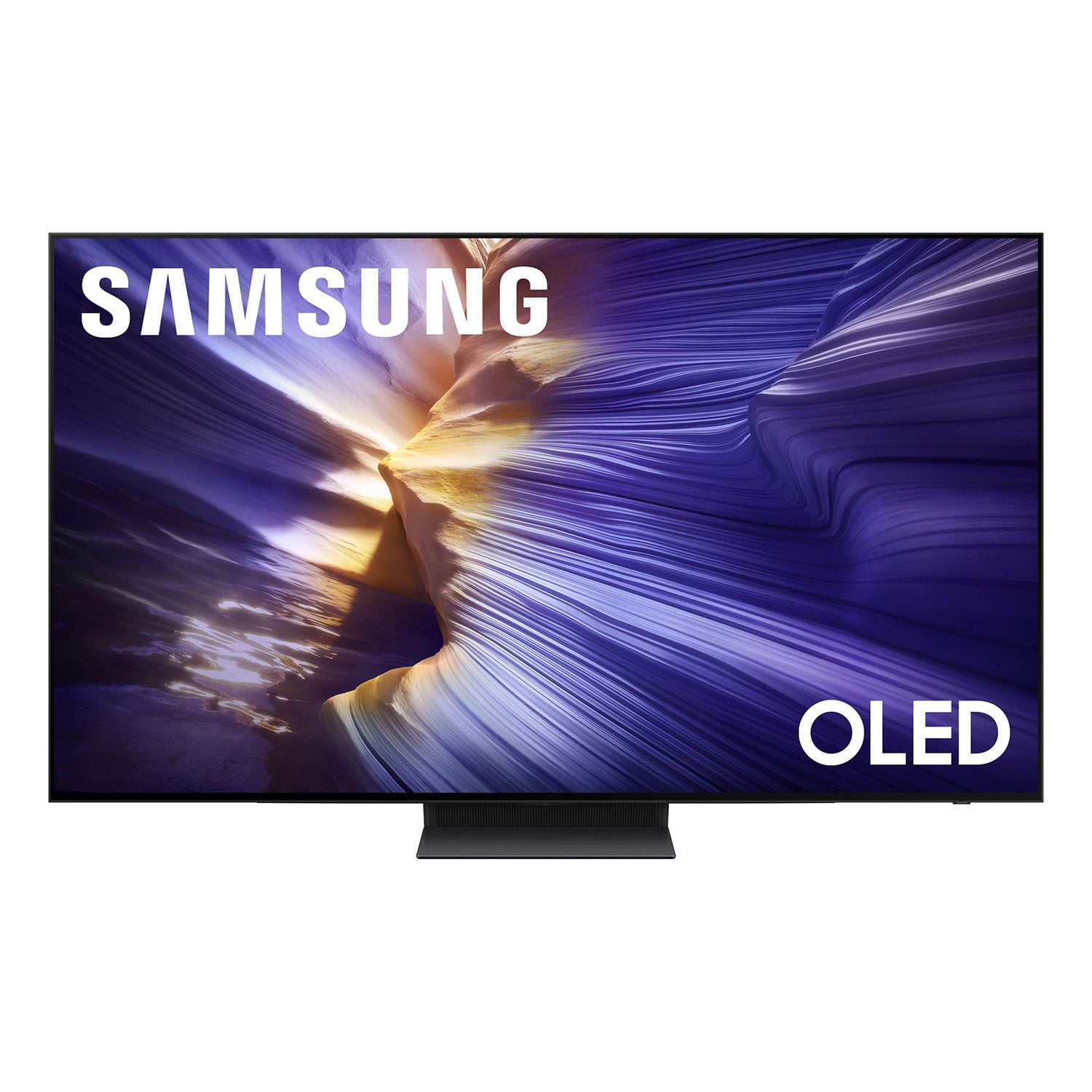
 Customer reviews for SAMSUNG 83” Class S90FD Series 4K OLED Smart TV for
Member photos

 +808 images
S90f review
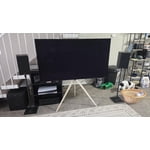
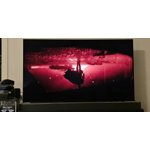
[This review was collected as part of a promotion.] I've been really impressed with my Samsung S90F so far—it's easily the best-looking screen I've owned for both movies and gaming. The brightness caught me off guard in the best way. Usually, OLEDs struggle in rooms with a lot of natural light, but the HDR highlights on this thing really punch through and make colors pop, even during the day. Because every pixel lights up individually, the contrast is unreal. Dark scenes have true, pitch-black shadows with zero haloing around bright objects, which gives everything tons of depth.
Best tv I've ever bought
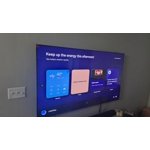
[This review was collected as part of a promotion.] People have claimed that "OLED's are not bright" that ohhh the burn in. I haven't had any issues and everything looks great on my s90f. The refresh rate is the best I've experienced for a atv and I dont even have the motion smoothing on. Colors look great and when they project the light is amazing.
NO GLARE!!!
[This review was collected as part of a promotion.] The brightness and contrast are amazing, we have a bright room and really couldn't enjoy watching TV in the daytime. Not no more, Samsung oled for the win, I can actually sit in my living room and enjoy the TV during the day with no glare. Amazing TV the smoothness and motion are superb at a great price..
Good Quality, Long Lasting
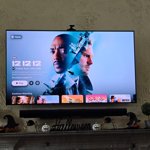
[This review was collected as part of a promotion.] We have used this as our main television for more than 2 years now and it has never let us down. The OLED screen is great at showing perfect colors / contrast in both bright or dark rooms. For gaming consoles or PCs we have used to play on the TV with, the refresh rate and overall responsiveness of the screen has kept up with other gaming purpose built monitors we have used previously. This TV is overall great for gaming in the living room or having an all in one home theater experience for movie nights.
Best Tv brand!
[This review was collected as part of a promotion.] Everything from controller to tv is good, Samsung makes one of the best TV's in the world and I recommend people to buy it, watching movie is really good quality to playing video games amazing 4k old quality, im never changing from Samsung ever
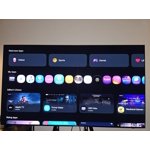
I see the light!
[This review was collected as part of a promotion.] What an amazing purchase! Haven't bought a tv in about 10 years and my last one was a 32 in that finally gave out. So I decided to get this model for our living room and we've been so happy with it. The display of colors and contrasts, along with the sound make it a wonderful experience. Thank you.
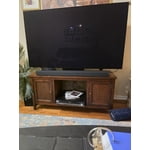
Absolutely cinema
[This review was collected as part of a promotion.] I recently purchased the Samsung S90F OLED TV, and I am absolutely thrilled with it! This TV has exceeded all my expectations and transformed my home entertainment experience. The picture quality is breathtaking. The OLED panel delivers perfect blacks, incredibly vibrant colors, and impressive brightness that makes HDR content truly pop. Watching movies like Spider-Man: Into the Spider-Verse or dramatic scenes in shows feels immersive and lifelike, with every detail sharp and nuanced. The NQ4 AI Gen3 Processor does an outstanding job with 4K AI Upscaling, turning even older content into near-4K clarity. As a gamer, I'm impressed by the gaming features—144Hz refresh rate, low input lag, VRR, and four HDMI 2.1 ports make it perfect for my PS5 and PC setup. Motion is smooth with no blur, and the Gaming Hub is convenient for quick access to cloud gaming. The design is sleek and modern, with ultra-thin bezels that look elegant in my living room. Tizen OS with Samsung Vision AI is intuitive, fast, and packed with useful features like personalized recommendations. Overall, the S90F offers premium performance at a great value. It's one of the best TVs I've owned, and I highly recommend it to anyone looking for stunning visuals, top-tier gaming, and smart functionality. Thank you, Samsung, for another fantastic product—keep innovating!

Great image quality. OK software
Great image quality. Console gaming is great on it. Streaming is as good as the quality of the streaming service. Samsung's software is a mess and the minimalist tv control is too limiting. It takes way too much effort to change between inputs - with my replaced tv it was just a single button on the remote. TV sometimes refuses to turn off. Sports are difficult to watch due to the motion blurring. Much worse than my replaced tv. I've played around with settings but can't find a fix for it.
Paul, Thanks for your review. While the Solar Cell Remote may appear minimal, many buttons offer multiple or long-press functions to help simplify the design without sacrificing functionality. For example: • Settings/Number/Color: Allows you to easily access your TV's Quick Settings and input channel numbers. • Volume rocker: Push up/down to adjust volume. Press and release quickly to mute. • Long-press Volume button: Hold for more than 1 second to open Accessibility Shortcuts. • RETURN button: Press to go back to the previous menu or screen. While watching TV, it takes you back to the previous channel. These functions allow for a more streamlined experience without adding extra buttons. Learn TV Remote is a feature designed to help users become familiar with the layout and function of each button on the Samsung remote. When enabled, pressing any button (except the Power button, which will still turn off the TV) will prompt the TV to announce the button’s name and its purpose – without affecting TV operation. This teaching mode is especially useful for users who are new to Samsung remotes. To enable this feature, go to: Settings > All Settings > General & Privacy > Accessibility > Learn TV Remote. To exit, simply press the Return key twice. If the picture appears blurry or unnatural during high-speed scenes, there are several settings you can adjust to improve motion clarity. Picture Clarity Settings: While originally intended for motion handling, these can also impact overall clarity • Off: Disables motion enhancements • Auto: Automatically adjusts based on content • Custom: Lets you fine-tune: o Judder Reduction – Helps smooth out uneven motion o LED Clear Motion – Boosts sharpness in fast-moving content o Noise Reduction – Reduces distortion and enhances detail in lower-resolution sources Core Picture Settings • Brightness – Controls overall screen brightness • Contrast – Enhances the difference between bright and dark areas • Sharpness – Adjusts edge definition; closer to 20 increases detail • Color – Enhances depth and intensity of colors You may also want to enable AI Mode, which automatically adapts picture settings based on your content, room lighting, and usage patterns. Go to: Settings > All Settings > Advanced Features > AI Mode Settings And don’t forget to check for the latest firmware, which may improve performance: Settings > Support > Software Update > Update Now Lastly, please check to see if Daily Board is enabled. Daily Board uses motion or voice to show useful info like weather and connected device status when the TV is off. To disable Daily Board, press the 123/Quick Settings button on your remote, go to Settings > All Settings > Advanced Features > Daily Board, then switch off any enabled options. If you’d like more assistance, please reach Samsung Support at 1-800-SAMSUNG, available 8AM – 12AM EST, 7 days a week. LiveChat agents are also available through the ‘Support’ link on our website. ~ Samsung Specialist
Great Tv
[This review was collected as part of a promotion.] Love this TV. Great picture quality and numerous features including being able to pair Bluetooth headphones and still have tv sound on. The only compliant is that the HDMI port keeps losing connection, every once in a while. Have to go in and choose the correct HDMI port. Keeps going to HDMI 3 instead of HDMI 1. Nothing Issa on HDMI 3. Can't figure out how to change the default.
Great TV overall!
[This review was collected as part of a promotion.] Brightness is amazing. When watching in the dark I do have to turn the brightness down, but during the day time the TV is really really clear. The contrast is perfect as is too. I have not had to change the contrast at all to watch my movies or shows. The TV is super responsive. The only issue I have had is using voice search option. Sometimes what I say doesn't translate well in searching what it is that I'm saying so I have to type manually. From show to show and different streaming services to tv channels, the uniformity of the visuals is amazing. The TV shape and screen itself is uniform and works great. The voice search could use upscaling but other than that all of the apps and functions on the TV works perfectly.