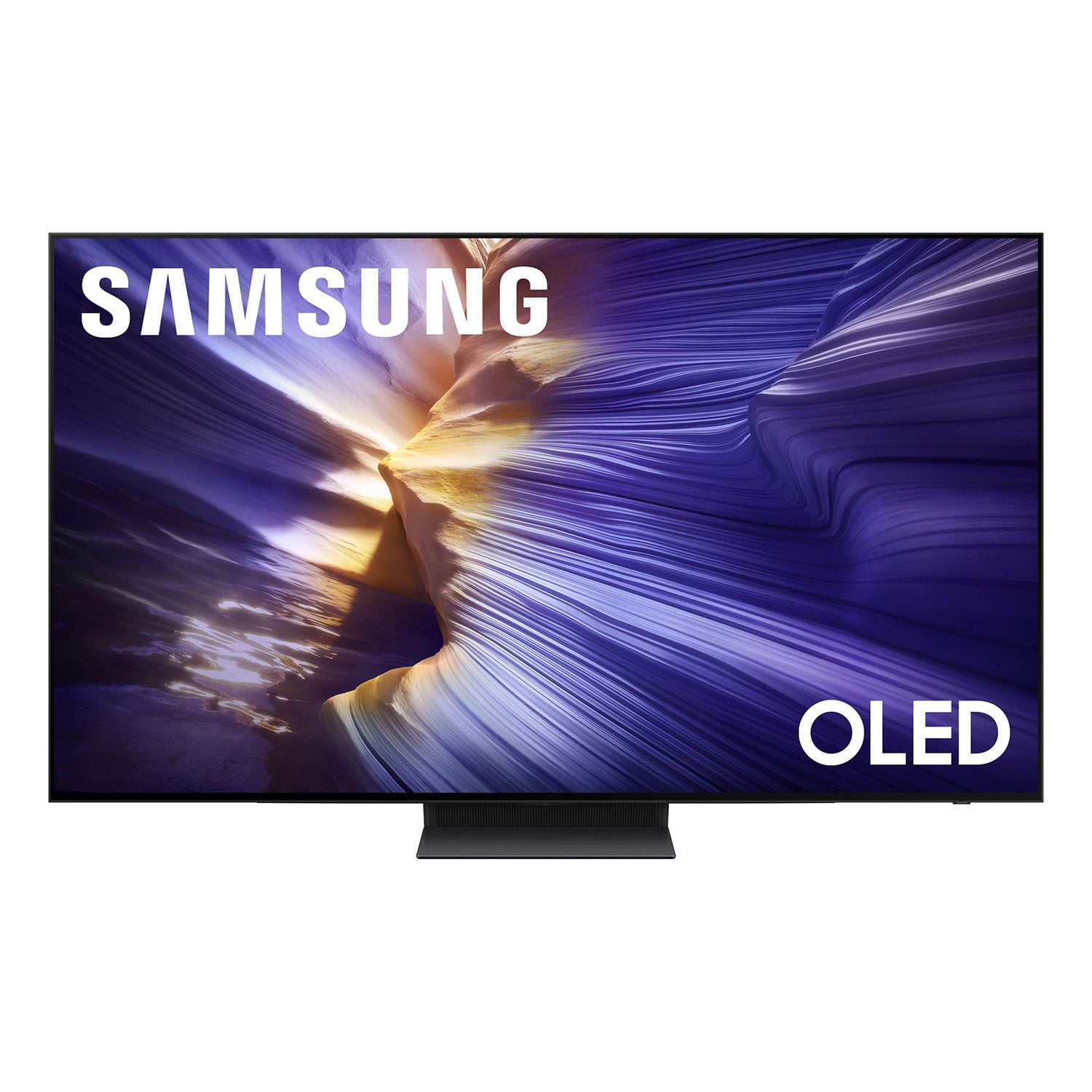
 Customer reviews for SAMSUNG 83” Class S90FD Series 4K OLED Smart TV for
Member photos
 +808 images
Great pick for the money
[This review was collected as part of a promotion.] Beautiful picture.Detail sound quality is excellent and the motion is seamless The remote control is solar , so no battery , a big plus The only drawback is the distance.The remote control will work
Terrible remote
[This review was collected as part of a promotion.] The response time of the remote is unacceptable. The remote is terrible. The speech recognition is 50/50 if it works. Last week it said it was unavailable and there is no way except to scroll to find a station
Chigrl, Thank you for your review of the S90FD TV and for sharing your experience with the SolarCell Remote. If the remote is unresponsive, it may be due to a low or depleted battery. You can charge the remote using the solar panel on the back or the USB-C port located at the bottom. To check the battery level of your remote, navigate to: Home > top directional key > Settings > All Settings > General & Privacy > Remote Control To help resolve the issue, please try the following: 1. Reset the remote: Press and hold the Return and Enter (center of navigation pad) buttons for more than 10 seconds. 2. Re-pair the remote: After resetting, stand within 1 foot of your TV and press Return and Play/Pause simultaneously for at least 5 seconds, or until a pairing message appears on your TV. 3. Power cycle the TV: Unplug the TV from the power outlet for 30 seconds, then plug it back in. 4. Try pairing again if needed and move closer to the TV if you're having difficulty. 5. Check for TV firmware updates: Settings > Support > Software Update > Update Now If your SolarCell Remote still isn’t functioning properly after these steps, please contact Samsung Support for further assistance. We’re available at 1-800-SAMSUNG (8AM – 9PM EST Mon – Fri, 8AM – 6PM Sat). LiveChat agents are also available at the ‘Support’ link on our website. ~ Samsung Pro
OLED tv
[This review was collected as part of a promotion.] Was expecting a better picture quality brightness is fair at best. It was expensive and thought that it would be better than what it is. I feel like I could've gone with the cheaper option and be just as happy
Hi Lmhcsw, We appreciate your input on the picture quality of Samsung’s S90FD TV. If the image isn’t meeting your expectations, there are several adjustments you can make to improve your viewing experience. First, please ensure your TV is running the latest firmware, as updates may include important picture quality enhancements. Go to: Home > Left directional button > Settings > Support > Software Update > Update Now Then, select a Picture Mode that best fits your environment: Home > Home > left directional key > Settings > All Settings > Picture > Picture Mode 1. Standard – Default mode for general viewing 2. Dynamic – Brighter and clearer in well-lit rooms 3. Eco – Optimized for energy saving 4. Movie – Best for watching in dark environments 5. Filmmaker Mode – Preserves content exactly as intended by creators You can also enhance your experience by enabling AI Mode, which automatically adjusts picture and sound based on your surroundings and usage patterns: Settings > All Settings > Advanced Features > AI Mode Settings > AI Mode If these adjustments don’t improve your picture quality, feel free to contact Samsung Customer Support at 1-800-SAMSUNG (8AM – 9PM EST Mon – Fri, 8AM – 6PM Sat ). You can also LiveChat with an agent or explore additional resources on our website by clicking the ‘Support’ link. ~ Samsung Advisor
BestTV ever
[This review was collected as part of a promotion.] This was the best tv I have ever experienced it seam that I can see every hair on a person sounds great I had a Sony before this one and it was very good but when I got this one was so much better color contrast just great
Oled brings old cinema into the today's technology
[This review was collected as part of a promotion.] After setting up the TV I decided to see how the TV would display an old western from Clint Eastwood western I picked Pale Rider The contrast and depth in the pictures was absolutely incredible I've heard a lot about OLED's but to actually see it and experience the sound quality ….it is fabulous TV..Nice job Sampson

Incredible Experience
[This review was collected as part of a promotion.] This TV is incredible. From Anime to Gaming everything is different. Its great. The picture is sharp the image is vibrant and the spacial audio works even better than described. Thank you samsung for creating the best addition i could've added to the living room.
Not very smart
[This review was collected as part of a promotion.] This high end smart tv has good picture as expected but it can NOT handle my Dish box very well. It constantly black screen and disply four blue rotating dots as if to think about before display the correct picture. It is extremly annoying while watching TV. Sometimes it will just quit and saying it can't process the signal. I had to power off and on the TV to get it working again. And the remote is very small and not good at learning other devices. My lower end LG TV was much better. I should've bought a LG TV.
alameda240, Thanks for sharing your experience with your screen displaying a black screen and “No Signal” message. This typically indicates a connection or source issue. Let’s walk through a few steps to help get things working again. 1. Check Source & Connections • Confirm the source: Use the remote to make sure the TV is set to the correct input. Go to: Home > Top directional key > Connected Devices > Sources • Verify connections: Ensure all external devices (like a cable box or Blu-ray player) are powered on and securely connected via HDMI. Try switching to a different HDMI port or using another cable to rule out a faulty connection. For best results, we recommend using a High Speed HDMI cable with Ethernet (HEAC) – this helps support 4K video and audio from most modern external devices. • Power cycle the TV: Unplug it from the wall for at least 60 seconds, then plug it back in. 2. Update Your TV Software: Make sure your TV is running the latest firmware: Home > Top directional key > Settings > Support > Software Update 3. Signal & Broadcast Checks (Especially important if you're using a cable box or antenna) • Check signal strength: Home > Top directional key > Settings > Support > Device Care > Self Diagnosis > Broadcast Signal • Run Auto Program: Home > Top directional key > Settings > All Settings > General & Privacy > Broadcasting > Auto Program 4. Advanced Troubleshooting • HDMI Test: Home > Top directional key > Settings > Support > Device Care > Self Diagnosis > HDMI Test • Try a different device: Connect another external device to the same HDMI port to see if the issue persists. • Check the power source: Make sure the TV is plugged into a working outlet. If using a surge protector, try plugging directly into the wall. • Factory reset (if needed): As a last resort, reset the TV to default settings. (Note: this will erase your preferences.) If you’ve tried all the above and still see “No Signal,” please reach out to Samsung Support for further assistance at 1-800-SAMSUNG (8AM – 9PM EST Mon – Fri, 8AM – 6PM Sat), or reach us via text anytime. You can also visit ‘Support’ on our website for: • Live Chat • Manuals, Software, & Warranty Info ~ Samsung Pro
New Samsung TV
[This review was collected as part of a promotion.] The TV is an upgrade from my previous 20yr screen. I like the size and picture but I am still adjusting with the picture. It's brighter and clearer. Sometimes it feels like the person/actor for instance jumps out of the TV and the background is just that. Starting to get use to it. I know it's a part of a new era of technology so comes with the adjusting to it.
Great product and features
[This review was collected as part of a promotion.] The overall picture is absolutely phenomenal. The audio quality is great, and even better when paired with a Q-series sound bar. The online features and apps making navigating easy. One very minor negative is the remote hot keys for are fixed to preselected apps; making them programmable would be better.
A QD-OLED for the win
[This review was collected as part of a promotion.] Didnt care for OLED mostly because of pricing. Enjoyed up to this point a QD-LED 4K 120hz before buying the S90F. It has been game changing! Contrast levels, Blacks, color accuracy and wide viewing angles made this a much more substantial upgrade than i first thought. Everything from movies to Gaming is leagues better. QD-OLED is next level OLED. HDR brightness is beyond what i expected and the 144hz refresh rate and motion is buttery smooth. Old movies look new with upscaling.