Skip to Main Content
Sam's Club
Sam's Club
All Departments
All Services
Customer reviews for SAMSUNG 55” Class S90FD Series 4K OLED Smart TV for
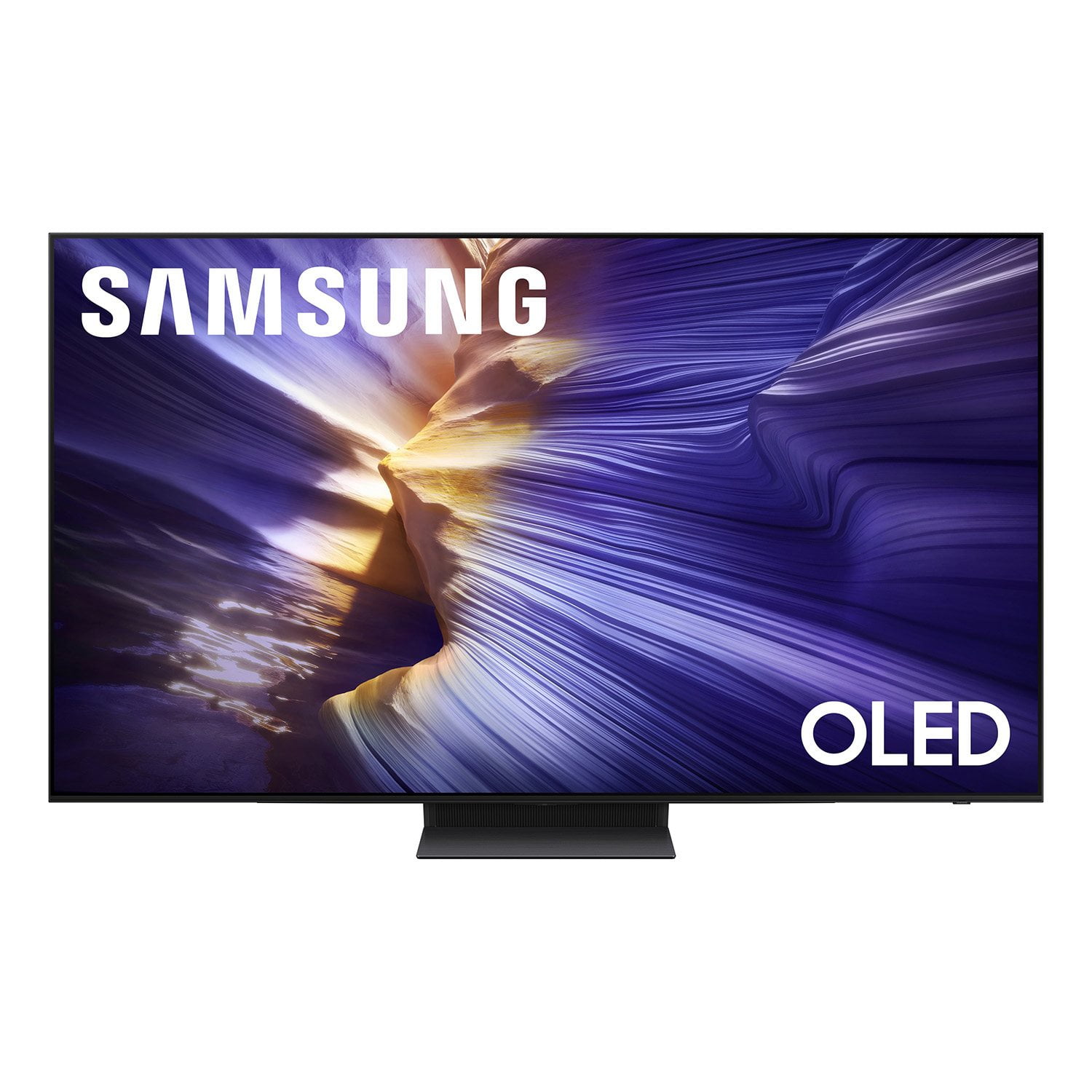
SAMSUNG 55” Class S90FD Series 4K OLED Smart TV
4.7 out of 5 stars
stars
440 ratings439 reviews
  1. 5 stars81% (355)
  2. 4 stars13% (56)
  3. 3 stars3% (15)
  4. 2 stars2% (10)
  5. 1 star1% (4)

Member photos

  • +127 images
Sort by |
Showing 231-240 of 439 reviews
Feb 21, 2026
SirJay76
5 out of 5 stars review

Best picture I have seen on a TV at this price!

[This review was collected as part of a promotion.] This TV has had the best image I've seen on any TV at this price point! Vivid colors, black is actually Black! Sharp clear image with great dynamic range! Killer refresh rate for FPG gaming !

Review from Samsung US
Helpful?57VM8815Z2DU15574802533
Feb 18, 2026
MySamsclubTV
5 out of 5 stars review

Impressive

[This review was collected as part of a promotion.] Contrast is great and does an excellent job on making lower quality cable look impressive Remote should allow reprogramming a buttons that are preset to Netflix Disney etc

Review from Samsung US
Helpful?57VM8815Z2DU15574802533
Feb 17, 2026
ChaoticPower
5 out of 5 stars review

Reliable at best

[This review was collected as part of a promotion.] The internet capability and features it offers help out with all our family needs. Great sound and picture quality.

Review from Samsung US
Helpful?57VM8815Z2DU15574802533
Feb 17, 2026
Mrred
5 out of 5 stars review

Excellent contrast levels

[This review was collected as part of a promotion.] Excellent contrast, black colors are really pitch black, Excellent resolution and smarthings integration

Review from Samsung US
Helpful?57VM8815Z2DU15574802533
Feb 6, 2026
Corn
4 out of 5 stars review

Sound and clarity

[This review was collected as part of a promotion.] It had a great picture even on offer movies and the sound is great also, loud enough for everyone to enjoy

Review from Samsung US
Helpful?57VM8815Z2DU15574802533
Feb 17, 2026
Rjb471
5 out of 5 stars review

Great picture

[This review was collected as part of a promotion.] Fantastic picture. Was torn between 65 inch and 77 inch, but bigger is better. It also works great with our Samsung sound bar.

Review from Samsung US
Helpful?57VM8815Z2DU15574802533
Dec 20, 2025
rysard
5 out of 5 stars review

Best tv ever made

[This review was collected as part of a promotion.] the picture is fantastic almost 3d. i don't watch any of the other tv we have. the colors are amazing.

Review from Samsung US
Helpful?57VM8815Z2DU15574802533
Dec 20, 2025
mom2x2
5 out of 5 stars review

Love how crisp the picture is

[This review was collected as part of a promotion.] The picture is super clear and crisp. The colors are very vibrant in this model. I will always have a Samsung. It has yet to let me down.

Review from Samsung US
Helpful?57VM8815Z2DU15574802533
Jan 20, 2026
Ninjarider
3 out of 5 stars review

Ok

Big screen, good picture. Lots of menu's to manipulate to get to where I want to be in order to watch. Not a techy so not really thrilled with all of that. Setup was painful as well for a non-tech person.

Review from Samsung US
Helpful?57VM8815Z2DU15574802533
reply from Samsung Specialist

Ninjarider, We appreciate you sharing your experience. To help you get the most from your TV and remote functions, you can download the full e-Manual and more by visiting Samsung’s website then navigating to: Support > Manual & Software > TVs & Home Theater. From there, you can search for and select your S90FD TV model to view or download the available guides. The e-Manual & Remote Control Guide are also conveniently built into your TV: Settings > Support > Tips and User Guides. For additional guidance, your TV also includes Accessibility features designed to assist with navigation and remote use. • Learn Menu Screen provides audio guidance for on-screen menus by announcing the name and function of each item as you scroll – without making any changes. This is especially helpful for users who are visually impaired or new to Smart TV menus. Enable via: Settings > All Settings > General & Privacy > Accessibility > Learn Menu Screen. To exit, press the Return key twice. • Learn TV Remote helps users become familiar with the layout and function of each button on the Samsung remote. Pressing a button (other than Power) will prompt the TV to announce its name and purpose, again without affecting TV operation. Enable via: Settings > All Settings > General & Privacy > Accessibility > Learn TV Remote. To exit, press the Return key twice. If you’d like more assistance with these features, please reach Samsung Support at 1-800-SAMSUNG, available 8AM – 12AM EST, 7 days a week. LiveChat agents are also available through the ‘Support’ link on our website. ~ Samsung Specialist

Feb 24, 2026
Josh
5 out of 5 stars review

Good tv

[This review was collected as part of a promotion.] Its good graphics and it has good power settings such as brightness, contrast, and resolution. When I refresh it it always works good after.viewing my favorite shows is the best experience.

Review from Samsung US
Helpful?57VM8815Z2DU15574802533