Skip to Main Content
Sam's Club
Sam's Club
All Departments
All Services
Customer reviews for SAMSUNG 55” Class S90FD Series 4K OLED Smart TV for
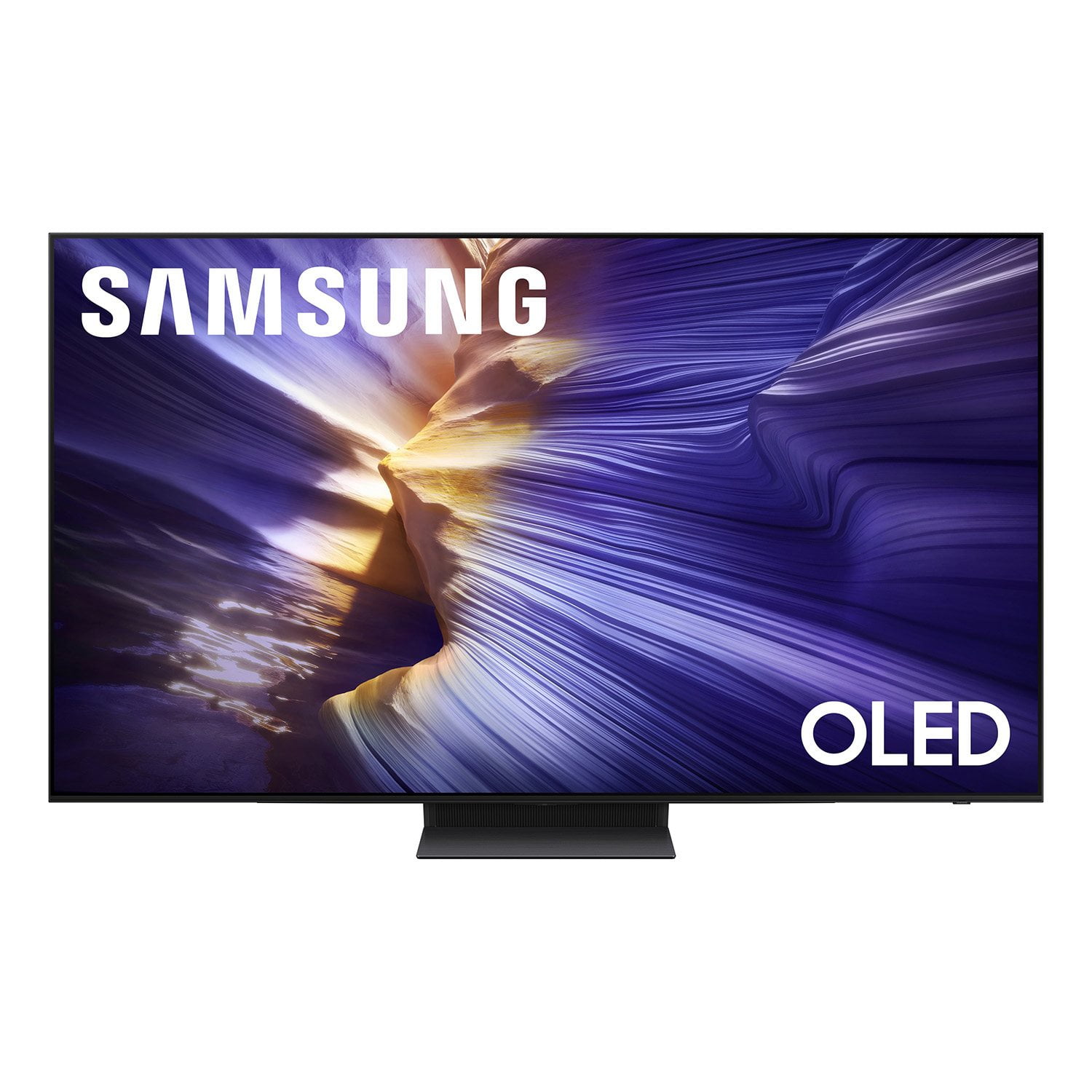
SAMSUNG 55” Class S90FD Series 4K OLED Smart TV
4.7 out of 5 stars
stars
566 ratings565 reviews
  1. 5 stars80% (450)
  2. 4 stars14% (79)
  3. 3 stars4% (22)
  4. 2 stars2% (11)
  5. 1 star1% (4)

Member photos

  • +172 images
Sort by |
Showing 1-10 of 565 reviews
Aug 21, 2026
Reviewer name: The Samsung Guy Reed
5 out of 5 stars
5 out of 5 stars review

This is the one!

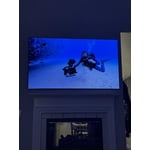
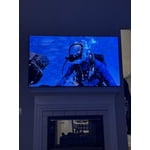
I saw this one and knew this TV was the one I was going to save up for! It is worth the wait and patience. The picture is great and the Samsung operating system is so smooth. The color is amazing and picture is perfect. I know there will be many more years to come for the family of fun and enjoyment. Looking forward to saving up for my next one!

  • +1 image
Review from Samsung US
Helpful?57VM8815Z2DU15574802533
Aug 25, 2026
Reviewer name: Missunbreakable
5 out of 5 stars
5 out of 5 stars review

The picture is amazing!

[This review was collected as part of a promotion.] The picture is amazing. This tv sits adjacent to a window and there is never a glare. The brightness, infinite contrast, and absolute black gives top notch 4k quality. The Samsung Hub is very responsive and the uniformity across Samsung makes usability intuitive.

Review from Samsung US
Helpful?57VM8815Z2DU15574802533
Aug 20, 2026
Reviewer name: Bob Otter
5 out of 5 stars
5 out of 5 stars review

Never going back to LED

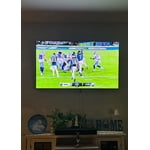
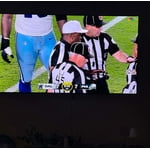
Never saw the hype in owning an oled tv until I saw this one on display in the store. The picture and video it was showing was amazing but I attributed that to them showing you an unrealistic video. Well after purchasing this tv and using it I'm blown away every time I watch something. Especially live sports. What a difference over my previous LED. The contrast and viewing angles are amazing. Very bright despite oleds supposedly not being bright. Once you own a Samsung Oled tv there's no going back !!!

Review from Samsung US
Helpful?57VM8815Z2DU15574802533
Sep 5, 2026
Reviewer name: Jokersmith
5 out of 5 stars
5 out of 5 stars review

Great OLED

[This review was collected as part of a promotion.] After all the troubles we had with the previous Samsung 86” tv going to this 77” OLED has been a lifesaver for Samsung after I wrote their quality off. This tv totally redeemed them. Picture is spectacular and it's ultra thin

Review from Samsung US
Helpful?57VM8815Z2DU15574802533
Aug 20, 2026
Reviewer name: Joe C at the Beach
5 out of 5 stars
5 out of 5 stars review

Beautiful Picture, Crisp and Clear

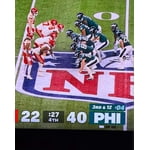
This smart TV has everything you need to enjoy a nice evening at home. The picture is so crisp and clean! It's a real pleasure watching football on this TV. Easy access to apps and other video selections. I recommend this television to anyone who wants to get their moneys worth of enjoyment!

Review from Samsung US
Helpful?57VM8815Z2DU15574802533
Sep 5, 2026
Reviewer name: DrDave
5 out of 5 stars
5 out of 5 stars review

Great Features!

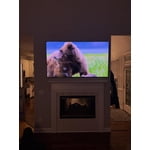
The brightness, contrast, response and uniformity on our new 65” Samsung OLED 4K Smart TV are great. All these features have allowed us to enjoy nature shows, movies, documentaries and series better than ever before! We highly recommend our Samsung Smart TV!!

Review from Samsung US
Helpful?57VM8815Z2DU15574802533
Aug 20, 2026
Reviewer name: Pepe
5 out of 5 stars
5 out of 5 stars review

Flawless picture and simple to use

The picture is immersive and vibrant. The sound quality for this model is also excellent. This is the Third Samsung we've owned in the past 15 years and I remain impressed with the continued reliability and quality. I would recommend this product.

Review from Samsung US
Helpful?57VM8815Z2DU15574802533
Aug 23, 2026
Reviewer name: Beard
4 out of 5 stars
4 out of 5 stars review

A few ticky tack issues

[This review was collected as part of a promotion.] Only complaints are the newer OS where it takes you to a "home page" instead of just being a bar across the bottom. Most of the time taking you out of the current app, and not letting you exit the menu easily. I'm not a fan of the one middle stand instead of legs towards either end. I just want to spread the weight out evenly and I think it looks cleaner without a big black plastic piece in the middle. I really like the older curved remote but I think if the new remotes with the solar back were a little bigger I'd be happier.

Review from Samsung US
Helpful?57VM8815Z2DU15574802533
Sep 5, 2026
Reviewer name: Hummingbird
4 out of 5 stars
4 out of 5 stars review

Great features

I like the larger size tv I am about twelve feet away from tv. Picture quality is very good. Setting up to WiFi was easy and setting up streaming services was also very easy. After learning the Remote control it is easy especially with speaker button

Review from Samsung US
Helpful?57VM8815Z2DU15574802533
Aug 20, 2026
Reviewer name: Sparky
3 out of 5 stars
3 out of 5 stars review

Looks good if you can figure it out.

One small remote !?! It would have been very helpful to have an idiots guide to learn this remote and TV. Cabeling and selection of connected devices took me forever to learn and I know that some is still not working. Yeah, you guessed it , I'm 80 years old and not a technophobe. I cannot profess to being a person currently up with technology but so what! Can't younger people write product use guides for the older masses needing a new TV?

Review from Samsung US
Helpful?57VM8815Z2DU15574802533
reply from Samsung Specialist

Thank you for sharing your feedback with us. To help you get the most from your TV, you can download the full e-Manual and more by visiting Samsung’s website, then navigating to: Support > Manual & Software > TVs & Home Theater. From there, you can search for and select your S90FD TV model to view or download the available guides. The e-Manual & User Guide are also conveniently built into your TV: Settings > Support > Tips and User Guides. Your TV includes Learn Menu Screen, an accessibility feature that provides audio guidance for on-screen menus. When enabled, your TV will announce the name and function of each menu item as you scroll, without making any changes. This feature is particularly helpful for users who are visually impaired or new to Smart TV menus. To enable, go to: Settings > All Settings > General & Privacy > Accessibility > Learn Menu Screen. To exit, press the Return key twice. If you’d like more assistance with this feature, please reach Samsung Support at 1-800-SAMSUNG (8AM – 9PM EST Mon – Fri, 8AM – 6PM Sat – Sun). LiveChat agents are also available through the ‘Support’ link on our website. ~ Samsung Specialist