Skip to Main Content
Sams Club
Sams Club
Customer reviews for SAMSUNG 65" Class S90FD Series 4K OLED Smart TV for
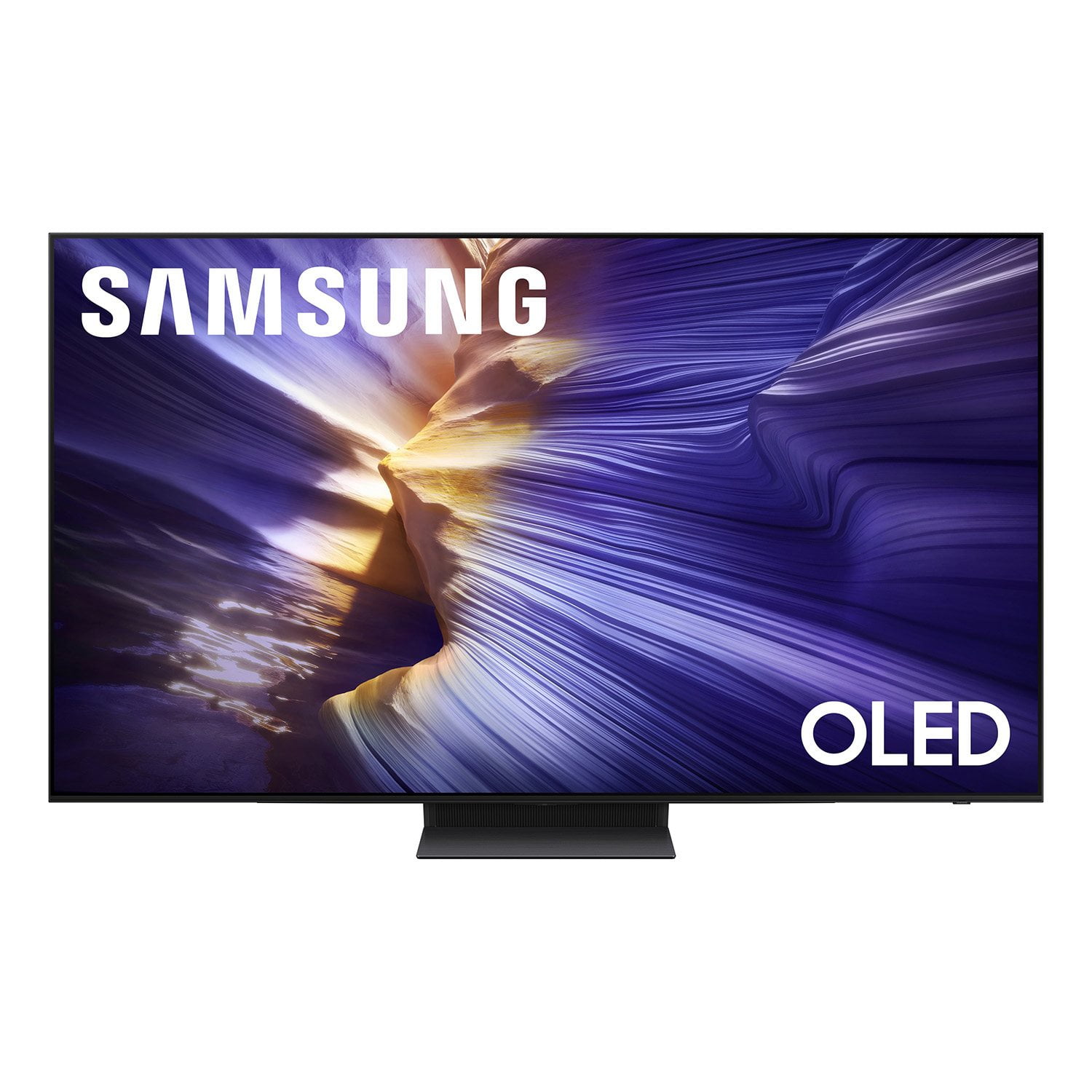
SAMSUNG 65" Class S90FD Series 4K OLED Smart TV
4.7 out of 5 stars
stars262 ratings230 reviews
  1. 5 stars82% (215)
  2. 4 stars13% (33)
  3. 3 stars2% (6)
  4. 2 stars2% (5)
  5. 1 star1% (3)

Member photos

  • +63 images
Sort by |
Showing 41-50 of 230 reviews
Sep 13, 2025
Katt
5 out of 5 stars review

Verified Purchase

Beautiful picture

Love the tv so far. Gorgeous picture

Helpful?4UOK28GQVEHZ15549550113
Feb 2, 2026
AnJ
5 out of 5 stars review

Verified Purchase

Samsung OLED

Good value, quality, picture tv, any negative would be that you pretty much have to learn to operate yourself since there's no tv assistant in store.

Helpful?4UOK28GQVEHZ15549550113
Oct 20, 2025
Joey1234
5 out of 5 stars review

Best TV - Samsung

[This review was collected as part of a promotion.] I have no complaints TV shows perfectly and no need to adjust the settings The sound is excellent

Review from Samsung US
Helpful?4UOK28GQVEHZ15549550113
Oct 23, 2025
Flash989
5 out of 5 stars review

It's a great tv .

[This review was collected as part of a promotion.] The colors are amazing. Sound could use a little work.

Review from Samsung US
Helpful?4UOK28GQVEHZ15549550113
Jan 22, 2026
JAMES
2 out of 5 stars review

To be fair, the picture is stunning. That said, the operating system has a mind of its own, and not in a good way. It's SO intrusive and SO ad-intensive, and the picture will just go to screensaver randomly despite my resetting the well-hidden settings per Samsung's chat advice. I wouldn't have bought it if I had known.

Helpful?4UOK28GQVEHZ15549550113
reply from Samsung

Hi JAMES,<br /><br />Thank you for sharing your thoughts on Samsung&#39;s S90FD. Please keep in mind that if your OLED TV displays a still image or receives no input for 2 minutes, the Screen Saver will activate automatically. This feature is built in and cannot be disabled, as it plays a key role in protecting your screen from long-term image retention or burn-in.<br /><br />We understand this may be unexpected, but it is designed to preserve your screen’s performance and longevity.<br /><br />If you have questions or need help adjusting your TV settings, Samsung Support is here to assist at 1-800-SAMSUNG, available daily from 8AM - 12AM EST. You can also visit the Samsung website and click on ‘Support’ for:<br />• Live Chat<br />• Manuals, Software, &amp; Warranty Info<br /><br />~ Samsung Specialist

Apr 24, 2026
Alan
5 out of 5 stars review

Verified Purchase

Best TV

Great picture! Easy set up. OLED has the best picture!

Helpful?4UOK28GQVEHZ15549550113
May 8, 2026
James
5 out of 5 stars review

Verified Purchase

Big Difference!

Wow, what a difference from my previous Samsung. 4K is really clear!

Helpful?4UOK28GQVEHZ15549550113
Jan 7, 2026
Ktfd45
4 out of 5 stars review

Wish I could figure out how to get a remote

We have a need of a replacement remote and for the life of me I cannot figure out how to order one.

Review from Samsung US
Helpful?4UOK28GQVEHZ15549550113
Jan 16, 2026
JIMMY
3 out of 5 stars review

Great display but with one very big issue.

While I like the picture quality of the TV and think it's very good, I am really frustrated with one issue that I've been told by a very unhelpful Samsung support is a "feature". The TV will automatically dim the display when it doesn't detect any motion (like when I pause a video), and there is nothing you can do to change that behavior. They say it's so the TV doesn't burn in the screen, but it does it after only 4 or 5 minutes and I don't believe burn in happens that fast. In any case I could live with that if it functioned correctly. But instead of brightening the display back to normal once it detects motion again, about half the time it keeps the display dim. Even after a couple minutes it doesn't detect the motion, and the only solution I've found is to go into settings and change the picture mode. As soon as you do that, it brightens up and it's back to normal. I don't feel like I should not have to get into settings to get it to do what it should do in the first place! I'm so very disappointed with Samsung support because they don't seem to think that's a problem, as I was told it was designed to work that way. At this point I'm seriously considering boxing it up and taking it back to Sam's Club.

Helpful?4UOK28GQVEHZ15549550113
reply from Samsung

JIM,<br /><br />We appreciate you sharing details about the brightness fluctuations you’ve experienced on your Samsung S90FD TV. This behavior may be related to energy-saving features or dynamic picture settings that adjust the screen brightness automatically.<br /><br />Please try disabling the following features: Settings &gt; All Settings &gt; General &amp; Privacy &gt; Power and Energy Saving &gt; Brightness Optimization, Energy Saving Solution, and Motion Lighting<br /><br />If these are already off, check if Contrast Enhancer is enabled, which can also cause brightness to shift depending on content: Settings &gt; All Settings &gt; Picture &gt; Expert Settings &gt; Contrast Enhancer<br /><br />To ensure optimal performance, please also confirm your TV is running the latest firmware: Settings &gt; Support &gt; Software Update &gt; Update Now<br /><br />We hope these steps help stabilize your screen brightness. If you continue to experience issues, please don’t hesitate to contact Samsung Customer Support at 1-800-SAMSUNG, 8AM – 12AM EST, 7 days a week. LiveChat is also available via the ‘Support’ link on our website.<br /><br />~ Samsung Specialist

Apr 13, 2026
John
5 out of 5 stars review

Verified Purchase

As advertised

The quality of this tv is absolutely amazing.

Helpful?4UOK28GQVEHZ15549550113