
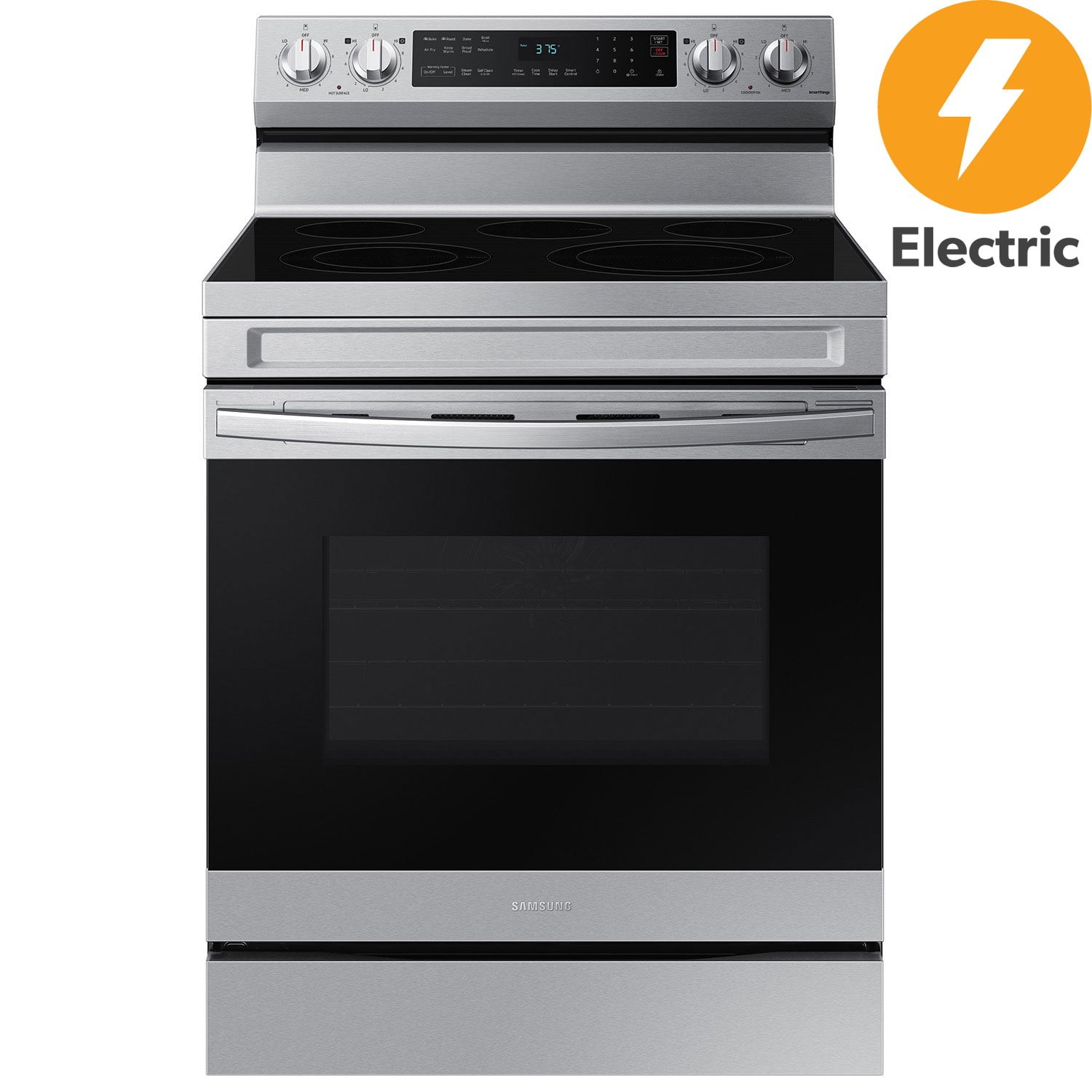
 Customer reviews for Samsung 6.3 cu. ft. Freestanding Electric Range w/ Air Fry for
Member photos

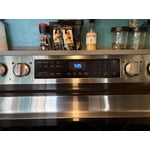


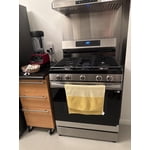
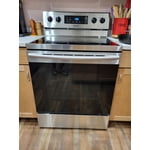
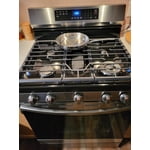 +700 images
Piece of crap!
I bought this new in 2022. I have had to replace the knobs, and have replaced the ignighter twice. The ignighters have only lasted an average of 6 months. I like the convection and airfry options but it not worth having an oven that just stops working suddenly.
We are saddened by how the range's performance turned out to be. Allow us to extend our assistance, Munky. I have shared a troubleshooting guide to help boost the oven's power efficiency. Learn more by visiting the hyperlink. The Samsung range, oven, or cooktop will not turn or stay on: https://www.samsung.com/us/support/troubleshooting/TSG01001952/ Should you require further assistance, please feel free to get back to us via the following options: 1. Facebook Messenger: http://m.me/samsungsupport 2. Twitter: https://twitter.com/messages/compose?recipient_id=18768513 3. Samsung Community: https://us.community.samsung.com/t5/Samsung-Community/ct-p/us When you message us, please provide us with this reference number 1147565884, to help our team pull up your information. Have a great day! ^Chrystel
Big problems
I read the reviews before buying this product and disregarded the issues concerning the control display. I should NOT have passed this off because it happened to me too. This product was delivered yesterday and I wanted to use it today (bake a cake). Instructions say to run the self clean first, locking the oven first. Locked the oven but the display didn't respond. Tried about 8 different ways. Then tried to download the app and IT DIDNT WORK EITHER. Now I'm stuck with an inoperable range, no way to access the ‘controls' and not being able to bake the cake for a special occasion that committed to. AVOID THIS RANGE. Choose another not manufactured by Samsung.
Hi Cate, We want you to have a better range experience. Let us help you with the unit. Please follow the steps below to help you with the range. Self Clean or other buttons do not light up or respond, or panel is locked on Samsung oven. https://www.samsung.com/us/support/troubleshooting/TSG01110126/ Should you need more assistance, please feel free to get back to us via the following options: 1. Facebook Messenger: http://m.me/Samsungsupport 2. Twitter: https://twitter.com/messages/compose?recipient_id=18768513 3. Samsung Community: https://us.community.Samsung.com/t5/Samsung-Community/ct-p/us When you message us, please provide us with this reference number 1146963895 to help our team pull up your information. Have a great day. ^Aloe
great range, BUT...
[This review was collected as part of a promotion.] This rating would be a 5 star if it weren't for the single reason that some features must be accessed with a smartphone. It's a range. Why do I need a phone to turn the light on... I don't get it.
We want to make your experience even better, Carla. Let us assist with your Samsung range. Your range has built-in Wi-Fi, which you can use with the Smart Control feature in the SmartThings app to monitor and control the appliance remotely. We have provided a link below with information about connecting and using your range with the SmartThings app. Connect and use your Samsung range with SmartThings: https://www.samsung.com/us/support/answer/ANS00049148/ You may also refer to the user manual to learn more about the Smart control on your Samsung range. See pages 34-36. https://downloadcenter.samsung.com/content/UM/202207/20220713103218465/NX60A6511SS_AA_DG68-01339A-03_EN_MES_CFR_220712.pdf If you have further questions or inquiries, these are the platforms that you can reach in the future: 1. Facebook Messenger: http://m.me/samsungsupport 2. Twitter: https://twitter.com/messages/compose?recipient_id=18768513 3. Samsung Community: https://us.commuity.samsung.com/t5/Samsung-Community/ct-p/us Please provide us with this reference number (1146054754) to help our team pull up your information when you message us. Thank you. -Angelica
Gas oven sucks
Never ever will I buy a Samsung product. My user guide is missing pages. Why why is there not just a normal clock button why. I have to spend 30 minutes trying to reset the clock every time the power goes out. Never again and can't wait to get rid of it
Hi Shannon, We understand your disappointment in setting up the clock on your Samsung range. Let us assist you. On page 15 of the model's user manual link below, you can check out the steps to properly set up the time on your Samsung range. https://downloadcenter.samsung.com/content/UM/202405/20240517165152446/01._DG68-01339A-07_NX60A6511SS_AA_EN.pdf If, after following the steps, the issue persists, we highly suggest contacting us directly. Please feel free to reach us via the options below, as we look forward to assisting you in the best possible way. 1. Facebook Messenger: http://m.me/samsungsupport 2. Twitter: https://twitter.com/messages/compose?recipient_id=18768513 3. Samsung Community: https://us.community.samsung.com/t5/Samsung-Community/ct-p/us When you message us, please provide us with this reference number 1147320018, which will help our team pull up your information. ^Rainly
Love it!
[This review was collected as part of a promotion.] I absolutely love my Samsung Range. From the huge 6cu ft interior that I can cook absolutely everything in to all the different settings it has completely surpassed my expectations. We've increased our counter space by being able to get rid of our air fryer and use the one in the range instead. The air fryer makes heating up leftovers and frozen foods a breeze and works like a charm. We love that leftover fries no longer have to be thrown in the trash, because this is the only thing that's ever been able to heat them up right! The dehydrator setting was entirely new to me and we've found that we love it. We've been using it to make jerky at home which is saving us huge money on snacks at the grocery store, and this way we know exactly what's in it! The Smartthings app is great for those of you who like me, get worried you've left the stove on and I absolutely love that it lets you know when preheating is finished (and that the range itself shows the current heat down to a degree), since wondering about how long that would take was something that bothered me the most about our previous stove. We use it every single day and have had absolutely no problems at all.
We here at Samsung appreciate you being a Samsung customer. ^Pat
Samsung never let's down
[This review was collected as part of a promotion.] I bought this Samsung range because we already had a Samsung fridge that we love. The range met all expectations from ascetic to functionality, as well as bells and whistles. The wife and I love it!
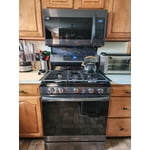
Great Oven!
[This review was collected as part of a promotion.] This is an awesome oven and stove. We had to replace out 11 year old unit and went with this from the reviews and recommendation from Consumer Reports. The oven heats up really quick. The stove has multiple burners that are adaptable to a variety of skillets and pans. Highly recommend this oven and range.
My New BFF
[This review was collected as part of a promotion.] I just bought this a week ago replacing my 19 year old range. I absolutely love this stove. No longer have to worry about undercooked or overcooked dinners and cookies and cakes. I waited a long time for this beauty.😘
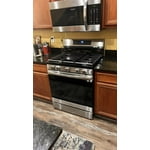
The good, the bad, and the ugly
[This review was collected as part of a promotion.] Love the 5 assorted-sized burners. The stainless steel panel on top is cheap and cheesy. Kinda wavey. Don't really understand the wi-fi connection but might be nice when traveling and have the thought, "....did I turn off the stove?"
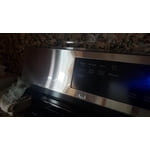
Greetings! We are glad to hear that you love the burners in this Samsung range. Thanks for sending over a photo of the Samsung range's control panel. It does appear to be wavy because of the stainless steel finish (an optical illusion that is caused by buffing the finish). To ensure that the control panel isn't wavy, you can take something that is straight like a ruler, and put it on the control panel. Let us know if it is not straight and is wavy. You can remotely control the oven of the range when using the SmartThings app from a Smart handheld device (smartphone, tablet, and the like). I have listed some of what can be accomplished remotely below. • Turn the oven off remotely. • Monitor the current temperature and reset the probe setting. (For some available models.) Steps to connect your oven to the SmartThings app, please visit this model's user manual link shared below and turn to page 34. https://downloadcenter.samsung.com/content/UM/202207/20220713103218465/NX60A6511SS_AA_DG68-01339A-03_EN_MES_CFR_220712.pdf Should you need more assistance with this range, please feel free to get back to us via the following options: 1. Facebook Messenger: http://m.me/samsungsupport 2. Twitter: https://twitter.com/messages/compose?recipient_id=18768513 3. Samsung Community: https://us.community.samsung.com/t5/Samsung-Community/ct-p/us When you message us, please provide us with this reference number 1146026786 to help our team pull up your information. Leo
Great Range, one little complaint
we love our new samsung range, it's easy to clean, cooks like a dream, and the many oven choice setting are fantastic. one little complaint, i wish the led display color was not blue! i am constantly catching the reflection of it on the black stovetop and think one of the burners is on! i'm sure i'll get used to it and stop checking,and then miss that a burner is on.