
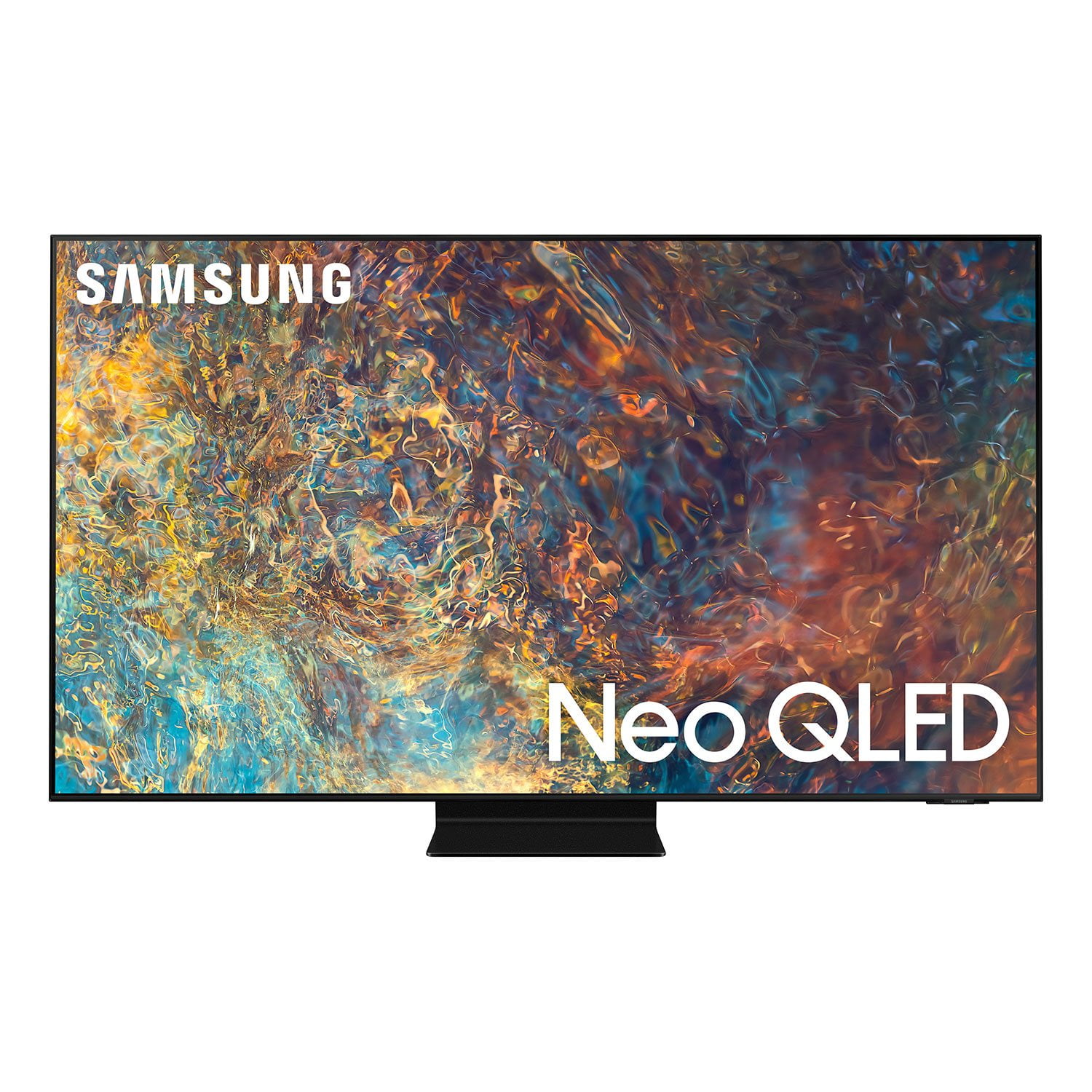
 Customer ratings & reviews for
HDMI Ports Defective-check all your hdmi ports
i bought the 85” qn85a in october 2021 for watching movies (blu-ray) with surround sound, and gaming, however, only one hdmi port could be used (#4). since the tv was defective, i did an exchange at the retailer and decided to go up a model to the qn90a (85”). i have the same issue. you can only plug an hdmi cable into one port. i tried plugging firesticks and different hdmi cables into the other three ports with no success. the port is either too small, shaped differently, or have some other manufacturing issue. i find it hard to believe that i ended up with the only two tvs with this issue. i believe there's a manufacturing issue that no one is aware of because most people use streaming services.
JBrown, Thank you for sharing the issues you are experiencing with HDMI ports on your QN90A TV. Please give us the opportunity to gather additional information from you so we can isolate this issue. Call us at 1-800-SAMSUNG (ask for TVs), available 8AM - 12AM EST, 7 days a week. For additional support resources, visit us on the Samsung website and click on the ‘Support’ link in the upper right corner of the homepage for: 1) Chat with Us/Product Help: To begin a chat or find solutions, choose ‘TVs & Home Theater’ and select your model & topic. 2) Manuals, Software, & Warranty Info We hope to hear from you. ~ Samsung Specialist
Will not Work with Home Theater using HDMI-eARC
if you plan to use this tv with an avr/home theater speakers and want to have the tv output sound in the optimal way through hdmi-earc, do not buy this tv. it cannot be set up to output sound this way, and you will have to use a less-ideal optical connection. i spent hours trying to figure this out myself, and i just spent 2 hours on the phone with two samsung tech support reps (one was a supervisor). they could not fix the issue and advised me to return the tv. there appears to be a software problem where the tv is designed to recognize sound output as either tv speaker or optical, but not hdmi-earc, even though the tv has an hdmi-earc detection mode. also, the universal remote cannot control power and volume on the new denon avr.
Dimming really low in SDR and HDR
I have had the 65" QN90A for 3 days. TV dims bright scenes in SDR and HDR so low that in a bright daytime scene it looks night time. Like it gets stuck on low dimming. End up having to do soft reboot by holding down power button. Then problem goes away temporarily. Then starts up again. Intelligent mode turned off and eco mode and still same issue occurring.Love the TV but I really hope Samsung can update TV to fix issue. Read others having same issue.
Hi Tazewell, thanks for reaching out. We regret that you had this issue but we're confident we can help! Please get in touch with us at 1-800-SAMSUNG or via live chat on our website (http://www.samsung.com/ca/support/)
For gaming and movie enthusiasts.
[This review was collected as part of a promotion.] I use my TV for gaming and movies, mostly. Super wide gaming mode makes for awesome game play. Full array mini led and qled color, create an impressive experience. My movies seem almost like I'm in it.
Buggy audio ruins great tv
[This review was collected as part of a promotion.] We picked the QLED tv because we have a bright living room so the bright picture was important. We weren't disappointed by the picture, it was great. Very bright and easy to see even in the middle of the day. Unfortunately the audio kept drifting out of sync. Using any app the audio would de-sync after a while. Switching apps on a firestick would cause it to happen. Even the built in apps didn't work when I first got the tv, YouTube and Hulu being especially bad. I've been applying firmware updates as soon as they come out and it's getting better, but Hulu still doesn't work right. It's very disappointing to pay so much for a tv that still doesn't work properly.
Rabbit, Thank you for purchasing the Samsung QN90A TV and for sharing your experience with sound delays. Please be sure your firmware is up to date with version 1805.4 which includes updates to address lip sync or audio delays that you are experiencing. You can check this by going to: Settings > Support > Software Update. If this firmware version is not yet available on your TV, you can download the update on a USB drive and manually update your TV: 1. On Samsung's website (upper right corner), go to: Support > Manuals & Software > Find your TV model. 2. Download the update and extract it to the root of a USB thumb drive. (Do not put it in any folders on the thumb drive.) 3. Connect the USB thumb drive to a USB port on your TV. 4. Navigate to Settings > Support > Software Update, select Update Now, and then select Yes. 5. Follow the on-screen instructions to install the updated software. If your firmware is up to date and you are still experiencing delays and you have a Home Theatre System or other speakers connected to your TV, you can access the Audio Delay settings to increase the audio delay. Go to: Settings > Sound > Expert Settings > Digital Output Audio Delay I hope these tips help. Should you ever have questions or need help, please call us at 1-800-SAMSUNG (ask for TVs), available 8AM - 12AM EST, 7 days a week. For additional support resources, visit us on the Samsung website and click on the ‘Support’ link in the upper right corner of the homepage for: 1) Contact Us: For additional Chat & Text options, choose ‘TVs & Home Theater’ and select your model & topic. 2) Manuals & Software 3) Warranty Info 4) Register a Product: For access to easy warranty support, convenient opt-in to special promos and offers, faster troubleshooting and service, and quick notification of system updates. ~ Samsung Specialist
The TV is nice
[This review was collected as part of a promotion.] I use this TV mostly for gaming, secondly movies and streaming. It has amazing features for standards, and great picture quality. The only issue I notice is how bad the blooming is for this TV. It's easily visible. And the local dimming at times take from the overall quality. Would easily be a five star for me if this were to be fixed
JaeBoy808: Thank you for purchasing the Samsung QN90A TV and for sharing details of your image quality. Quantum Matrix Technology is powered by exclusive Mini LED designed technology engineered to give you hyper-focused brightness and dimming in all the right areas. To optimize your picture quality, please be sure your firmware is up to date with version 1066.2 which includes picture quality updates. You can check this by going to: Settings > Support > Software Update. You may want to enable Auto Update for convenience. Should you need further assistance with image quality adjustments, please give us the opportunity to assist you. You can reach us at 1-800-SAMSUNG (ask for TVs), available 8AM -12AM EST, 7 days a week. Or text HELP to 62913. For additional support resources, visit us on the Samsung website and click on the ‘Support’ link in the upper right corner of the homepage for: 1) More ‘Contact Us’ options – LiveChat, Facebook, Twitter, Samsung Community, Samsung Members app 2) Manuals & Software 3) Warranty Info 4) Product Registration: For access to easy warranty support, convenient opt-in to special promos and offers, faster troubleshooting and service, and quick notification of system updates. ~ Samsung Solutions
The great giant
[This review was collected as part of a promotion.] This TV is great and big. You really feel like you are at the movies with very accurate colors. The features include voice assistant and all streaming apps - all seamlessly integrated into the user interface. Samsung's own TV service is a plus.
Picture
[This review was collected as part of a promotion.] Not good for off dead-center viewing. Picture quality needs manual setting of brightness. It seems that streaming and television viewing require a manual change from Standard to Movie, etc. Not able to remove apps we do not use nor want. Quick start brochure showed a part that was not used or needed. Frustrating. Always comes up with the option bar at the bottom. Would prefer full screen Tv mode. If you turn off the tv with mute on, when re-started, mute is gone. Not fully tested, but it seems that you cannot keep the advanced picture settings and then change to movie, etc., without loosing the custom settings. Help people don't.
Hi kenmet, Thank you for choosing Samsung’s QN90A Neo QLED 4K TV and for sharing your experience. If the picture you are seeing out-of-the-box are not to your liking, there are several picture settings you may want to try adjusting. Please know the Picture Mode will not automatically change, as this setting is manually changed for your preference. You can select the Picture Mode that provides the best viewing experience. Go to Home > Settings > Picture > Picture Mode 1) Standard: Is the default mode suitable for general viewing environments. 2) Natural: Reduces eye strain for a comfortable viewing experience. 3) Movie: Is suitable for watching TV or movies in a dark room. 4) Dynamic: Makes the picture brighter and clearer in bright viewing environments. 5) Filmmaker Mode: You can watch the source content (e.g., movie) as it is. If the image is defined as Filmmaker Mode, it will automatically switch to Filmmaker Mode while watching. Intelligent Mode enables the TV to recognize and analyze the surroundings, noise, content, and your usage patterns to provide the best viewing experience. You can enable Intelligent Mode by going to Home > Settings > General > Intelligent Mode Settings. Adaptive Picture, which is among the options, optimizes brightness and provides the best picture quality in real time, based on the lighting condition and your content. You can also go to: Settings > Picture > Expert Settings > to manually fine tune your image. Your TV allows you to remove apps you no longer need. From the Home screen, go to Apps > Settings > delete your apps from here. You can download the QN90A TV's User Manual, e-Manual, Remote Control Leaflet, and Quick Setup Guide on Samsung's website by clicking "Support" > "Manuals & Software" > "TVs & Home Theater" > "TVs". From there, you can select the QN90A TV under "Samsung Neo QLED 4K > “A Model Lineup". From there, you can choose your model and download the guides you would like. The e-Manual is also embedded into the TV itself under Settings > Support > Open e-Manual. Please know that you can disable the App Launcher menu when you turn it on by going to Settings > General > Smart Features 1) When you set Autorun Smart Hub to on, the TV displays the Home Screen automatically when you turn the TV on. 2) If Autorun Last App is set to on, the last used app is automatically run when you turn on the TV. Please know that the Last App Used function may not work with all apps. If your TV’s Usage Mode is set to Retail Mode, the TV's audio and video settings are automatically reset every 5 minutes. Change Usage Mode to Home Mode. Go to: Settings > General > System Manager > Usage Mode. I hope these tips resolve your concerns. Should you need further assistance, please contact Samsung Customer Support at 1-800-SAMSUNG (ask for TVs), available 8AM -12AM EST, 7 days a week. Or text HELP to 62913. For additional support resources, visit us on the Samsung website and click on the ‘Support’ link in the upper right corner of the homepage for: 1) More ‘Contact Us’ options – LiveChat, Facebook, Twitter, Samsung Community, Samsung Members app 2) Manuals & Software 3) Warranty Info 4) Product Registration: For access to easy warranty support, convenient opt-in to special promos and offers, faster troubleshooting and service, and quick notification of system updates. ~ Samsung Specialist
I loved this Display
[This review was collected as part of a promotion.] Samsung's QLED TVs have garnered significant attention in the gaming community, praised for their advanced features and performance that cater to both Samsung QN900: A Gamer's Delight The Samsung QN90D has been lauded for its gaming performance. According to IGN, this model excels in Game Mode, delivering vibrant colors and high refresh rates that enhance the gaming experience. Titles like Baldur's Gate III, Apex Legends, and Destiny 2 are reported to look and play exceptionally well on this TV. The inclusion of Samsung's Game Bar allows users to monitor and adjust settings such as VRR (Variable Refresh Rate) and HDR, providing a tailored gaming environment. Additionally, the QN90D supports cloud gaming services like Nvidia GeForce Now and Xbox Cloud Gaming, enabling users to play games directly through the TV without the need for a console or PC. Samsung QN90A: Brightness and Motion Handling The QN90A model is recognized for its high brightness levels and smooth motion handling, making it suitable for fast-paced games and sports. Reviewed.com highlights its 120Hz refresh rate and the "Motion Xcelerator Turbo+" feature, which enhances motion clarity. The Game Bar feature provides easy access to gaming-specific settings, including VRR and aspect ratio adjustments, accommodating ultrawide gaming formats li
Changed my TV experience
(This review was collected as part of a promotion.) I was expecting the larger screen, and perhaps a sharper picture, but the new QN90 QLED TV blew me away with the quality of both the image, and of the sound, despite using the same home theatre system.
Thank you! We love to hear positive feedback and we’re delighted you’re enjoying your new Samsung TV.