
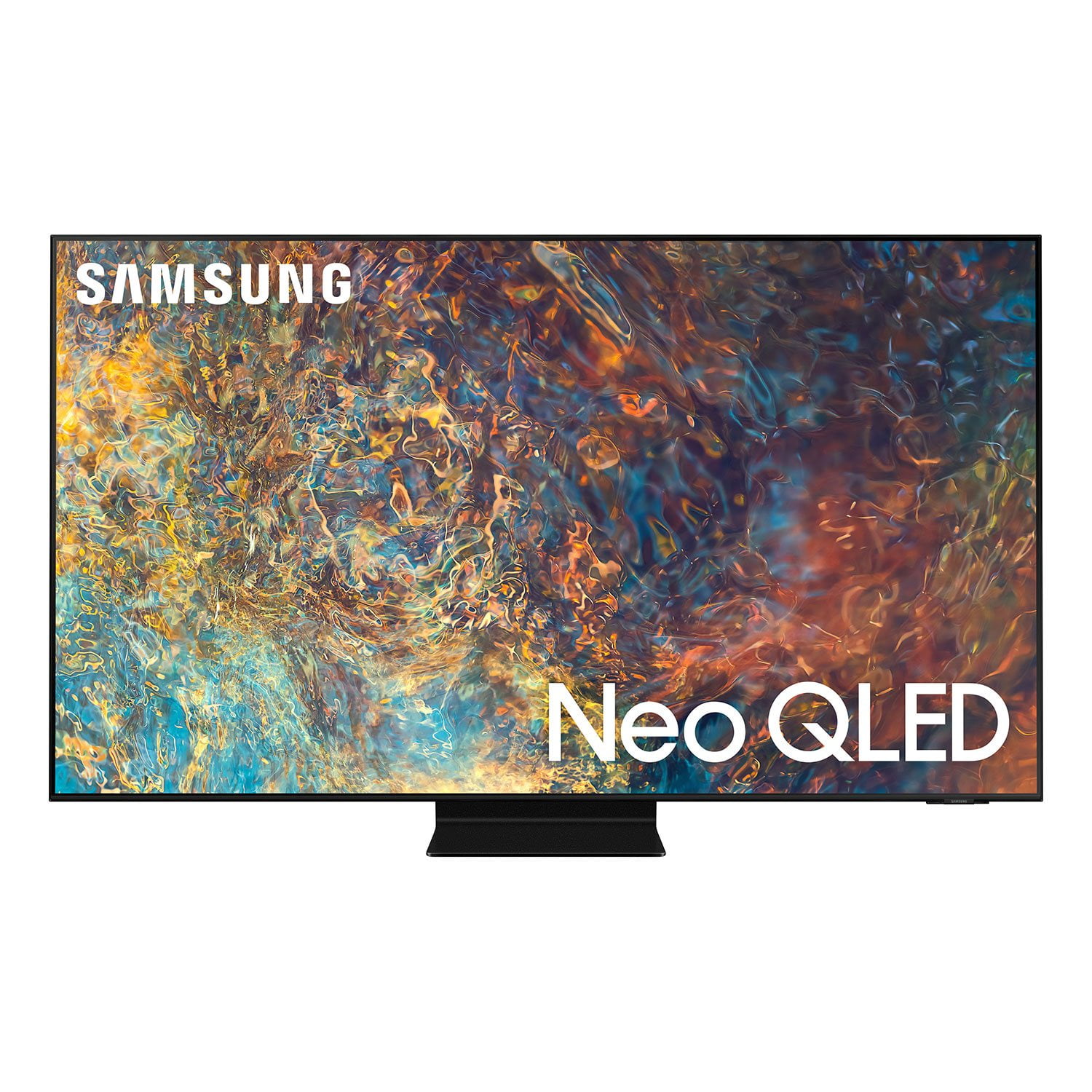
 Member ratings & reviews for
Great TV, Bad TIZEN
Image is great, sound is great, blacks/shadows are awesome... But TIZEN is slow, missing tons of apps, even the menu feel as they were eating all the TV's resources. The DLNA Player is slow, bad at rendering styled subtitles, supports only some basics codecs. Would prefer this TV to not be "smart" at all.
This TV was a great surprise
[This review was collected as part of a promotion.] I thought that our old Samsung had a good picture, but I didn't think that it would be that much better. The sound is also much better, our old Samsung was over ten years ago and still going strong. Because of the new gaming systems we felt that it was the time to upgrade our old TV. This new TV system is a big improvement and we are very happy that we purchased this system.
Great TV
[This review was collected as part of a promotion.] Streaming movies and shows (NF, Prime, HBO), watching local content from our NAS, and Xbox Series X are the main ways we utilize our TV. Pros: The brightness the Neo QLED can pump out can blow us away sometimes, which is great because we have a lot of daylight in our main room and the picture still shines through with ease. The picture and color are beautiful, I'm no color expert but the colors look far more accurate than any of the conventional LED TVs I've owned in the past, and the black levels are equally good. Xbox Series X I have plugged into the HDMI 2.1 port for maximum performance, and with the game mode that the TV can automatically switch is helpful. Cons: The first HDMI port is the only 2.1 capable port, the others only support 2.0, but that fits my needs alright so for me it was ok. I notice sometimes during credits on a black screen that the Neo LED seems to be a bit dimmer at the edges of the text, maybe there's a setting that corrects this that I'm not aware of, but it is more noticeable when you first start using the TV. There are also rare times when something bright is on screen, like a HUD in a game, and the rest of the screen is dark you can see a slight glow around the lit element. I've only seen this a couple of times though, as normally the black level on the QLED seems pretty absolute. Despite the few cons, I'm really happy with the purchase, and haven't seen any other TVs in this price range that impressed me as much.
CostcoKale, Thank you for purchasing the Samsung QN90A TV and for sharing details of your image quality. Quantum Matrix Technology is powered by exclusive Mini LED designed technology engineered to give you hyper-focused brightness and dimming in all the right areas. To optimize your picture quality, please be sure your firmware is up to date with version 1805.4 which includes picture quality updates. You can check this by going to: Settings > Support > Software Update. You may want to enable Auto Update for convenience. Should you need further assistance with image quality adjustments, please give us the opportunity to assist you. You can reach us at 1-800-SAMSUNG (ask for TVs), available 8AM - 12AM EST, 7 days a week. For additional support resources, visit us on the Samsung website and click on the ‘Support’ link in the upper right corner of the homepage for: 1) Contact Us: For additional Chat & Text options, choose ‘TVs & Home Theater’ and select your model & topic. 2) Manuals & Software 3) Warranty Info 4) Register a Product: For access to easy warranty support, convenient opt-in to special promos and offers, faster troubleshooting and service, and quick notification of system updates. ~ Samsung Specialist
This product is full of great features
[This review was collected as part of a promotion.] This Samsung replaced a wonderful 48 in. Samsung curved TV that was getting a little long in the tooth and showing blue at the edges. To start with this display is incredibly detailed, even off center, which is a big plus for multiple viewers. Next, the Tizen system is fast with the latest processor. No waiting on startup to decide what to watch, as all options are instantly available. The remote is both comfortable and functional. Only nitpick is the ambient light recharge is a non-starter for convenience, so every few weeks I use my Google phone charger to bring the remote's battery back up to speed. Glad Samsung included the charging port. Additionally, I mounted the TV on a table top swivel stand to provide viewing in two adjacent rooms, Dining and Living Room. The owners manual misstated the screw size, support was no help, so it required multiple tries to find the correct hardware at my expense. Would be nice if Samsung could have provided wall mount screws that would fit this application. Overall, this is a beautifully crafted TV, and I Love It!!!
Perfect for gaming
[This review was collected as part of a promotion.] I used to have a QLED 2019 Q60T. But now i made my choice to upgrade and i did no wrong. The gaming settings such as FPS, change the screen ratio (for games that provides FOV option only) and the HDMI 2.1 are the things that i fell in love with. The smoothness of the screen at 120FPS is amazing, also the shortcuts for the gaming settings are very useful. The blueish color of the home menu is a lot better than the older models (white) because it burned my eyes sometimes, but now it's just great. If you bought a Next-gen console, i would recommend this TV with no doubt that you will enjoy it
Best TV ever!!! No joke
[This review was collected as part of a promotion.] I owned nothing but samsung tvs since the early 2000's. They have always impressed me. And each and everytime I bought a new tv, it was better than the previous one. And I've been super impressed every single model I purchased. But this time I shelled out the extra to buy the 55 inch q90a neo qled. Let me say that this by far the best ever. It gives me feel good chemicals everytime I turn it on. The colors are beyond vibrant, and the clarity is something I've only dreamed of. The brights are super bright, but only where things should be bright. Everytime the sun is being shown, it gives me a similar feeling of being outside and experiencing the sun. So in other words pictures come to life when playing anything on this screen. The lights being shown feels like the TV shows a true source of light. Simply amazing. The contrast of lights to dark are simply amazing. The 120hz native just makes everything super smooth. I play anything from 4k movies to play my ps5. Every experience has been incredible. It makes me want to re experience every movie I've seen just to see the things I've never experienced before. I wanted to also mention that every TV I bought since the early 2000 all work flawlessly still. That just speaks volumes of the craftsmanship of all the products they make. I'm on love with my TV, thank you Samsung!!
Second one is fine
[This review was collected as part of a promotion.] Our first was DOA but quickly replaced. Pluses: Picture is great and it communicates well with the high end sound bar we purchased at the same time. The anti-glare coating works well in our very bright room. There are a multitude of apps built in and a store to add others. I have two minor complaints: 1) The included remote will not work our xfinity X1 cable box. I believe this is an IR versus RF issue. 2) You can't remove a lot of the included apps. By all means offer folks easy access to streaming services but don't make us clutter up our interface with ones we don't use.
Hi FitUserID2rules, Thank you for your purchase and review of the 2021 QN90A Neo QLED 4K TV. I am glad that you are enjoying its spectacular image quality. Distinguished by our Quantum Matrix Technology, you are enjoying a brilliantly intense, hyper-focused picture powered by tiny light cells using exclusive Mini LED designed technology. Hear what happens where it happens, with sound that flows from all sides of the TV — including the center — to track the on-screen action with pinpoint accuracy for an enhanced, realistic 3D experience with Object Tracking Sound+ (OTS+). You can control your connected devices using your TV remote by following these set-up steps: 1) Connect an external device to the HDMI port of the TV, and then power on the external device. Your TV will automatically recognize the device when connected through HDMI, and will switch the output. If it doesn't automatically detect it, then keep following the steps to set up Universal Remote. 2) Press the Home button on your TV remote to access the Home Screen. Using the directional pad on the remote, navigate to Source. When the selector is placed over Source, the Source menu will appear. Press UP on the directional pad to access Universal Remote. 3) Select Universal Remote on the Source screen. Next, select Start and make sure the device you want to connect is turned on. When your desired device displays, select it. Follow the on-screen instructions to complete the setup and register the device. The instructions may vary, depending on the device type selected. 4) Your TV and the remote will memorize the external device and its connection port (HDMI 1, HDMI 2, etc.) to make controlling everything even easier. Occasionally, the device may not respond after it's registered. To make sure the connection is made, you need to re-register the device. If you’ve tried these steps and your TV remote is not connected, you may first want to check to see if your remote is fully charged. Next, you may want to contact your cable company to see if an upgraded box is available. Please also be sure that the distance between the cable box and TV is not too far apart. Then reset the connection of your remote by going to Source > Universal Remote Setup. While some apps cannot be deleted, you can delete most apps you no longer need. From the Home screen, go to Apps > Settings > delete your apps from here. You also have the option to remove apps from your TV’s App launcher. From the Home screen, navigate to the app you want to remove. Then, press the Down button on your remote, and select Remove. Select Remove again to confirm. You can also move an app to another location by selecting Move. If there is anything we can do to further assist and improve your user experience, please contact Samsung Customer Support at 1-800-SAMSUNG (ask for TVs), available 8AM -12AM EST, 7 days a week. Or text HELP to 62913. For additional support resources, visit us on the Samsung website and click on the ‘Support’ link in the upper right corner of the homepage for: 1) More ‘Contact Us’ options – LiveChat, Facebook, Twitter, Samsung Community, Samsung Members app 2) Manuals & Software 3) Warranty Info 4) Product Registration: For access to easy warranty support, convenient opt-in to special promos and offers, faster troubleshooting and service, and quick notification of system updates. ~ Samsung Specialist
greatest television ever!!!
[This review was collected as part of a promotion.] I have always enjoyed samsung products.The quality of this Tv has me blown away. The fact that only have to use one remote is huge ,and no batteries!! The features are wonderful and televion viewing to a new era.
QN90A NEO QLED 65in TV
[This review was collected as part of a promotion.] I bought my Samsung QN90A (2021) 65in NEO QLED TV and have now recommend it or similar model Samsung Televisions to anyone looking to buy a new TV. The incredible Quantum Dot technology embedded in the 4K display produces a stunning image of some of the most vibrant colors I have ever viewed on a consumer TV. This amazing panel in concert with the Mini-LED Backlight and it's over 900 individually addressable local dimming zones allow for a truly beautiful picture. These two technologies allow for extremely bright and vibrant images contrasted against perfect deep and inky blacks. It has allowed me to have the near infinite contrast ratio of an OLED TV combined with the intensity of the brightness one would find in a traditional LED backlit TV. Capable of over 1800nits peak brightness and total blacks from the brilliant variations in brightness of the individually addressable LED backlight array that makes up the full array local dimming functionality provides an image that never ceases to mesmerize me with the beauty of the picture the TV produces. Beyond just a nearly unmatched high dynamic range image, the 120hz refresh rate allows for one of the best TV gaming experiences I have ever had. Forget LG's OLED. If you are looking for a reasonably priced TV that can pretty much do it all and do it well, look no further than the Samsung NEO QLED line of TVs.
great TV
[This review was collected as part of a promotion.] easy set up and quickly set itself to control my other entertainment appliances once connected to use one remote, does it automatically no codes needed. Great quality image, allows/guides you to set the best quality resolution for your sound system and other media player. al the apps you need makes other players almost obsolete money well spent!.