
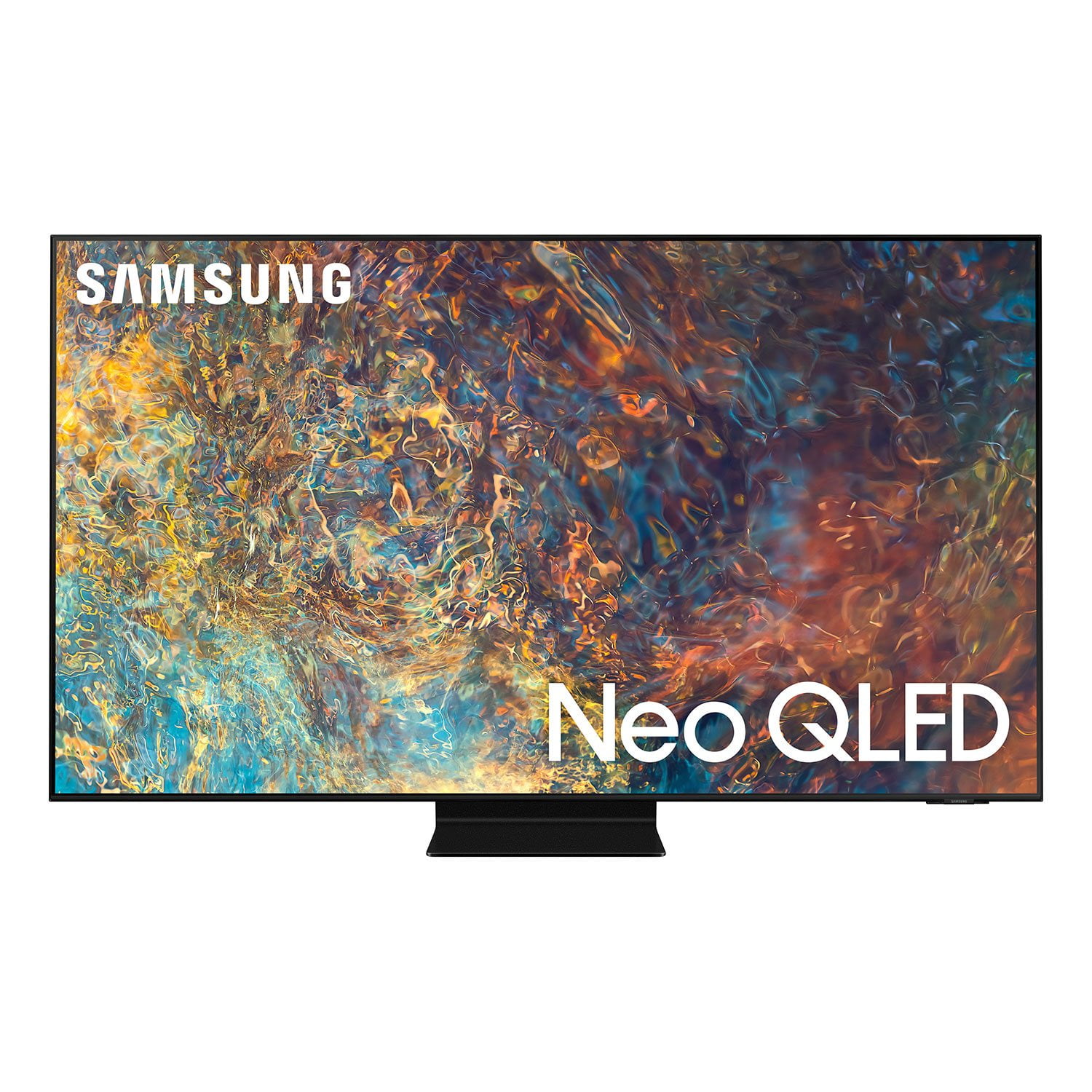
 Member ratings & reviews for
Very Happy with the TV
[This review was collected as part of a promotion.] We use the TV for streaming movies and TV series. The clarity and brightness are very satisfying. We watch in a large room with a lot of windows and it is bright enough to still show everything clearly. At night, it is like being in movie theatre. You wont be sorry if you get this TV.
The picture quality is excellent
[This review was collected as part of a promotion.] I use my Samsung TV for streaming, movies, sports, local and national news. The picture quality is excellent, colors are bright, and some shows it seems are like a live performance. The sound quality is the only thing for me not giving it 5 stars, on some programs the sound is too low , others too high, and it has to be adjusted higher or lower.
bosredsox321, Thank you for choosing Samsung's QN90A TV and for your review. We appreciate your feedback regarding inconsistent sound volume. The Auto Volume function automatically adjusts the sound to a certain level when changing channels or switching to another external input. To enable Auto Volume, go to: Settings > Sound > Expert Settings > Auto Volume = On You may also want to perform a Sound Test under Support > Self Diagnosis > Start Sound Test If the issue persists, please reach out to us so that we can provide further troubleshooting. You can call us at 1-800-SAMSUNG (ask for TVs), available 8AM -12AM EST M-F (9AM – 6PM EST Sat). Or text HELP to 62913. For additional support resources, visit us on the Samsung website and click on the ‘Support’ link in the upper right corner of the homepage for: 1) More ‘Contact Us’ options – LiveChat, Facebook, Twitter, Samsung Community, Samsung Members app 2) Manuals & Software 3) Warranty Info 4) Product Registration: For access to easy warranty support, convenient opt-in to special promos and offers, faster troubleshooting and service, and quick notification of system updates. ~ Samsung Specialist
Great TV
[This review was collected as part of a promotion.] Streaming movies and shows (NF, Prime, HBO), watching local content from our NAS, and Xbox Series X are the main ways we utilize our TV. Pros: The brightness the Neo QLED can pump out can blow us away sometimes, which is great because we have a lot of daylight in our main room and the picture still shines through with ease. The picture and color are beautiful, I'm no color expert but the colors look far more accurate than any of the conventional LED TVs I've owned in the past, and the black levels are equally good. Xbox Series X I have plugged into the HDMI 2.1 port for maximum performance, and with the game mode that the TV can automatically switch is helpful. Cons: The first HDMI port is the only 2.1 capable port, the others only support 2.0, but that fits my needs alright so for me it was ok. I notice sometimes during credits on a black screen that the Neo LED seems to be a bit dimmer at the edges of the text, maybe there's a setting that corrects this that I'm not aware of, but it is more noticeable when you first start using the TV. There are also rare times when something bright is on screen, like a HUD in a game, and the rest of the screen is dark you can see a slight glow around the lit element. I've only seen this a couple of times though, as normally the black level on the QLED seems pretty absolute. Despite the few cons, I'm really happy with the purchase, and haven't seen any other TVs in this price range that impressed me as much.
CostcoKale, Thank you for purchasing the Samsung QN90A TV and for sharing details of your image quality. Quantum Matrix Technology is powered by exclusive Mini LED designed technology engineered to give you hyper-focused brightness and dimming in all the right areas. To optimize your picture quality, please be sure your firmware is up to date with version 1805.4 which includes picture quality updates. You can check this by going to: Settings > Support > Software Update. You may want to enable Auto Update for convenience. Should you need further assistance with image quality adjustments, please give us the opportunity to assist you. You can reach us at 1-800-SAMSUNG (ask for TVs), available 8AM - 12AM EST, 7 days a week. For additional support resources, visit us on the Samsung website and click on the ‘Support’ link in the upper right corner of the homepage for: 1) Contact Us: For additional Chat & Text options, choose ‘TVs & Home Theater’ and select your model & topic. 2) Manuals & Software 3) Warranty Info 4) Register a Product: For access to easy warranty support, convenient opt-in to special promos and offers, faster troubleshooting and service, and quick notification of system updates. ~ Samsung Specialist
Was on the fence about choosing
[This review was collected as part of a promotion.] I really didn't think we needed a new TV but I gave in and absolutely love it. I use it for streaming my favorite movies and shows. The picture and sound quality are awesome. My husband wanted new TV just for sports.
Great TV, Bad TIZEN
Image is great, sound is great, blacks/shadows are awesome... But TIZEN is slow, missing tons of apps, even the menu feel as they were eating all the TV's resources. The DLNA Player is slow, bad at rendering styled subtitles, supports only some basics codecs. Would prefer this TV to not be "smart" at all.
Amazing Tv
[This review was collected as part of a promotion.] I love the depth of the colors and the richness of the blacks. I preordered the tv before release. I had looked at competeing technologies, but am glad I went with the neo qled. It does still have a bit of a shine to the screen, but the picture is amazing. I play my xbox series x on it all the time and do some media streaming as well.
I absolutely love this tv.
[This review was collected as part of a promotion.] I use my television for streaming watching 4K ultra high deaf movies also gaming on my PS5 And this TV handles it all beautifully. The brides are absolutely bright and the blacks are as black as can be. I would definitely recommend this television.
The picture is AMAZING!
[This review was collected as part of a promotion.] I am a very, very loyal Samsung customer and thrilled to have this Neo 65 inch flat screen in my home. The picture is the best I've ever seen on a tv, bright and true coloring. Set up was easy too, and our new PS5 is incredible on screen too! My only complaint has to do with the interface, which makes it very difficult to switch between modes - we are having difficulty switching to cable from other modes, and the remote does not control our Cox cable box. We are pretty sophisticated with electronics, so I imagine more novice users will struggle with this, too.
Hi REDSOX7, I am glad to hear that you are enjoying the picture of your new 2021 QN90A Neo QLED 4K Smart TV. We appreciate your feedback on the issues you are experiencing with source selections, as well as your remote. You can control your connected devices using your TV remote by following these set-up steps: 1) Connect an external device to the HDMI port of the TV, and then power on the external device. Your TV will automatically recognize the device when connected through HDMI and will switch the output. If it doesn't automatically detect it, then keep following the steps to set up Universal Remote. 2) Press the Home button on your TV remote to access the Home Screen. Using the directional pad on the remote, navigate to Source. When the selector is placed over Source, the Source menu will appear. Press UP on the directional pad to access Universal Remote. 3) Select Universal Remote on the Source screen. Next, select Start and make sure the device you want to connect is turned on. When your desired device displays, select it. Follow the on-screen instructions to complete the setup and register the device. The instructions may vary, depending on the device type selected. 4) Your TV and the remote will memorize the external device and its connection port (HDMI 1, HDMI 2, etc.) to make controlling everything even easier. Occasionally, the device may not respond after it's registered. To make sure the connection is made, you need to re-register the device. I hope this helps! Should you need further assistance or have additional questions, please call us at 1-800-SAMSUNG (ask for TVs), available 8AM -12AM EST M-F (9AM – 6PM EST Sat). Or text HELP to 62913. For additional support resources, visit us on the Samsung website and click on the ‘Support’ link in the upper right corner of the homepage for: 1) More ‘Contact Us’ options – LiveChat, Facebook, Twitter, Samsung Community, Samsung Members app 2) Manuals & Software 3) Warranty Info 4) Product Registration: For access to easy warranty support, convenient opt-in to special promos and offers, faster troubleshooting and service, and quick notification of system updates. Thank you for choosing Samsung! ~ Samsung Specialist
This QLED 4K TV is amazing!
[This review was collected as part of a promotion.] I been using this for 1 month and i love it. The best thing for my gaming session is the 120 frames per second. When i try to play Halo: The Master Chief Collection on my Series X, i was amazed by this. 4K 120fps is the main important thing because you can watch any TV shows with the powerful chip on the inside of the QLED TV. I gave 5 stars because i love it, and for my gaming session. Thank you, Samsung!
Christian4Life: I am happy to hear that you are enjoying your new 2021 QN90A Neo QLED TV featuring Motion Xcelerator Turbo+ for enhanced motion clarity and are able to take advantage of newer Next-Gen gaming capabilities. Have you been enjoying the Super Ultrawide GameView & Game Bar – our new 2021 features designed to give you the extra edge in your gaming experience? Samsung Customer Support is here to help if you need assistance or have questions regarding features, functions, setup and more. You can reach us at 1-800-SAMSUNG (ask for TVs), available 8AM -12AM EST, 7 days a week. Or text HELP to 62913. For additional support resources, visit us on the Samsung website and click on the ‘Support’ link in the upper right corner of the homepage for: 1) More ‘Contact Us’ options – LiveChat, Facebook, Twitter, Samsung Community, Samsung Members app 2) Manuals & Software 3) Warranty Info 4) Product Registration: For access to easy warranty support, convenient opt-in to special promos and offers, faster troubleshooting and service, and quick notification of system updates. ~ Samsung Solutions
Amazing TV
[This review was collected as part of a promotion.] Samsung. You guys outdid yourselves with this one. This TV is immaculate. The sleek design and amazing quality fir all my TV and gaming needs. My mom, and friends all said Samsung sucks but ever since I got this TV, they all changed their opinion. Thank you so much for making this TV. All my needs are supplied and I'm extremely satisfied.