Skip to Main Content
Sams Club
Sams Club
Customer ratings & reviews for
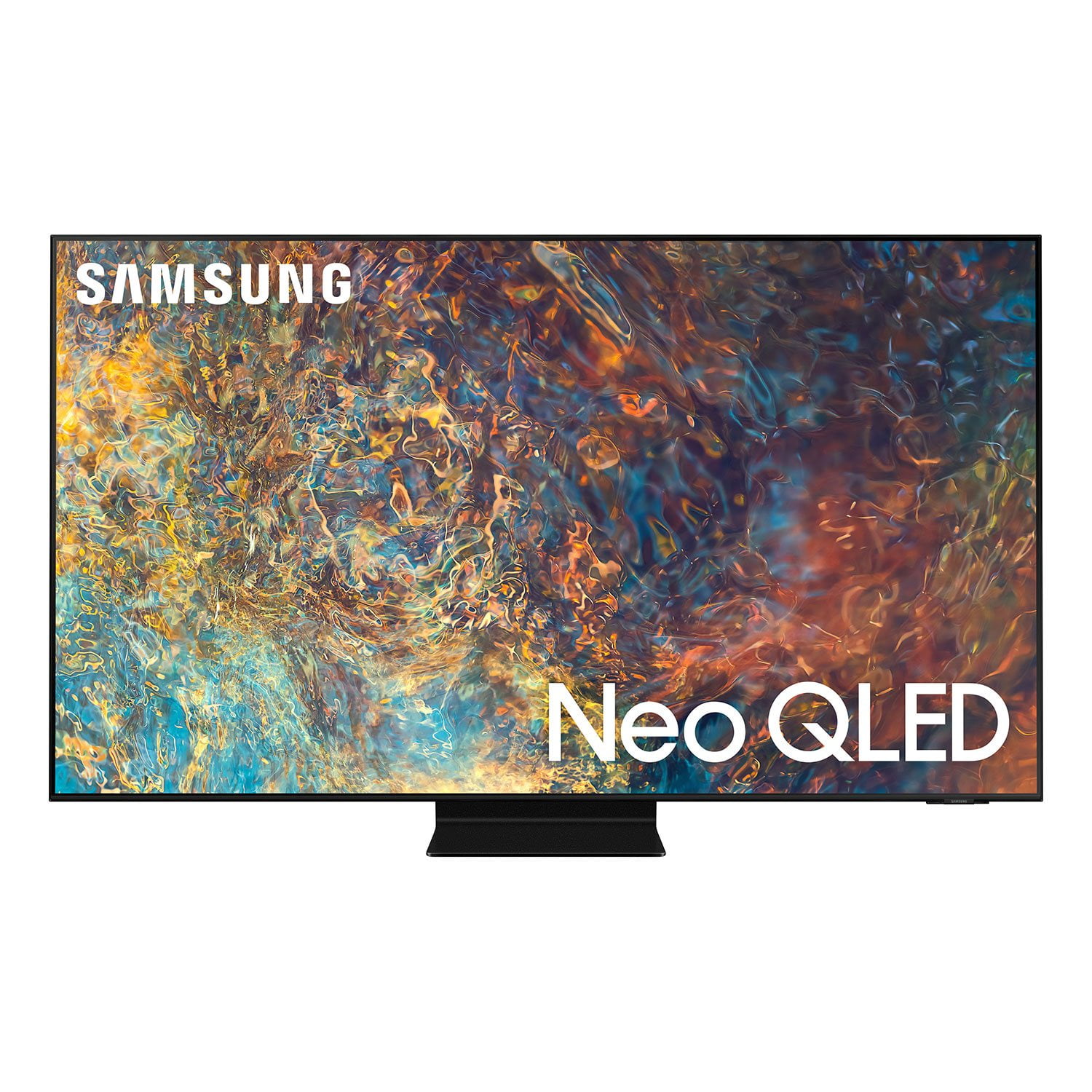
SAMSUNG 75" Class QN9D-Series 4K Ultra HD Smart Neo QLED TV - QN75QN9DAAFXZA
4.6 out of 5 stars
stars1,188 ratings1,186 reviews
  1. 5 stars78% (922)
  2. 4 stars15% (176)
  3. 3 stars4% (47)
  4. 2 stars1% (10)
  5. 1 star3% (33)
Write a review
Sort by |
Showing 1,111-1,120 of 1,186 reviews
Sep 7, 2021
Stella4
4 out of 5 stars review

It has great detail to color

[This review was collected as part of a promotion.] I love the color description and the sizes the tv comes in and the price. Oh and I also like that there's not really many TVs out there that are like this TV at all

Review from Samsung US
Helpful?45GEEAK9PTJO15322462706
Apr 1, 2021
FREE
5 out of 5 stars review

Its reliable works well never had and problems

[This review was collected as part of a promotion.] The tv looks very well. I have 1 mounted to my living room wall. It has a nice picture and i havent had any problems with the unti

Review from Samsung US
Helpful?45GEEAK9PTJO15322462706
Sep 8, 2021
Irari
5 out of 5 stars review

Great TV

[This review was collected as part of a promotion.] The tv is great . It is a bit heavy compared to simular size tvs. Only issue I had was I had to charge the remote the first setup

Review from Samsung US
Helpful?45GEEAK9PTJO15322462706
May 5, 2021
Hugh
3 out of 5 stars review

Over all good tv

[This review was collected as part of a promotion.] This tv has a great picture wonderful sound the streaming service could be better but it's not a deal breaker

Review from Samsung US
Helpful?45GEEAK9PTJO15322462706
reply from Samsung Brand Ambassador

Hugh: Thank you for sharing your review for Samsung’s 2021 QN90A Neo QLED TV. I am happy to hear that you are enjoying the picture brought to you by our Neo Quantum Processor 4K which analyzes the signal, source, and content scene-by-scene to optimize your 4K clarity. Object Tracking Sound+, previously available only on our 8K models, tracks the movement on screen, and moves the audio with it. Samsung TV Plus offers hundreds of free channels of news, sports, movies, and much more. Should you ever have questions or need help, you can reach us at 1-800-SAMSUNG (ask for TVs), available 8AM -12AM EST, 7 days a week. Or text HELP to 62913. For additional support resources, visit us on the Samsung website and click on the ‘Support’ link in the upper right corner of the homepage for: 1) More ‘Contact Us’ options – LiveChat, Facebook, Twitter, Samsung Community, Samsung Members app 2) Manuals & Software 3) Warranty Info 4) Product Registration: For access to easy warranty support, convenient opt-in to special promos and offers, faster troubleshooting and service, and quick notification of system updates. ~ Samsung Solutions

Apr 11, 2021
Pookie
4 out of 5 stars review

Great

[This review was collected as part of a promotion.] Use it for TV watching, gaming, and sports. Trying to figure out how to transfer phone to TV for viewing.

Review from Samsung US
Helpful?45GEEAK9PTJO15322462706
reply from Samsung Brand Ambassador

Pookie: Thank you for choosing the Samsung QN90A Neo QLED 4K TV. You can watch the screen of your mobile device on the TV screen through Smart View, Tap View or Multi View. For information on how to share the screen with your mobile device, refer to Source > Connection Guide > Smartphone > Screen Sharing (Smart View). In order to use the Smart View function, the mobile device must support a mirroring function, such as Screen Mirroring or Smart View. To check whether your mobile device supports the mirroring function, refer to the mobile device's user manual. Use AirPlay2 if you are an iPhone or iPad user. Go to: Source > Connection Guide > Smartphone > Apple AirPlay I hope this helps. For further assistance, please contact Samsung Customer Support. You can reach us at 1-800-SAMSUNG (ask for TVs), available 8AM -12AM EST, 7 days a week. Or text HELP to 62913. For additional support resources, visit us on the Samsung website and click on the ‘Support’ link in the upper right corner of the homepage for: 1) More ‘Contact Us’ options – LiveChat, Facebook, Twitter, Samsung Community, Samsung Members app 2) Manuals & Software 3) Warranty Info 4) Product Registration: For access to easy warranty support, convenient opt-in to special promos and offers, faster troubleshooting and service, and quick notification of system updates. ~ Samsung Solutions

Jul 18, 2021
Bugout187
5 out of 5 stars review

Great features

[This review was collected as part of a promotion.] Perfect for gaming picture perfect. When my family is home it's movie day best TV for movie day. My son loves it

Review from Samsung US
Helpful?45GEEAK9PTJO15322462706
Jun 22, 2021
Aarin
5 out of 5 stars review

I love you TVs

[This review was collected as part of a promotion.] Thank you for the good tvs and all the stuff that you do you guys are awesome and thank you soooooo much

Review from Samsung US
Helpful?45GEEAK9PTJO15322462706
May 2, 2021
paulO
5 out of 5 stars review

Q90T Neu 4k 85" TV bought April 2021

[This review was collected as part of a promotion.] Tv is pretty impressive a very big box, although did not have a chance to view the colors as of yet due to mounting set by Handy is tomorrow.

Review from Samsung US
Helpful?45GEEAK9PTJO15322462706
Jun 30, 2021
gettingitin1
5 out of 5 stars review

This product is a kick-butt tv.

[This review was collected as part of a promotion.] How do you spell Samsung streaming adult things well as video games. The best picture in the world good names for nothing no better it rocks.

Review from Samsung US
Helpful?45GEEAK9PTJO15322462706
Jan 29, 2022
Annoyed
1 out of 5 stars review

Awful

the entire q series of tv's and soundbars is a joke, they constantly fail to connect via earc, you need to be a network engineer to use them, support is constantly need to triage the issues. can't believe a company this big can't figure this out.

Review from Samsung US
Helpful?45GEEAK9PTJO15322462706
reply from Samsung Brand Ambassador

Hi Annoyed, Thank you for choosing Samsung's QN90A TV and for sharing the connectivity issues you are experiencing. Please be sure your firmware is up to date with version 1903.0 which includes input device performance updates. You can check this by going to: Settings > Support > Software Update. If this firmware version is not yet available on your TV, you can download the update on a USB drive and manually update your TV: 1. On Samsung's website (upper right corner), go to: Support > Manuals & Software > Find your TV model. 2. Download the update and extract it to the root of a USB thumb drive. (Do not put it in any folders on the thumb drive.) 3. Connect the USB thumb drive to a USB port on your TV. 4. Navigate to Settings > Support > Software Update, select Update Now, and then select Yes. 5. Follow the on-screen instructions to install the updated software. I hope this helps! Should you need further assistance, please contact Samsung Customer Support at 1-800-SAMSUNG (ask for TVs), available 8AM - 12AM EST, 7 days a week. For additional support resources, visit us on the Samsung website and click on the ‘Support’ link in the upper right corner of the homepage for: 1) Chat with Us/Product Help: To begin a chat or find solutions, choose ‘TVs & Home Theater’ and select your model & topic. 2) Manuals, Software, & Warranty Info ~ Samsung Specialist