Skip to Main Content
Sams Club
Sams Club
Customer ratings & reviews for
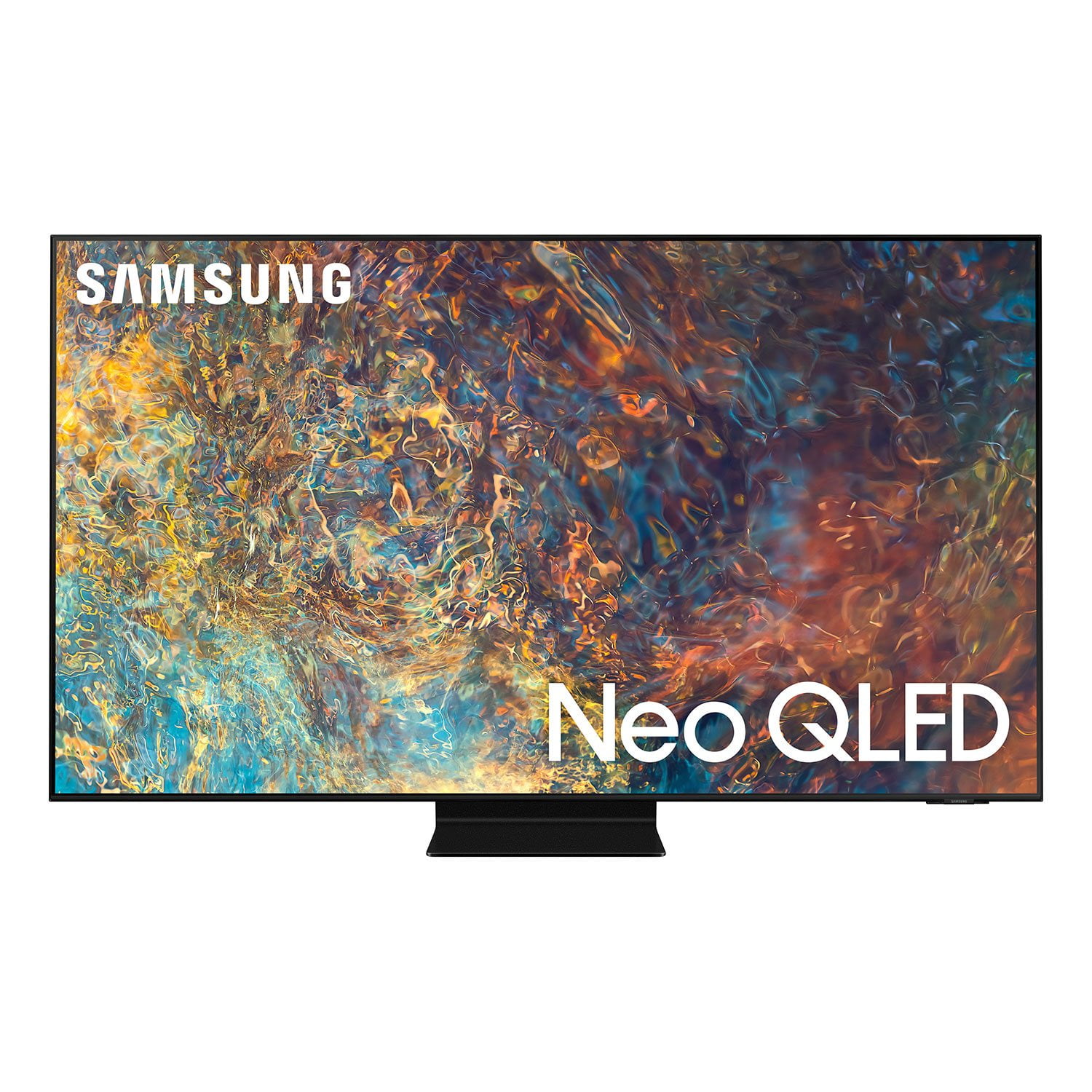
SAMSUNG 75" Class QN9D-Series 4K Ultra HD Smart Neo QLED TV - QN75QN9DAAFXZA
4.6 out of 5 stars
stars1,188 ratings1,186 reviews
  1. 5 stars78% (922)
  2. 4 stars15% (176)
  3. 3 stars4% (47)
  4. 2 stars1% (10)
  5. 1 star3% (33)
Write a review
Sort by |
Showing 1,101-1,110 of 1,186 reviews
Jun 29, 2021
ConvertedSouls
5 out of 5 stars review

The picture are very clear

[This review was collected as part of a promotion.] I use my tv for mostly Netflix. It works great and I use it all the time.

Review from Samsung US
Helpful?45GEEAK9PTJO15322462706
Oct 31, 2021
Daddyo135
4 out of 5 stars review

Awesome picture but.....

The resolution, color and overall picture quality are fantastic but the remote is absolutely horrible and I wish the set had more HDMI 2.1 ports.

Review from Samsung Canada
Helpful?45GEEAK9PTJO15322462706
reply from Operations

Hi Mandro, thanks so much for your kind words! We sincerely appreciate your feedback and will share this with our team. We hope you enjoy many years of great entertainment with your Samsung TV! 

Apr 11, 2021
Bilal
5 out of 5 stars review

Great picture quality

[This review was collected as part of a promotion.] Use it in every day viewing, picture quality is amazing, need improvement in sound quality

Review from Samsung US
Helpful?45GEEAK9PTJO15322462706
Oct 13, 2021
Pablito22
5 out of 5 stars review

Amazing!

[This review was collected as part of a promotion.] Love this thing! Best TV I've ever owned! Super clear image!

Review from Samsung US
Helpful?45GEEAK9PTJO15322462706
Jun 29, 2021
Msdee
5 out of 5 stars review

Great color great sound

[This review was collected as part of a promotion.] I use my TV for movie, tv shows news and games shows.

Review from Samsung US
Helpful?45GEEAK9PTJO15322462706
Sep 11, 2021
tazdevil
4 out of 5 stars review

very good, not great

[This review was collected as part of a promotion.] Good picture. Good remote. Some fetures are awkward and backgrounds are dull, dark and just odd

Review from Samsung US
Helpful?45GEEAK9PTJO15322462706
reply from Samsung Brand Ambassador

tazdevil, Thank you for sharing your thoughts on the picture quality of your new 2021 QN85A Neo QLED TV. In addition to the several picture modes on your TV, you may also want to try adjusting additional picture settings if the picture you are seeing is not to your liking. You can go to: Settings > Picture > Expert Settings and configure the TV settings to your taste with functions such as Brightness, Contrast, Sharpness, Color, Tint (G/R), Picture Clarity Settings, Local Dimming, Contrast Enhancer, and many more. To always ensure that your TV’s picture is optimized, please be sure that you are running the latest firmware update. You can check this by going to Settings > Support > Software Update or you can enable Auto Update for convenience. Should you need further assistance with image quality adjustments, please give us the opportunity to assist you. You can reach us at 1-800-SAMSUNG (ask for TVs), available 8AM - 12AM EST, 7 days a week. For additional support resources, visit us on the Samsung website and click on the ‘Support’ link in the upper right corner of the homepage for: 1) Contact Us: For additional Chat & Text options, choose ‘TVs & Home Theater’ and select your model & topic. 2) Manuals & Software 3) Warranty Info 4) Register a Product: For access to easy warranty support, convenient opt-in to special promos and offers, faster troubleshooting and service, and quick notification of system updates. ~ Samsung Specialist

Sep 6, 2021
Jenn
5 out of 5 stars review

Great features

[This review was collected as part of a promotion.] I love the size. I watch movies and the sound quality is fantastic

Review from Samsung US
Helpful?45GEEAK9PTJO15322462706
Aug 29, 2021
randello
4 out of 5 stars review

Great TV but...

this tv has the best colors and clarity i have ever seen on any set however you have to watch the tv in the dark because any light reflecting on the screen appears as rainbows. it's like a prism. i hope samsung fixes this in a future release

Review from Samsung US
Helpful?45GEEAK9PTJO15322462706
reply from Samsung Brand Ambassador

randello, Thank you for your review of the QN90A Neo QLED TV and for sharing your feedback regarding screen glare. Please know that your TV is engineered with Anti-Reflection Technology designed to minimize ambient light reflections. We understand that light conditions of each room environment are different. For optimal glare control, we recommend repositioning the TV to minimize incident light falling on the screen or consulting a professional installer. Should you ever have questions or need help, please call us at 1-800-SAMSUNG (ask for TVs), available 8AM -12AM EST M-F (9AM – 6PM EST Sat). Or text HELP to 62913. For additional support resources, visit us on the Samsung website and click on the ‘Support’ link in the upper right corner of the homepage for: 1) More ‘Contact Us’ options – LiveChat, Facebook, Twitter, Samsung Community, Samsung Members app 2) Manuals & Software 3) Warranty Info 4) Product Registration: For access to easy warranty support, convenient opt-in to special promos and offers, faster troubleshooting and service, and quick notification of system updates. ~ Samsung Specialist

Apr 1, 2021
Lovesgreen
5 out of 5 stars review

Love the quality of the tv

[This review was collected as part of a promotion.] Love 2 watch the movies an the pictures are very clear an the games I like 2 play as well very happy over all.

Review from Samsung US
Helpful?45GEEAK9PTJO15322462706
Apr 11, 2021
Pookie
4 out of 5 stars review

Great

[This review was collected as part of a promotion.] Use it for TV watching, gaming, and sports. Trying to figure out how to transfer phone to TV for viewing.

Review from Samsung US
Helpful?45GEEAK9PTJO15322462706
reply from Samsung Brand Ambassador

Pookie: Thank you for choosing the Samsung QN90A Neo QLED 4K TV. You can watch the screen of your mobile device on the TV screen through Smart View, Tap View or Multi View. For information on how to share the screen with your mobile device, refer to Source > Connection Guide > Smartphone > Screen Sharing (Smart View). In order to use the Smart View function, the mobile device must support a mirroring function, such as Screen Mirroring or Smart View. To check whether your mobile device supports the mirroring function, refer to the mobile device's user manual. Use AirPlay2 if you are an iPhone or iPad user. Go to: Source > Connection Guide > Smartphone > Apple AirPlay I hope this helps. For further assistance, please contact Samsung Customer Support. You can reach us at 1-800-SAMSUNG (ask for TVs), available 8AM -12AM EST, 7 days a week. Or text HELP to 62913. For additional support resources, visit us on the Samsung website and click on the ‘Support’ link in the upper right corner of the homepage for: 1) More ‘Contact Us’ options – LiveChat, Facebook, Twitter, Samsung Community, Samsung Members app 2) Manuals & Software 3) Warranty Info 4) Product Registration: For access to easy warranty support, convenient opt-in to special promos and offers, faster troubleshooting and service, and quick notification of system updates. ~ Samsung Solutions