Skip to Main Content
Sam's Club
Sam's Club
Member ratings & reviews for
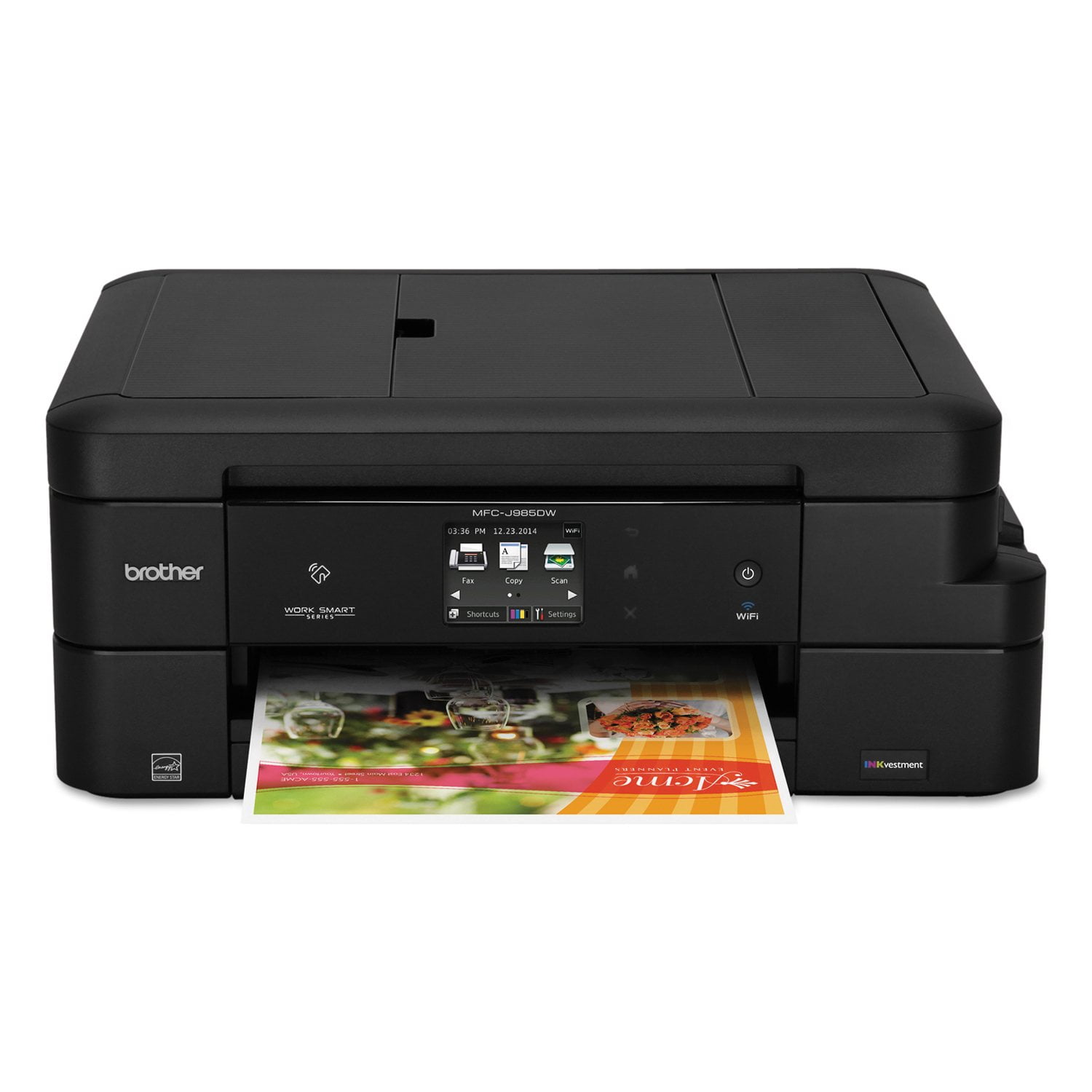
Brother MFC-J985DW Work Smart All-in-One Copy/Fax/Print/Scan with INKvestment Cartridges
4.2 out of 5 stars
stars426 ratings425 reviews
  1. 5 stars56% (239)
  2. 4 stars26% (111)
  3. 3 stars7% (30)
  4. 2 stars6% (25)
  5. 1 star5% (21)

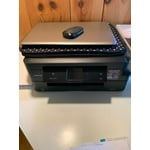
Member photos

Sort by |
Showing 101-110 of 425 reviews
Jul 26, 2020
I hate your product
1 out of 5 stars review

Piece of Junk

This is a piece of junk (and I'd use stronger language but the site won't let me). This has consistently NOT WORKED, no matter how many times I restart it, re-input my WiFi, etc. I have a laptop and a desktop, and my husband has the same and we have problems on ALL the computers, and they're both PCs and Macs. This only got one star because I couldn't give it ZERO. WASTE OF MY TIME AND MONEY.

Review from brother-usa.com
Helpful?63200GCFKU7615321457262
reply from Customer Service

Hi, Oh no! That's not what we like to hear. We understand you experiencing an issue with your network connection and we understand your frustration. We'd like to help. Below is a FAQ that will be able to assist you. If you continue to have issues, our Brother Customer Support Team is available to assist you direct: https://www.brother-usa.com/brother-support

Oct 7, 2018
mdk01
3 out of 5 stars review

cheap, cheap, cheap

has worked very well so far and very economical on ink usage, but very flimsy plastic parts (do not get rough with it), small paper quantity (enough for the casual user), but if you have big fingers or poor eyesight, the touch control screen is way, way too small

Review from brother-usa.com
Helpful?63200GCFKU7615321457262
Apr 11, 2018
Lashonda
5 out of 5 stars review

Great bundle!

I used the previous model at my office and loved it so much I wanted to purchase it for home. When I went to make the purchase, this model was available which included ink for two years. It was a no brainer. I love my machine, I downloaded the app and I can even print from my phone. #happycustomer:)

Review from brother-usa.com
Helpful?63200GCFKU7615321457262
Apr 16, 2018
bender16v
5 out of 5 stars review

Very Good Printer

This printer hasn't sent me into a fit of rage, which I can't say about any other color printer that I have owned in the past 20 years. It works well and is easy to use. I do wish it held 500 sheets of paper so I didn't have to load it as frequently.

Review from brother-usa.com
Helpful?63200GCFKU7615321457262
Oct 24, 2017
pickup36
5 out of 5 stars review

Value, Easy operation

If you are looking for a quality printer/copier dollar for dollar this copier printer copies and prints as good as the Cannon printer it replaced. There is a slight loss in color quality from the original, but that may be a result of the paper quality.

Review from brother-usa.com
Helpful?63200GCFKU7615321457262
Feb 15, 2017
Faxuser
3 out of 5 stars review

Nice & compact, great print but complicated to use

I bought this because I'm sick of monster machines that take up all my space and skarf ink (at my expense). This one is compact and says it sips ink and comes with an actual full XL cartridge out of the box. I also needed the fax but it was hard to set up. All the font is too small to see, especially model number. Printed instructions are incomplete. You have to go online to download the complete set. Even that is not specific to the model which is very annoying because instructions are too complex. I don't like the paper tray. It is small and hard to fill. The paper tends to spill out as it works or roll up in the out tray. I'm still not sure I like it because I've already experienced a paper jam.

Review from brother-usa.com
Helpful?63200GCFKU7615321457262
Mar 10, 2017
Snowing
3 out of 5 stars review

Fast but cheap

Fast printer. Quality is good for printed material. The machine its self is cheaply made. I always feel like I am going to break a part of it when filling paper, ink etc... Customer service could not walk me through process of getting printer to print wirelessly to my apple computer. Told me to call apple which I did. They said, it must be a problem within Brothers control center. Can not use printer wirelessly still.

Review from brother-usa.com
Helpful?63200GCFKU7615321457262
Mar 15, 2017
Misty2017
4 out of 5 stars review

Great Printer

This Brother works Great. Do not use Fax at this time. Printed approx.50 sheets and hardly used any ink+. Had a Brother for school use and was very happy with it, then went to HP big mistake... The reason why I am giving it a 4 is the difficulty in setting up...I am NOT TEC savvy... took me over a hour to set up...have not used for pics yet , will soon

Review from brother-usa.com
Helpful?63200GCFKU7615321457262
Oct 18, 2017
Looper
4 out of 5 stars review

Nice Multi Function Printer

The printer was fairly easy to install for a non-techy type person which was certainly a pro. Not very intuitive at times. Turns off and can't use the wireless without physically turning it back on. Very pleased with the price per copy. One big con is that the photo quality is sub-par - not very colorful at all, just kind of bland. My 10 year old HP did much better on photo quality than this machine - of course with a high price per photo. Also, my much cheaper Lexmark did much better on scanning meaning that it was much easier. The paper tray is a bit small but fine for my use. Photo paper tray could be easier to use,

Review from brother-usa.com
Helpful?63200GCFKU7615321457262
Jul 10, 2019
Ellen
2 out of 5 stars review

Mixed results, and died in 2 years

I have had the Brother printer just over 2 years. While it has printed documents pretty well it does not do as good a job with color. The colors are a bit off. It is a bit slow, and louder than any of my previous printers. Sometimes it takes a long time for the printer to get the message, and start printing. it jams occasionally, or tells e there is a jam when there is not .I have been able to scan but had some problems with multi page documents. Now I have the dreaded Error 46, Ink pad absorber full. That means you can't print. I tried the online, Youtube fixes and they didn't work. I went into the maintenance mode and entered codes and reset the purge setting, but it still won't work. 2 years isn't very long-I think it should have lasted longer.

Review from walmart.com
Helpful?63200GCFKU7615321457262
reply from Brother

I see you are having difficulty printing receiving the error message "Error 46". Please contact us by Email or Live Chat so we check on this. https://www.brother-usa.com/support/mfcj985dw