Skip to Main Content
Sam's Club
Sam's Club
All Departments
All Services
Customer reviews for SAMSUNG 75" Class Q6-Series 4K Ultra HD Smart QLED TV - QN75Q6DAAFXZA for
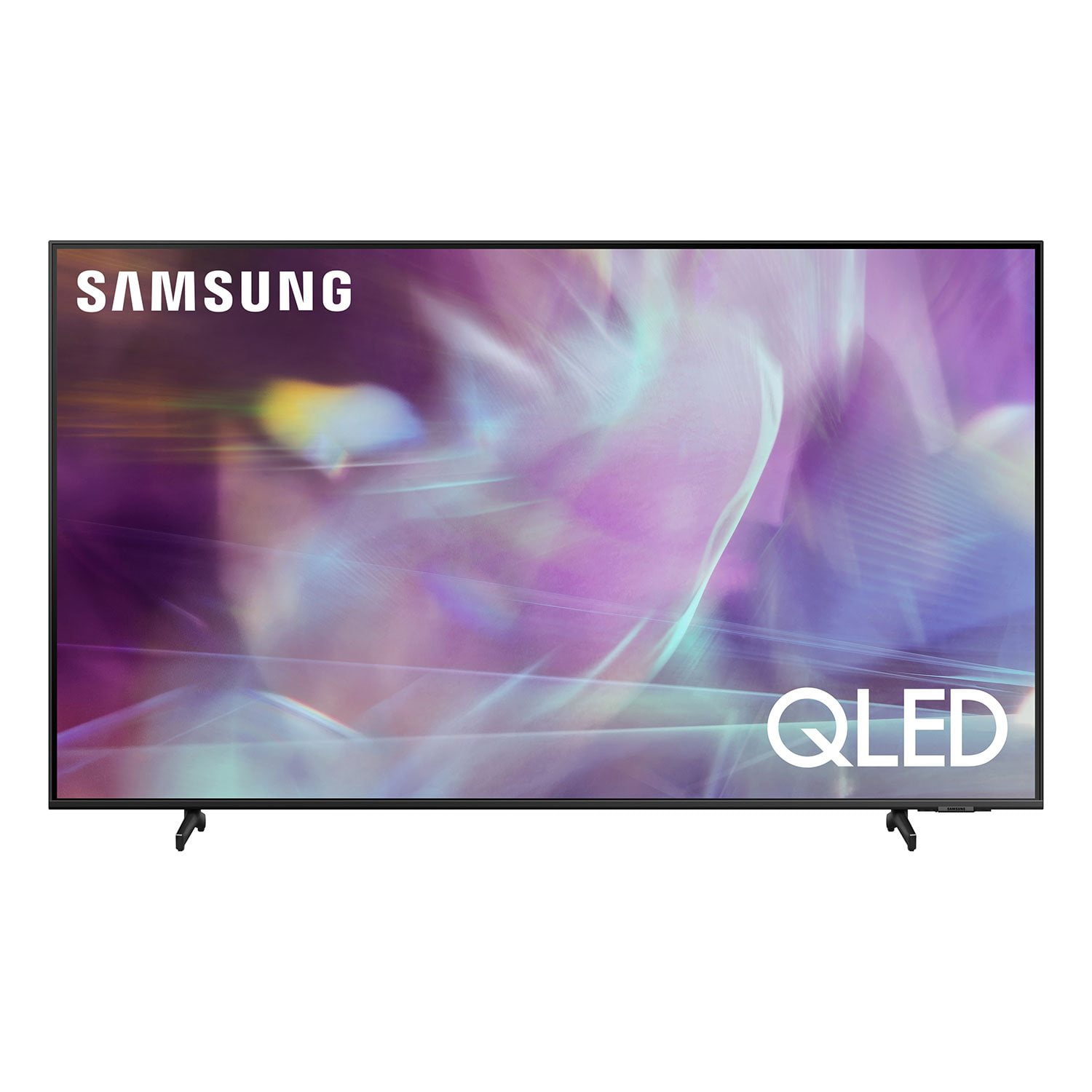
SAMSUNG 75" Class Q6-Series 4K Ultra HD Smart QLED TV - QN75Q6DAAFXZA
4.6 out of 5 stars
stars
1,998 ratings1,898 reviews
  1. 5 stars74% (1,480)
  2. 4 stars17% (337)
  3. 3 stars4% (77)
  4. 2 stars2% (31)
  5. 1 star4% (73)
Sort by |
Showing 711-720 of 1,898 reviews
Apr 11, 2021
Reviewer name: JustaSamungUser21
4 out of 5 stars
4 out of 5 stars review

Great TV with some minor issues

[This review was collected as part of a promotion.] It's great for watching movies and playing games, it's game mode is pretty good and will turn on automatically when it detects an input with a gaming console connected to it. Sound is decent but could be better, the UI is a little slow at times and if you use the smart things remote with the tv it can cause a glitch where you can't navigate the settings anymore so you have to factory reset the TV by calling customer service. Overall great TV but could have been better given the price

Review from Samsung US
Helpful?20S51SPKF03T15280651920
Jun 29, 2021
Reviewer name: CurlyGirl23
5 out of 5 stars
5 out of 5 stars review

High quality

[This review was collected as part of a promotion.] I use my Samsung for streaming hulu and Netflix. Its absolutely amazing. The quality of the tv is nice and clear. My bf uses it for gaming and the resolution is perfect. No grainy pictures and the sound is loud and clear. Also as great apps. I do not regret this purchase. I would totally recommend getting this TV!!

Review from Samsung US
Helpful?20S51SPKF03T15280651920
Oct 5, 2021
Reviewer name: Happysamsungtvowner
5 out of 5 stars
5 out of 5 stars review

Samsung QLED was best choice of all

[This review was collected as part of a promotion.] I bought other TVs but couldn't stand there processing or display so returned them. I wanted to watch some of my fav shows on good display and wanted a fast responsive TV. Samsung product had blend of both and now after owning this for sometime now I can say it was good choice.

Review from Samsung US
Helpful?20S51SPKF03T15280651920
Jul 23, 2021
Reviewer name: mike44nh
5 out of 5 stars
5 out of 5 stars review

Phenomenal TV

[This review was collected as part of a promotion.] We've owned numerous Samsung TVs as well as another high-end brand. We absolutely love Samsung's TVs for their simple user interface, great design of the remote, and superior picture quality. We presently own two Samsung TVs - the 65" for which I am writing now, and a 43" QLED 4K that we purchased just recently for our bedroom. Both TVs are absolutely amazing and give us such pleasure. When we sit down to watch TV we want to relax and be entertained - both would be impossible without our fantastic Samsung TVs and their sound bars as well (we have a Samsung sound bar with subwoofer on both TVs). The quality of their products is unparalleled (and we know because we've owned numerous high-end brands). We never have a problem, never need technical service, and never regret our decision to purchase and stay with Samsung.

Review from Samsung US
Helpful?20S51SPKF03T15280651920
Jul 23, 2021
Reviewer name: Love2WatchMovies
5 out of 5 stars
5 out of 5 stars review

Great features!

[This review was collected as part of a promotion.] We use this tv for streaming videos and watching cable. It works great and has an amazing picture. We are very happy with our purchase! I only wish that there were more app options on the tv so that we don't have to plug in a Fire Stick or Apple TV to get the other apps.

Review from Samsung US
Helpful?20S51SPKF03T15280651920
reply from Samsung Brand Ambassador

Hi Love2WatchMovies, Thank you for choosing Samsung's Q60A TV and for your review. I am glad to hear you are enjoying streaming and watching cable on your new TV! Samsung offers hundreds of apps in our App Store that you can download, and we are continuously adding more premium content and new services to our Smart TV platform. If you cannot find an app you are looking for at this time, rest assured that we are continuously working with our partners to make apps available in our 2021 lineup. Keep an eye on the App Store of your TV to see the latest apps available. Should you ever have questions or need help, please call us at 1-800-SAMSUNG (ask for TVs), available 8AM -12AM EST M-F (9AM – 6PM EST Sat). Or text HELP to 62913. For additional support resources, visit us on the Samsung website and click on the ‘Support’ link in the upper right corner of the homepage for: 1) More ‘Contact Us’ options – LiveChat, Facebook, Twitter, Samsung Community, Samsung Members app 2) Manuals & Software 3) Warranty Info 4) Product Registration: For access to easy warranty support, convenient opt-in to special promos and offers, faster troubleshooting and service, and quick notification of system updates. ~ Samsung Specialist

Apr 1, 2021
Reviewer name: Illpoetic
5 out of 5 stars
5 out of 5 stars review

Great TV

[This review was collected as part of a promotion.] I have told TV in my bedroom and it had one of the best pictures I've seen on a TV. We originally was going to put this in the family room, until my wife saw that beautiful picture and she wanted it in the bedroom.

Review from Samsung US
Helpful?20S51SPKF03T15280651920
Oct 18, 2021
Reviewer name: Reasonsry
5 out of 5 stars
5 out of 5 stars review

Brilliant picture

[This review was collected as part of a promotion.] Everything was wonderful with this model minus just a few regards concern ing the picture. It seemed choppy around people when moving even after setting the picture settings based on the suggested settings. Other than the choppy motion picture around people during movie scenes everything else meet or bypassed expectations

Review from Samsung US
Helpful?20S51SPKF03T15280651920
Jul 23, 2021
Reviewer name: Johnny
5 out of 5 stars
5 out of 5 stars review

Awesome TV

[This review was collected as part of a promotion.] I use my TV for watching Sports, Movies and TV shows in that order. Great overall picture. I thought about getting a higher quality TV, such as a Neo QLED or an OLED, but I didn't notice enough of a difference to justify the cost. Sound is loud enough to where I don't think I need a soundbar. Comes with tons of apps, no need for a Roku or even cable. I hooked up a chromecast which I use to occasionally cast my phone/laptop screen. Also, a big fan of Samsung TV, which has tons of cool channels built in for free.

Review from Samsung US
Helpful?20S51SPKF03T15280651920
Jul 23, 2021
Reviewer name: Aptdweller
4 out of 5 stars
4 out of 5 stars review

Excellent tv

[This review was collected as part of a promotion.] We use our Samsung for broadcast, streaming movies and podcasts, showing our photo albums, and plan to add our wii system as well. Picture quality is very good, even at 40 degree viewing angle. We like that we can view the tv from across the living room at the dining room table. Sound could be better - may add a sound bar later.

Review from Samsung US
Helpful?20S51SPKF03T15280651920
Sep 26, 2021
Reviewer name: SoClose
4 out of 5 stars
4 out of 5 stars review

Great picture, not so great menus

[This review was collected as part of a promotion.] TV picture is what I expect from Samsung. Outstanding. The menu is another story. My two other Samsungs were easy to find inputs, rename, etc. I expected the same with this newer model. Unfortunately not all things get better with time. I was able to figure it out with a few YouTube videos. Also, I would have probably been able to fix the issue much sooner if a manual was provided. Another unwelcome change from my older models. BTW, the older models I'm referring to were from 2017 and 2018, so not that old.

Review from Samsung US
Helpful?20S51SPKF03T15280651920
reply from Samsung Brand Ambassador

SoClose, Thank you for choosing Samsung's Q60A TV and for your review. To assist you in learning the various features, functions and settings of your new TV, please know you can download the Q60A TV's User Manual, e-Manual, Remote Control Leaflet, and Quick Setup Guide on Samsung's website by clicking "Support" > "Manuals & Software" > "TVs & Home Theater". From there, you can select the Q60A TV under "QLED 4K TVs” > “A Model Lineup" and download the guides you would like. The e-Manual is also embedded into the TV itself under Settings > Support > Open e-Manual. I hope this tip helps. Should you ever have questions or need help, please call us at 1-800-SAMSUNG (ask for TVs), available 8AM - 12AM EST, 7 days a week. For additional support resources, visit us on the Samsung website and click on the ‘Support’ link in the upper right corner of the homepage for: 1) Contact Us: For additional Chat & Text options, choose ‘TVs & Home Theater’ and select your model & topic. 2) Manuals & Software 3) Warranty Info 4) Register a Product: For access to easy warranty support, convenient opt-in to special promos and offers, faster troubleshooting and service, and quick notification of system updates. ~ Samsung Specialist