Skip to Main Content
Sam's Club
Sam's Club
All Departments
All Services
Customer reviews for ASUS RT-BE88U Dual-band WiFi 7 Router for
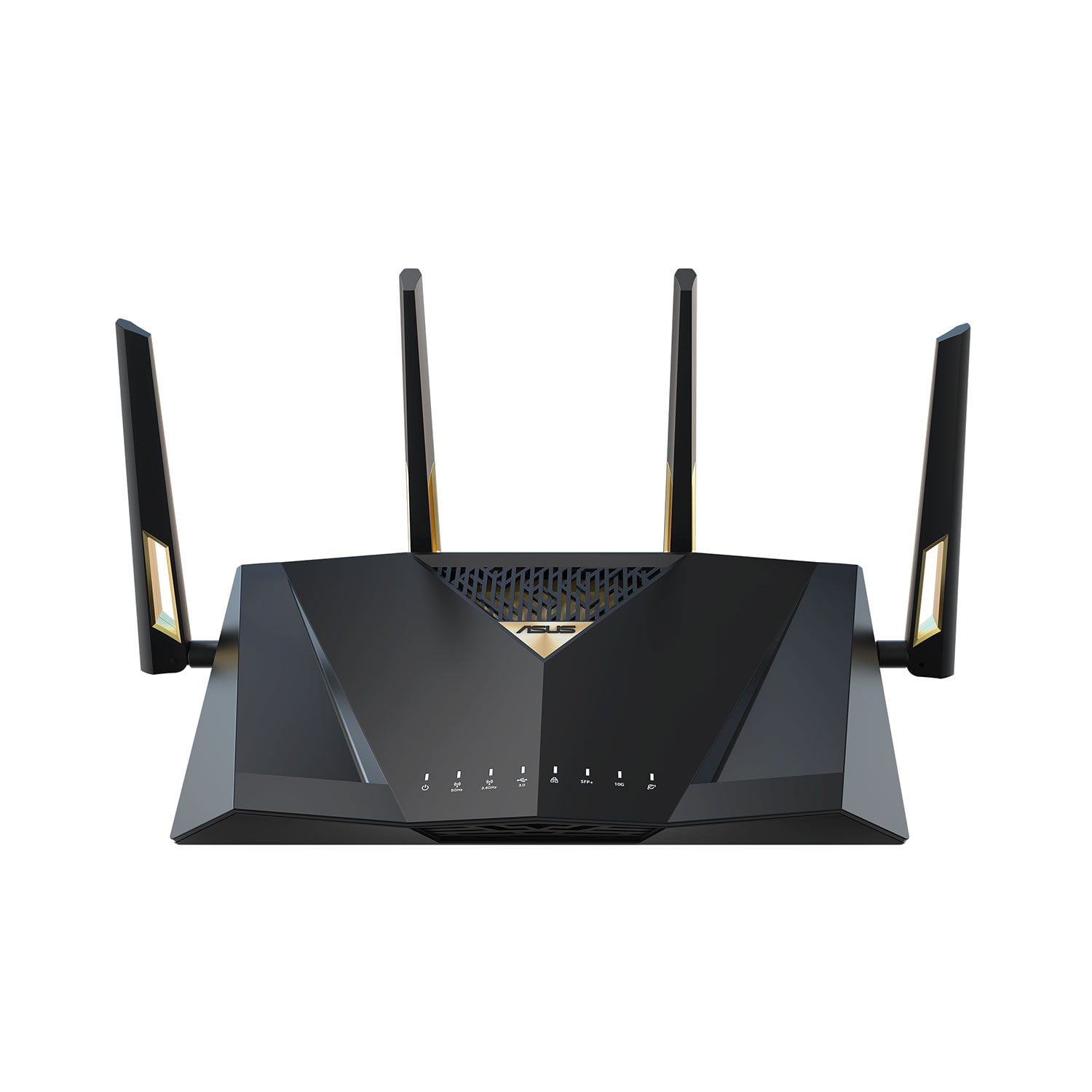
ASUS RT-BE88U Dual-band WiFi 7 Router
4.3 out of 5 stars
stars
66 ratings66 reviews
  1. 5 stars70% (46)
  2. 4 stars14% (9)
  3. 3 stars5% (3)
  4. 2 stars5% (3)
  5. 1 star8% (5)
Sort by |
Showing 61-66 of 66 reviews
May 27, 2025
Reviewer name: Roberto Max
5 out of 5 stars
5 out of 5 stars review

Verified Purchase

It works well so far.

It works well so far. I used RT-AC88U and decided to upgrade.

Review from https://www.asus.com
Helpful?7097NEHYOC3L15257556860
Jun 28, 2025
Reviewer name: Rever
4 out of 5 stars
4 out of 5 stars review

Verified Purchase

Stronger

So far, 3 days in, this is operating well and giving us better power and speed

Review from https://www.asus.com
Helpful?7097NEHYOC3L15257556860
Dec 2, 2024
Reviewer name: wlpatch1
1 out of 5 stars
1 out of 5 stars review

Verified Purchase

INFERIOR QUALITY/LITTLE IF NO CUSTOMER SERVICE

INFERIOR QUALITY AND LACK OF CONNECTIVITY FOR NUMEROUS 2.4 GH. DEVICES

Review from https://www.asus.com
Helpful?7097NEHYOC3L15257556860
reply from CLM

Dear Wlpatch1, We do understand your disappointment with the router and the inconvenience this may have caused if you are experiencing connection problems. To resolve the unstable connection, please verify the router’s settings matches with your ISP’s modem credentials, verify if the PC or device connecting to the router is working properly and within range to the router, the router is within 30 feet to the ISP's modem, if not wired with a network cable, and ISP's internet service or connection is working properly or stable. The router was placed in a central location within your home, away from walls and obstructions, keep it elevated off the floor and away from electronic devices that may cause interference. Legacy devices running at 2.4GHz may not work properly with WIFI6 and WIFI7, please check updates for these devices. Also, try connecting this manually to either 2.4GHz. Try resetting the router and reconfigure or set up the devices. Also, we recommend updating the router firmware if it is running with an older version. Firmware is available for download at: https://www.asus.com/us/networking-iot-servers/wifi-routers/asus-gaming-routers/rt-be88u/helpdesk_bios?model2Name=RT-BE88U. Should you need further assistance with the product, please email me at cl-rodel@asus.com and I would be more than happy to help. Or, you are most welcome to call Product Support Hotline at: 1(888) 678-3688. Also, you can chat with an ASUS live support agent from the link: https://www.asus.com/us/support/article/1135/. Thank you for choosing an ASUS product. Regards, Rodel ASUS Customer Loyalty

Apr 23, 2025
Reviewer name: Cakes
5 out of 5 stars
5 out of 5 stars review

Verified Purchase

Great Product

So far this device is excellent. This is my 3rd upgrade on a better device. I love it.

Review from https://www.asus.com
Helpful?7097NEHYOC3L15257556860
Mar 4, 2025
Reviewer name: The Director
5 out of 5 stars
5 out of 5 stars review

Verified Purchase

Tech at it's best

Well engineered with the latest technology. Easy setup.

Review from https://www.asus.com
Helpful?7097NEHYOC3L15257556860
Sep 16, 2024
Reviewer name: Huskeylover2010
5 out of 5 stars
5 out of 5 stars review

Verified Purchase

Great Router

Setup to imesh was easy. Works well and plays nice with my other ASUS devices.

Review from https://www.asus.com
Helpful?7097NEHYOC3L15257556860