Skip to Main Content
Sams Club
Sams Club
Customer ratings & reviews for
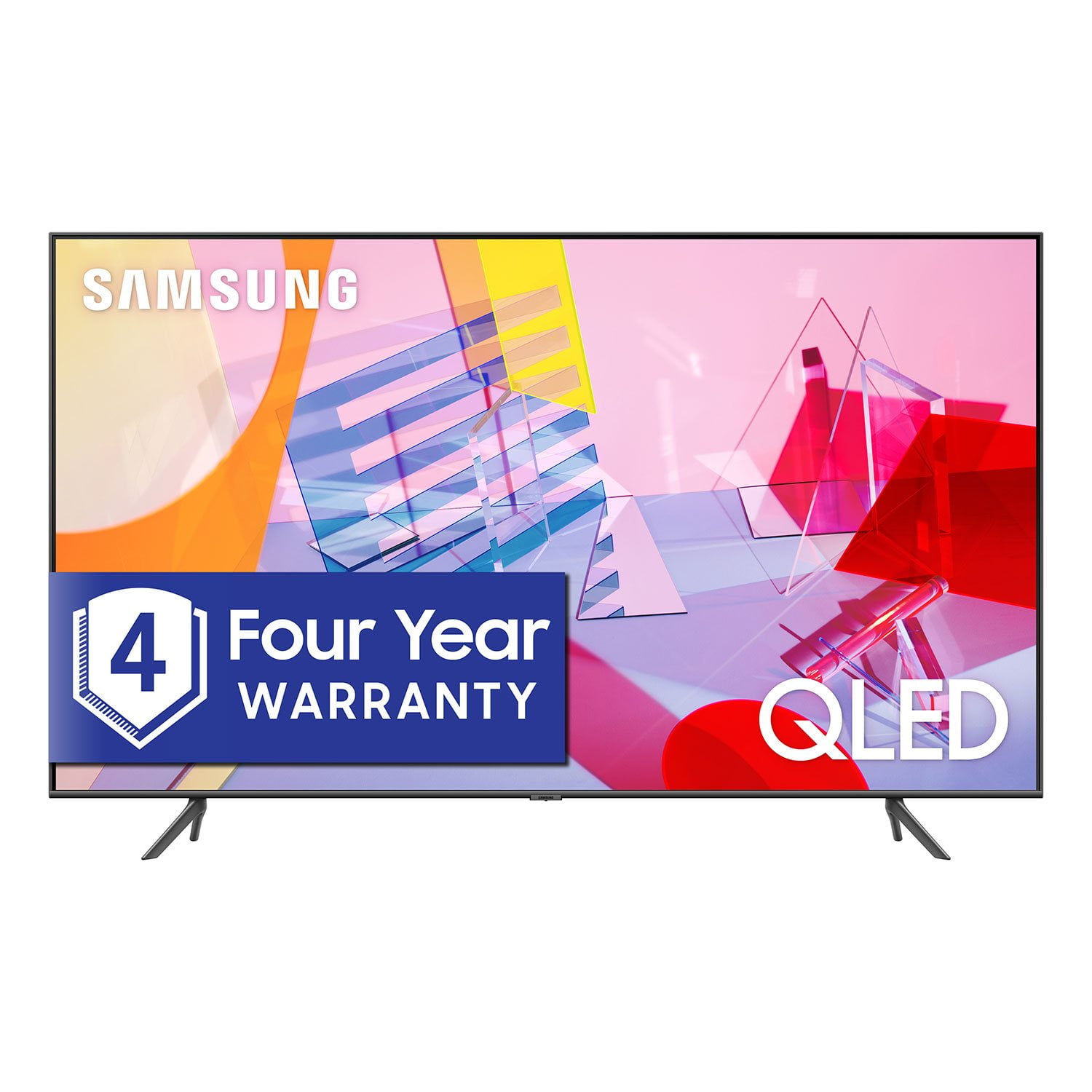
SAMSUNG 55" Class Q6DT-Series 4K Ultra HD QLED Smart TV - QN55Q6DTAFXZA (2020 Model)
4.7 out of 5 stars
stars2,111 ratings2,037 reviews
  1. 5 stars78% (1,656)
  2. 4 stars15% (321)
  3. 3 stars3% (56)
  4. 2 stars1% (22)
  5. 1 star3% (56)
Write a review

Customer photos

  • +13 images
Sort by |
Showing 61-70 of 2,037 reviews
Nov 24, 2021
NopeJustNope
1 out of 5 stars review

qn75q6daaf Is Absolute TRASH

first purchased 7/24/2021 and had a row of pixels go out on 9/5/2021. i thought this was just a fluke(was i ever wrong) so i took a new one home. the new one as of today (11/23/2021) went black and just turns itself on and off repeatedly. two tvs dead in less than 4 months.

Review from Samsung US
Helpful?2NS8KJIS3KAL15252270711
May 31, 2020
Buster57
3 out of 5 stars review

Excellent TV-Horrible remote and poor instructions

I use this TV for a computer monitor and TV for news and documentaries. The remote belongs in a fish tank otherwise I would give it 4.5 out of 5.

Review from Samsung US
Helpful?2NS8KJIS3KAL15252270711
reply from OBA

Buster57, I am sorry to see that you had trouble with the remote functions. Here is the link to the downloadable eManual that include the xx series remote diagram and a detailed step-by-step guide (page 20-22): https://downloadcenter.samsung.com/content/UM/202005/20200514163050639/NIKATSCT-3.0.3_EM_NIKE_USA_ENG_200413.0.pdf I hope this eManual provides all the information you are looking for. Should you need further assistance with features or usage, please do reach out to our Customer Service at: 1) Phone: 1-800-SAMSUNG (ask for TVs) Available 8AM – 9PM EST (Mon-Fri) 2) LiveChat: https://www.samsung.com/us/support/#contact_us_for_support 3) Facebook Messenger: https://www.facebook.com/samsungsupport 4) Twitter: https://twitter.com/SamsungSupport 5) The Samsung Members Community is also a great resource for getting help from Samsung moderators and customers: https://us.community.samsung.com/t5/Get-Help/ct-p/get-help Thank you for choosing Samsung. We hope these tips help you better enjoy the premium features of your Q60T TV. - Samsung Ambassador

May 18, 2020
Fredt22
1 out of 5 stars review

Ads in the menu

This does not mention the ads you get serviced by your on TV in the menu, thoughtfully by Samsung. That you cannot turn off.

Review from Samsung US
Helpful?2NS8KJIS3KAL15252270711
reply from OBA

Fredt22, Thank you for sharing your feedback. The preinstalled apps and shortcut function buttons are part of our Smart TV platform designed to deliver simple, easy, and customized entertainment experience for our customers. Customized ads appear in a small icon on the lower left of the TV screen and are unobtrusive unless a consumer clicks on them. Consumers can choose to opt-out of receiving interest-based ads at any time through the settings menu. Should a consumer opt not to receive interest-based ads, the small icon will still be present, but the ads will be generic and not based on the consumer’s specific interests. If there is anything we can do to further assist and improve your user experience, please do let us know by contacting Samsung Customer Support via one the following options: 1) Phone: 1-800-SAMSUNG (Ask for TVs) Available 8AM – 9PM EST (Mon-Fri) 2) LiveChat: https://www.samsung.com/us/support/#contact_us_for_support 3) Facebook Messenger: https://www.facebook.com/samsungsupport 4) Twitter: https://twitter.com/SamsungSupport 5) The Samsung Members Community is also a great resource for getting help from Samsung moderators and customers: https://us.community.samsung.com If you have not already done so, we invite you to register your new Samsung product at: https://www.samsung.com/us/account/signin/?redirect=https%3A%2F%2Fwww.samsung.com%2Fus%2Fsupport%2Fregister%2F Registering your product gives you access to easy warranty support, convenient opt-in to special promos and offers, faster troubleshooting and service, and quick notification of system updates. -Samsung Ambassador

Mar 27, 2020
Doowop
5 out of 5 stars review

Al I can say this is a great tv

I bought this Q60T 43” this month so far this tv works great,and I do agree with Jackson G.in his first review and I recommend this tv

Review from Samsung US
Helpful?2NS8KJIS3KAL15252270711
reply from OBA

Doowop, Thank you for sharing your positive experience with the Q60T QLED Smart TV. Not only does the 2020 Q60T series comes with cutting- edge picture, it is also equipped with a slew of innovative features- such as Bixby and Alexa voice assistants, Mobile view, and AirPlay 2 support, all designed to make your entertainment more convenient, connected, and personal. New to our 2020 QLED TVs, Tap View lets you screen mirror on TV by tapping your phone. Mobile View lets users enjoy TV and mobile content together on the big screen. Should you have questions about any of the features, or need assistance with usages, please contact Samsung Customer Support toll-free at 1-800-SAMSUNG (ask for TVs) and a representative will gladly help you. You can also contact Samsung via LiveChat. Simply insert this link into your browser: http://www.samsung.com/us/support/contact We are likewise reachable by Facebook Messenger at: https://www.facebook.com/samsungsupport Or find us on Twitter at https://twitter.com/SamsungSupport If you have not already done so, we invite you to register your new Samsung product at: https://www.samsung.com/us/account/signin/?redirect=https%3A%2F%2Fwww.samsung.com%2Fus%2Fsupport%2Fregister%2F Registering your product gives you access to easy warranty support, convenient opt-in to special promos and offers, faster troubleshooting and service, and quick notification of system updates -Samsung Ambassador

Oct 22, 2020
Tfudds
1 out of 5 stars review

Terrible tv

[This review was collected as part of a promotion.] Within a couple weeks the tv had a short in it and it has been impossible to get it fixed and replaced. I would never buy Samsung again.

Review from Samsung US
Helpful?2NS8KJIS3KAL15252270711
Nov 18, 2020
karma66
5 out of 5 stars review

This model has great features

[This review was collected as part of a promotion.] love this tv one. Of the better tvs I have bought great picture easy-to-use easy to search just all around great TV

Review from Samsung US
Helpful?2NS8KJIS3KAL15252270711
Oct 17, 2021
Nonono
1 out of 5 stars review

Na

[This review was collected as part of a promotion.] Never again buying an over priced paper weight bad picture band sound poorly made was way overpriced picture went out not even 3 months after purchase

Review from Samsung US
Helpful?2NS8KJIS3KAL15252270711
reply from Samsung Brand Ambassador

Hi Nonono, Thank you for sharing your review of the Q60T TV. We value your thoughts on this TV and will share it with our teams. If there is anything we can do to improve your enjoyment such as helping to optimize settings for your specific usage scenario, please contact Samsung Customer Support at 1-800-SAMSUNG (ask for TVs), available 8AM - 12AM EST, 7 days a week. For additional support resources, visit us on the Samsung website and click on the ‘Support’ link in the upper right corner of the homepage for: 1) Contact Us: For additional Chat & Text options, choose ‘TVs & Home Theater’ and select your model & topic. 2) Manuals, Software, & Warranty Info We hope to hear from you. ~ Samsung Specialist

Jan 24, 2022
se124
1 out of 5 stars review

TV lasted only 12 months

this was my first samsung tv. it worked fine for 12 months. my worst tv before that lasted 5 years. apparently, it is not possible to repair it due to lack of spare parts.

Review from Samsung US
Helpful?2NS8KJIS3KAL15252270711
Nov 11, 2020
Broken
1 out of 5 stars review

Second attempt TV is also broken.

[This review was collected as part of a promotion.] I'm not sure if Samsung does not have quality products or if the supplier only has broken TVs, but I've had 2 TVs delivered over the last 4 weeks and both of them have been broken.

Review from Samsung US
Helpful?2NS8KJIS3KAL15252270711
reply from OBA

Broken: Thank you for sharing your review of the Q60T TV. Our products leave the factory after passing numerous rigorous quality checks. Nonetheless, damage could have been incurred during shipping and handling, and I am sincerely sorry for your disappointment. Please call Samsung Customer Support and an agent will gladly assist you. You can reach us via any of the below options: 1-800-SAMSUNG (available 8AM -12AM EST, 7 days a week) Or visit us on the Samsung website and click on the ‘Support’ link in the upper right corner of the homepage for: 1) Contact Us Options (LiveChat, Remote Support, Facebook, Twitter) 2) Product Support 3) Manuals and Downloads 4) Warranty Info 5) Product Registration: Registering your product gives you access to easy warranty support, convenient opt-in to special promos and offers, faster troubleshooting and service, and quick notification of system updates 6) Samsung Community: A great resource for getting help from Samsung moderators and customers and more 7) …and more product, repair, order, and care options ~ Samsung Solutions

Aug 15, 2020
Anonymous
4 out of 5 stars review

Verified Purchase

Cool

Good

Helpful?2NS8KJIS3KAL15252270711