Skip to Main Content
Sams Club
Sams Club
Customer reviews for SAMSUNG 85" Class CU7000-Series Crystal UHD 4K Smart TV with HDR - UN85CU7000DXZA for
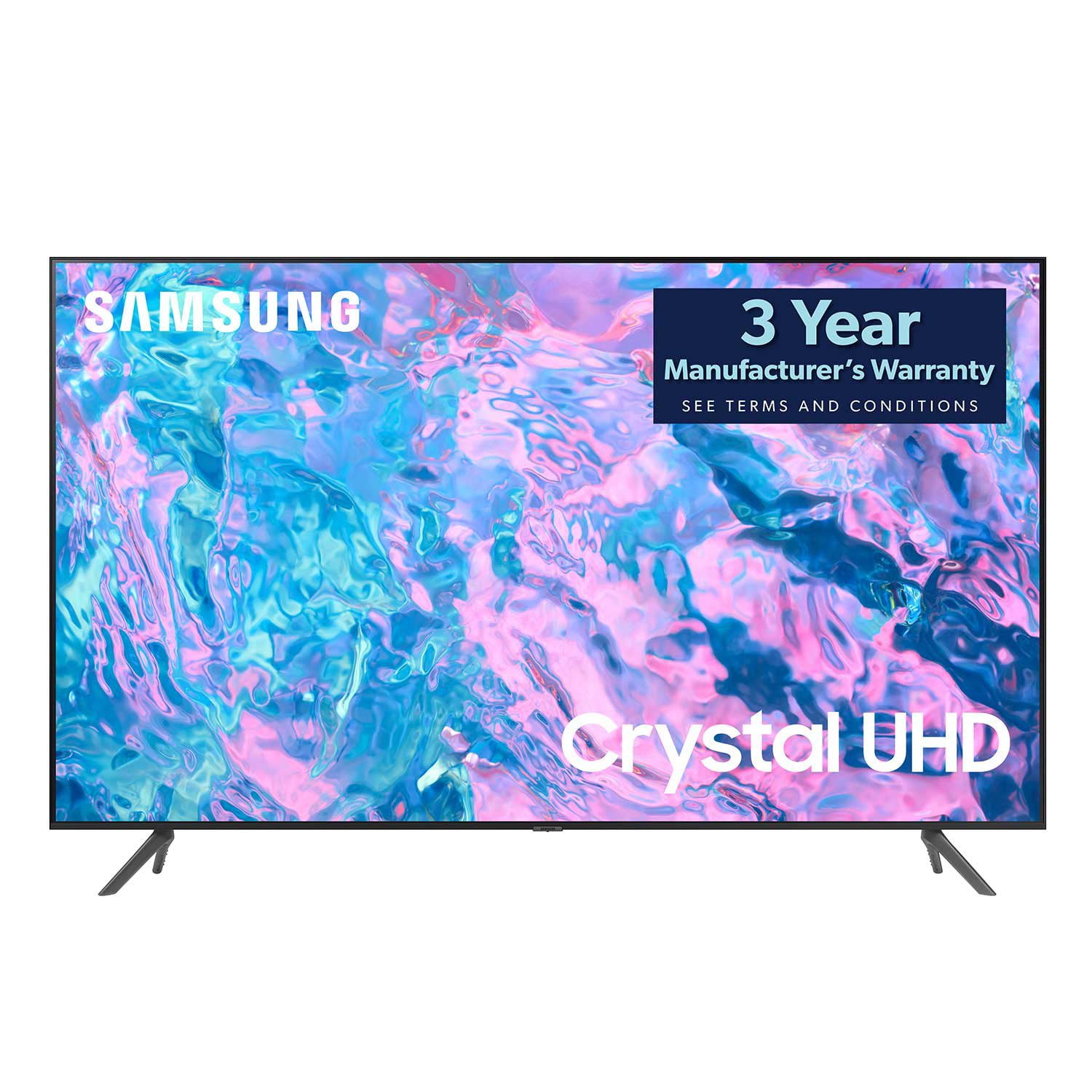
SAMSUNG 85" Class CU7000-Series Crystal UHD 4K Smart TV with HDR - UN85CU7000DXZA
4.6 out of 5 stars
stars1,383 ratings1,254 reviews
  1. 5 stars73% (1,004)
  2. 4 stars19% (261)
  3. 3 stars4% (58)
  4. 2 stars1% (20)
  5. 1 star3% (40)

Member photos

  • +304 images
Sort by |
Showing 971-980 of 1,254 reviews
Jul 31, 2024
IRONZOMBI3
4 out of 5 stars review

This product is a amazing

[This review was collected as part of a promotion.] I love this TV its so nice it has all the features I need

Review from Samsung US
Helpful?5LGXVQOCK4DK13976515511
Jun 14, 2023
markl44
3 out of 5 stars review

problems with apps

this is my second CU7000D ... I returned the first because of a problem with apps...this has the same problem

Review from Samsung US
Helpful?5LGXVQOCK4DK13976515511
reply from Samsung Brand Ambassador

Hi markl44, If apps are not working correctly, we recommend first checking for firmware updates on your TV. Go to Home > Settings > Support > Software Update. If you do have the latest firmware, then you can next try a cold boot. There are two ways to cold boot your TV: 1) Using the Remote: For most people, the easiest way is to hold down the Power button on the Samsung TV remote until the TV turns off and then on again. This should take about 5 seconds. 2) Using the Plug: If you do not have the remote, unplug your TV from the wall outlet or surge protector, leave it unplugged for 30 seconds, and then plug it back in. For more help, please contact Samsung TV Support at 1-800-SAMSUNG, available 8 AM – 12 AM EST, seven days a week. Our LiveChat agents are also available by clicking on the ‘Support’ link on our website. ~ Samsung Advisor

Jun 26, 2024
Anonymous
5 out of 5 stars review

Excellent quality

[This review was collected as part of a promotion.] Vibrant colors and extremely beautiful , durable and energy efficient

Review from Samsung US
Helpful?5LGXVQOCK4DK13976515511
May 20, 2024
LeeDouglas
4 out of 5 stars review

Nice picture

[This review was collected as part of a promotion.] Nice picture for the price. Easy to mount onto the wall.

Review from Samsung US
Helpful?5LGXVQOCK4DK13976515511
Jul 2, 2024
Janugfg
5 out of 5 stars review

BEST TV EVER

[This review was collected as part of a promotion.] The tv survived huracane Maria in Puerto Rico , also is surviving luma power outages

Review from Samsung US
Helpful?5LGXVQOCK4DK13976515511
Sep 29, 2023
Rc49
5 out of 5 stars review

Easy setup

Very pleased with my purchase. Finally have a tv with Bluetooth. Speakers seem a little on the weak side. But, for the money I am very satisfied.

Review from Samsung US
Helpful?5LGXVQOCK4DK13976515511
Jun 3, 2024
Samsungtvuser
5 out of 5 stars review

Great TV Samsung

[This review was collected as part of a promotion.] This TV is great! Movie theatre quality. Great sound.

Review from Samsung US
Helpful?5LGXVQOCK4DK13976515511
Jun 1, 2024
Sbrooks
5 out of 5 stars review

More than I expected

Sp glad I bought this TV, and in sale. I have trouble seeing but with ghis TV I have no issues love it

Review from Samsung Canada
Helpful?5LGXVQOCK4DK13976515511
Nov 24, 2023
SIMON5071
5 out of 5 stars review

Best screen quality

(This review was collected as part of a promotion.) Great size and viewing . Perfect for families and children.

Review from Caddle
Helpful?5LGXVQOCK4DK13976515511
Jan 20, 2024
85 Inch Tv
2 out of 5 stars review

Streaks in TV

Just took out of the box, and the picture on screen is streaked on every channel. Appears maybe something is cracked internally.

Helpful?5LGXVQOCK4DK13976515511
reply from Samsung

Hi 85 Inch Tv,Thank you for purchasing the Samsung CU7000 TV and for sharing your experience with your TV not displaying properly. Please try the following troubleshooting steps:1. If any external devices are connected, check all input cable connections2. If the issue persists, define precisely what is wrong with the display. For example, mosaics and blocks, multiple lines or white dots, and fixed horizontal or vertical lines.3. Try changing channels using the remote control. Is the issue the same on all channels?4. Press the Home button (looks like a house), select Source, and choose another input source. Is the issue the same on all sources?5. If the same problem persists, run a diagnostic test. (Home > Settings > Support > Device Care > Self Diagnosis > Picture Test)6. If the problem disappears during the test, check your TV signal (Home > Settings > Support > Device Care > Self Diagnosis > Signal Information) to check the signal strength. The signal strength must be more than 20 dB (more than 4 bars on the icon) for stable signal reception.Should your issue persist, please contact Samsung Customer Support. You can call us at 1-800-SAMSUNG, 8 AM - 12 AM EST, seven days a week. Our LiveChat agents are also available by clicking on the ‘Support’ link on our website.~ Samsung Advisor