Skip to Main Content
Sam's Club
Sam's Club
All Departments
All Services
Customer reviews for SAMSUNG 85" Class CU7000-Series Crystal UHD 4K Smart TV with HDR - UN85CU7000DXZA for
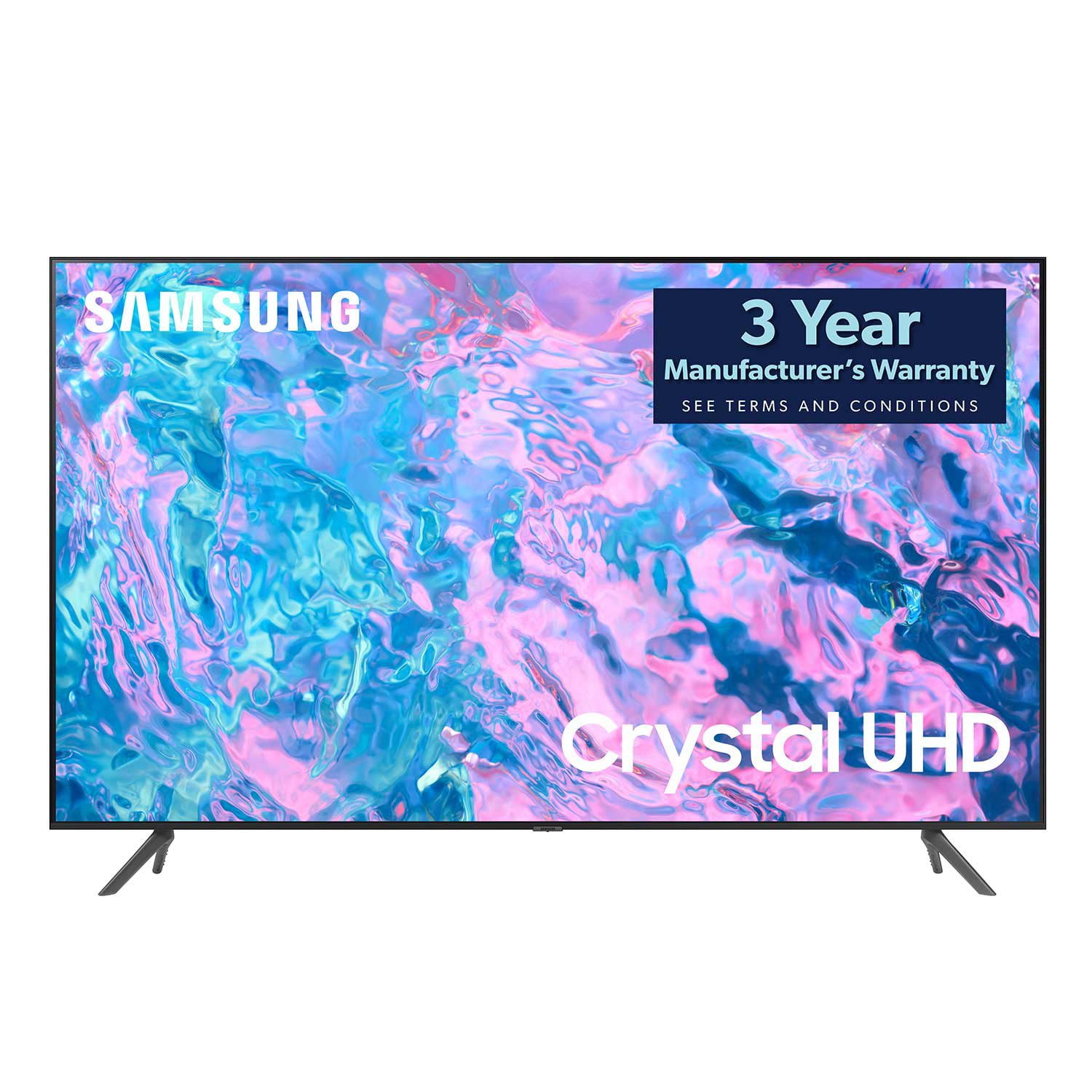
SAMSUNG 85" Class CU7000-Series Crystal UHD 4K Smart TV with HDR - UN85CU7000DXZA
4.6 out of 5 stars
stars
1,383 ratings1,254 reviews
  1. 5 stars73% (1,004)
  2. 4 stars19% (261)
  3. 3 stars4% (58)
  4. 2 stars1% (20)
  5. 1 star3% (40)

Member photos

  • +304 images
Sort by |
Showing 1,041-1,050 of 1,254 reviews
Nov 24, 2023
Reviewer name: Jason52818
5 out of 5 stars
5 out of 5 stars review

Good tv for me

(This review was collected as part of a promotion.) Perfect size to watch with great smart functions big plus

Review from Caddle
Helpful?5LGXVQOCK4DK13976515511
Oct 10, 2023
Reviewer name: Dave
5 out of 5 stars
5 out of 5 stars review

Samsung TV

Got this TV month ago set ups real easy awesome picture and it's a smart TV does everything I wanted to do definitely would buy again

Review from Samsung US
Helpful?5LGXVQOCK4DK13976515511
Mar 25, 2024
Reviewer name: ProVpres
5 out of 5 stars
5 out of 5 stars review

Very nice!

[This review was collected as part of a promotion.] New TV for us and the picture is great. Easy to connect and use. Very happy with this tv.

Review from Samsung US
Helpful?5LGXVQOCK4DK13976515511
Jul 2, 2024
Reviewer name: Jaikai
5 out of 5 stars
5 out of 5 stars review

Great TV, great price

[This review was collected as part of a promotion.] Love the shows on Samsung TV plus. Lots to choose from.

Review from Samsung US
Helpful?5LGXVQOCK4DK13976515511
Jun 14, 2023
Reviewer name: markl44
3 out of 5 stars
3 out of 5 stars review

problems with apps

this is my second CU7000D ... I returned the first because of a problem with apps...this has the same problem

Review from Samsung US
Helpful?5LGXVQOCK4DK13976515511
reply from Samsung Brand Ambassador

Hi markl44, If apps are not working correctly, we recommend first checking for firmware updates on your TV. Go to Home > Settings > Support > Software Update. If you do have the latest firmware, then you can next try a cold boot. There are two ways to cold boot your TV: 1) Using the Remote: For most people, the easiest way is to hold down the Power button on the Samsung TV remote until the TV turns off and then on again. This should take about 5 seconds. 2) Using the Plug: If you do not have the remote, unplug your TV from the wall outlet or surge protector, leave it unplugged for 30 seconds, and then plug it back in. For more help, please contact Samsung TV Support at 1-800-SAMSUNG, available 8 AM – 12 AM EST, seven days a week. Our LiveChat agents are also available by clicking on the ‘Support’ link on our website. ~ Samsung Advisor

Mar 30, 2024
Reviewer name: Anonymous
5 out of 5 stars
5 out of 5 stars review

Great TV

We are very happy with TV. Great color and sound. Just the right size for our apartment living room.

Review from Samsung Canada
Helpful?5LGXVQOCK4DK13976515511
Jul 3, 2024
Reviewer name: T4samsung
5 out of 5 stars
5 out of 5 stars review

Crystal clear

[This review was collected as part of a promotion.] Great TV, very clear and sleek. I love how it sits flush on my wall.

Review from Samsung US
Helpful?5LGXVQOCK4DK13976515511
Dec 13, 2023
Reviewer name: Guiomar22897
5 out of 5 stars
5 out of 5 stars review

Just like being in the Theater

(This review was collected as part of a promotion.) I appreciate all the apps. The sharp image. It's a perfect size to enjoy the experience.

Review from Caddle
Helpful?5LGXVQOCK4DK13976515511
Dec 13, 2023
Reviewer name: Renata90351
5 out of 5 stars
5 out of 5 stars review

Samsung smart tv

(This review was collected as part of a promotion.) Great size tv. Has awesome resolution and the picture is perfect

Review from Caddle
Helpful?5LGXVQOCK4DK13976515511
Sep 1, 2023
Reviewer name: Early
5 out of 5 stars
5 out of 5 stars review

Great picture and very easy to setup

I am extremely pleased with this TV everyone who has watched has stated how picture perfect the movies even the black and white's appear

Review from Samsung US
Helpful?5LGXVQOCK4DK13976515511