Skip to Main Content
Sam's Club
Sam's Club
All Departments
All Services
Customer reviews for Garmin Drive 53 5-inch Touchscreen GPS Navigator for
Garmin Drive 53 5-inch Touchscreen GPS Navigator
4.1 out of 5 stars
stars
217 ratings208 reviews
  1. 5 stars55% (119)
  2. 4 stars19% (41)
  3. 3 stars15% (32)
  4. 2 stars5% (11)
  5. 1 star6% (14)
Sort by |
Showing 41-50 of 208 reviews
Jan 14, 2026
Reviewer name: I - 295 Driver
3 out of 5 stars
3 out of 5 stars review

Roads Missing

I recently bought this because I found out I couldn't get updated maps for my TomTom. I went out this morning and tried it out and it was also missing a recently finished highway. I-295,the western bypass around Fayetteville, NC was recently finished and it does not show up on the Garmin. I did update the map just after buying it. Also, it would be nice to have a clock on the display.

Review from Garmin
Helpful?28YIOL7YSDPG13961070394
Oct 13, 2025
Reviewer name: Jake B
5 out of 5 stars
5 out of 5 stars review

Extremely helpful, compact, and few drawbacks

Extremely helpful identifying crossroads and upcoming roadways. Also compact enough and does not consume a lot of space in my dashboard. Since I work in rural areas 90% of the time, the traffic variant was not a priority for me and hasn't been needed on my end. Obviously, as a GPS it works fast and when my cellular based devices lose connection, this is a good fallback. However, it is time consuming entering addresses and locations manually and one handed, if needed, and it can struggle identifying addresses and routes with names native to a states highway department, such as it may have difficulty identifying routes with an FM (Farm to Market) road or a CR (County Road) especially if they have the same identifying numbers in a county in Texas for example. If your job requires lots of driving in rural areas, or driving in general and you need to know upcoming crossroads, directions, and other basic info I cannot recommend it enough however. I would not recommend if you need directions off of marked roadways however, and if you work in populated areas I would recommend the traffic tracking variant.

Review from ExpertVoice.com
Helpful?28YIOL7YSDPG13961070394
Jan 18, 2026
Reviewer name: Careless directions
3 out of 5 stars
3 out of 5 stars review

Very disappointed

I have the Drive 51 and replaced it with the Drive 53 that boasts about traffic is included. The cable for it is Not included. Directions for traffic in the manual are vague as well as any YouTube reports in the 53. The update was run first thing before use. The directions to Port Huron was fine until we got off the freeway to turn towards the Comfort Inn. Just off the freeway ramp at the traffic light, it tells me to turn left and then changes to turn right instead. We crossed over two lanes from a stop at the red light and we turned right which was wrong per the audible directions. Very inconvenient from the left turn lane and honking going on!

Review from Garmin
Helpful?28YIOL7YSDPG13961070394
Oct 13, 2025
Reviewer name: Drive 53
3 out of 5 stars
3 out of 5 stars review

I like the size for the car

at times it takes a very long time to get satilite reception on clear days. I have had this one in service for about a month now. Past gps had it ready to navigate soon as it started. It was replaced due to slow reception followed by display freezing after one year of use. Curious how long this one lasts. I have been a long time Garmin user for work and pleasure.

Review from Garmin
Helpful?28YIOL7YSDPG13961070394
reply from Care

Hi there, here is a direct link to a troubleshooting article to improve the devices' ability to receive satellite reception. http://ms.spr.ly/6428sN9VM

Jan 17, 2026
Reviewer name: journeyingone
4 out of 5 stars
4 out of 5 stars review

You get what you pay for.

Out in the country, the 53EX tells you to move right or left of an oil well that is not visible from a paved Farm-to-Market highway. It will not show the time of day once you enter a route. It does darken the screen when it thinks it is dark outside.

Review from Garmin
Helpful?28YIOL7YSDPG13961070394
Jan 8, 2026
Reviewer name: dgbcpt
5 out of 5 stars
5 out of 5 stars review

Great Improvements

I was gifted the Garmin Drive 53 (GD53) from "Santa" as my Garmin Drive 50 (GD50) was getting tired. . .accurate, but tired. The GD53 has a brighter more resolute screen and the input with my fat fingers works extremely better than on the GD50. I doubt I'll use all the features available, but the display and layout of the different features is much more appealing to the eyes.

Review from Garmin
Helpful?28YIOL7YSDPG13961070394
Dec 12, 2025
Reviewer name: Jerry
5 out of 5 stars
5 out of 5 stars review

Verified Purchase

Work saver!

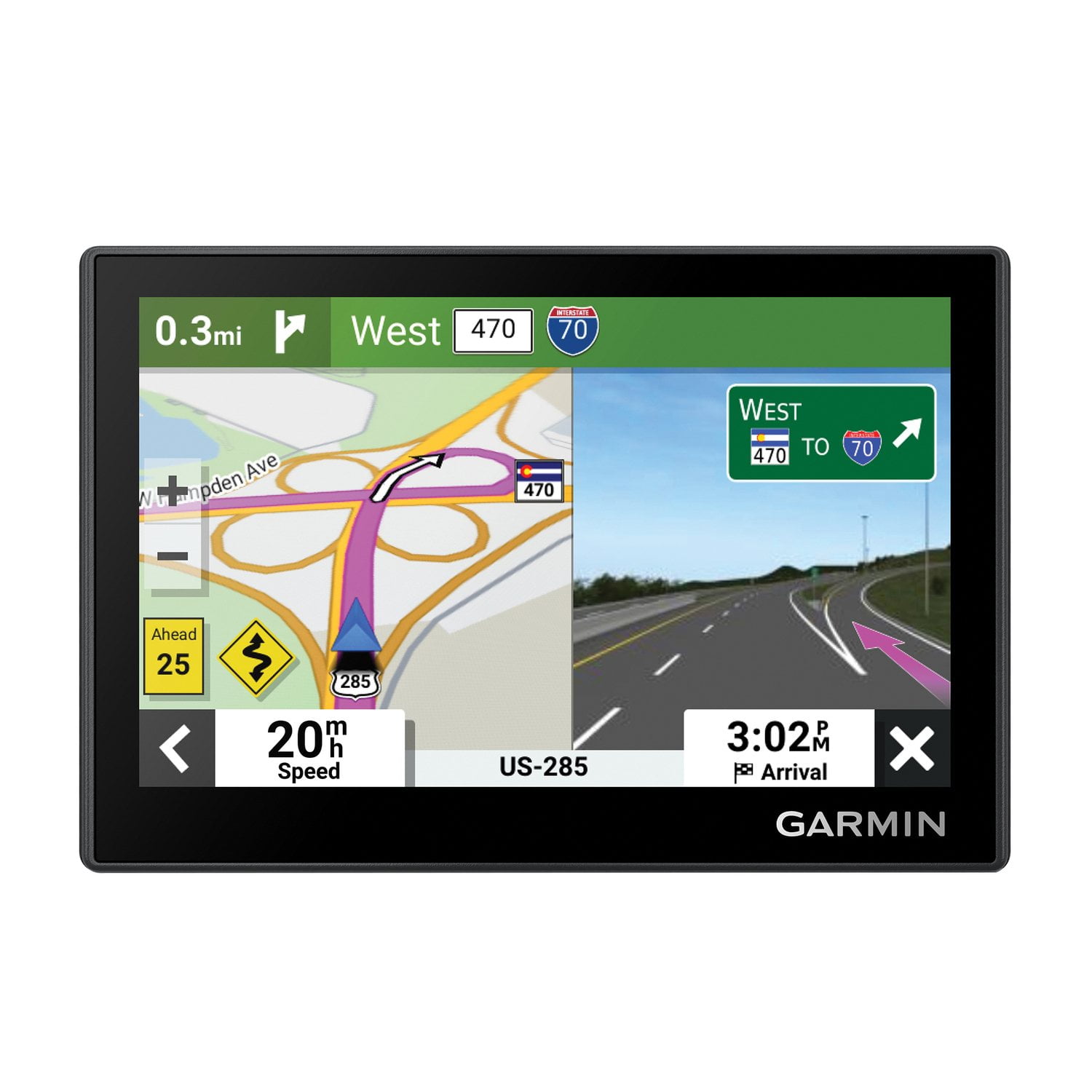
The split screen is a great feature.

Review from walmart.com
Helpful?28YIOL7YSDPG13961070394
Jan 20, 2026
Reviewer name: anonymous
5 out of 5 stars
5 out of 5 stars review

Verified Purchase

Husband Loves it. Great Christmas gifrt

Review from walmart.com
Helpful?28YIOL7YSDPG13961070394
Sep 1, 2026
Reviewer name: tomrausch
5 out of 5 stars
5 out of 5 stars review

Euast To Use, Fast, And Accurate

The Garmin Drive 53 is easy to use. It is fast and accurate.

Review from Garmin
Helpful?28YIOL7YSDPG13961070394
Nov 14, 2025
Reviewer name: WalmartCustomer
5 out of 5 stars
5 out of 5 stars review

Verified Purchase

[This review was collected as part of a promotion.] Always bought Garmin GPS Trust it

Review from walmart.com
Helpful?28YIOL7YSDPG13961070394