Skip to Main Content
Sam's Club
Sam's Club
All Departments
All Services
Customer reviews for Garmin Drive 53 5-inch Touchscreen GPS Navigator for
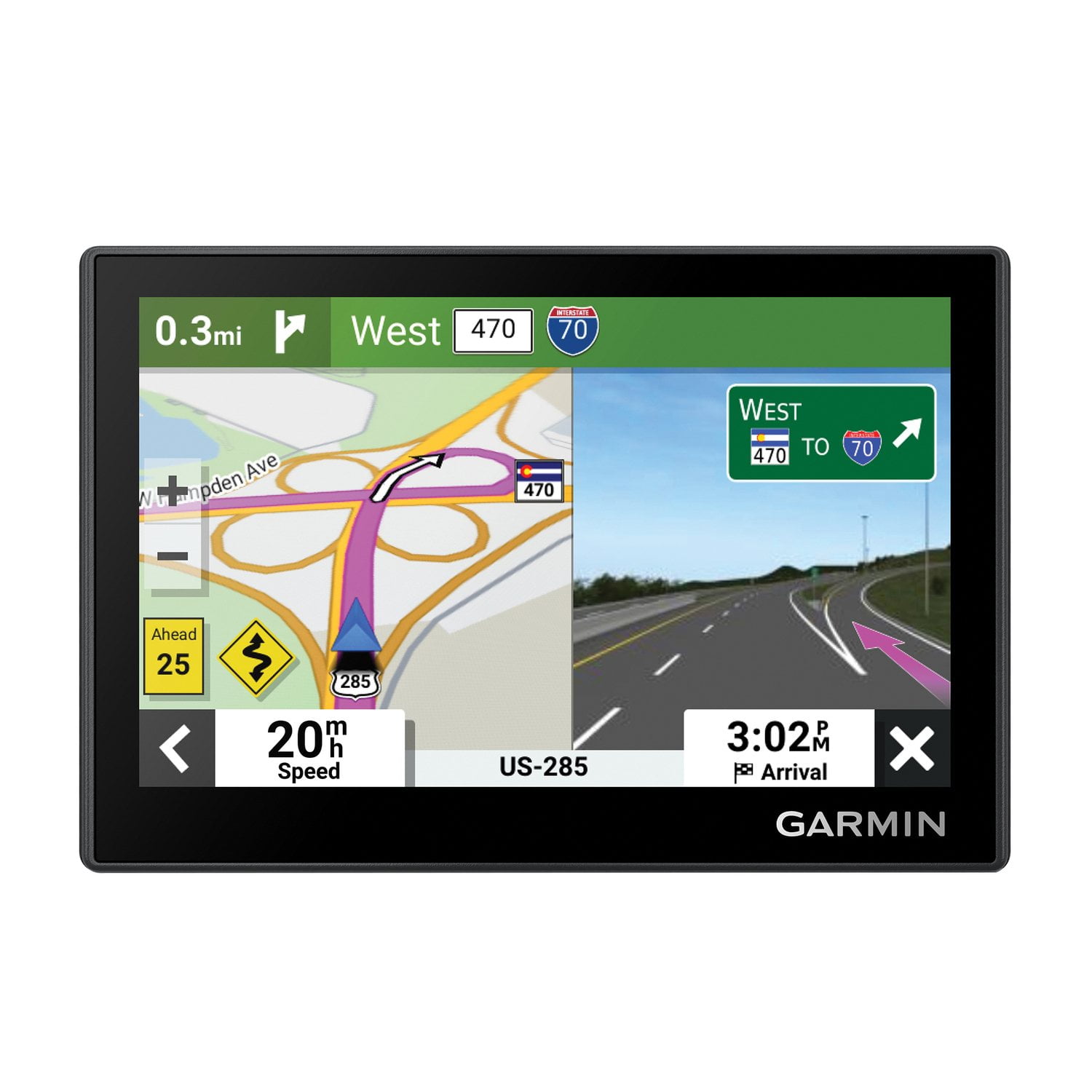
Garmin Drive 53 5-inch Touchscreen GPS Navigator
4.1 out of 5 stars
stars
213 ratings204 reviews
  1. 5 stars54% (116)
  2. 4 stars19% (40)
  3. 3 stars15% (32)
  4. 2 stars5% (11)
  5. 1 star7% (14)
Sort by |
Showing 91-100 of 204 reviews
Jan 12, 2026
Sadly
1 out of 5 stars review

Not totally happy.

Worked great the first time I used it. Now I have trouble getting it charged. Pointless to have something that does not work.

Review from Garmin
Helpful?28YIOL7YSDPG13961070394
Dec 31, 2025
cea1267
5 out of 5 stars review

Drive 53

Bought this smaller Garmin to fit into a DYI console. It has a bright picture and the belss and whistles needed.

Review from Garmin
Helpful?28YIOL7YSDPG13961070394
Jan 21, 2026
Jim105
5 out of 5 stars review

Very good GPS

Needed to replace my old Garmin. This one is much the same, but newer features. The learning curve is easy.

Review from Garmin
Helpful?28YIOL7YSDPG13961070394
Aug 7, 2025
Mitz
2 out of 5 stars review

Device Overheated with each use

I wanted to upgrade my Garmin device, but this one overheated in the car so much that we were afraid of a fire. When overheating all features froze. We returned the device

Review from Garmin
Helpful?28YIOL7YSDPG13961070394
Nov 22, 2025
SMOOTHIE
4 out of 5 stars review

Premature, no chance to review yet.

Sorry, I have not had a chance to review yet; therefore, I cannot give a fair review. However, my Nuvi was great, and I am sure the the Drive 53 will be great also. I have had good luck with Garmin products. I also have a Garmin gold watch.

Review from Garmin
Helpful?28YIOL7YSDPG13961070394
Oct 15, 2025
Deltapapa
4 out of 5 stars review

Small but nice

I bought this unit for my Slingshot and it works great!! The screen is small but I know that going in. My only complaint is I can not get rid of all the side information which would make the map larger

Review from Garmin
Helpful?28YIOL7YSDPG13961070394
reply from Care

On a Garmin Drive 53, you can hide or show the trip data fields on the map screen using the "Trip Data" map tool. This allows you to remove the speed and other information from the side of the map for a cleaner view. To hide the trip data: 1. From the map screen, touch the menu button or the three horizontal bars icon. 2. Select Trip Data to show or hide the additional data fields on the right side of the screen. 3. The trip data will disappear from the side of the map. If you later want to re-enable them, repeat the steps above.

Nov 13, 2025
Bruce43
4 out of 5 stars review

Garmin Drive 53

Purchased about a month ago. Generally good but do not like the font size for the streets. My previous Garmin used much bigger letters for the streets. Would be nice to enlarge these letters. I am old and need bigger font size.

Review from Garmin
Helpful?28YIOL7YSDPG13961070394
Aug 27, 2025
carmie
5 out of 5 stars review

Excellent features

The Garmin Drive 53 is so easy to use and a 'must have' for me. I have used a Garmin device for several years and relied on it for accurate information.

Review from Garmin
Helpful?28YIOL7YSDPG13961070394
May 4, 2026
Tom !
5 out of 5 stars review

Love it period! Works perfect and love having ion the dash with the additional base.

Review from Garmin
Helpful?28YIOL7YSDPG13961070394
May 16, 2026
Riverhorse
5 out of 5 stars review

Entries are somewhat easier to save

Only complaint was my inability to transfer locations to the new device

Review from Garmin
Helpful?28YIOL7YSDPG13961070394