Skip to Main Content
Sam's Club
Sam's Club
All Departments
All Services
Customer reviews for SAMSUNG 65" Class CU7000-Series Crystal UHD 4K Smart TV with HDR - UN65CU7000DXZA for
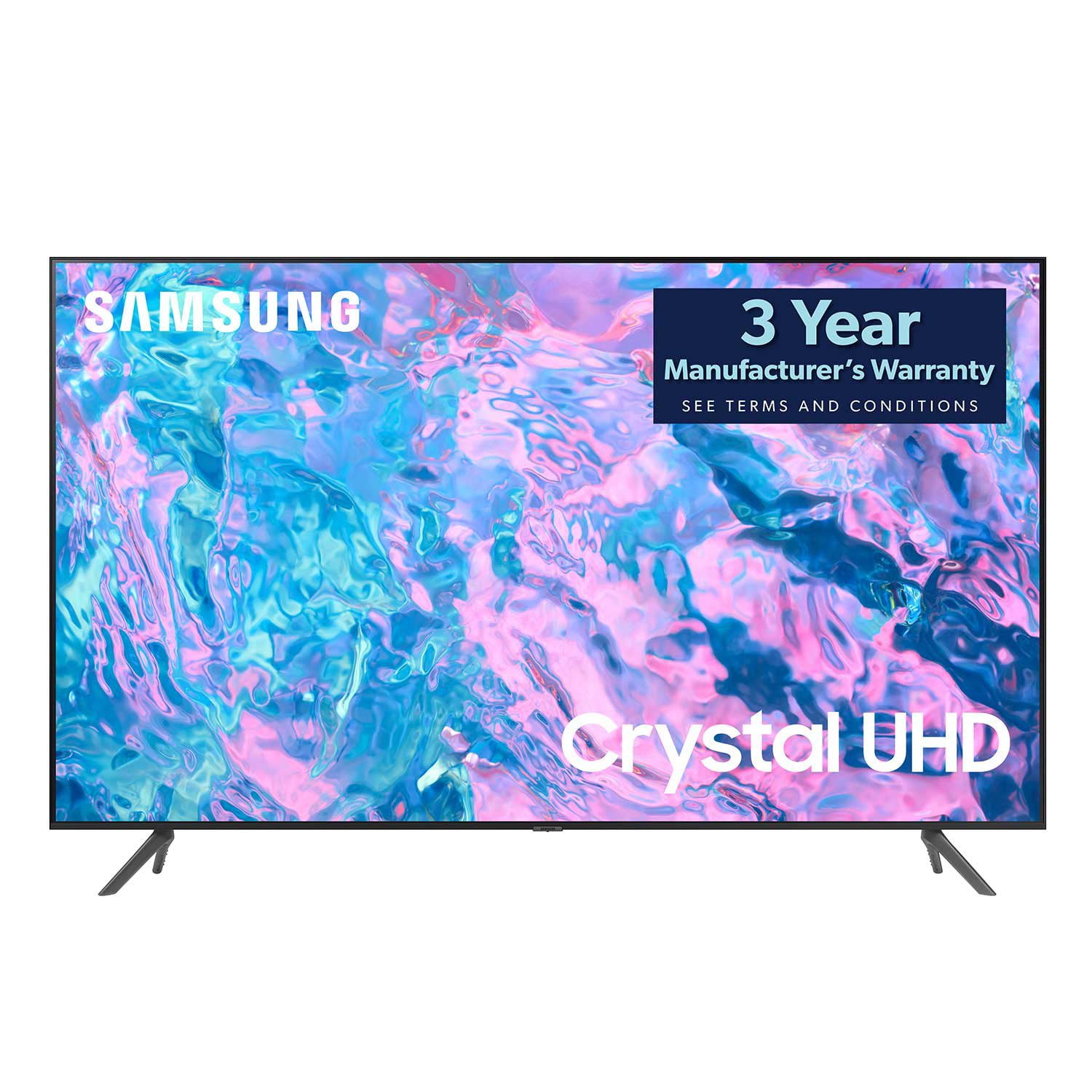
SAMSUNG 65" Class CU7000-Series Crystal UHD 4K Smart TV with HDR - UN65CU7000DXZA
4.6 out of 5 stars
stars
1,820 ratings1,412 reviews
  1. 5 stars74% (1,339)
  2. 4 stars17% (309)
  3. 3 stars4% (76)
  4. 2 stars2% (29)
  5. 1 star4% (67)

Member photos

  • +319 images
Sort by |
Showing 701-710 of 1,412 reviews
May 31, 2023
Designkaos
5 out of 5 stars review

Liked the first one enough that I bought a second.

[This review was collected as part of a promotion.] Great TV, has good picture. Got it on holiday sale with a Samsung sound bar and really enjoyed the tv. Has a great selection of apps, all the most popular. Quality is great without having to go up to the fancy stuff that we didn't need. Certainly recommend it.

Review from Samsung US
Helpful?6RZZK6GIRBUS13960862018
Jul 10, 2023
MySamsungTV
5 out of 5 stars review

Simply The Best

[This review was collected as part of a promotion.] The Samsung 65in TV is an exceptional product that delivers an awe-inspiring viewing experience. The picture quality is outstanding with crystal clear images that are detailed and vibrant. The colors are accurate, and the contrasts are striking, enhancing the overall appeal of the visuals. The sound output is also fantastic, offering a surround sound-like experience that immerses you into the content. The user interface is easy to navigate, and the various smart features are an added bonus. Additionally, the sleek design of the TV enhances the aesthetics of the room it's in. Overall, the Samsung 65in TV is an excellent investment for anyone seeking a top-tier viewing experience.

Review from Samsung US
Helpful?6RZZK6GIRBUS13960862018
Jan 7, 2024
MEEKO
3 out of 5 stars review

AWESOME PICTURE, SOUND QUALITY NOT SO GOOD

THE PICTURE IS AWSOME BUT THE SOUND QUALITY IS NOT. I WILL HAVE TO BUY A SOUND BAR SO I CAN HEAR IT. THERE IS ONLY 3 HDMI PORTS. HAVING MORE WOULD BE HELPFUL. THERE IS NO PLACE TO CONNECT MY SONY HEADPHONES TO SO THATS WHY I HAVE TO BUY A SOUND BAR THAT WILL CONNECT THROUGH WIFI. SAMSUNG SHOULD ALSO INFORM YOU AS TO WHAT SOUND BAR IS BEST FOR EACH MODLE TV.

Review from Samsung US
Helpful?6RZZK6GIRBUS13960862018
reply from Samsung Specialist

MEEKO, Thank you for purchasing Samsung's CU7000D TV and for your feedback on the sound. To ensure you’ve got the latest sound quality updates, please confirm that your TV is up to date with the latest firmware version. You can check by going to: Home > Menu > Settings > Support > Software Update. If the sound is still not to your liking after updating firmware, there are several sound settings you can adjust to suit your personal preferences. • Sound Modes may better meet your personal preferences. Go to: Menu > Settings > All Settings > Sound > Sound Mode, or Expert Settings to fine-tune and customize your sound. • Adaptive Sound will also further optimize sound quality by analyzing the viewing space and the acoustic components of the content. Go to: Menu > Settings > All Settings > General & Privacy > Intelligent Mode Settings. Should you choose to add a Samsung Soundbar to your TV, please know that our Q-Series Soundbars (such as the HW-Q600C) feature Q-Symphony which will synchronize with the speakers of your TV for an immersive 3D sound experience. To assist you with possible sound settings adjustments for a better audio experience or choosing a Samsung Soundbar to complement your viewing enjoyment, please reach out to us at 1-800-SAMSUNG, 8 AM - 12 AM EST, seven days a week. ~ Samsung Specialist

Jul 6, 2023
Jay2167
5 out of 5 stars review

Great tv series

[This review was collected as part of a promotion.] By far the best product I have ever owned the picture quality is amazing and the sound is perfect I would recommend it to everyone all I can say is I'm glad I bought this tv all ny friends are jealous.

Review from Samsung US
Helpful?6RZZK6GIRBUS13960862018
Nov 26, 2024
Gill779
4 out of 5 stars review

Samsung ES8000/CU8000

(This review was collected as part of a promotion.) Samsung 65-inch ES8000 were generally well-regarded for their time. Offered: ·       Strengths and picture quality . Excellent contrast ratio and black levels ·       Good color accuracy and vibrant colors ·       Sharp details and motion handling Smart Features: ·       Intuitive Smart TV platform ·       Access to various apps and streaming services ·       Voice and gesture control (with integrated camera)   Design: ·       Sleek and modern design ·       Thin profile ·       Additional Features: ·       3D capabilities ·       Built-in Wi-Fi ·       Weaknesses: ·       Outdated Technology: Given the age, the TV might not support the latest video formats or streaming standards. Limited Software Updates: Older models may not receive frequent software updates, affecting performance and security.

Review from Samsung Canada
Helpful?6RZZK6GIRBUS13960862018
Sep 16, 2023
Jmat9462
5 out of 5 stars review

Love the quality.

[This review was collected as part of a promotion.] I love the clarity of picture, it seems like you are on set with the actors. Now, when it comes to gaming, my PS5 come in super sharp and I love the fact it recognizes my playstation when I turn it on. The other feature my wife and I love is, the streaming and apps. Your Samsung TV Plus has all my wife's favorite shows. She always ranting and raving over how good the picture is.

Review from Samsung US
Helpful?6RZZK6GIRBUS13960862018
Jul 5, 2023
Seanjohn1
4 out of 5 stars review

Awesome picture quality and graphics.

[This review was collected as part of a promotion.] After searching for a tv that had good awesome picture quality and nice graphics for gaming. We came across the cu700d and it didn't disappoint. It is an amazing product with excellent quality all around.

Review from Samsung US
Helpful?6RZZK6GIRBUS13960862018
Aug 8, 2023
Djberrios
5 out of 5 stars review

Love Samsung

[This review was collected as part of a promotion.] I love my Samsung tvs. The picture quality is amazing. I really wish the speakers would be a bit louder but not a big problem if you get a sound bar. The Samsung plus tv feature makes it easy to use and find programming.

Review from Samsung US
Helpful?6RZZK6GIRBUS13960862018
Jun 1, 2023
TheChateauHub
5 out of 5 stars review

All Things Samsung

[This review was collected as part of a promotion.] My Smart TV has many features that make it so easy to connect with my other Samsung devices i.e. phone, tablet and refrigerator. I love that I can watch local channels, stream my favorite apps, listen to music, and keep the kids entertained as well. The picture resolution is crisp, clear and of great quality! And the sound is also great! Many of my streaming apps were already pre-loaded and it was easy to download others. One exceptional feature that I enjoy is the voice assistant. It guides you through many tasks and is there to help when you need it. You can even get remote assistance in setting up your TV. I love my Samsung Smart TV!!

Review from Samsung US
Helpful?6RZZK6GIRBUS13960862018
Mar 15, 2024
Ron
3 out of 5 stars review

Freezes up

Apps and screen freezes up to where you have to hold down the power button and restart TV very often. Also kicks you out of what you were watching. I've always owned Samsung TVs but this one is the worst. Only 3 months old but been doing it for over 2 months. Samsung support says it's definitely a bad tv and it's obviously somewhat common. Sam's club on the other hand said bring it back and swap it for another one which is good other than having to sign back in on all my apps.

Helpful?6RZZK6GIRBUS13960862018
reply from Samsung

Hi Ron,I’m sorry to hear about the issues you’re experiencing with your TV freezing. We appreciate your feedback regarding Samsung Tech Support and Sam's Club. To ensure performance is fully optimized, please make sure your TV is running the latest firmware. To do so, go to Settings> Support> Software Update. You can easily update from there if necessary. Next, I recommend utilizing the self-diagnostic tool, which checks memory, frees unused cached memory, and closes background apps. Go to Settings > Support > Device Care > Start Device Care.If you continue to have issues, please call us at 1-800-SAMSUNG, 8 AM - 12 AM EST, seven days a week. LiveChat with an agent, as well as manuals, software, and warranty info, can be found at the ‘Support’ link on our Samsung website.~ Samsung Advisor